
Replies: 12 comments 8 replies

-
|
@BobW55 did this just start happening? If so, you sure there isn't a red outside light, like a Christmas light? |
Beta Was this translation helpful? Give feedback.

-
|
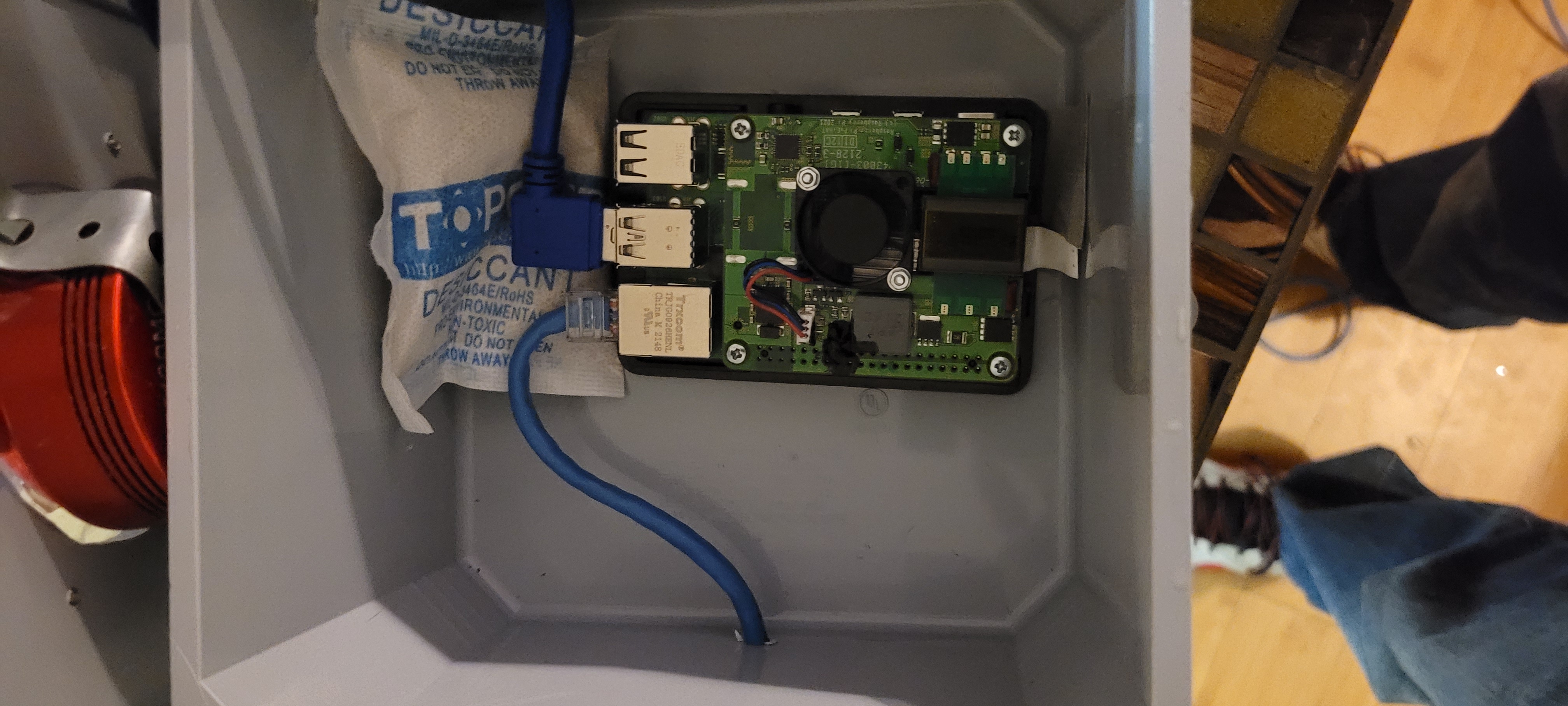
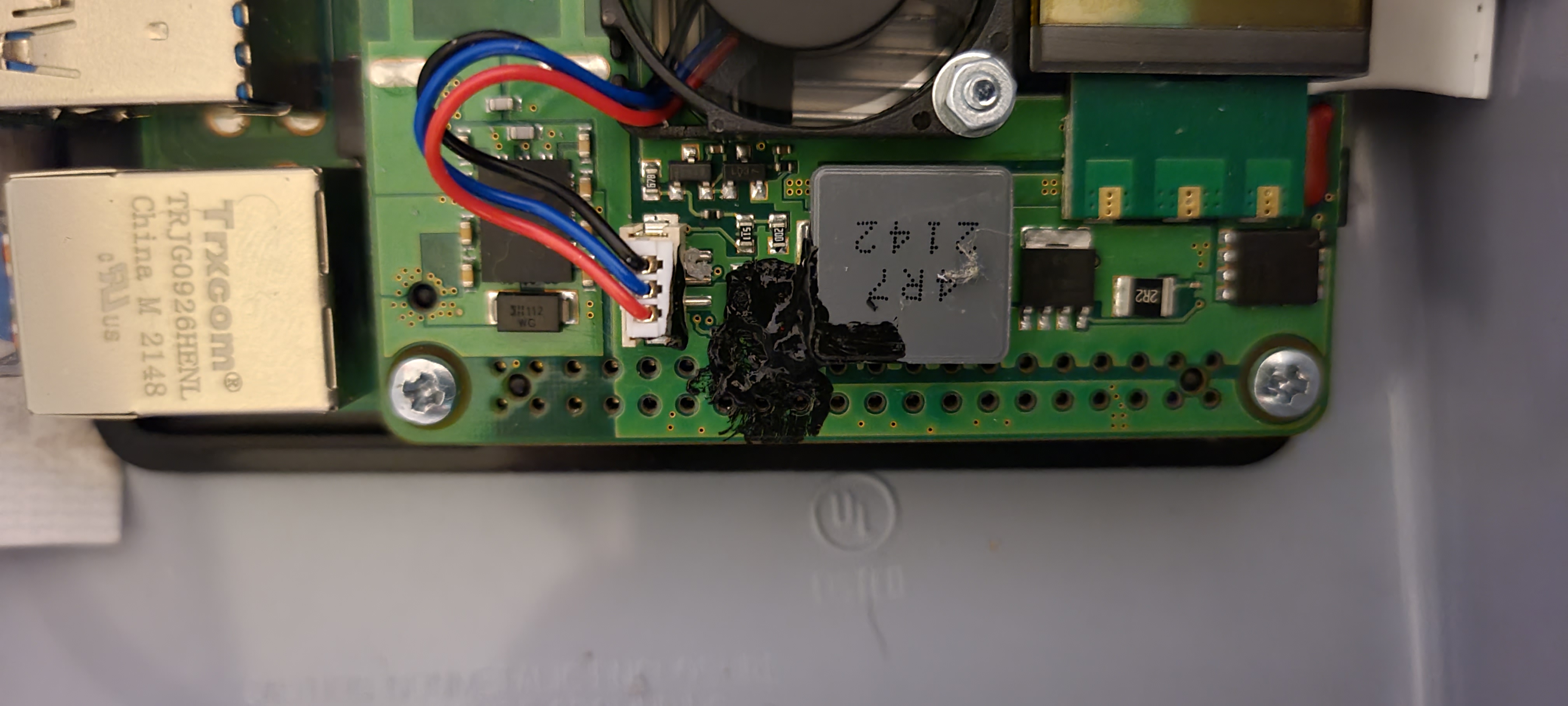
Been haapening since day 1. I had put some black tape inside to block the reflection in the dome. |
Beta Was this translation helpful? Give feedback.

-
|
Here is a list of LED options |
Beta Was this translation helpful? Give feedback.
-
|
Thank you. this is where I got some of the things to try from. |
Beta Was this translation helpful? Give feedback.

-
|
Just to follow up. I have found no options to shut off the LEDS. I have added suggested lines to the boot/config.txt file. |
Beta Was this translation helpful? Give feedback.

-
|
Hi, |
Beta Was this translation helpful? Give feedback.
-
|
I stand corrected.
|

Beta Was this translation helpful? Give feedback.

-
|
This seems to have worked for me, on RPi 3 running /etc/debian_version == 12.4: I am not sure if it survives a reboot. |
Beta Was this translation helpful? Give feedback.

-
|
Can you test again ? A little read here : https://raspberrytips.com/disable-leds-on-raspberry-pi/ |
Beta Was this translation helpful? Give feedback.

-
|
Have you tried to reboot ? But, but, data continuity! In the interests of science, and because there's solid cloud here now, I did reboot. The LEDs are now on and flashing, which is to be expected. I added these four lines to the bottom of /boot/config.txt and rebooted again. The LEDs stay off. |
Beta Was this translation helpful? Give feedback.
-
|
Also, from that excellent guide @troublestarter links to above, you might want to add: if you are using a wired network connection. These should disable the LAN activity LEDs. Mine is wireless right now, so I don't want to add these. I might go to a power-over-ethernet connection and wired ethernet later. So want to have the LAN activity LEDs active at first. I'll forget this configuration if I do it now. |
Beta Was this translation helpful? Give feedback.
-
|
ok great for feedback ! |
Beta Was this translation helpful? Give feedback.

-
|
I'm running Bookworm/release 12 on a Pi 4 and fresh install of Allsky. To permanently turn off the red power LED and green activity LED, I've added 4 new lines in: /boot/firmware/config.txt #Put that light Out!!! This seems to work! See also: raspberrypi/firmware#1742 |
Beta Was this translation helpful? Give feedback.

-
|
I know this is an old thread, but could it become a feature request to add an option to toggle on and off the Pi LEDs as part of the allsky configuration? It's not complicated for a user with some computer savvy to follow a guide like this one. But perhaps it is useful enough that having a simple toggle "somewhere" in the Settings or System pages? Maybe not worth it?...and I don't know where it would go in the WebUI either... just an idea to add to the long list of ideas. For what it's worth and for fun I think I am going to give a try at following instructions to make my own "system page addition" to display the LED status and buttons to toggle the Pi LEDs on and off, but that's not quite the same as a system setting where a user can configure to have them always off when Allsky starts up (or not). |
Beta Was this translation helpful? Give feedback.
-
|
@NiteRide, With the LEDs, my impression is that they are a "set and forget" thing and people don't typically turn them and and off often, so the need for a feature like this in Allsky is probably low. I could be wrong, but that's my impression. I'm pretty sure other people have added buttons for the LEDs to the "system page additions", and the "System" WebUI page is the logical place for these buttons to be. You can try searching the GitHub Disussions (open and closed) and ask on the Allsky Facebook page. Of just follow the Documentation page and try it yourself (and ideally provide any feedback on the Documentation page...). |
Beta Was this translation helpful? Give feedback.

-
|
Makes sense @EricClaeys. I was thinking about this as well while out and about after my earlier post. Mostly about how complicated it would be to be able to support every variant of Pi etc as the commands / settings / parameters are slightly different based on boards and software versions. And how additionally based on individual enclosure setups it might not matter at all. Also agree that probably very few people ever would be turning off and on and it would be pretty far down any sort of in demand feature set --- so "cost" to develop, support, and maintain would certainly outweigh the demand. I will have a go at the "system page additions" though just for fun and see how that might inspire me to learn more about the App and the OS capabilities. I will also give thought to the documentation as I go and can certainly contribute to helping polish it up if needed. |
Beta Was this translation helpful? Give feedback.
-
|
@NiteRide, Eric |
Beta Was this translation helpful? Give feedback.
-
|
As I stated in the begining, very easy to just mask them off with some liquid tape and be done with it. No coding to write. and it last for ever. |
Beta Was this translation helpful? Give feedback.

-
|
Since not everyone needs to turn off their LEDs, maybe this doesn't need to be part of the install, but it would be nice to have this on the Documentation pages. I tried covering the LEDs up, but temp variations ultimately thwart this and this is a lot easier than getting on a ladder. For those wanting to turn OFF all of the RPi LEDs: Debian Bookworm or Trixie, edit: Debian Bullseye or older and/or RPi 3 or older: Then paste the following on the last line of the file and reboot. Exceptions: For RPi 5: |
Beta Was this translation helpful? Give feedback.

-
Thanks for the info I have added this to the new documentation (preview is here Github is being slow so its not updated yet but hopefully will do soon. This is the documentation for the next release which we are testing at the moment |
Beta Was this translation helpful? Give feedback.


Uh oh!
There was an error while loading. Please reload this page.
Uh oh!
There was an error while loading. Please reload this page.
-
I am getting a red reflection from the power LED.
I tried adding the following to the boot/config.txt file.
It has not turned them off.
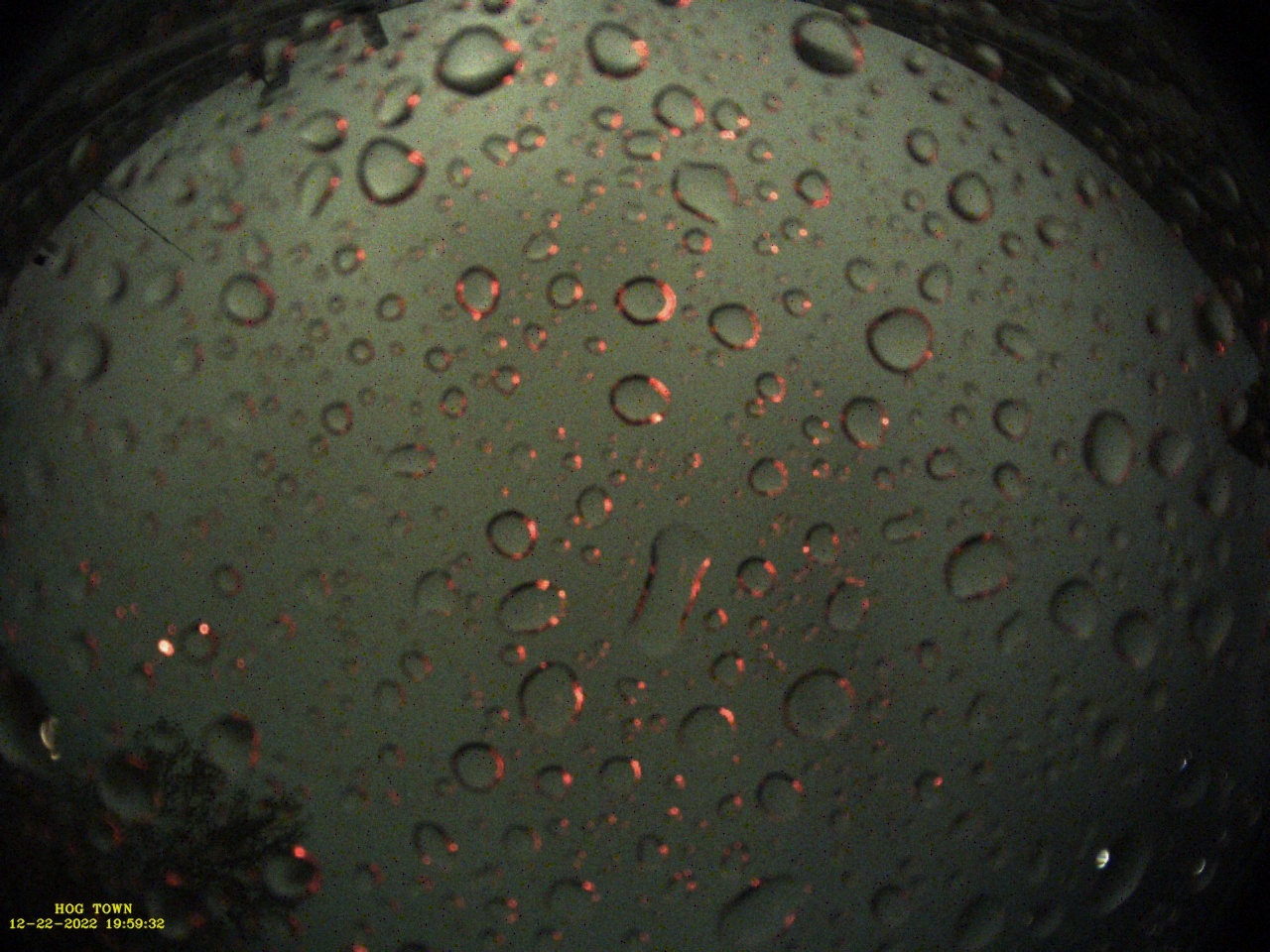
I am using a Pi 4B 8Gig.
I have veryfied my changes were saved.
Any other ideas?
Beta Was this translation helpful? Give feedback.
All reactions