
Replies: 3 comments 2 replies

-
|
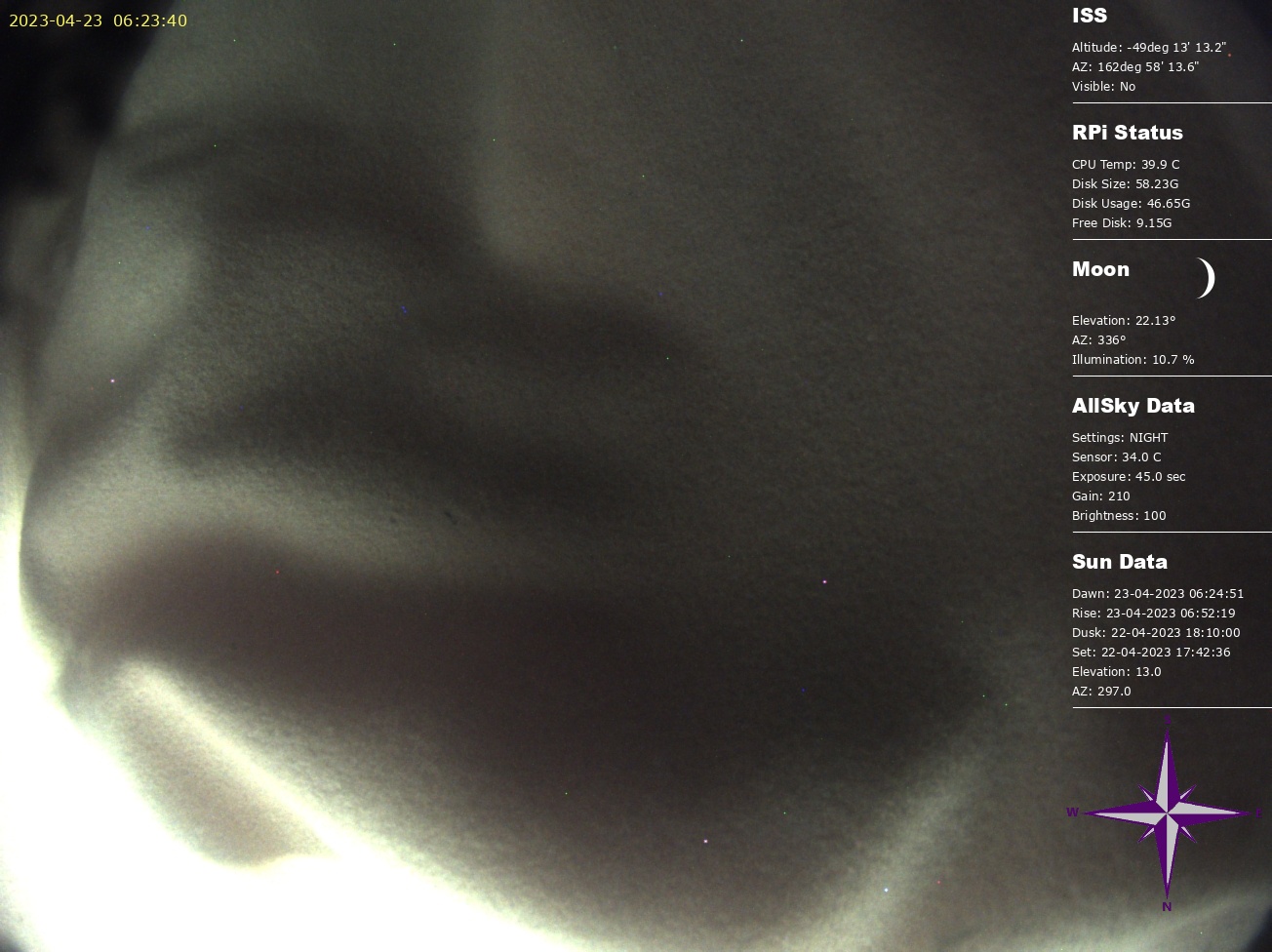
@anthtone Just want to make sure I understand. You currently effectively add a black border around your camera's 1304x976 image to create a 1920x1080 image, and then overlay various things on the black border, I assume so it doesn't cover part of the image. Correct? There's nothing currently in Allsky to do that, although I like the idea. You can crop (shrink) an image or resize one which simply stretches or compacts the image. In the new Module system you could create a module that add the border and call it before the Overlay Module (if you do, please make sure other people can use it). @Alex-developer, if a Module that comes before the Overlay Module modifies the resolution of the image, will the Overlay Editor use the modified-resolution image? In the case above, will the Overlay Editor see the 1304x976 image or the 1910x1080 image? |
Beta Was this translation helpful? Give feedback.

-
@EricClaeys That depends. The image is loaded into the shared module so that each of the modules has access to it without having to load it from disk. IF the module that was changing the image updated it in the shared module then the overlay would see the new image. |
Beta Was this translation helpful? Give feedback.

-
|
Thats correct Eric. This is the script i was using taking the primary image and putting a border around it to make the upload image for the website. I will review some of the code modules and try build up a new module to take the latest image, identify the location of the border image, add a x/y reference on where to put on the border image and build the new image. I will also add my workflow modules for anyone else that is interested. |
Beta Was this translation helpful? Give feedback.
-
|
@anthtone Isn't adding a border logically this?
|
Beta Was this translation helpful? Give feedback.

-
|
@EricClaeys yup that's right, but there was something with the command composite in imagemagick and the gravity command i was using to specify the location on of the image. I could only use things like NorthWest, North, NorthEast, West, Center, East, SouthWest, South, SouthEast. https://imagemagick.org/script/composite.php https://imagemagick.org/script/command-line-options.php#gravity In saying that it looks like there is now a region command that should help. I could use the border command and make one around the image with the black background. However, I am using a background image which has a watermarked logo of the observatory on it. Though I could use just a transparency of the logo and the overlay editor for the logo. Thanks for the ideas :) Anthony |
Beta Was this translation helpful? Give feedback.


Uh oh!
There was an error while loading. Please reload this page.
-
I was hoping to get some direction on which file or module to use to add a background overlay to the image processing.
Previously I used to modify the saveImage.sh program and added with imagemagick (convert) a command a step to combine the two images to create a background with a watermark and allow for a great real estate area to add other modules on a black area rather than on the image directly. Currently my image creates a 1304x976 image. Adding the background would give a 1920x1080p area, plenty of room to add a watermark, module data, compass, etc.
With the new development environment i noticed the module for an overlay mask. Is this the new area to combine the background image to the image taken, before adding the overlay data module? if so, has someone managed to do this either via a bash script or some method that they are will to share?
Thank you in advance.
Beta Was this translation helpful? Give feedback.
All reactions