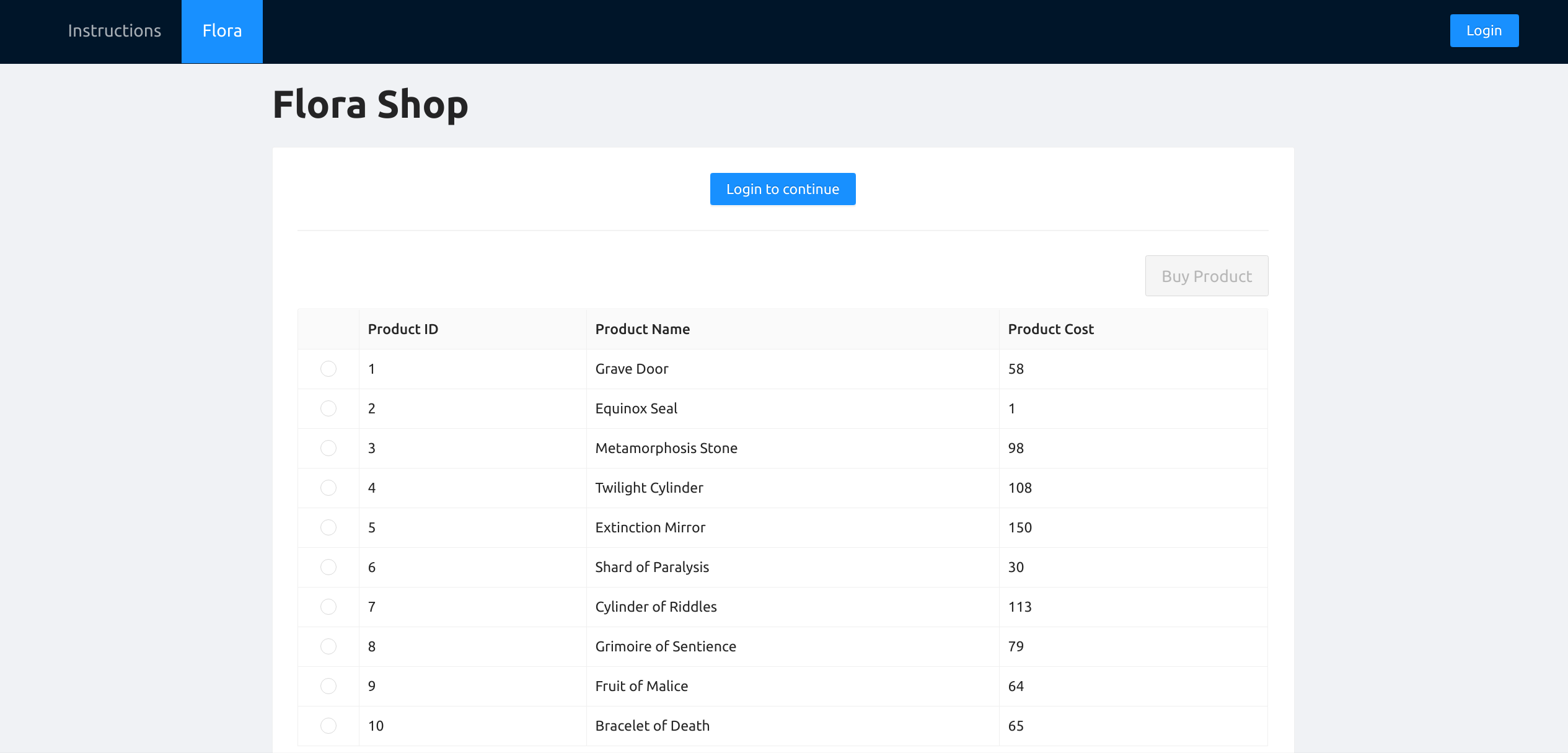
A web application built to showcase some exploitable web application behaviour. Built in fulfillment of the CS3103 Project for Group 10 of AY20/21 Sem 1.
To start, clone this repository and navigate to it from the terminal:
git clone https://github.com/CS3103-Group10/exploitable-app.git
cd exploitable-appInstall Postgresql:
# mac:
brew install postgresql
brew tap homebrew/services
# ubuntu:
sudo apt-get install postgresql
Start Postgresql:
# mac:
brew services start postgres
# ubuntu should be started by default- Stop the postgresql service later with
brew services stop postgres - If there is an error here, run
ps -ef | grep postmaster | awk '{print $2}' | sudo xargs killto kill the Postgresql Postmaster process.
Create the flora database:
# mac:
createdb flora
# ubuntu:
sudo -u postgres createdb flora
Connect to the database:
# mac:
psql flora
# ubuntu:
sudo -u postgres psql
While in the psql shell, initialize the database with dummy data:
# both:
\cd database
\i init.sql
# You should see a bunch of INSERT statements. When done, quit psql.
\qNavigate to the /server directory, and install all dependencies:
cd server
yarn
Run the server in dev mode with hot reload:
yarn devNavigate to the /client directory, and install all dependencies:
cd client
yarn
If you are a student trying to exploit the app, build and run the optimised website with:
# build the optimised site
yarn build
# host the optimised site at http://localhost:3000
yarn start
If you want to work on the development of the website:
# runs with hot reload
yarn devRefer to this guide for intended students.
Refer to this guide for tutors.
Contains source code for the frontend client.
- Where all the page routes are defined
- Follows page directory routing (refer to Next.js docs)
- Contains layouts used for the whole app
- Contains global CSS files
Contains source code for our Express API Server.
- Where all the API routes are defined
- Contains third party services like
psqlandexpress
Contains files related to the PostgreSQL database. In this case, it contains solely init.sql which is required to:
- Create an user role for the API server to utilize
- Initializes the database with the schema and dummy data
If you have trouble getting the database to run, ensure that you either have Postgresql installed via HomeBrew and not other means. If you already have a pre-existing installation of Postgresql, either you can remove it and follow the instructions again, OR follow the instructions with your existing PostgreSQL installation.
MIT