A demonstration of a Phoenix LiveView-powered budget tracking application.
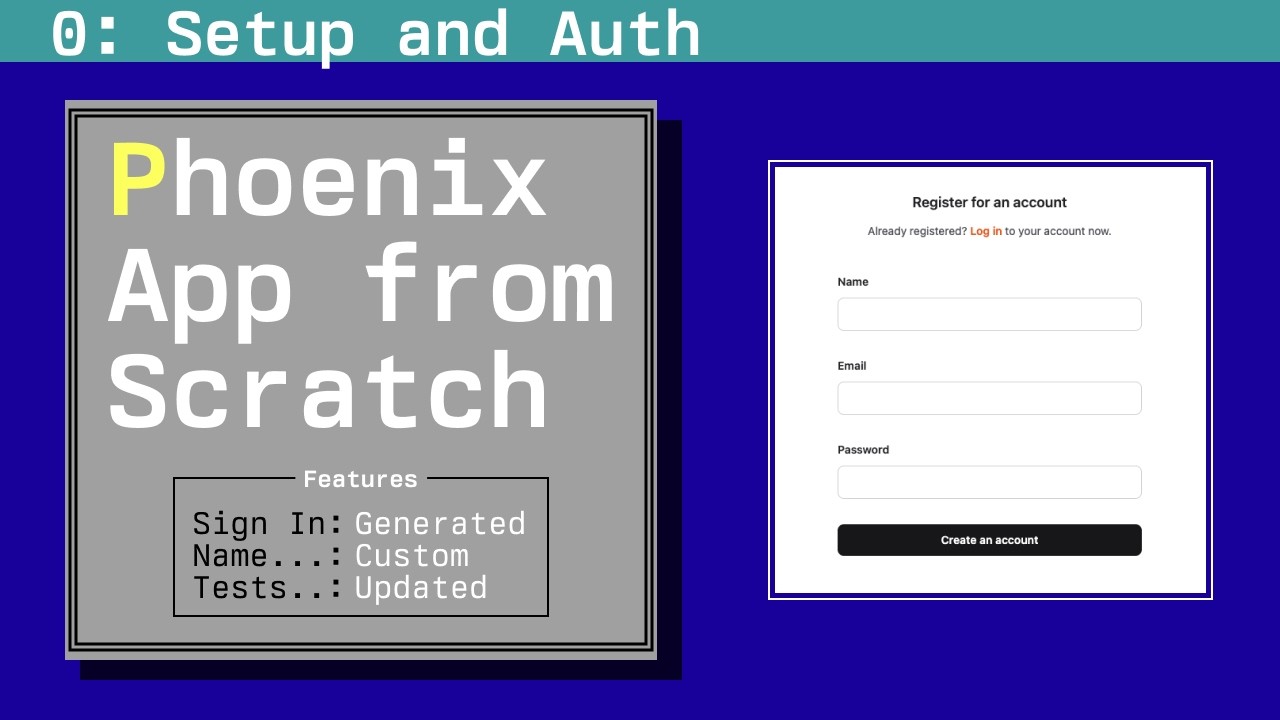
Follow the development progress in the YouTube tutorial series called Phoenix App from Scratch.
To run this application, you need to have a PostgreSQL database running. You can use Docker to easily set up a local database instance.
docker run --name budget-app-db -e POSTGRES_PASSWORD=postgres -e POSTGRES_USER=postgres -e POSTGRES_DB=budgie_dev -p 5432:5432 -d postgresTo start the server:
- Run
mix setupto install and setup dependencies - Start Phoenix endpoint with
mix phx.serveror inside IEx withiex -S mix phx.server
Now you can visit localhost:4000 from your browser.
- Initial setup / authentication
- Budget data modeling and forms
- Transaction data modeling and forms
- Efficient data fetching with grouping sets
- Permissions
- Add collaboration with invitation links
- UI/UX polishing
- Landing page