Unfairly FAILING the size_noup test? #100

Description

I would like to inquire whether the size_noup test maybe is unfairly failing?
Example for our own IIIF Image API 3.0:
https://lbiiif.riksarkivet.se/v3/arkis!B0000998_00014/info.json (version 3, level1)
Test result:
Size greater than 100% should only work with the ^ notation
Elapsed time (ms): 1842
url: https://lbiiif.riksarkivet.se/v3/arkis!B0000998_00014/full/1881,1881/0/default.jpg
got: 200
expected: !200
type: size-upscalling
message: Retrieving upscailed image succeeded but should have failed as 3.0 requires the ^ for upscalling. Size: 1881,1881
warning: false

HOWEVER,
max size for this image is 2577 x 4339, see even: https://lbiiif.riksarkivet.se/v3/arkis!B0000998_00014/full/max/0/default.jpg
So, validation against "Size greater than 100%" does not seem to be correct.
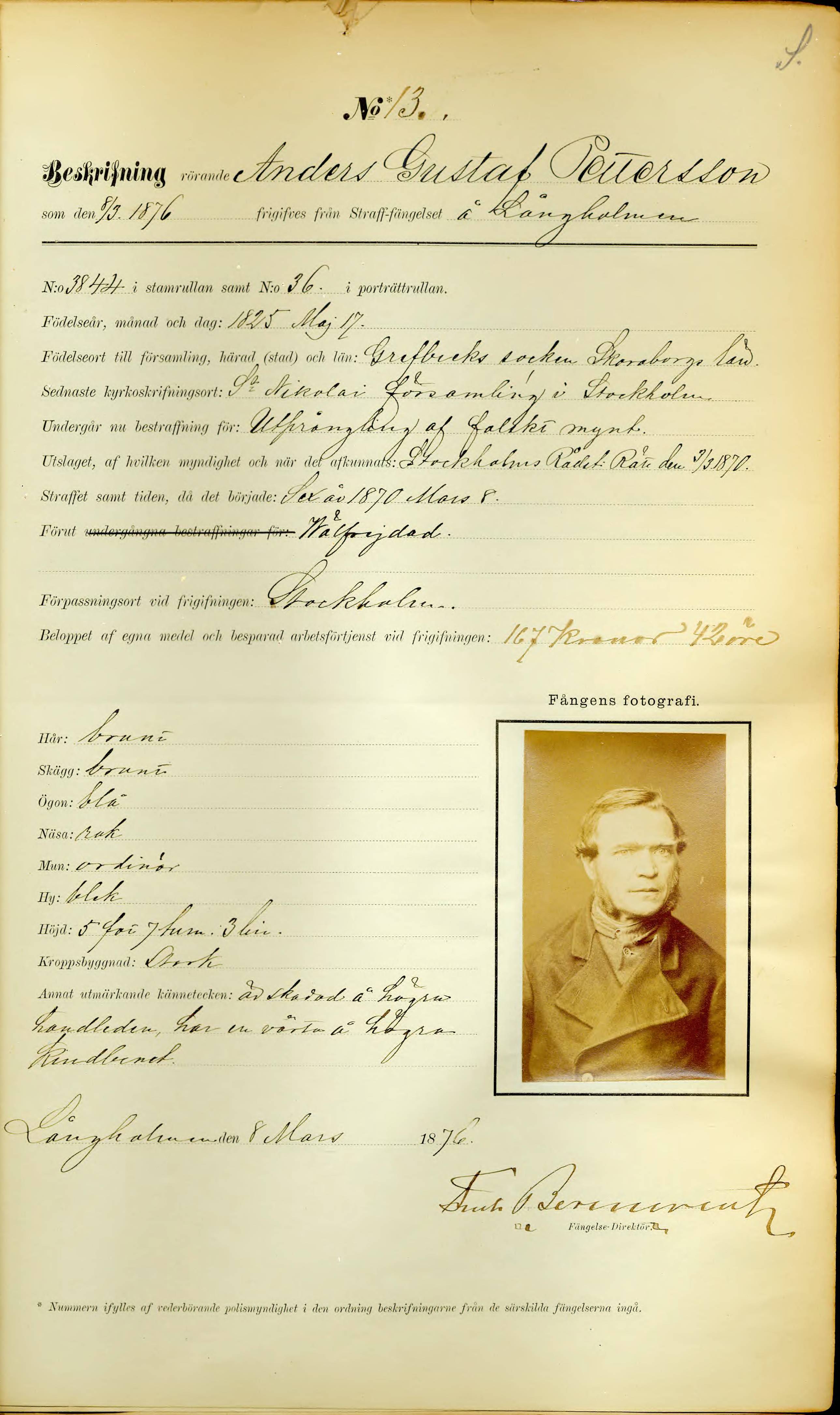
Of course, download of an image with full region and a size with values like the ones above (1881,1881) retrieves a squared image and therefore a distorted image as the aspect ratio is changed. But we do NOT understand why the validator issues a fail for "Size greater than 100%", as this size is not exceeded.
Support for feature "sizeUpscaling" (Syntax: ^size) is optional according to https://iiif.io/api/image/3.0/compliance/#32-size
We have NOT added any implementation for it, but throw errors. For instance, according to https://iiif.io/api/image/3.0/#42-size - a request of https://lbiiif.riksarkivet.se/v3/arkis!B0000998_00014/full/%5Emax/0/default.jpg results in a 501 - Not Implemented error:
"Size parameter upscaling with '^' is not implemented".

We have tried to compare with other organizations and have found that the same issue arises for their respective IIIF Image API implementations.
For instance,
https://digital.bodleian.ox.ac.uk/developer/iiif/#tag/Image
https://digital.bodleian.ox.ac.uk/developer/iiif/#tag/Image/paths/~1iiif~1image~1{image_id}~1{region}~1{size}~1{rotation}~1{quality}.{format}/get
with the image URI that is given as an example in the documentation, results in a FAIL for size_noup test:
Size greater than 100% should only work with the ^ notation
Elapsed time (ms): 1076
url: https://iiif.bodleian.ox.ac.uk/iiif/image/1363b336-260d-4f22-a6cf-4e1320dbb689/full/1177,1177/0/default.jpg
got: 200
expected: !200
type: size-upscalling
message: Retrieving upscailed image succeeded but should have failed as 3.0 requires the ^ for upscalling. Size: 1177,1177
warning: false

However, the max size image is larger (3734 x 4000): https://iiif.bodleian.ox.ac.uk/iiif/image/1363b336-260d-4f22-a6cf-4e1320dbb689/full/max/0/default.jpg

We would be very grateful for any comments and/or hints regarding the question of how to proceed from here.
Thank you so much.