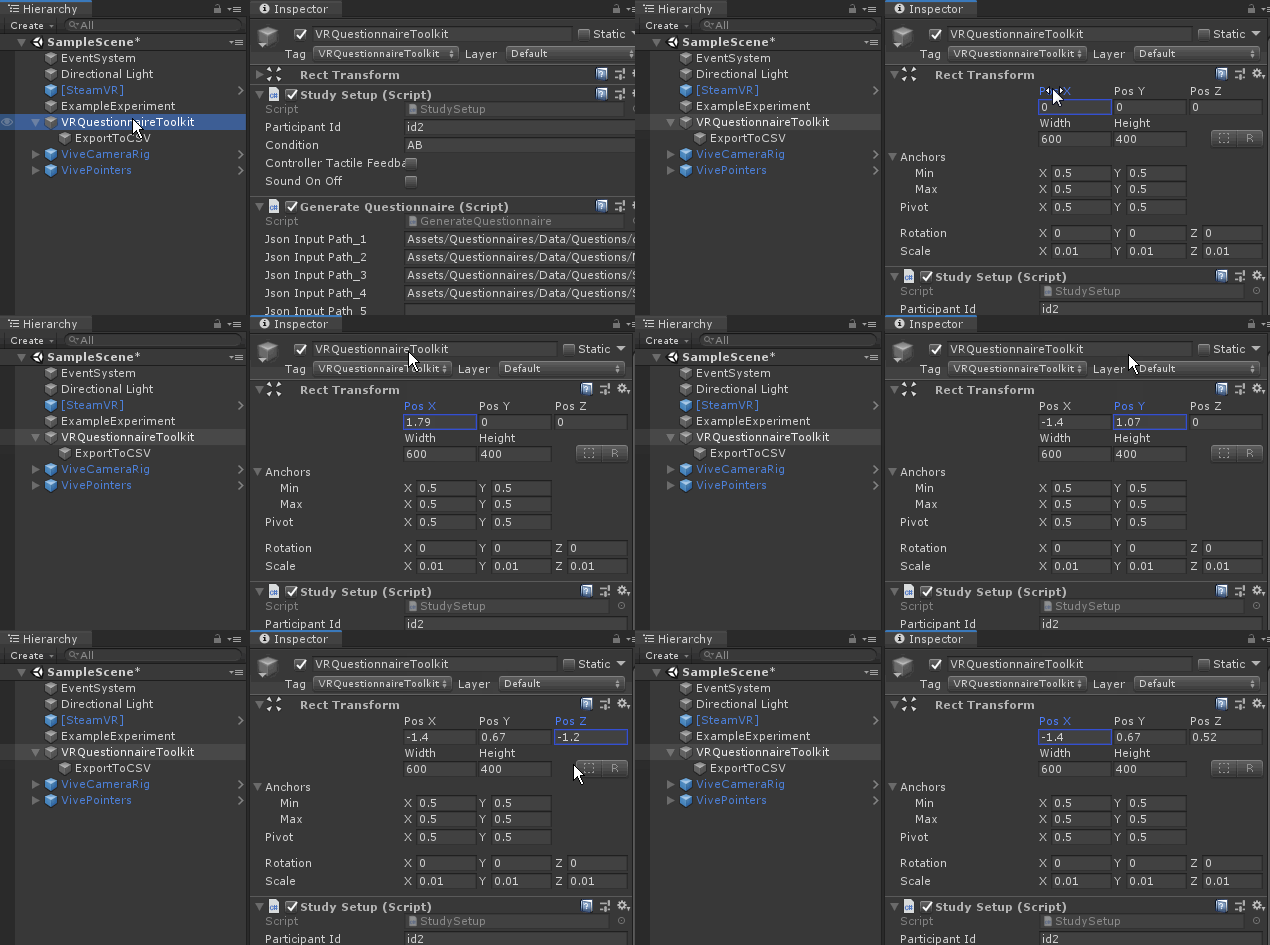
📖 Manual
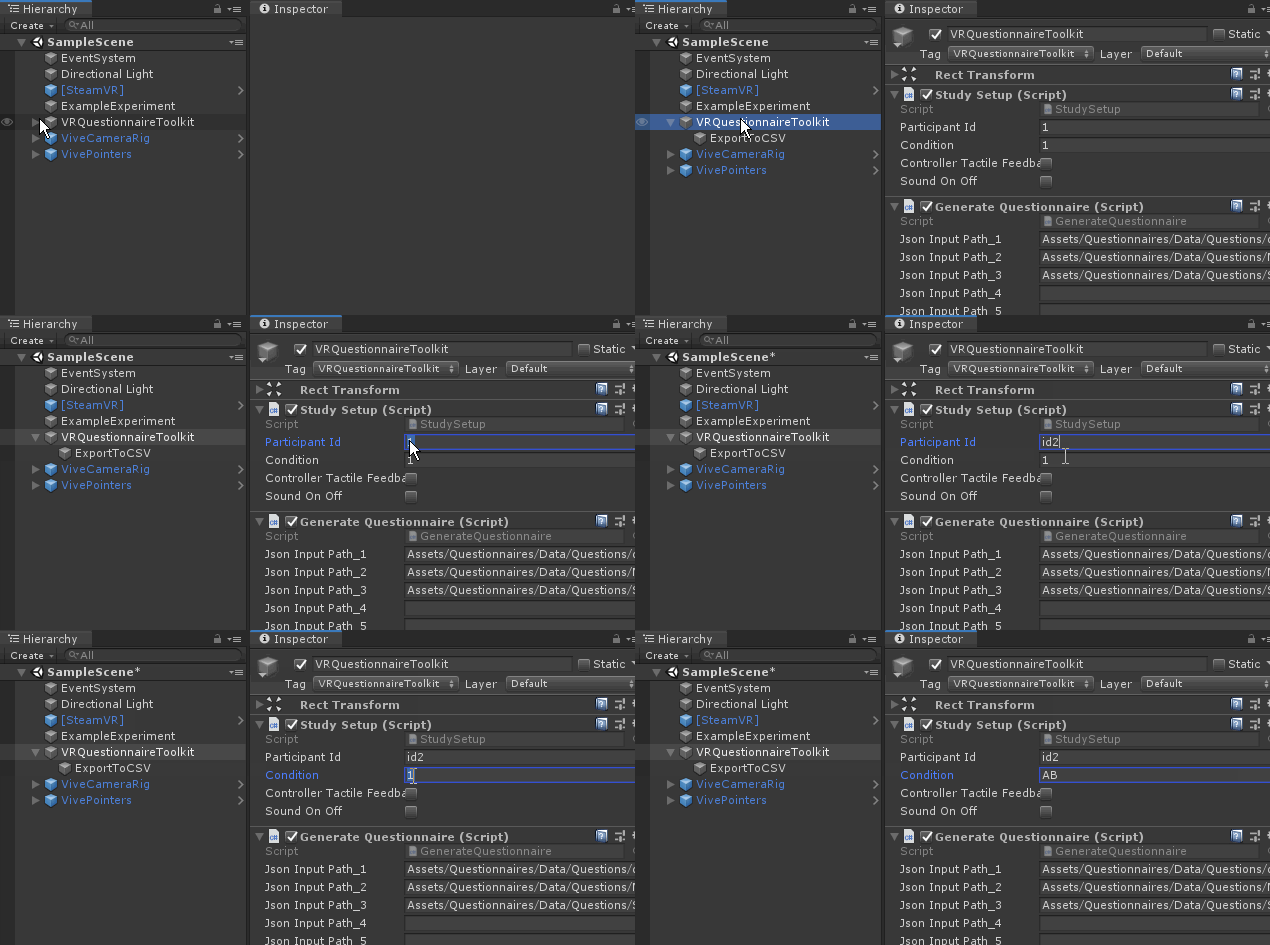
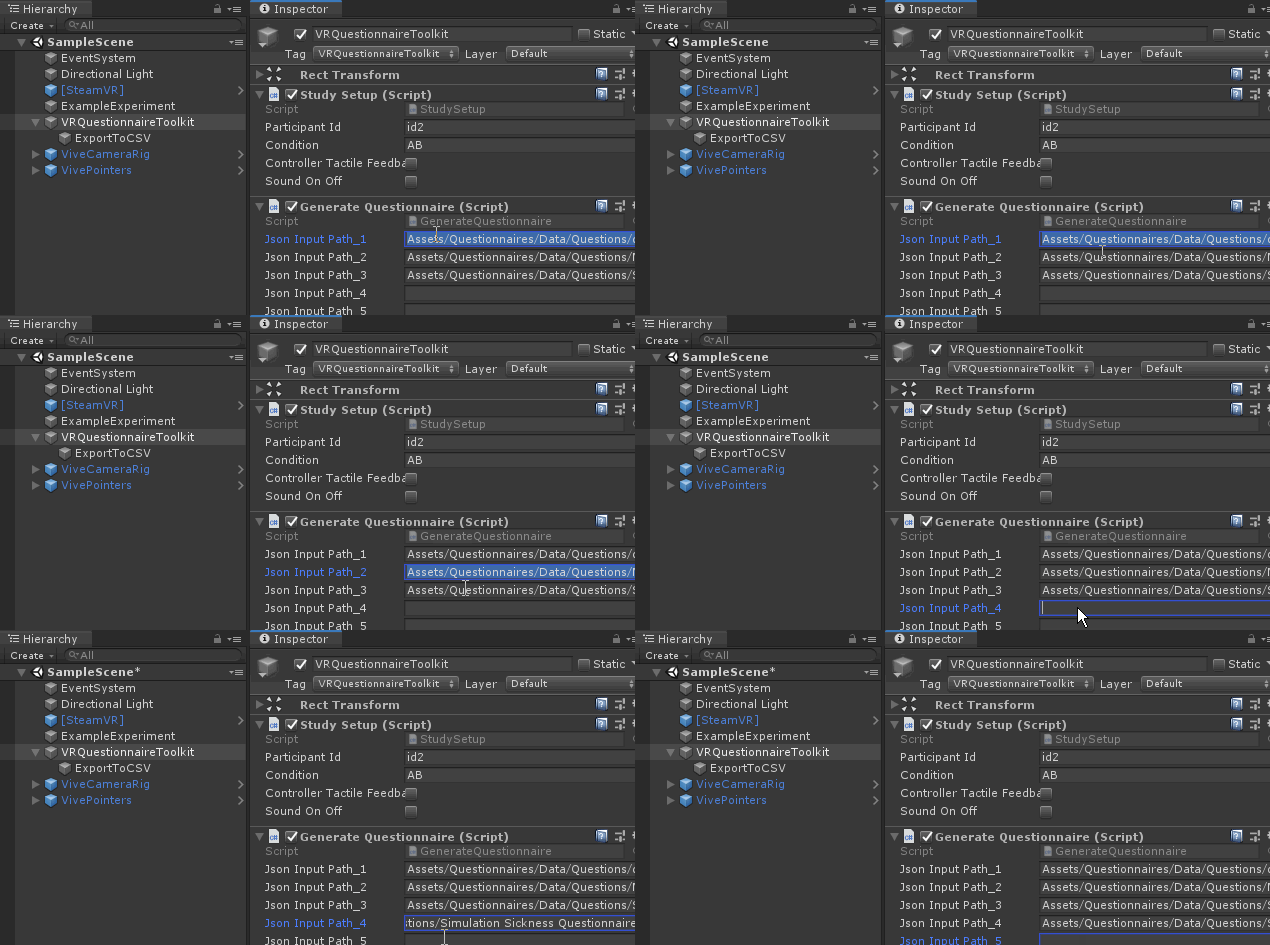
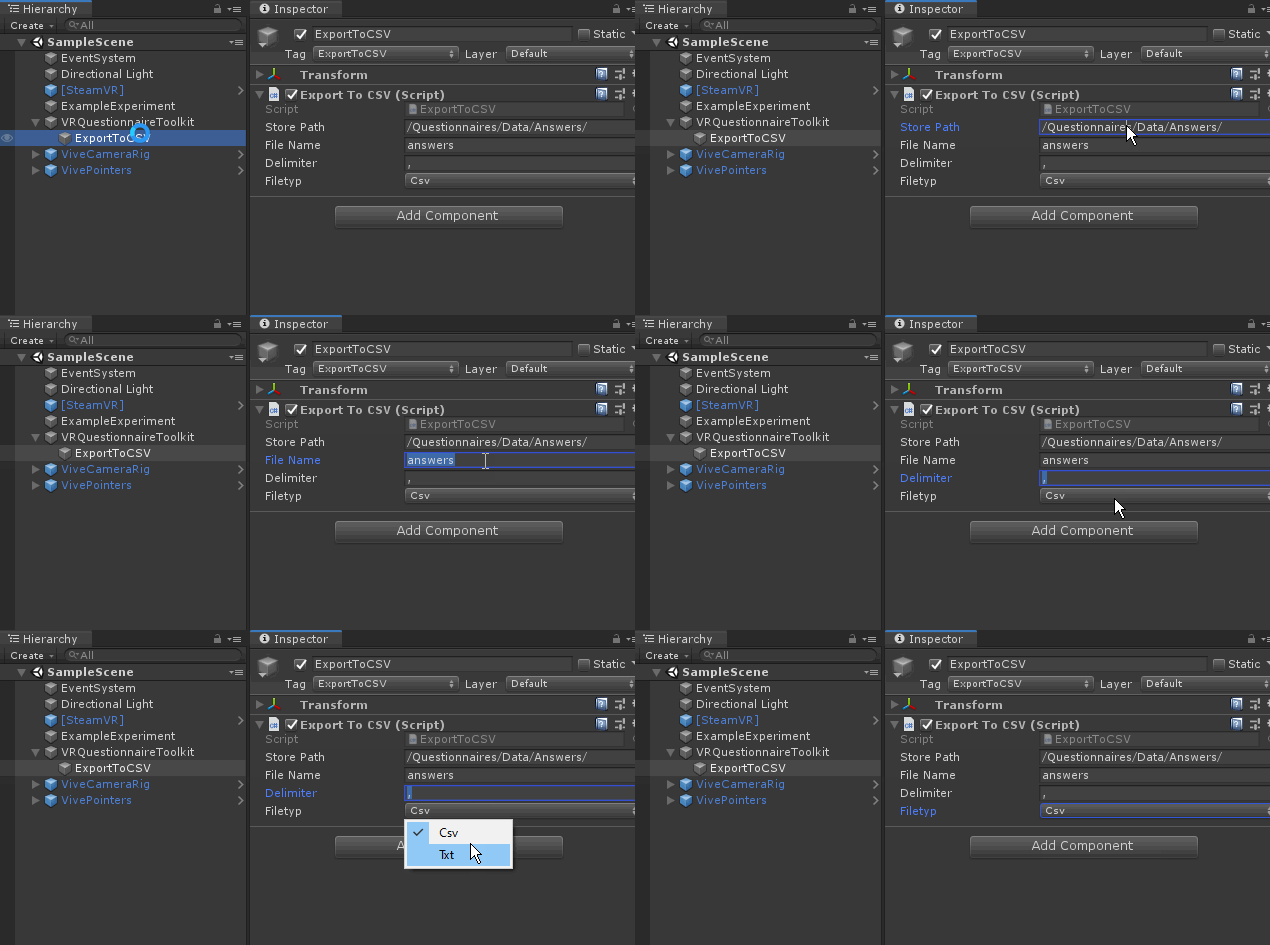
Outputfile naming convention:
_path = _folderPath + "questionnaireID_" + _questionnaireID + "_participantID_" + _studySetup.ParticipantId + "_condition_" + _studySetup.Condition + "_" + FileName + "." + _fileType;
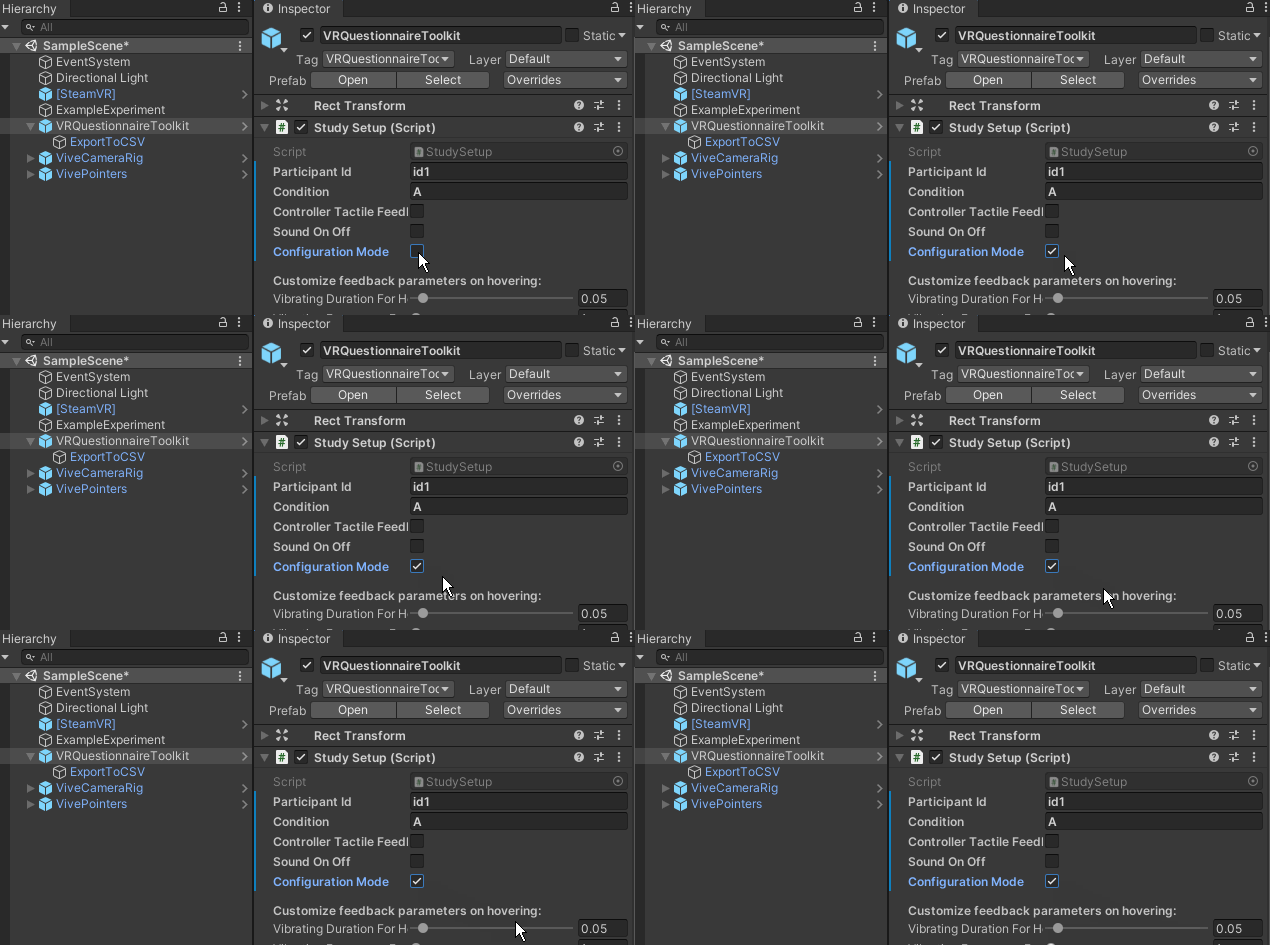
This mode allows you to adjust the questionnaire panel's size while being inside the virtual environment.
- Select configuration mode
- Run scene
- Use '+' and '-' keys on your keyboard to re-size questionnaire AND arrow keys up/down for moving it (press 0 to reset it)
- Values are automatically stored and loaded when starting the experiment
- Uncheck configuration mode and the keyboard shortcuts are disabled