

-
|
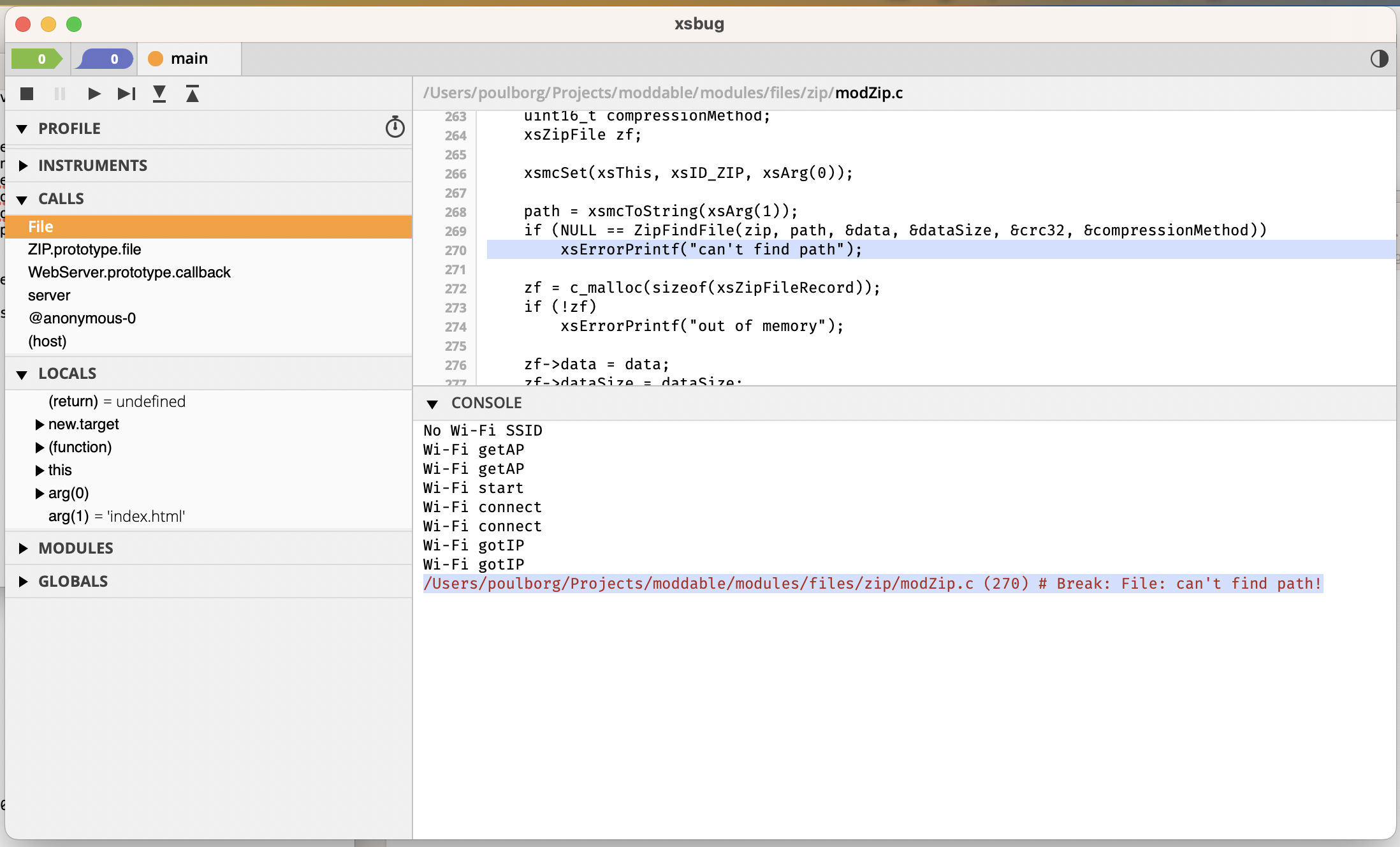
I have taken the project from 'moddable/examples/network/http/httpzip/'. It happens on Mac and linux, with latest updates. If I move the original 'site.zip' back, and delete in affected folders, So how do I make changes to 'index.html' and make it work. |
Beta Was this translation helpful? Give feedback.
Replies: 1 comment 2 replies

-
|
There's a note at the end of the ZIP file system module that explains what you are seeing:
You should be able to access the site at On macOS, you can recreate the original site.zip file this way:
That eliminates the "site" directory at the root of the ZIP. This process can be easily automated using a batch file with the Alternatively (and perhaps simplest!), keep the "site" directory prefix in the ZIP file and instead remap the file path using the onRoute(path) {
if ("/" === path)
path = '/index.html';
return "/site" + path;
} |
Beta Was this translation helpful? Give feedback.

-
|
It seems like a dream once you know how it works. |
Beta Was this translation helpful? Give feedback.

-
|
Glad it is working for you now! It is a very powerful feature for easily embedding a web site into a project. |
Beta Was this translation helpful? Give feedback.


There's a note at the end of the ZIP file system module that explains what you are seeing:
You should be able to access the site at
http://localhost/site/index.htmlusing the ZIP file you built.On macOS, you can recreate the original site.zip file this way:
sitedirectory, Select AllArchive.zipthat is created up one level tosite.zipThat eliminates the "site" directory at the root of the ZIP. This process can be easily automated using a ba…