Interactive demonstrations of NVSentinel's core capabilities.
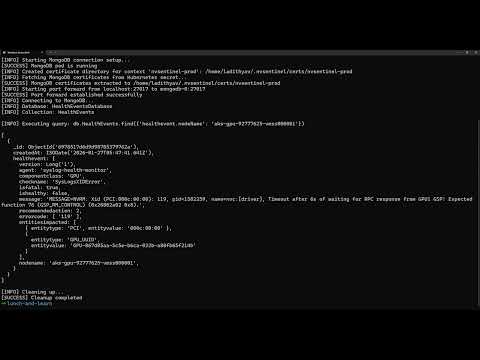
End-to-End Fault Detection & Remediation Full pipeline: health monitoring, fault detection, quarantine, drain, and breakfix |
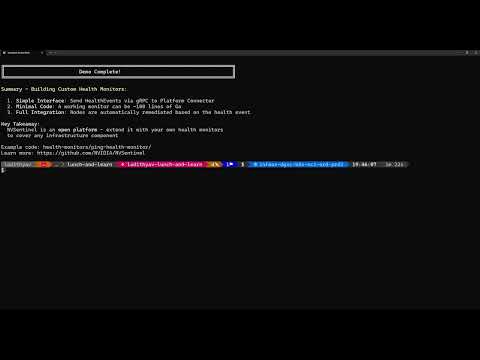
Custom Health Monitors Building your own GPU health monitor using the gRPC interface |
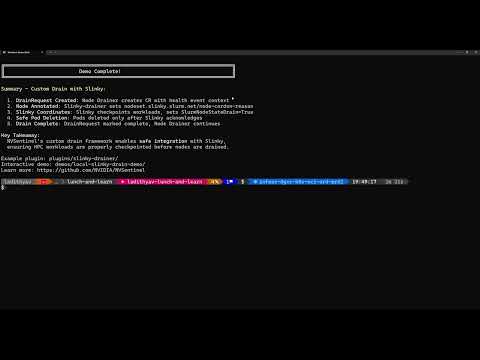
Custom Drain Plugins Slinky integration for coordinated drain of HPC workloads |
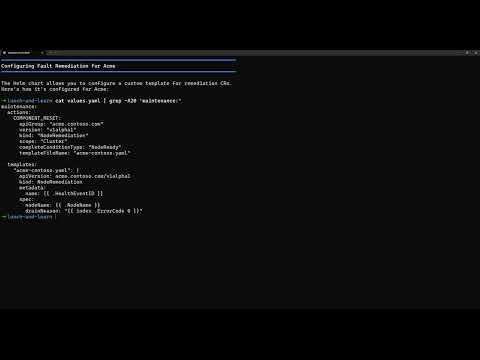
Extensible Remediation Bringing your own breakfix system or remediation operator |
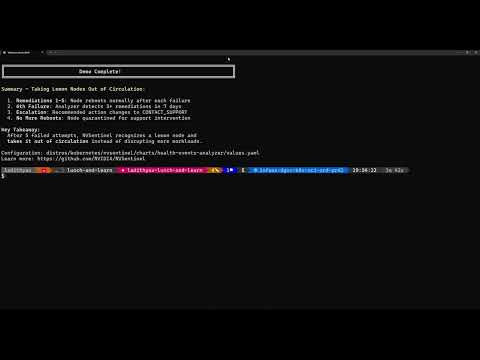
Health Events Analyzer Identifying and removing bad GPU nodes from the cluster |
Run these locally on your laptop — no GPU hardware needed.
What it shows: GPU failure detection and automated node quarantine
Requirements: Docker, kubectl, kind, helm - no GPU hardware needed
Time: 5-10 minutes
Best for: Understanding how NVSentinel detects hardware failures and automatically protects your cluster by cordoning faulty nodes.
What it shows: Custom drain extensibility using the Slinky Drainer plugin with scheduler integration
Requirements: Docker, kubectl, kind, helm, ko, go 1.25+ - no GPU hardware needed
Time: 5-10 minutes
Best for: Understanding how NVSentinel's node-drainer can delegate pod eviction to external controllers for custom drain workflows coordinated with HPC schedulers.
What it shows: Custom remediation action extensibility with a real memory pressure health monitor and third-party remediation controller
Requirements: Docker, kubectl, kind, helm, ko, go 1.25+ - no GPU hardware needed
Time: 5-10 minutes
Best for: Understanding how to extend NVSentinel beyond GPU faults to handle any hardware or system fault — custom health monitors, custom remediation actions, and third-party controllers.
- Pod rescheduling and restarting from checkpointing
Questions? See the main README or open an issue.