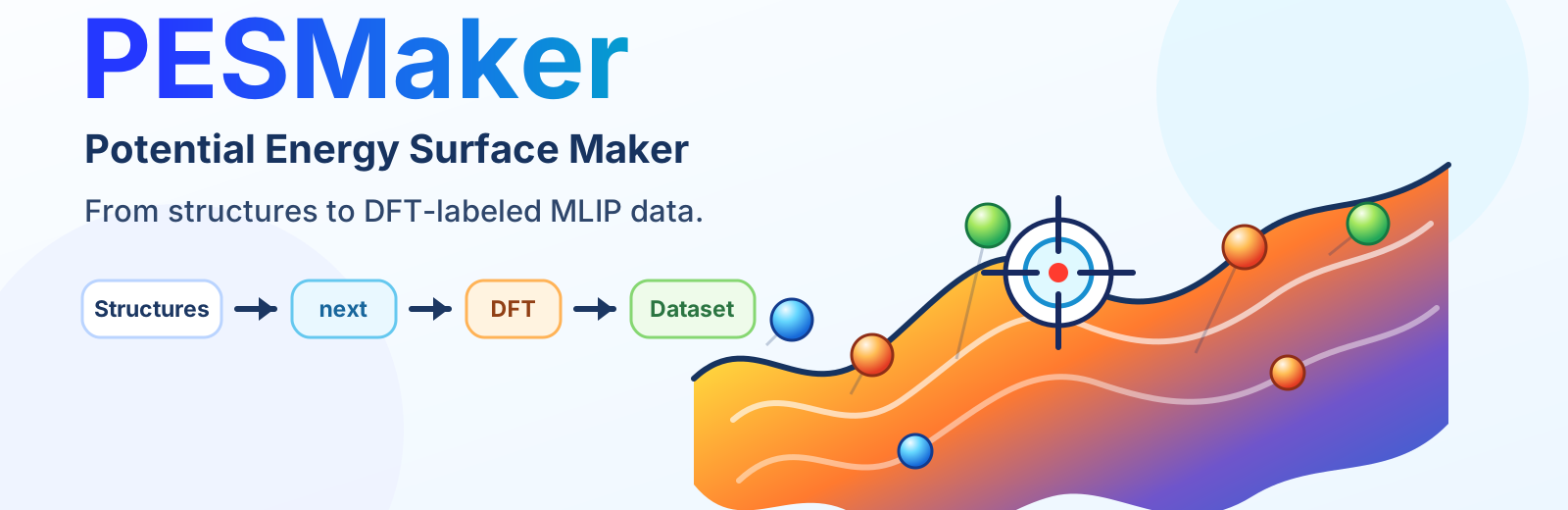
PESMaker, short for Potential Energy Surface Maker, is a lightweight workflow package for building application-oriented datasets for machine-learned interatomic potentials from user-provided atomistic structures.
It is designed for practical materials workflows where you already have meaningful structures, such as bulk phases, surfaces, defects, interfaces, or reaction candidates, and need to turn them into reproducible DFT labeling jobs and training inputs.
PESMaker helps you move from structures to MLIP training data without turning the workflow into one large hidden script:
- generate supercells, surface slabs, vacancies, line defects, and optional perturbed structures from CIF, POSCAR, XYZ, and other ASE-readable inputs;
- keep every generated structure traceable through
manifest.jsonland human-readable summaries; - prepare VASP SCF folders with
POSCAR,INCAR, optionalPOTCAR, andsubmit.sh; - submit prepared jobs through machine-specific Slurm templates;
- collect completed SCF outputs into an extxyz training set;
- prepare NEP training folders while keeping sampling, labeling, collection, and training as separate inspectable stages.
PESMaker is user-structure-driven rather than random-search-first. The intended use case is targeted dataset construction for batteries, solid electrolytes, thermal transport, alloys, 2D materials, defects, surfaces, catalysis, and reactions.
PESMaker requires Python 3.10 or newer.
After the first PESMaker release is published to PyPI, install the stable package with:
python -m pip install pesmaker
pesmaker --help
Install an optional descriptor backend when needed:
# GPUMD trajectories: Calorine NEP descriptors
python -m pip install "pesmaker[selection]"

# MACE trajectories: MACECalculator descriptors
python -m pip install "pesmaker[mace]"

# Both descriptor backends
python -m pip install "pesmaker[selection,mace]"This works before the first PyPI release and installs the current main
branch:
python -m pip install "git+https://github.com/Tingliangstu/PESMaker.git@main"
pesmaker --help
Optional extras also work with the GitHub URL:
python -m pip install "pesmaker[mace] @ git+https://github.com/Tingliangstu/PESMaker.git@main"Use this method for development or offline installation:
git clone https://github.com/Tingliangstu/PESMaker.git
cd PESMaker
python -m pip install .
pesmaker --help
No internet: copy or unzip the PESMaker source folder, enter that folder, then
run python -m pip install ..
Installation test:
python -m pytestThis runs the test files in tests/ and checks that the installed Python
package, config parser, structure tools, CLI functions, and workflow logic work.
If pytest is not installed, install the small test dependency once:
python -m pip install ".[dev]"
python -m pytestFor a PyPI installation:
python -m pip install --upgrade pesmakerFor a source checkout on main:
git pull --ff-only
python -m pip install .
If you are not sure where you are:
cd ~/software/PESMaker
git switch main
git pull --ff-only
python -m pip install .
No internet: copy or unzip a newer PESMaker source folder, then reinstall:
cd /path/to/PESMaker
python -m pip install .For most runs, validate the YAML and then let next advance the workflow until
it reaches a submit preview, waits for external results, or finishes the local
steps:
pesmaker validate run.yaml
pesmaker next run.yaml
You do not need to write a workflow name. PESMaker infers the flow from the
YAML sections and existing artifacts. For example, a config with
sampling.engine and sampling.selection will prepare sampling, wait for MD
trajectories, select frames, then continue to SCF and training if those
sections are configured.
If the YAML only contains structure generation settings, next generates the
structures and stops. It writes run.next.yaml as a simple VASP SCF template;
edit the INCAR, POTCAR, VASP, and submit-script paths there, then run
pesmaker next run.next.yaml.
next never submits jobs for real. At a sampling, SCF, or training submit
boundary it writes a dry-run log, records the gate in
.pesmaker/<project>/next_state.json, and prints the command to submit
manually. The printed line names the stage, for example Submit SCF jobs or
Submit sampling jobs.
The default next output is intentionally short: it shows the current
Next flow, Work done, and Next. Use pesmaker status run.yaml or
pesmaker next run.yaml --verbose when you want detailed flow diagnostics.
Manual direct generation and DFT labeling:
pesmaker generate run.yaml
pesmaker scf-setup run.yaml
pesmaker submit run.yaml --dry-run
pesmaker submit run.yaml
pesmaker collect run.yaml
Manual sampling, labeling, and training loop:
pesmaker generate run.yaml
pesmaker sample-setup run.yaml
pesmaker submit run.yaml --stage sampling
pesmaker select run.yaml
pesmaker scf-setup run.yaml
pesmaker submit run.yaml
pesmaker collect run.yaml
pesmaker train-setup run.yaml
pesmaker submit run.yaml --stage training
submit always submits the stage scripts prepared by an earlier setup command.
Without --stage, it submits the SCF labeling stage by default.
generated/   # supercells, surfaces, defects, optional perturbations
sampling/    # GPUMD or LAMMPS-MACE MD job folders and submit scripts
selected/    # representative frames selected from trajectories
labeling/    # VASP SCF calculation folders
train.xyz    # collected labeled dataset
training/    # NEP training input folder and submit script
Minimal YAML examples are grouped by task type in the documentation:
See the minimal YAML examples.
Start with the Quick Start. The online manual also contains the command reference and minimal YAML examples.
The intended GitHub Pages URL is:
https://Tingliangstu.github.io/PESMaker/
Current implemented stages cover structure generation, GPUMD sampling setup,
LAMMPS-MACE sampling setup, engine-matched NEP or MACE descriptor FPS, simple
geometry FPS or evenly spaced sampling from existing VASP AIMD XDATCAR files,
VASP SCF setup, scheduler submission, extxyz dataset collection, and NEP
training setup.
PESMaker is free software distributed under the GNU General Public License, version 3 of the License, or (at your option) any later version. See LICENSE and NOTICE for details.