Realtime web UI to run against a Meshtastic regional or private mesh network.
MeshInfo-Lite is a highly customized version of MeshInfo written in Python and connects to an MQTT server that is receiving Meshtastic messages for the purpose of visualizing and inspecting traffic. It uses MariaDB to persist content.
To make deployment to run an instance for your mesh easy, Docker support is included. We recommend using Docker Compose with a personalized version of the docker-compose.yml file to most easily deploy it, but any seasoned Docker user can also use the Docker image alone.
If you use MeshInfoLite and have a publicly accessible instance, we'd like to know! Drop a note to [email protected] with details and we'll link it below.
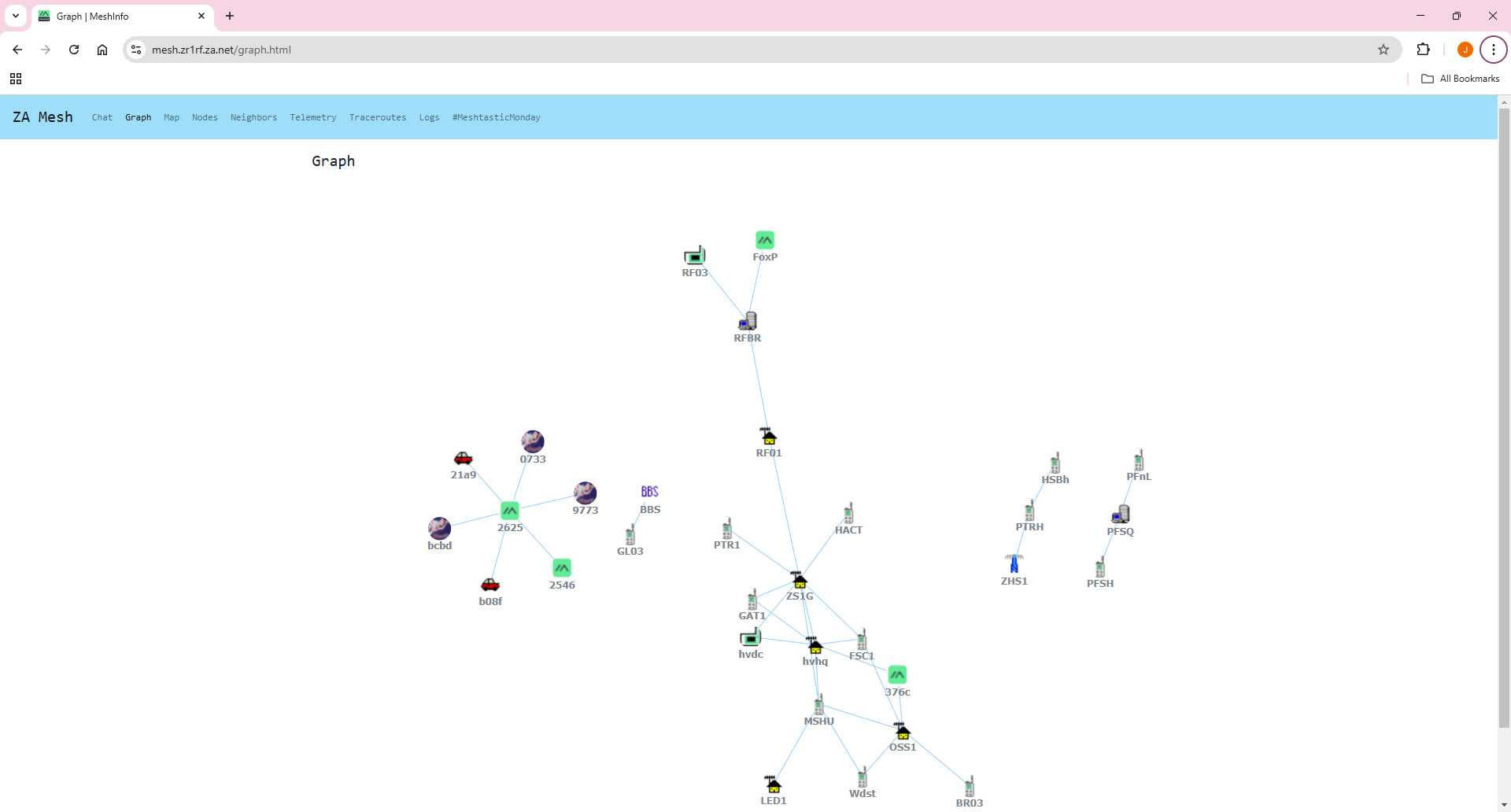
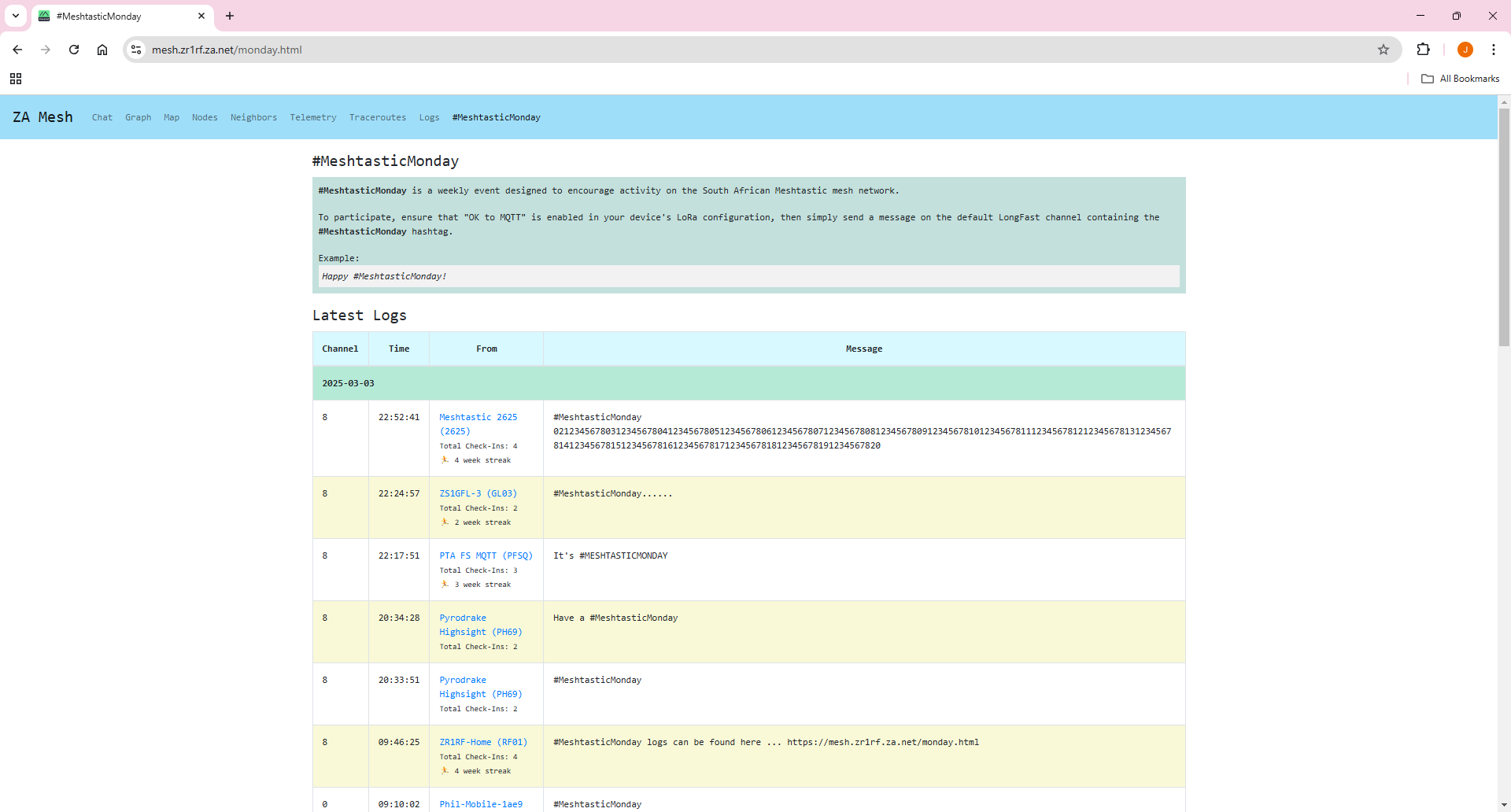
See an example instance running on the South African Mesh.
If you are running a high elevation node, preferrably a Router or Repeater node, you might be interested in getting on the notification list for a cavity filter that Kevin and Trevor are having made.
If you're interested in aeronautical (ADS-B/ACARS/VDL/HFDL/SATCOM) or ship tracking (AIS), please take a look at sister project Airframes / Airframes Github.
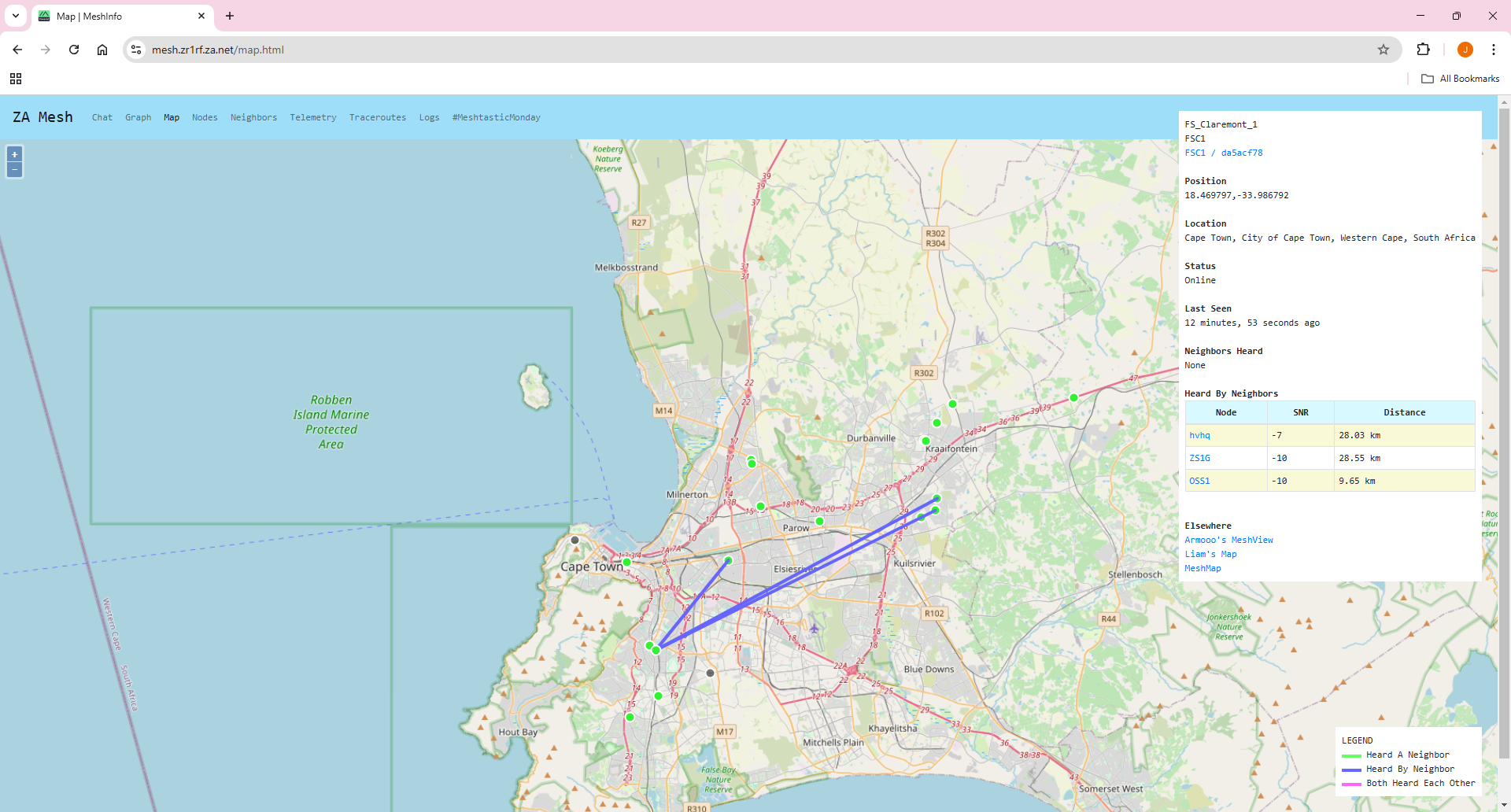
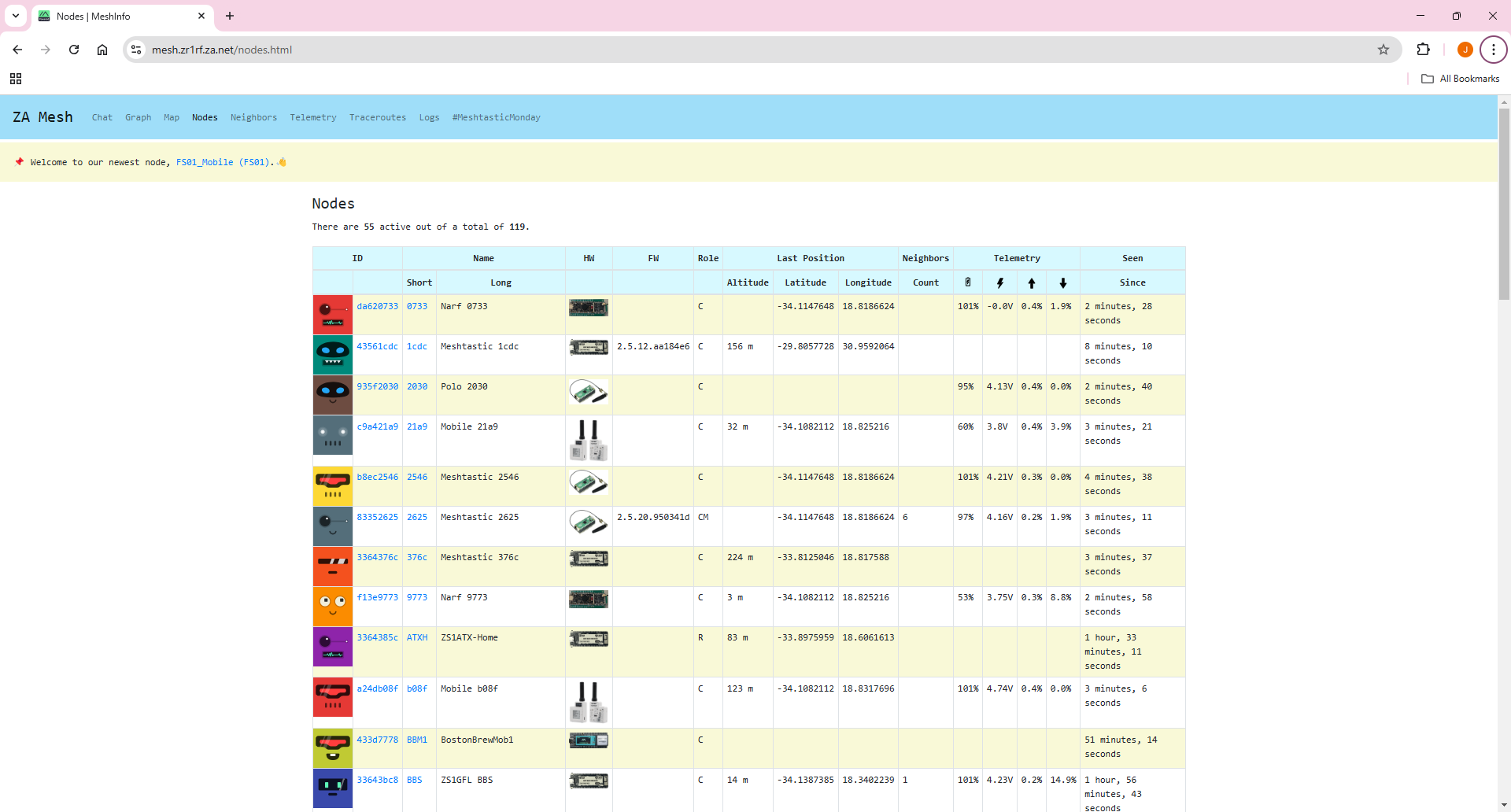
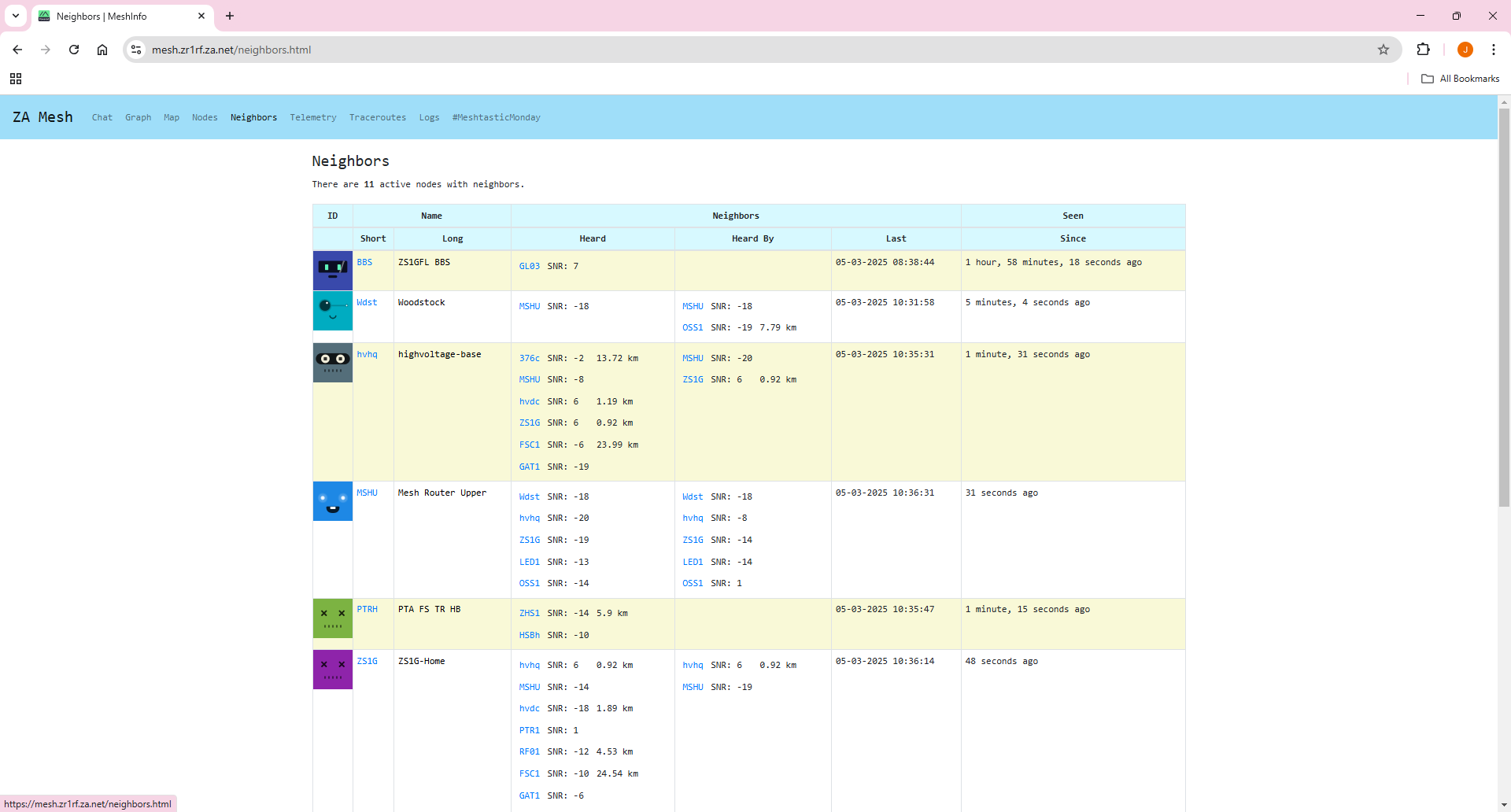
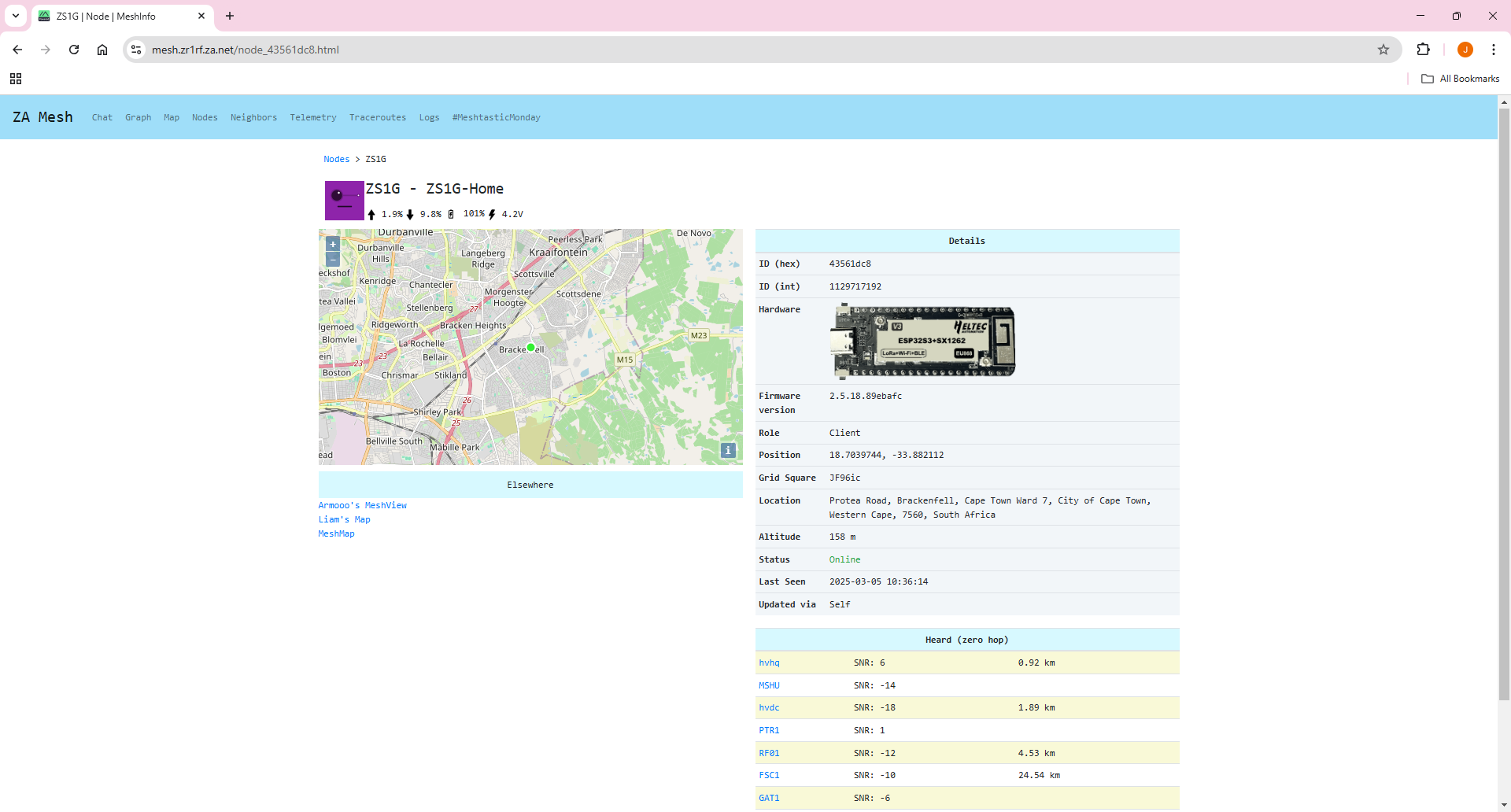
- neighborinfo
- nodeinfo
- position
- telemetry
- text
- traceroute
- mapreport
- routing
- Chat
- Map
- Nodes
- Node Neighbors
- Mesh Messages
- MQTT Messages
- Telemetry
- Traceroutes
- Routing Messages
- Statistics
- Overview of Routes
If you're using this and have questions, or perhaps you want to join in on the dev effort and want to interact collaboratively, come chat with us on #meshinfo on Meshtastic ZA Discord.
📚 Complete documentation is available in the docs/ directory:
- Setup Guide - Docker Compose installation (recommended)
- Manual Setup - Traditional installation guide
- Caching & Performance - Memory management and optimization
- Contributing - How to contribute to the project
For detailed Docker setup instructions, see docs/SETUP_DOCKER.md.
git clone https://github.com/agessaman/meshinfo-lite.git
cd meshinfo-lite- Copy and then edit the
config.ini.sampletoconfig.ini.
Change to the directory.
cd meshinfo-litedocker compose pull && docker compose down && docker compose up -d && docker compose ps && docker compose logs -f meshinfogit fetch && git pull && docker compose pull && docker compose down && docker compose up -d && docker compose ps && docker compose logs -f meshinfoBe sure you have Python 3.12.4 or higher installed.
Install MariaDB and create the database and user permissions
sudo mysql -u root
CREATE DATABASE IF NOT EXISTS meshdata;
CREATE USER IF NOT EXISTS 'meshdata'@'localhost' IDENTIFIED BY 'passw0rd';
GRANT ALL ON meshdata.* TO 'meshdata'@'localhost';
ALTER DATABASE meshdata CHARACTER SET utf8mb4 COLLATE utf8mb4_unicode_ci;
COMMIT;
python -m venv .
. bin/activate
pip install -r requirements.txt
python main.pyClone the repository.
git clone https://github.com/agessaman/meshinfo-lite.gitIf already existing, be sure to pull updates.
git fetch && git pullBuild. Be sure to specify a related version number and suffix (this example dev5 but could be your name or initials and a number) as this will help prevent collisions in your local image cache when testing.
scripts/docker-build.sh 0.0.1dev5docker compose -f docker-compose-dev.yml up --build --force-recreateYou will need to CTRL-C and run again if you make any changes to the python code, but not if you only make changes to the templates.
We happily accept Pull Requests! Please see docs/CONTRIBUTING.md for detailed guidelines and docs/CODE_OF_CONDUCT.md for our community standards.
These are the settings that must be set, and how they must be set on your node if you would like it to show up on the map. Anything that is not preceded by "Recommended" must be set as stated for your node to show.
Channels > Click on LongFast
	Uplink Enabled: True
	Downlink Enabled: Recommended False
	Position Enabled: True
	Precise Location: False
	Bottom slider: 1194ft is the *most* accurate setting that will still show up on any map. This is a meshtastic limitation.

	Be sure to click send to save after each page/section

Position:

	Set your lat/long/alt and set "Used fixed position" to True if your node doesn't have GPS or is stationary

	Otherwise set your GPS settings.

Lora:
	OK to MQTT: True

MQTT:
	Address: mqtt.meshtastic.org
	Username: meshdev
	Password: large4cats

	Encryption enabled: True
	JSON output enabled: False

	Root topic: msh/US/FL/anything
 (Typical options to replace 'anything' above are: orl, jax, etc...As long as your root topic starts with msh/US/FL then you're good.)

	Proxy to client enabled: True if your board isn't directly hooked to Wi-Fi or Ethernet.
	Map reporting: True
	Precise location: False

	Slider at the bottom: 1194 feet is the *most* accurate you can set things to and still have your node show up on maps.

	Map reporting interval: 900