

pivotool in ethical hacking, as expected, is a simple tool written in bash that could help you in the post exploitation phase to pivot to other systems.
Pivotool is a tool that does not pretend to revolutionize the post exploitation phase of a penetration test, but it can help you save time and be more organized.
It consists of a single script written in bash, with a few dependencies that are usually installed on any unix-like system (a Go version of the tool with a self-contained binary is in process :) ).
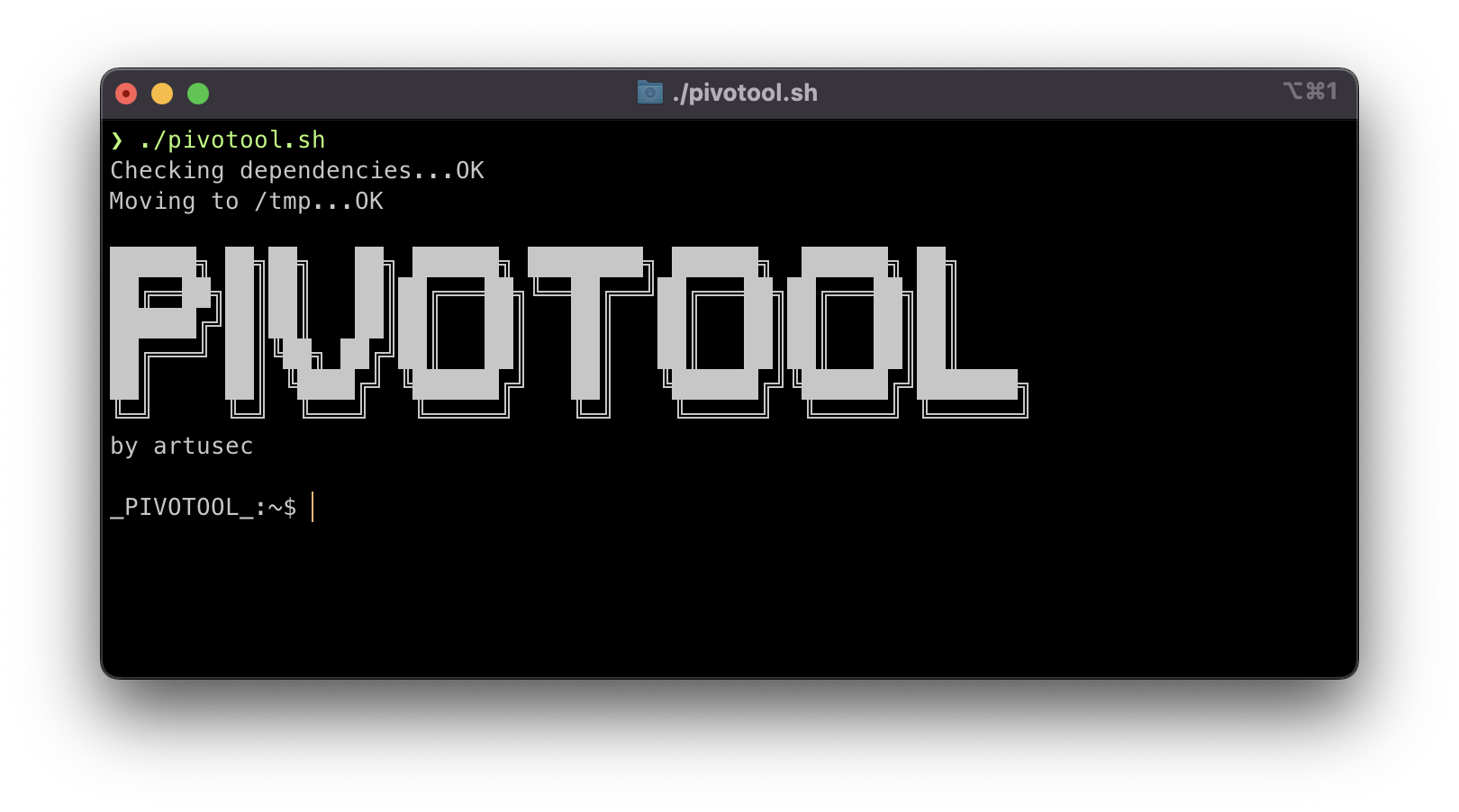
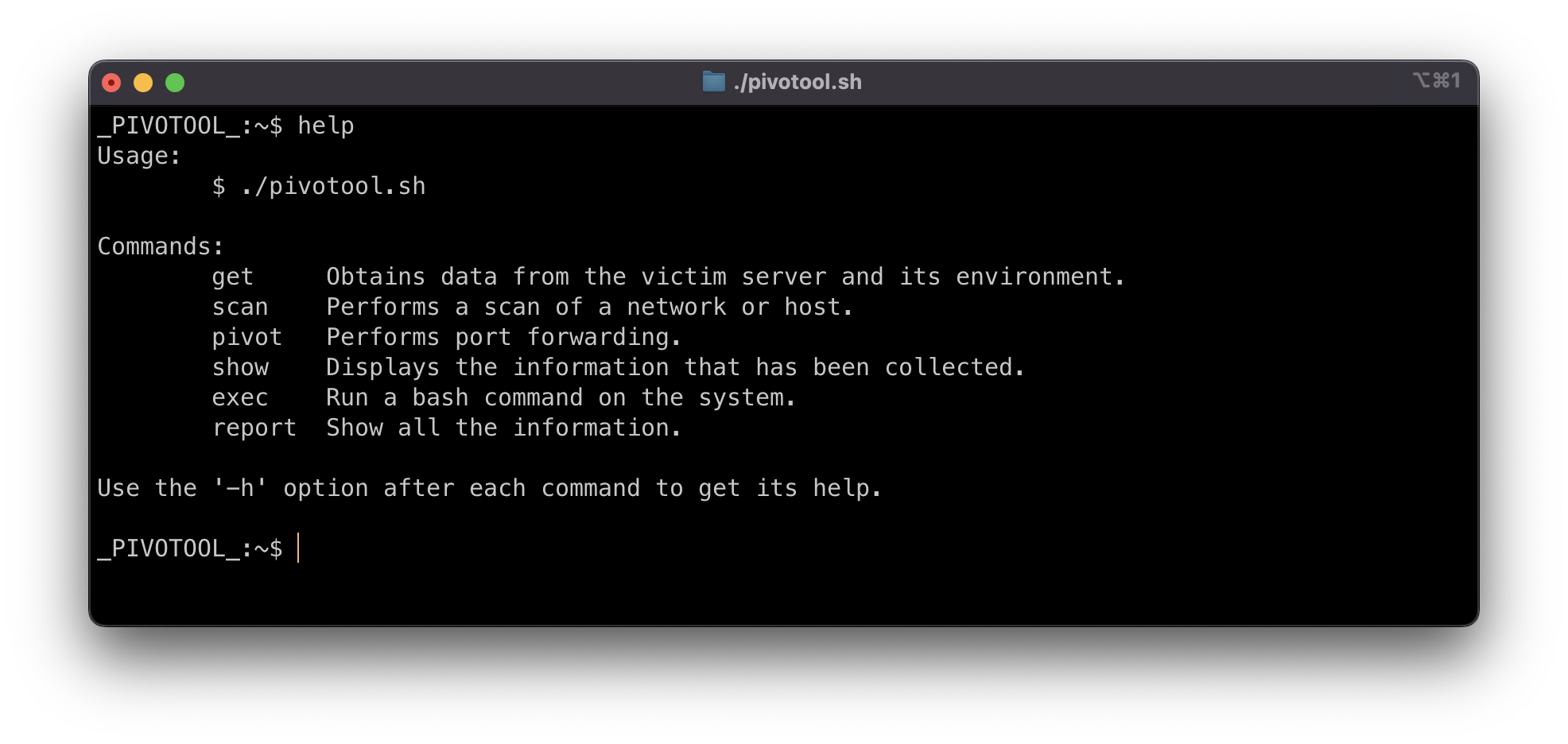
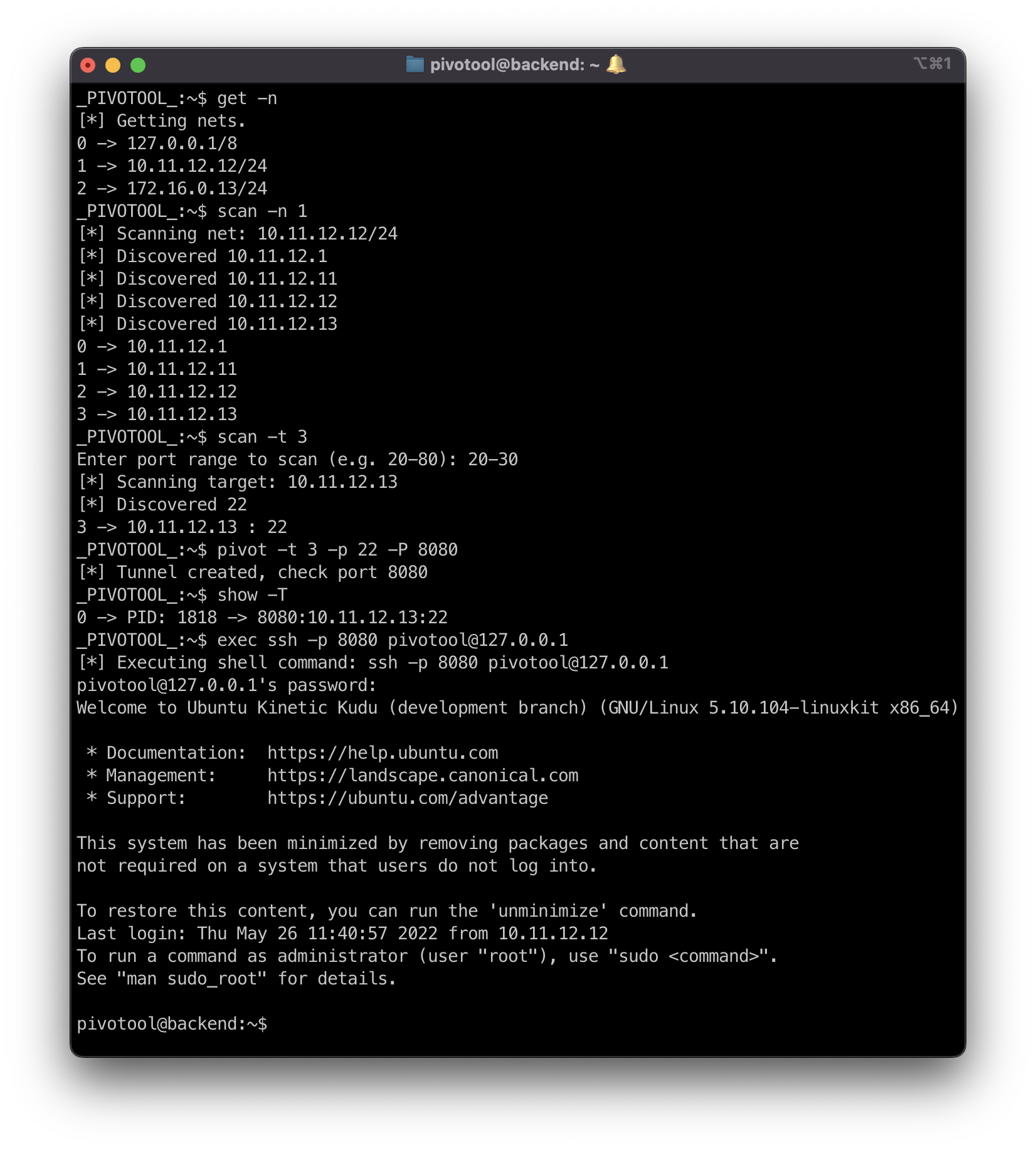
The mode of operation is semi-automatic. It presents a new prompt in which you indicate the actions you want to perform.
I'm sure it will contain a lot of bugs and many opportunities for improvement, efficiency, etc. Please feel free to indicate them in the issues section.
Thanks! :D
version: "3.9"
services:
    attacker:
        hostname: attacker
        build:
            context: .
            dockerfile: ./Dockerfile_Attacker
        stdin_open: true
        container_name: attacker
        restart: always
        networks:
            internet:
                ipv4_address: 172.16.0.11
        init: true

    http_server:
        image: httpd:2.4
        hostname: http-server
        container_name: http-server
        restart: always
        expose:
            - "80"
        networks:
            internet:
                ipv4_address: 172.16.0.12
            internal_network:
                ipv4_address: 10.11.12.11

    ssh_server:
        build:
            context: .
            dockerfile: ./Dockerfile_SSH
        hostname: ssh-server
        container_name: ssh-server
        restart: always
        environment:
          - PUID=1000
          - PGID=1000
          - TZ=Europe/Madrid
          - PASSWORD_ACCESS=true
          - USER_PASSWORD=password
          - USER_NAME=arturo
        networks:
            internet:
                ipv4_address: 172.16.0.13
            internal_network:
                ipv4_address: 10.11.12.12

    backend:
        build:
            context: .
            dockerfile: ./Dockerfile_SSH
        hostname: backend
        container_name: backend
        restart: always
        environment:
          - PUID=1000
          - PGID=1000
          - TZ=Europe/Madrid
          - PASSWORD_ACCESS=true
        networks:
            internal_network:
                ipv4_address: 10.11.12.13

networks:
    internet:
        name: internet
        ipam:
            config:
                - subnet: 172.16.0.0/24
    internal_network:
        name: internal_network
        ipam:
            config:
                - subnet: 10.11.12.0/24
docker compose up -d
docker exec -it ssh-server bash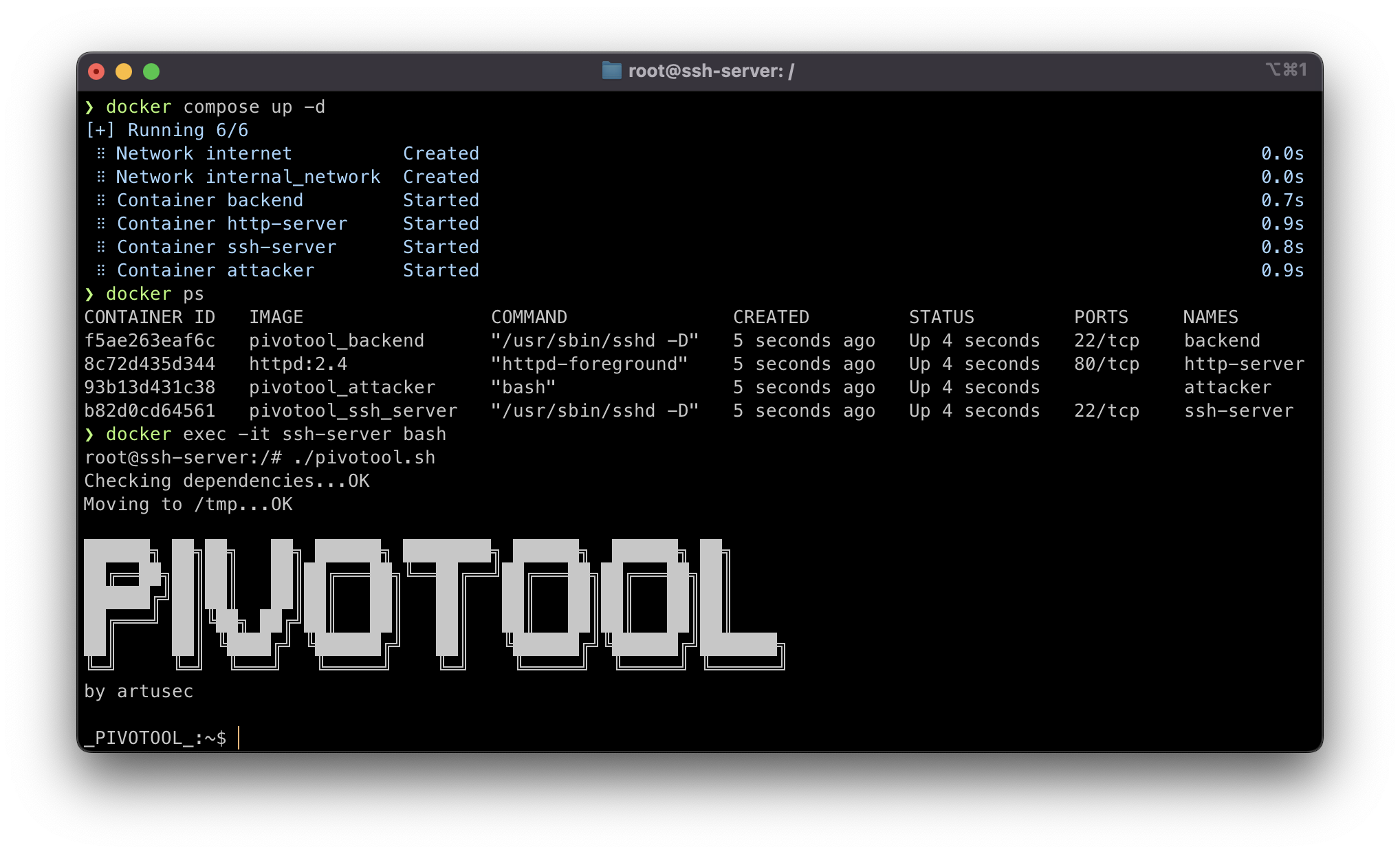
See the LICENSE file.