OpenAI, an AI research organization focused on creating friendly AI for humanity, offers the OpenAI API to access its powerful AI models for tasks like natural language processing and image generation.
The ballarinax/openai.finetunes package offers APIs to connect and interact with the fine-tuning related endpoints of OpenAI REST API v1 allowing users to customize OpenAI's AI models to meet specific needs.
To use the OpenAI Connector, you must have access to the OpenAI API through a OpenAI Platform account and a project under it. If you do not have a OpenAI Platform account, you can sign up for one here.
-
Open the OpenAI Platform Dashboard.
-
Navigate to Dashboard -> API keys
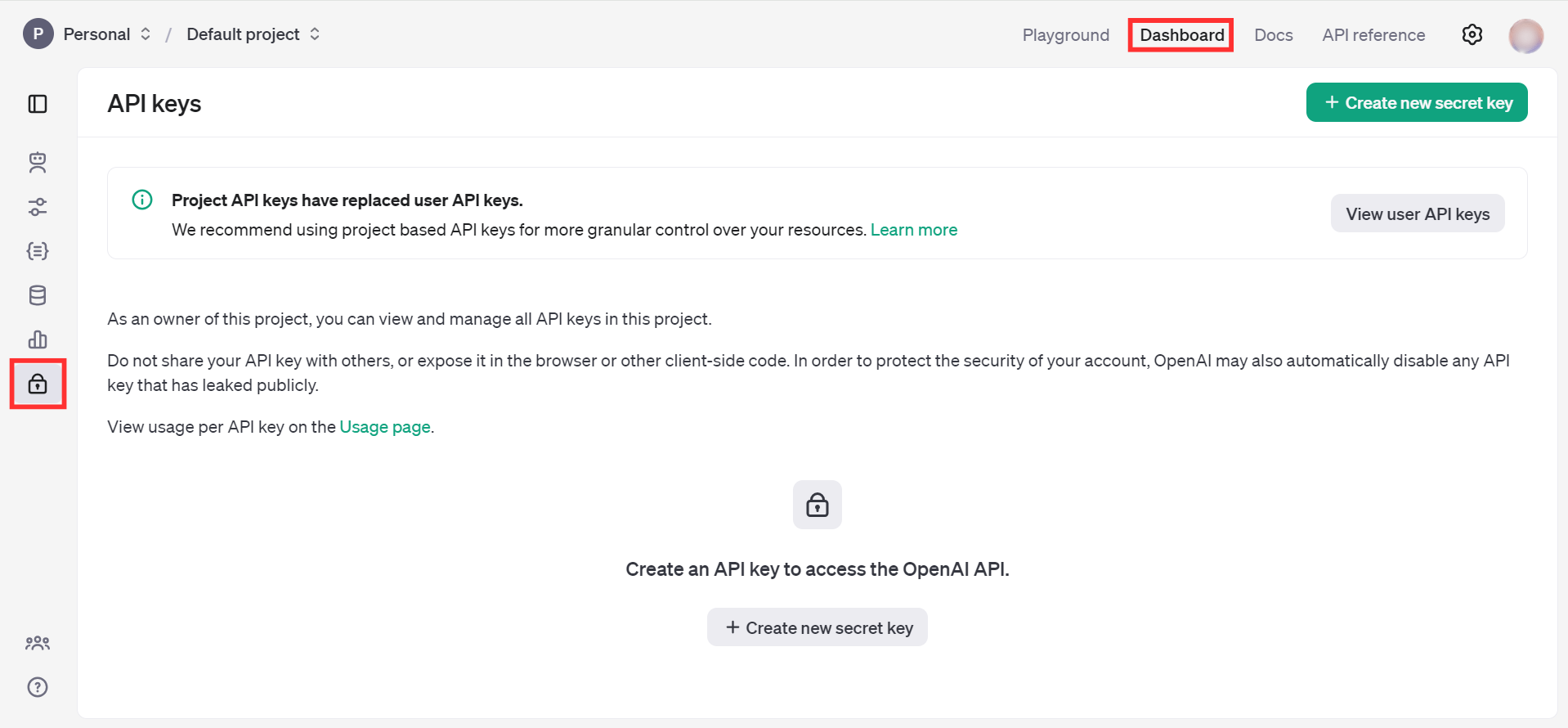
- Click on the "Create new secret key" button
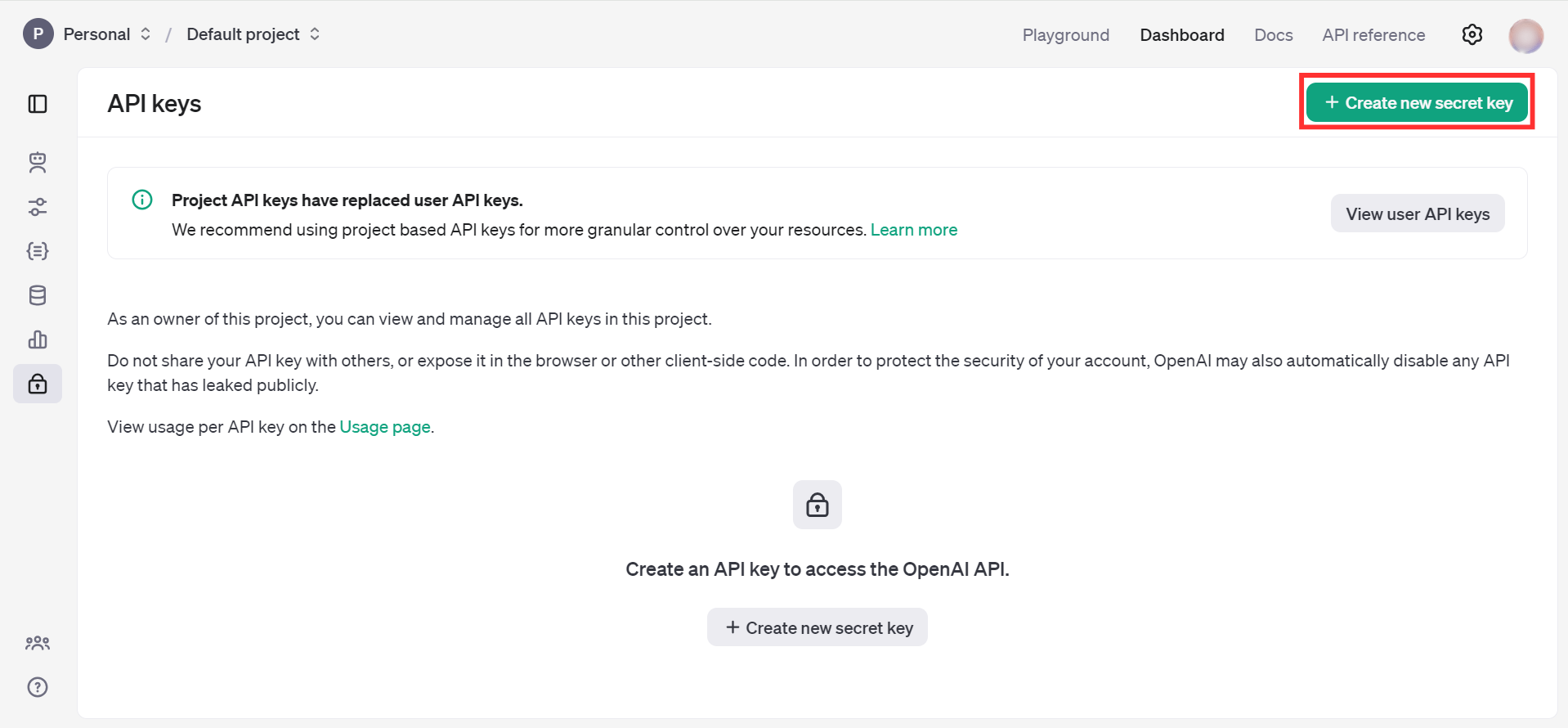
- Fill the details and click on Create secret key
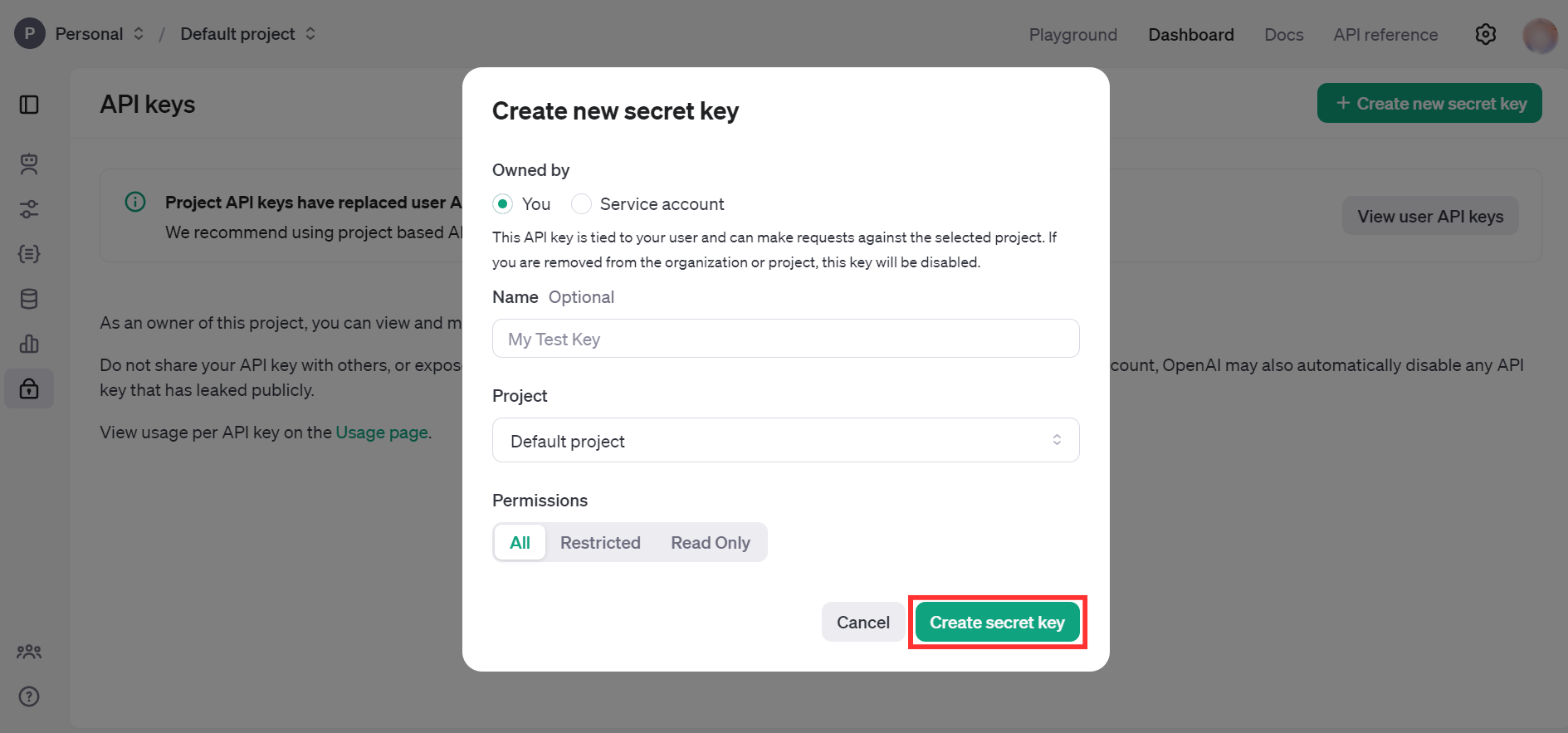
- Store the API key securely to use in your application
To use the OpenAI Finetunes connector in your Ballerina application, update the .bal file as follows:
Import the openai.finetunes module.
import ballerinax/openai.finetunes;
import ballerina/io;Create a finetunes:ConnectionConfig with the obtained API Key and initialize the connector.
configurable string token = ?;

final finetunes:Client openAIFinetunes = check new({
    auth: {
        token
    }
});Now, utilize the available connector operations.
Note: First, create a sample.jsonl file in the same directory. This file should contain the training data formatted according to the guidelines provided here.
public function main() returns error? {

    finetunes:CreateFileRequest req = {
        file: {fileContent: check io:fileReadBytes("sample.jsonl"), fileName: "sample.jsonl"},
        purpose: "fine-tune"
    };

    finetunes:OpenAIFile fileRes = check openAIFinetunes->/files.post(req);

    string fileId = fileRes.id;

    finetunes:CreateFineTuningJobRequest fineTuneRequest = {
        model: "gpt-3.5-turbo",
        training_file: fileId
    };

    finetunes:FineTuningJob fineTuneResponse =
        check openAIFinetunes->/fine_tuning/jobs.post(fineTuneRequest);
}bal runThe OpenAI Finetunes connector provides practical examples illustrating usage in various scenarios. Explore these examples, covering the following use cases:
-
Sarcastic bot - Fine-tune the GPT-3.5-turbo model to generate sarcastic responses
-
Sports headline analyzer - Fine-tune the GPT-4o-mini model to extract structured information (player, team, sport, and gender) from sports headlines.