



Unified CLI for Chaitin security products
chaitin-cli is a unified command-line tool for Chaitin security products. It provides common operations, queries, and automation capabilities for multiple products from one binary. The goal is to reduce the friction caused by separate APIs, authentication patterns, and output formats, so developers, operators, and AI agents can manage SafeLine, X-Ray, CloudWalker, T-Answer, DDR, and related products consistently.
Core capabilities:
- Unified entrypoint: run product commands through
chaitin-cli <product> <command> - Reusable configuration: supports config files, environment variables,
.env, and command-line flags - Automation friendly: supports dry-run, JSON output where available, and an AI Skill for agent integration
Install directly on macOS / Linux:
curl -fsSL https://raw.githubusercontent.com/chaitin/chaitin-cli/main/skills/chaitin-cli/scripts/install-chaitin-cli.sh | bashWindows users should download the matching package from GitHub Releases, extract chaitin-cli.exe, and add it to PATH.
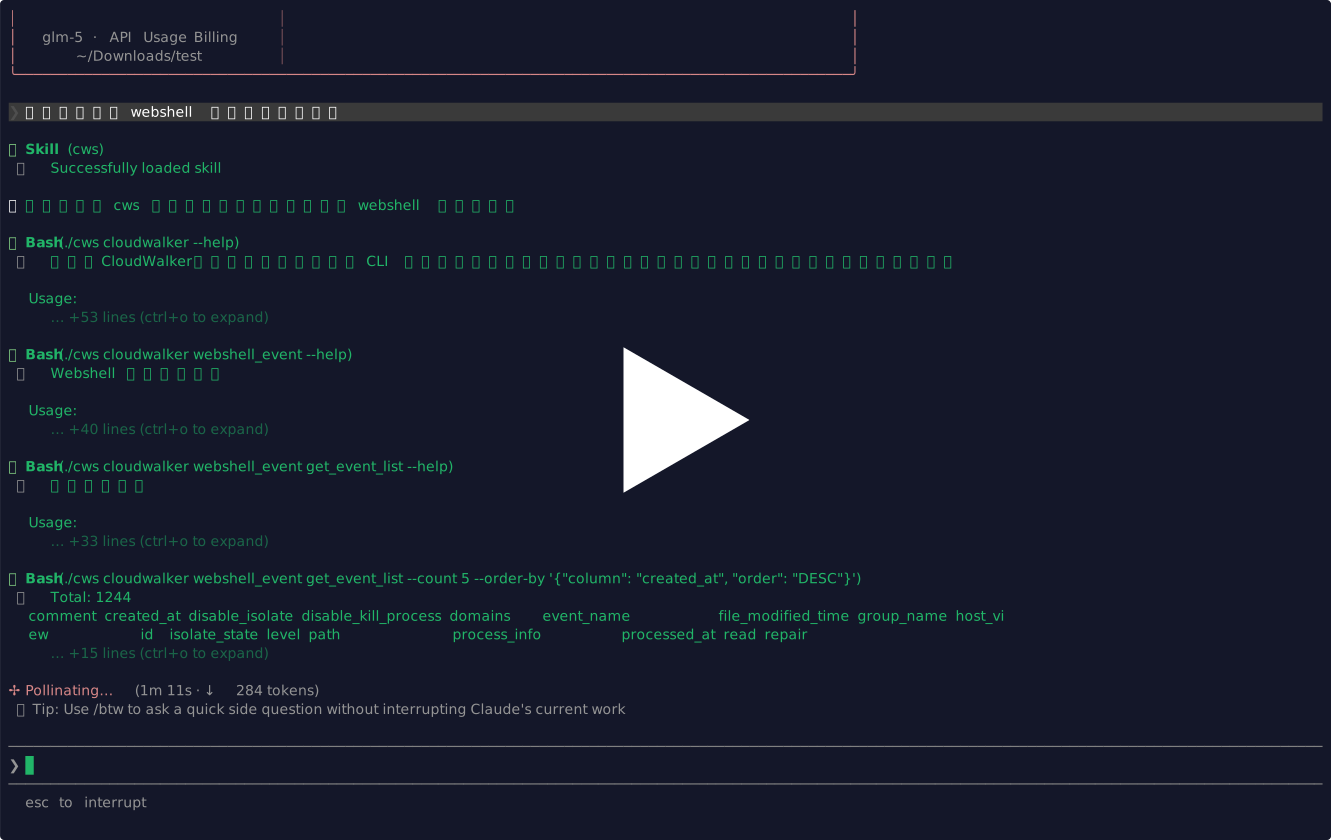
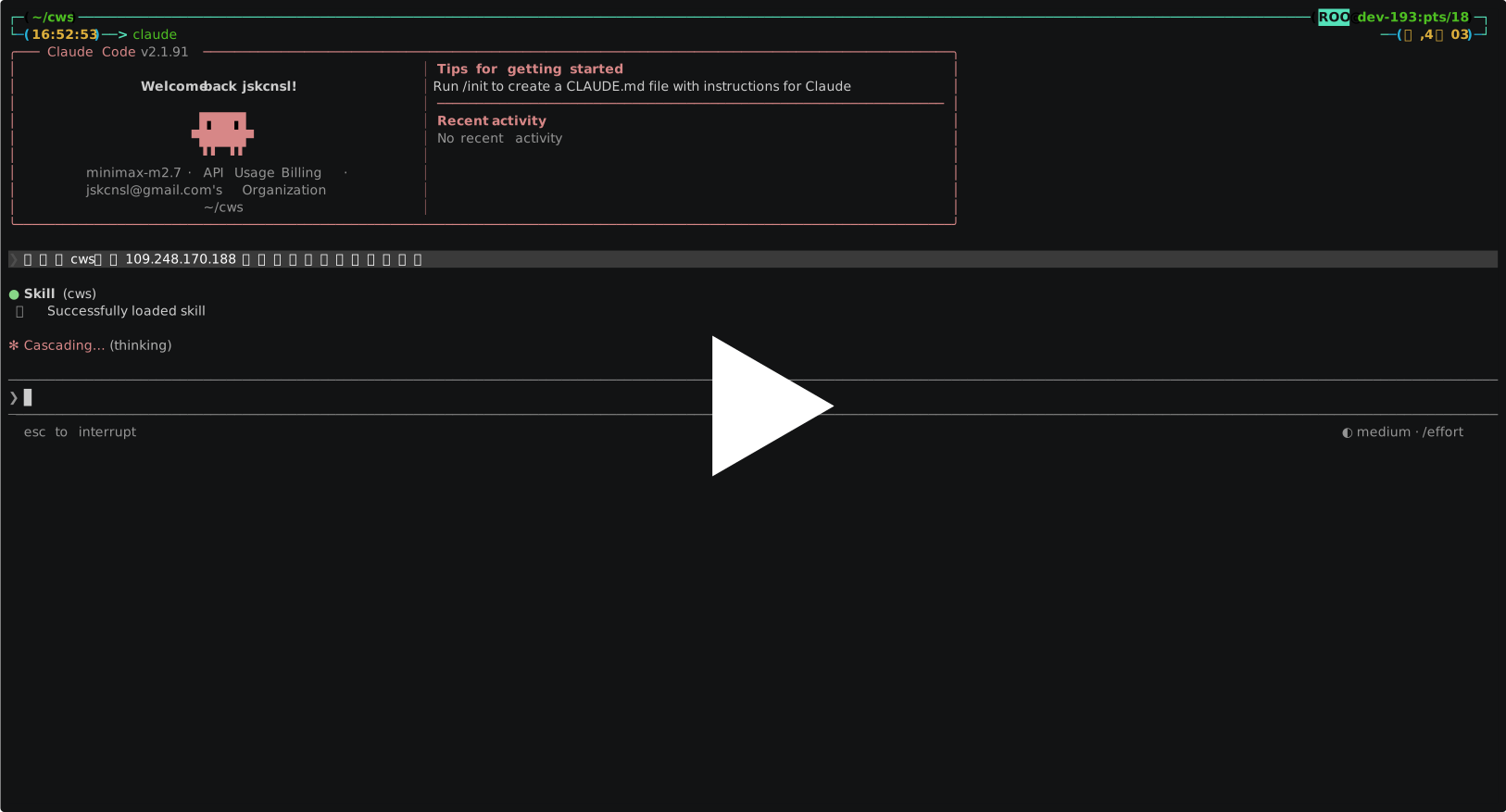
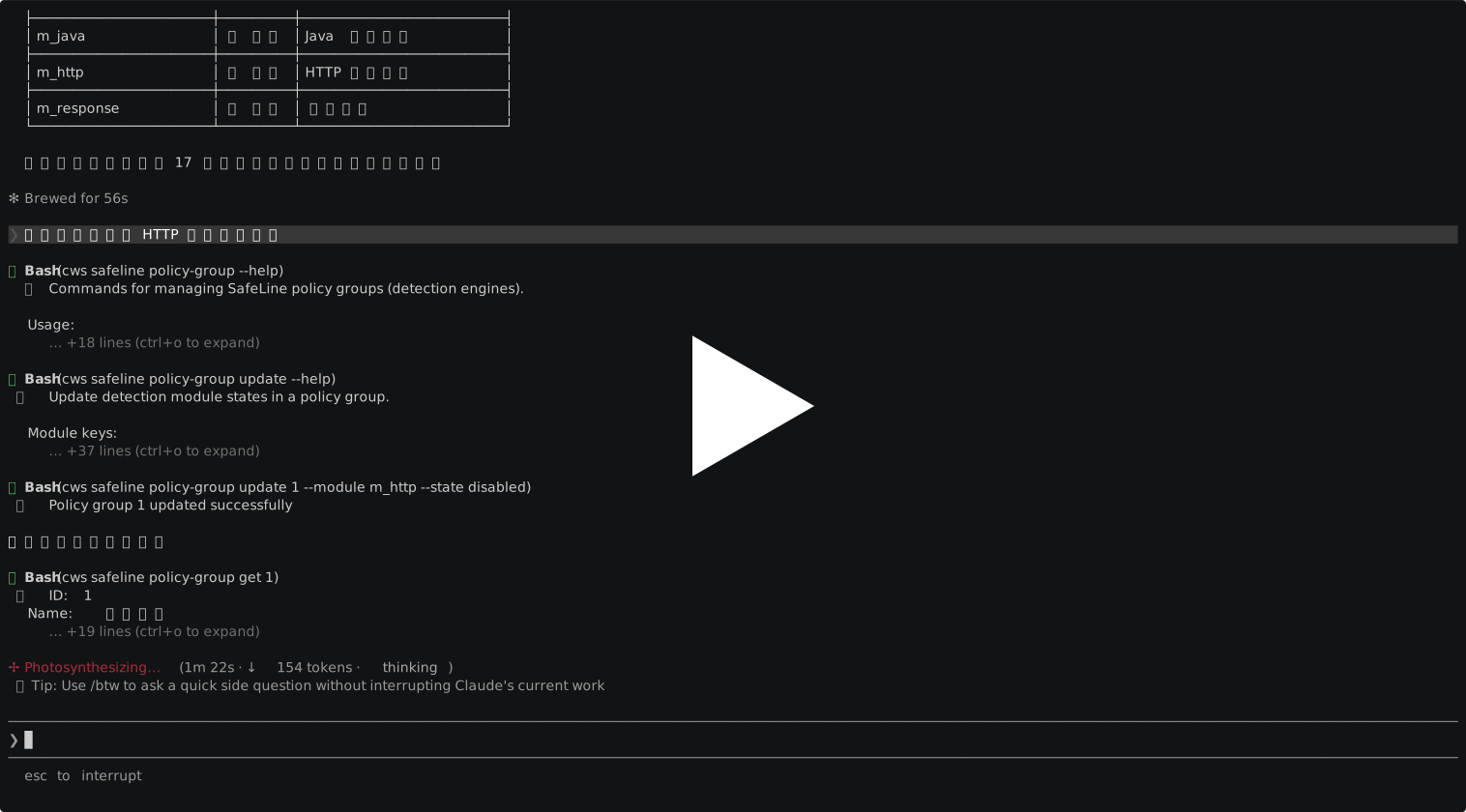
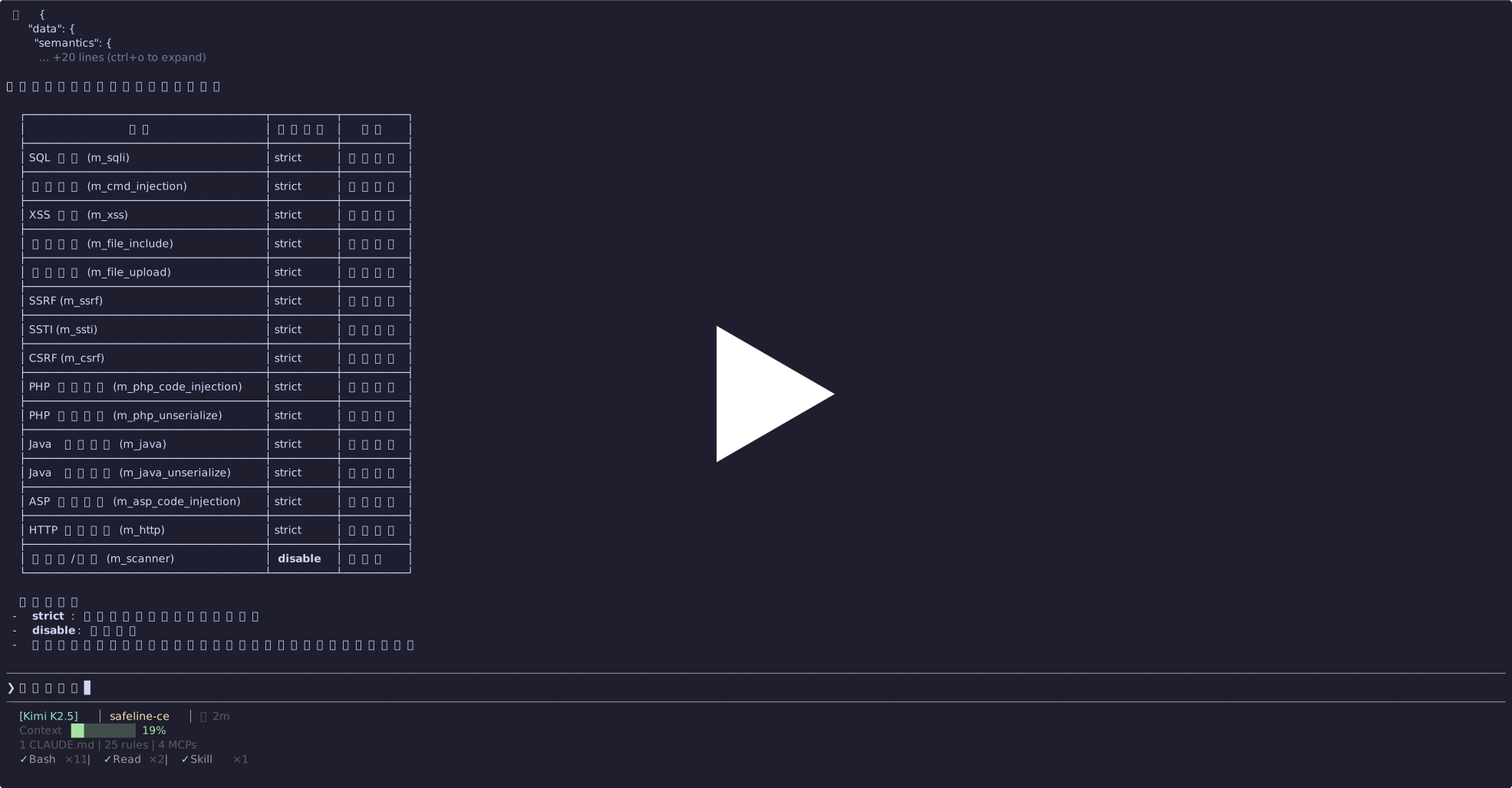
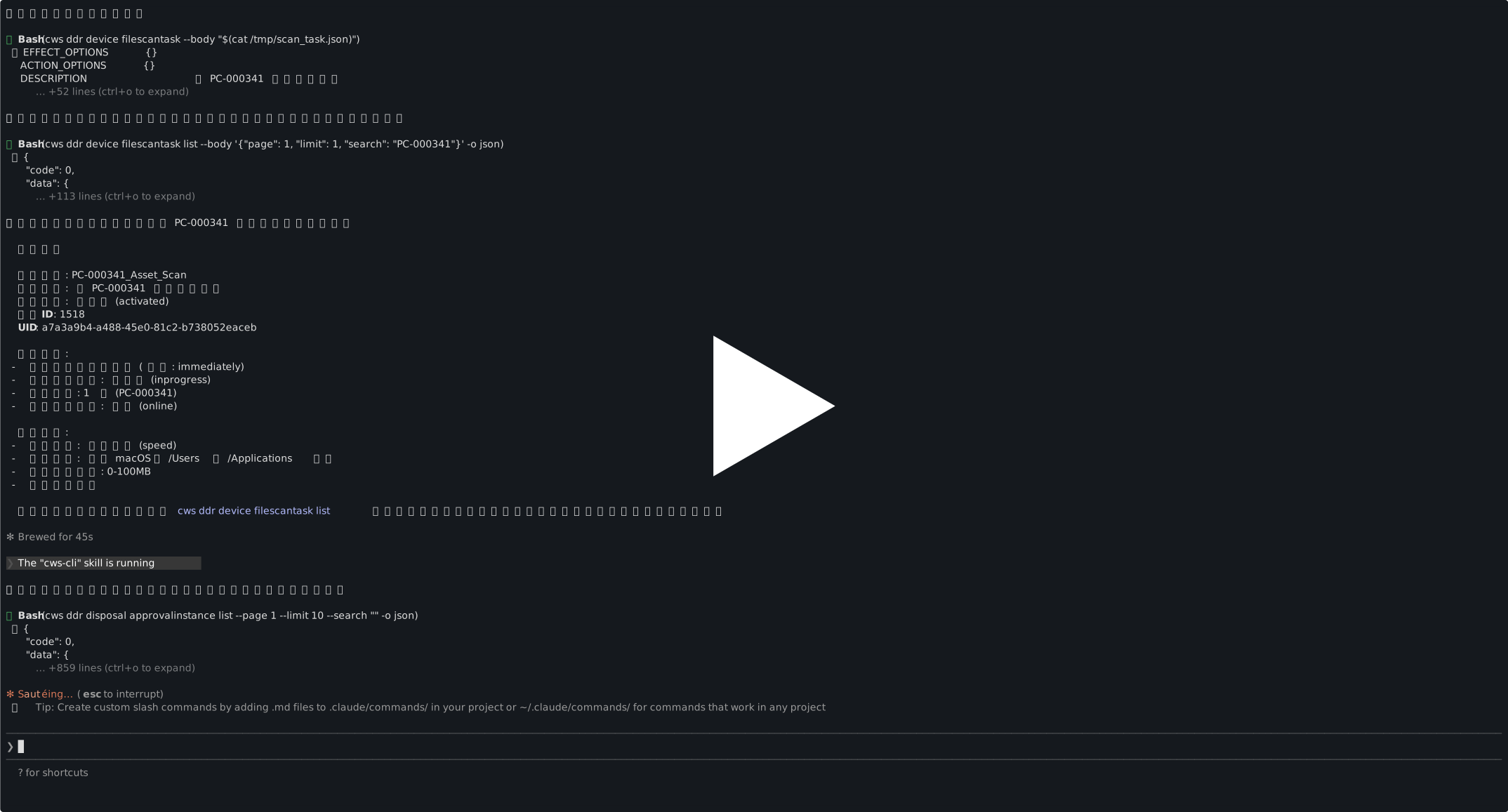
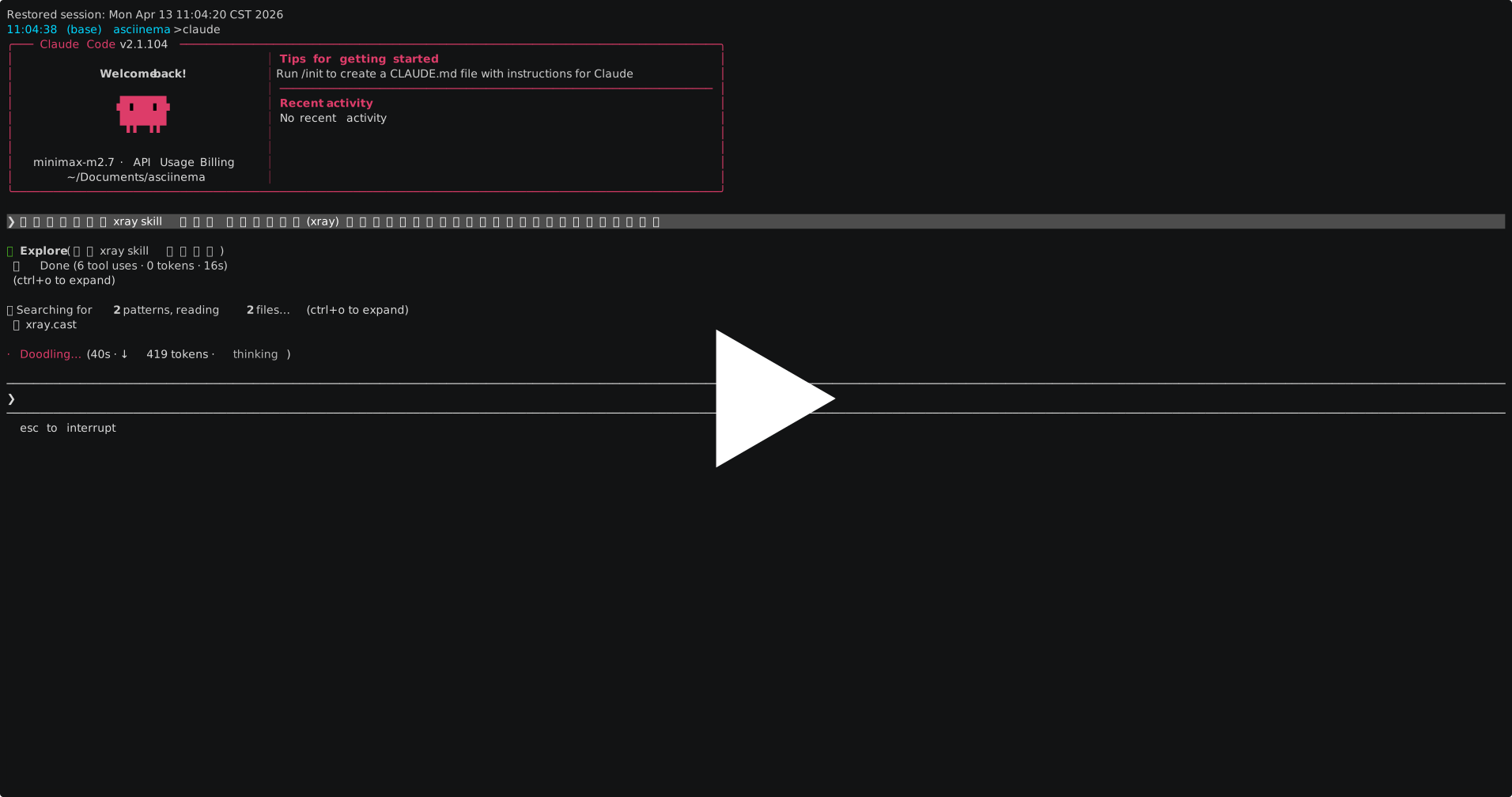
This project provides an AI Agent skill. Once installed, AI agents (Claude Code, Cursor, etc.) can invoke chaitin-cli commands to manage Chaitin security products directly.
If you want an AI agent to call chaitin-cli automatically, install the Skill:
npx skills add chaitin/chaitin-cliAfter installation, simply describe your needs to the AI agent, for example:
- "Show me recent attack logs in SafeLine"
- "Create a scan task in X-Ray"
- "List vulnerability events in CloudWalker"
| Module | Description |
|---|---|
chaitin |
Demo and basic commands |
safeline |
SafeLine WAF site, policy, ACL, attack log, and system information management |
safeline-ce |
SafeLine CE site, rule, log, certificate, and enhanced protection management |
xray |
X-Ray scan task, asset, vulnerability, report, and system configuration management |
cloudwalker |
CloudWalker CWPP event, asset, vulnerability, protection policy, and system management |
tanswer |
T-Answer firewall, whitelist, and block rule management |
ddr |
DDR API token and connection configuration helpers |
The root command handles configuration loading, product command registration, and BusyBox-style dispatch. Each product directory owns its commands, flags, configuration decoding, and API calls.
Put product connection settings in ./config.yaml:
cloudwalker:
  url: https://cloudwalker.example.com/rpc
  api_key: YOUR_API_KEY

tanswer:
  url: https://tanswer.example.com
  api_key: YOUR_API_KEY

# chaitin-cli ddr get-api-token --url https://ddr.example.com:8443 --jwt-token "YOUR_JWT_TOKEN" can directly get url & api_key & company_id
ddr:
  url: "https://ddr.example.com:8443/qzh/api/v1"
  api_key: "YOUR_API_KEY"
  company_id: "YOUR_COMPANY_ID"

xray:
  url: https://xray.example.com/api/v2
  api_key: YOUR_API_KEY
You can also put the same keys into environment variables or a local .env file. Variable names follow <PRODUCT>_<FIELD>:
cloudwalker.url      -> CLOUDWALKER_URL
cloudwalker.api_key  -> CLOUDWALKER_API_KEY
tanswer.url          -> TANSWER_URL
tanswer.api_key      -> TANSWER_API_KEY
ddr.url              -> DDR_URL
ddr.api_key          -> DDR_API_KEY
ddr.company_id       -> DDR_COMPANY_ID
xray.url             -> XRAY_URL
xray.api_key         -> XRAY_API_KEY
safeline-ce.url      -> SAFELINE_CE_URL
safeline-ce.api_key  -> SAFELINE_CE_API_KEY
safeline.url         -> SAFELINE_URL
safeline.api_key     -> SAFELINE_API_KEY
Example .env:
SAFELINE_URL=https://safeline.example.com
SAFELINE_API_KEY=YOUR_API_KEY
XRAY_URL=https://xray.example.com/api/v2
XRAY_API_KEY=YOUR_API_KEY
Priority is flags > environment/.env > config.yaml.
Use root-level -c or --config to load a different config file. This is useful when you switch between multiple product instances, for example multiple SafeLine environments:
chaitin-cli -c ./configs/safeline-prod.yaml safeline stats overview
chaitin-cli -c ./configs/safeline-staging.yaml safeline stats overview
Use root-level --dry-run for commands that support dry-run:
chaitin-cli --dry-run xray plan PostPlanFilter --filterPlan.limit=10main.go # Main entry point, root command, product registration, and BusyBox-style dispatch
config/ # Config loading, environment/.env overrides, and config writing
products/<name>/ # One dedicated directory per product, with commands and API clients
products/<name>/cmd/ # Hand-written product command groups
products/<name>/client/ # Generated or wrapped product API clients
skills/chaitin-cli/ # AI Agent Skill and installer script
cmd/gen-cli/ # CLI generation tooling
Taskfile.yml # Build, run, check, and package tasks
.github/workflows/ci.yml # CI, cross-platform packaging, and GitHub Release publishing
Add to products directory
Checklist for a new product:
- Add the product package import in
main.go. - Register the command in
newApp()witha.registerProductCommand(...). - If
NewCommand()returns(*cobra.Command, error), handle the error before registration. - If the product needs
config.yamlor root-level runtime flags, implementApplyRuntimeConfig(...)in the product package and call it fromwrapProductCommand()inmain.go. - Decode product-specific config inside the product package from
config.Raw; do not add config field parsing to the root command.
The same binary can be invoked directly by subcommand name through a symlink or by renaming the executable:
task build
ln -s ./bin/chaitin-cli ./chaitin
./chaitin
This is equivalent to:
./bin/chaitin-cli chaitinRepository:
git clone https://github.com/chaitin/chaitin-cli.git
cd chaitin-cli
Environment:
Run locally:
go run . chaitin
go run . safeline --help
tasks:
task build
task run:chaitin
task fmt
task lint
task test
task package GOOS=linux GOARCH=amd64- Main branch:
main - Releases: cross-platform packages are published through
GitHub Releases - Release flow: pushing a
v*tag triggers GitHub Actions to test, package, and publish a release - Maintenance status: actively maintained; PRs for product commands, docs, and bug fixes are welcome
Please submit feature requests and bug reports through GitHub Issues. Search existing issues before opening a new one. Do not post API keys, tokens, real service URLs, or other sensitive information in public issues.
What should I do if chaitin-cli is not found after installation?
Check whether the install directory is in PATH. The macOS / Linux installer prefers user or system PATH directories. If the current shell has not refreshed, reopen the terminal or run the binary with the full path printed by the installer.
Where is configuration loaded from?
Priority is flags > environment/.env > config.yaml. Use root-level -c or --config to load a different config file.
What should I do if a self-signed certificate causes connection failures?
Some product commands expose --insecure. SafeLine skips TLS verification by default. Behavior differs by product, so run the relevant product command with --help to check supported flags.
How do I publish a new version?
Create and push a v* tag from main, for example v2605.0.0. GitHub Actions will build cross-platform packages and publish them to Releases.