First you need to use node version 14,
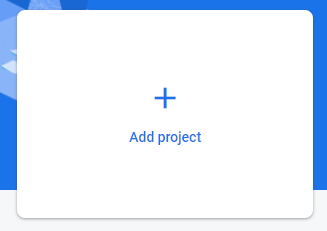
then you need to create firebase project click Add project if you don't have one
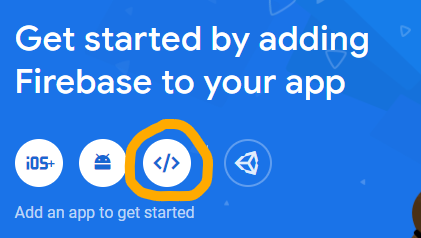
Click on </> sign because we gonna create web app
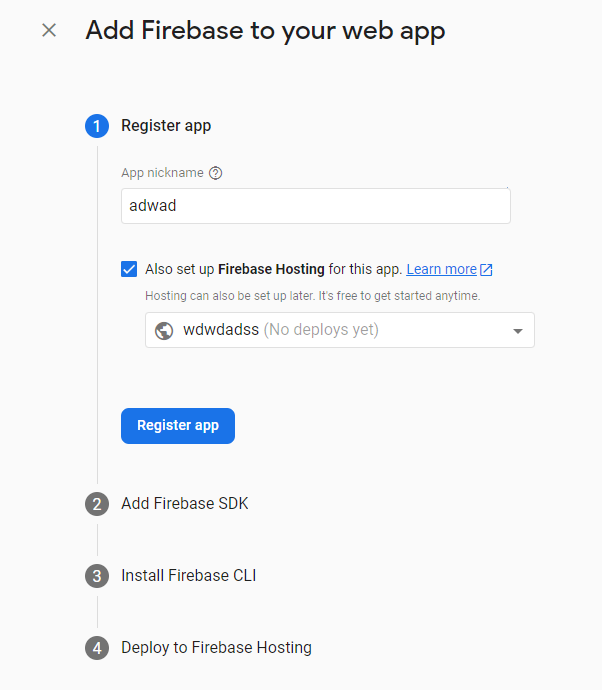
And then register your app and also set up firebase hosting
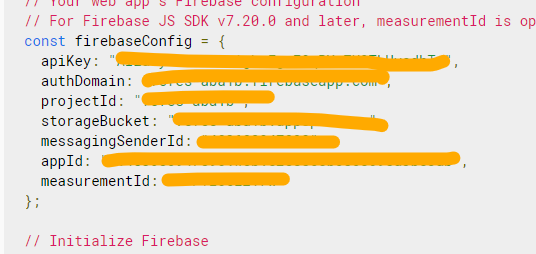
Copy paste the firebase config because we need it for .env
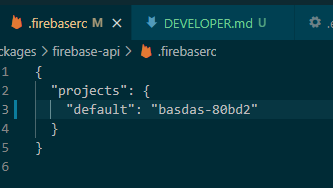
now go to packages/firebase-api/.firebaserc and change default value to your projectId before like this :
Now you can start developing, run this both on separate terminal :
yarn firebase-api:start
yarn react-app:start
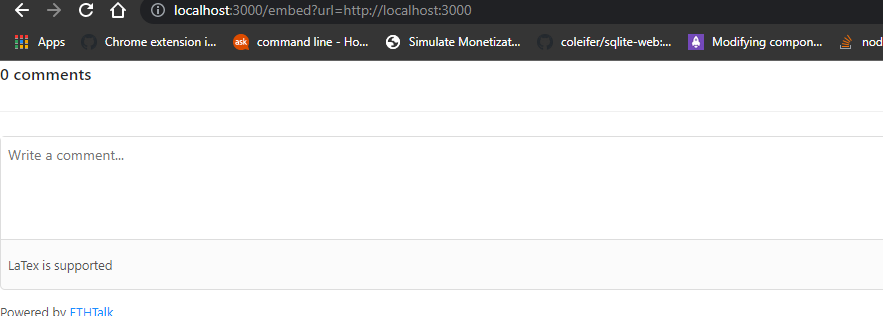
Open http://localhost:3000/embed?url=http://localhost:3000 then you will get something like this that means you can start developing
Change ethtalk in both .firebaserc in react-app and firebase-api to your project-id then run this command respectively:
yarn firebase-api:deploy
yarn react-app:deploy
for firebase you need to have blaze plan to deploy