Create a Network
docker network create my-mongo-cluster
Run the Following Command to bring up the Docker Container in ReplicaSet Mode
docker run -v ~/_mongodb_data:/data/db -p 27017:27017 --name mongoContainer --net my-mongo-cluster mongo:3.6 mongod --replSet my-mongo-setPlease note _mongo_data is the location where data datagen will generate data, change it accordingly.
Exec into the Mongo Container
docker exec -it mongoContainer mongo
Initiate the Replica Set Config
rs.initiate({ "_id" : "my-mongo-set", "members" : [{"_id" : 0, "host" : "mongoContainer:27017"}]})
We are running a replicaset with just 1 replica to shed some load off the local Machine.
We can point the timescale to connect to our Dev Timescale in the config.yml, or configure timescale locally.
Setup timescale db on local : https://docs.timescale.com/latest/getting-started/installation (Also, postgresql : https://www.codementor.io/engineerapart/getting-started-with-postgresql-on-mac-osx-are8jcopb)
# install postgres 11 & timescale
brew install postgresql@11 timescaledb

# Enable timescaledb extension in postgres
timescaledb-tune -conf-path /usr/local/var/postgresql@11/postgresql.conf --quiet --yes
brew services restart postgresql@11


#create a user postgres
/usr/local/opt/postgresql@11/bin/createuser -s postgres

/usr/local/var/log/postgresql@11.log
Login to postgresql & create database harness
psql -U postgres -h localhost

CREATE DATABASE harness;
timescaledb:
  timescaledbUrl: ""
  timescaledbUsername: ""
  timescaledbPassword: ""
  connectTimeout: 10
  socketTimeout: 30
  logUnclosedConnections: false
  loggerLevel: OFF
Have added xml in ChangeDataCaptureApp.xml and imported the run_configuration but it doesn't show up in intellij will try and fix it. Meanwhile:
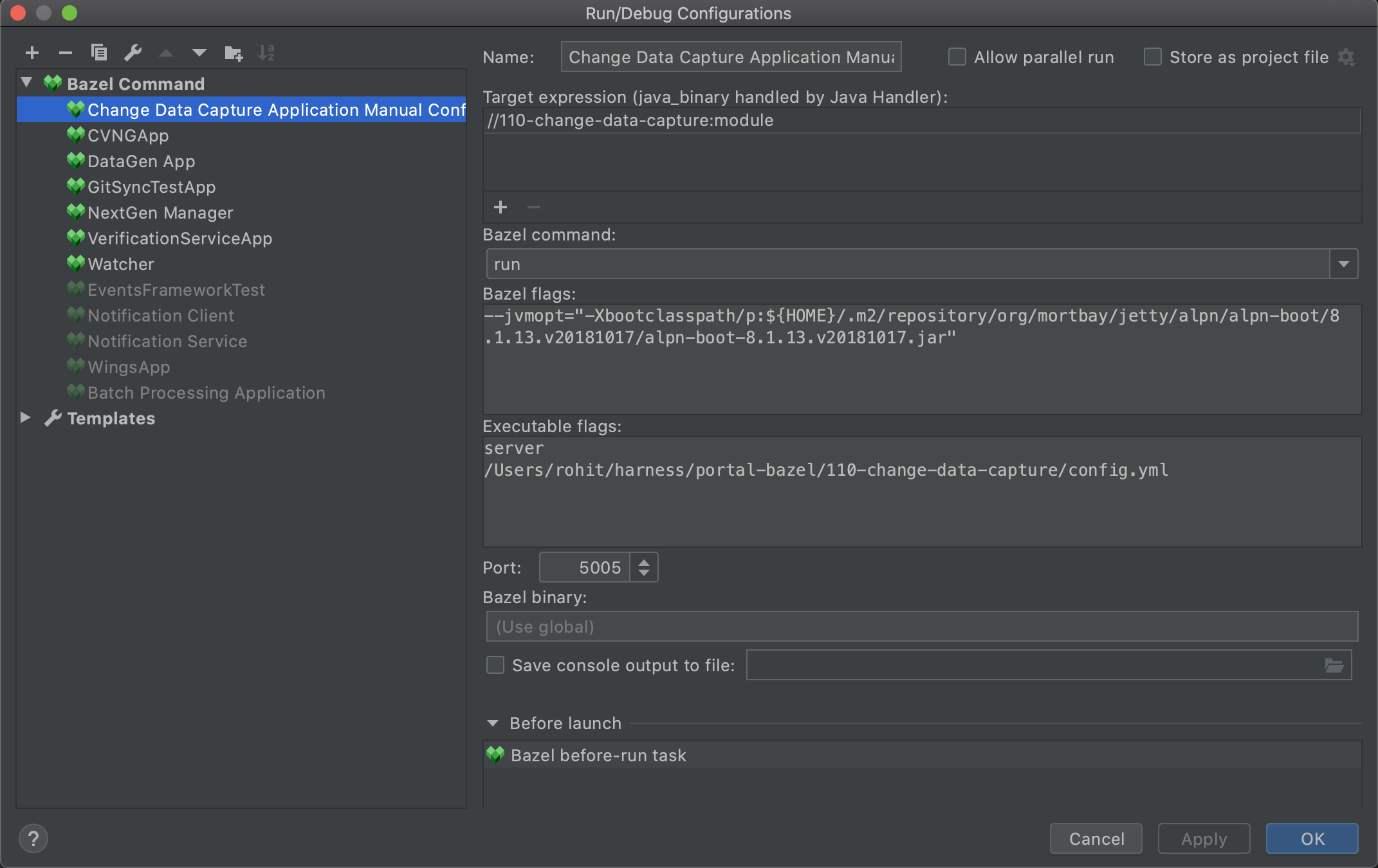
- Start by annotating the entity with ChangeDataCapture Annotation
@ChangeDataCapture(table = "ApplicationTruthTable", dataStore = "events",
    sink = {ChangeDataCaptureSink.TIMESCALE}, fields = {ApplicationKeys.appId, ApplicationKeys.name})
- Create a class in
110-change-data-capture/src/main/java/io/harness/entitiesand inject the handler for the entity and pass it in this class. - Register the class in
io.harness.ChangeDataCaptureModule#bindEntities
Note: Ensure the Table name passed in the Annotation is already created in the Timescale (Sink) DB, service will not create the table.