-
Notifications
You must be signed in to change notification settings - Fork 1.9k
Flyout item layout broken on Mac Catalyst #8477
Copy link
Copy link
Closed
Labels
area-controls-shellShell Navigation, Routes, Tabs, FlyoutShell Navigation, Routes, Tabs, Flyoutplatform/macosmacOS / Mac CatalystmacOS / Mac Catalysts/triagedIssue has been reviewedIssue has been revieweds/verifiedVerified / Reproducible Issue ready for Engineering TriageVerified / Reproducible Issue ready for Engineering Triaget/bugSomething isn't workingSomething isn't workingt/desktopThe issue relates to desktop scenarios (MacOS/MacCatalyst/Windows/WinUI/WinAppSDK)The issue relates to desktop scenarios (MacOS/MacCatalyst/Windows/WinUI/WinAppSDK)
Milestone
Description
Description
iPad looks right:
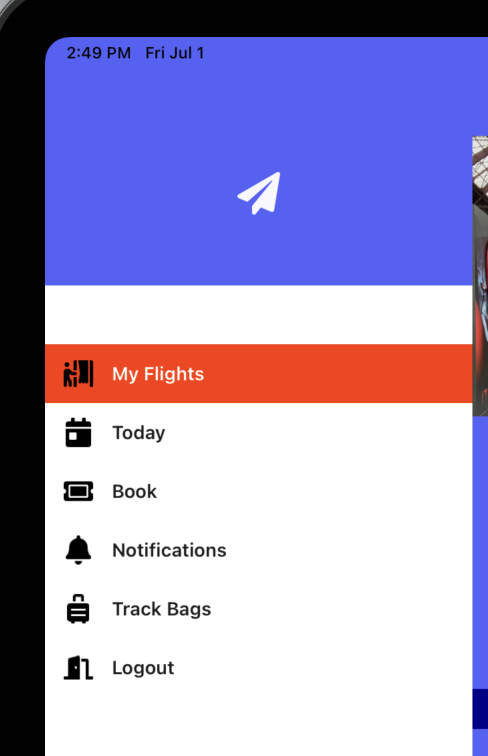
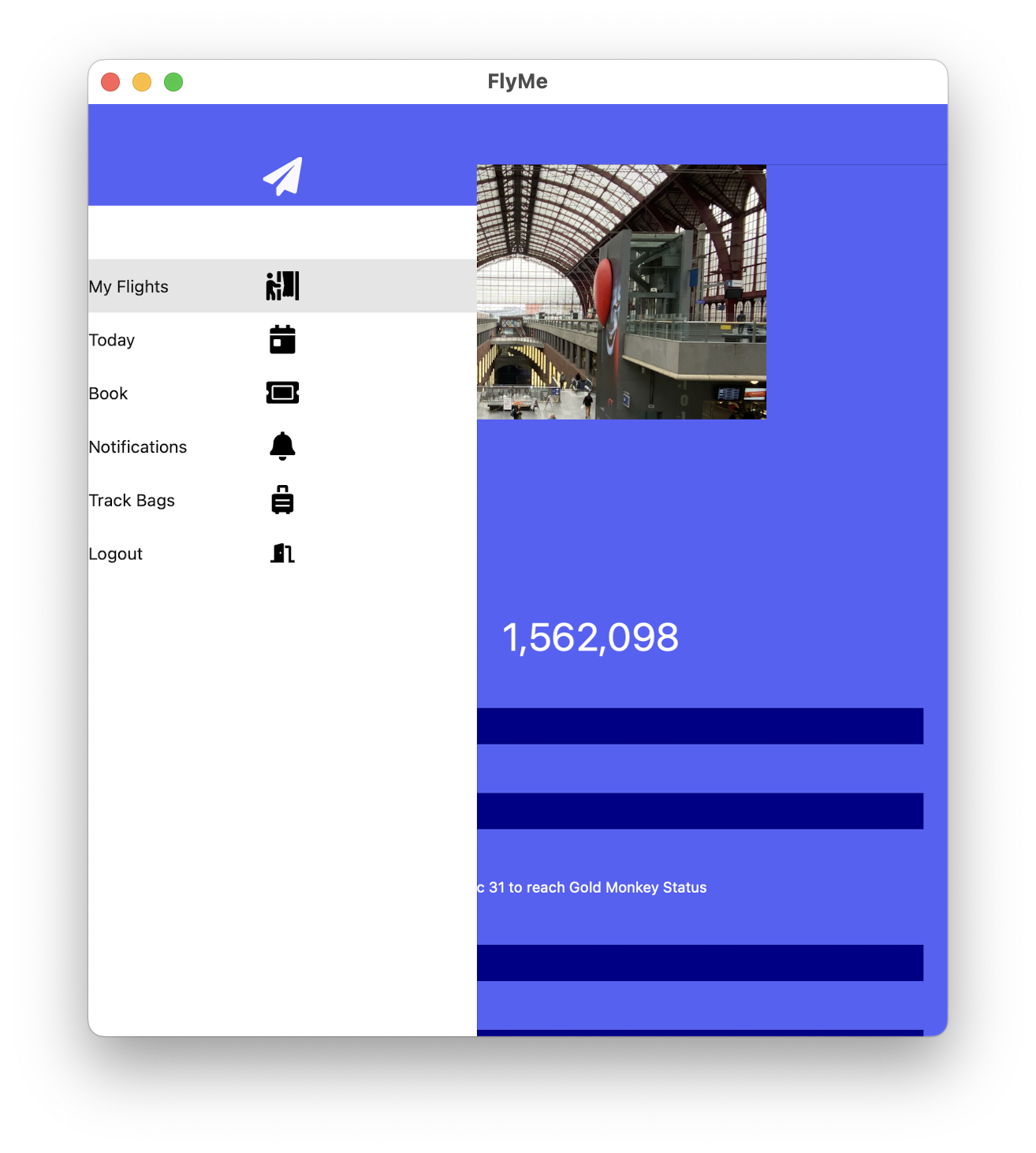
But on Mac Catalyst the label is flush left, and the image is centered. I expect the layout to match the iPad. Ignore the color and styling differences, I peeled things away to see what I might have done wrong.
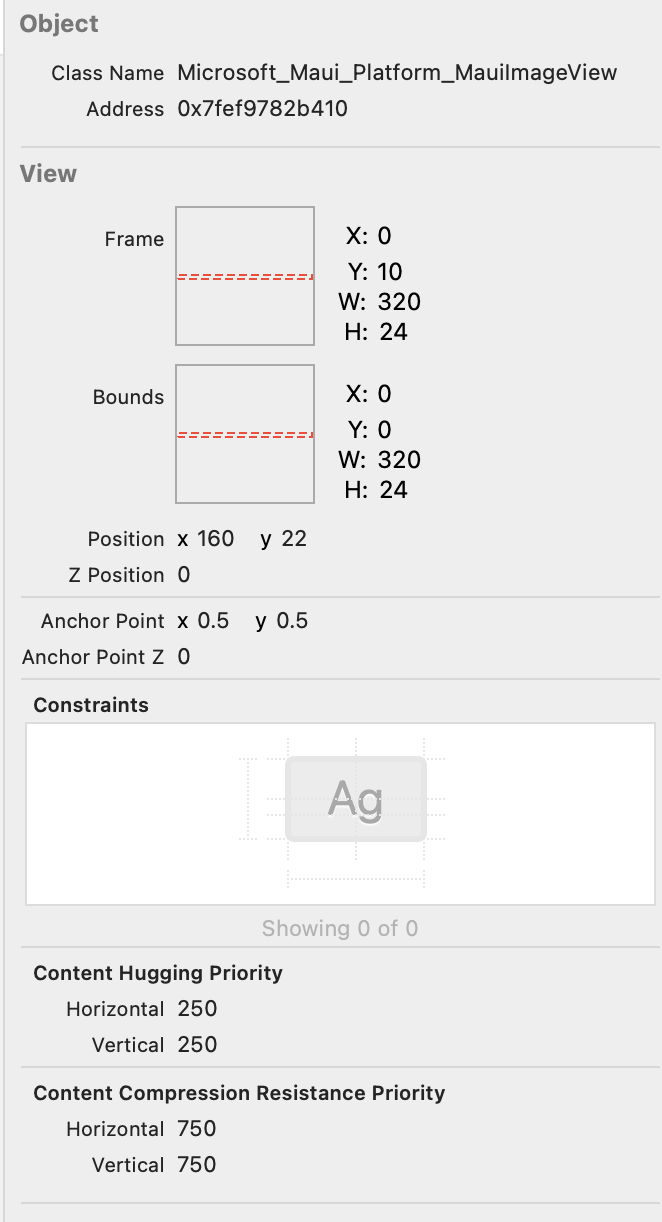
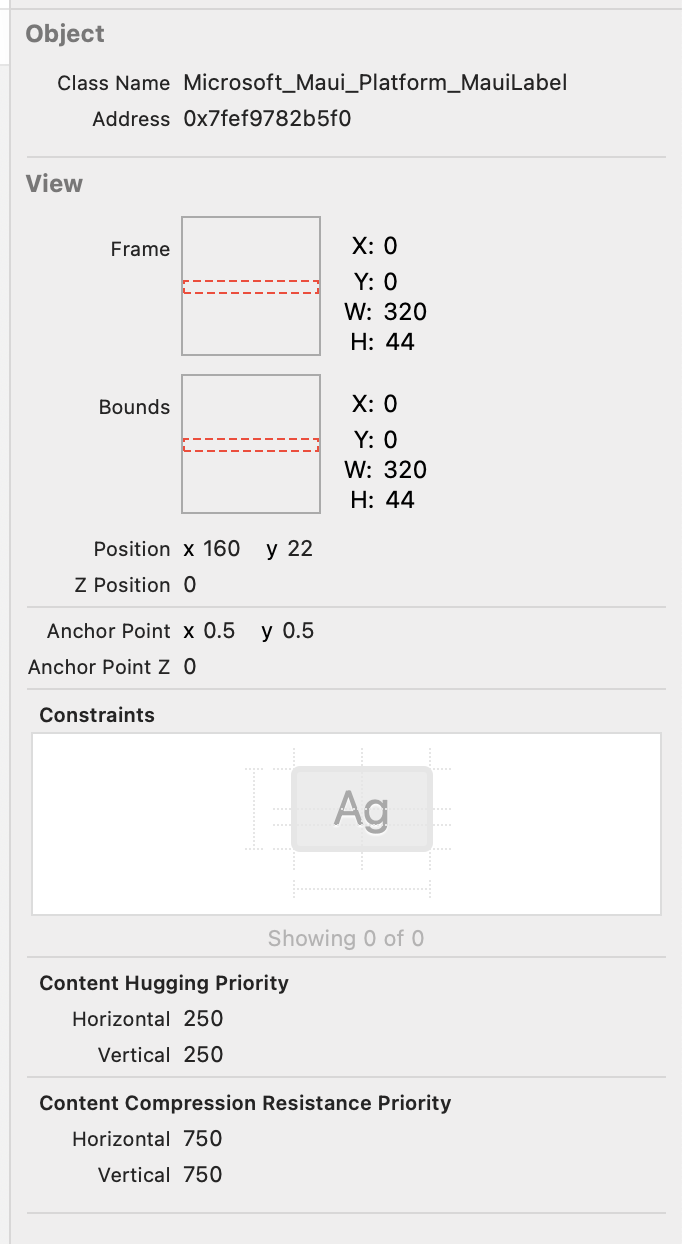
Xcode inspector of the label and image
Steps to Reproduce
https://github.com/davidortinau/FlyMe/tree/maui/
Run it for Mac Catalyst
Version with bug
6.0.400 (current)
Last version that worked well
Unknown/Other
Affected platforms
macOS
Affected platform versions
latest
Did you find any workaround?
No response
Relevant log output
No response
Reactions are currently unavailable
Metadata
Metadata
Assignees
Labels
area-controls-shellShell Navigation, Routes, Tabs, FlyoutShell Navigation, Routes, Tabs, Flyoutplatform/macosmacOS / Mac CatalystmacOS / Mac Catalysts/triagedIssue has been reviewedIssue has been revieweds/verifiedVerified / Reproducible Issue ready for Engineering TriageVerified / Reproducible Issue ready for Engineering Triaget/bugSomething isn't workingSomething isn't workingt/desktopThe issue relates to desktop scenarios (MacOS/MacCatalyst/Windows/WinUI/WinAppSDK)The issue relates to desktop scenarios (MacOS/MacCatalyst/Windows/WinUI/WinAppSDK)