Updating
- Emudeck:
- Rerun the original installer, or the icon on your desktop that says Emudeck (version). This will update you to the latest iteration of Emudeck, or let you customize your install.
- Emulators, EmulationStation-DE, or Steam Rom Manager:
- Some emulators come from the system repository as flatpaks. These are updated by using the Discover store. updating Emudeck will NOT update these, but it will install ones which have been uninstalled.
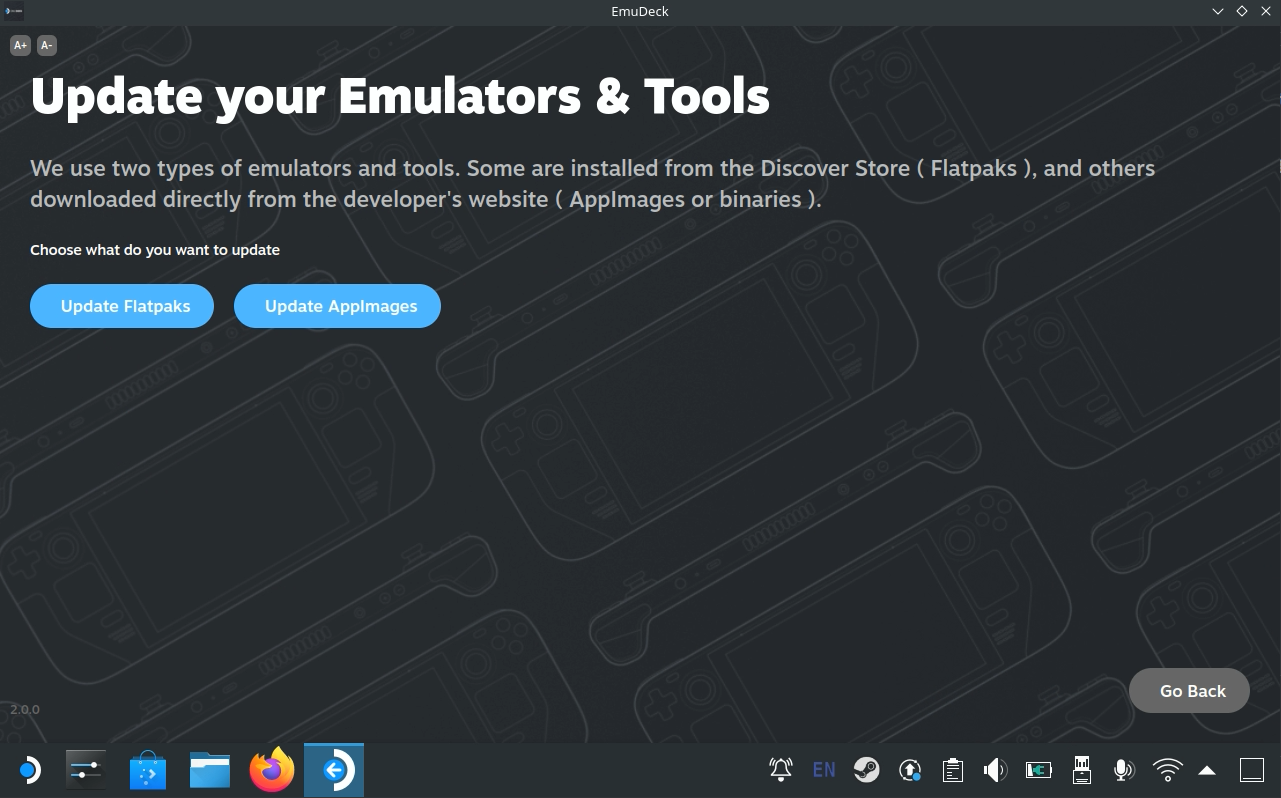
- You can update or change version for many binary Tools and Emulators in the Emudeck app. Just open it up go to
Tools and Stuff-->Update Emulators and tools-->Update AppImages(the name is misleading - it's all forms of non-flatpaks)
- Retroarch Cores