This is a fork of alelievr/NodeGraphProcessor. It exists to port the package to Unity 6.5+ and pick up a handful of upstream fixes and internal improvements. See Changes in this fork below for the full list. The package identity was renamed from
com.alelievr.node-graph-processortocom.dyonng.node-graph-processor(folder:com.dyonng.NodeGraphProcessor) — see Installation for how to pull this fork into a project instead of the original.
Node graph editor framework focused on data processing using Unity UIElements, GraphView and C# 4.7


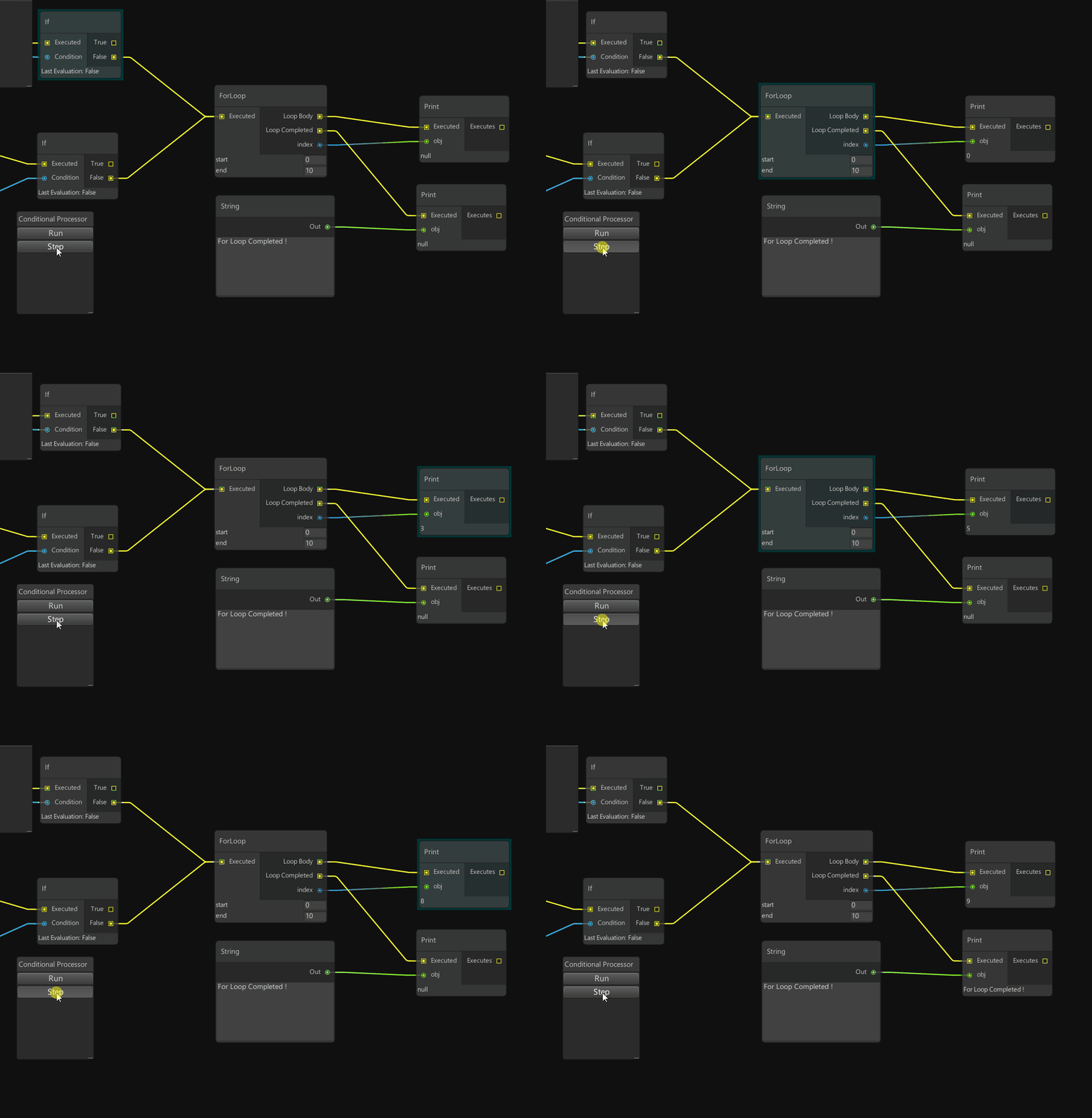
This node based solution provides a great C# API allowing you to implement conditional graphs, dependencies graphs, processing graphs and more.

Based on Unity's GraphView technology, NodeGraphProcessor is also very fast and works well with large graphs.

Simple and powerful C# node API to create new nodes and custom views.
using System.Collections;
using System.Collections.Generic;
using UnityEngine;
using GraphProcessor;

[System.Serializable, NodeMenuItem("Operations/Sub")] // Add the node in the node creation context menu
public class SubNode : BaseNode
{
    [Input(name = "A")]
    public float                inputA;
    [Input(name = "B")]
    public float                inputB;

    [Output(name = "Out")]
    public float				output;

    public override string		name => "Sub";

    // Called when the graph is process, process inputs and assign the result in output.
    protected override void Process()
    {
        output = inputA - inputB;
    }
}This fork requires at least Unity 6000.5 (6.5) — it relies on Object.GetEntityId(), which
replaced the now-deprecated GetInstanceID() and isn't available before 6.5. If you need to
support older Unity versions, use the upstream project
instead (Unity 2020.2+, or 2019.3+ via OpenUPM).
Instructions
There are two ways to install this asset: you can use the Unity package manager or move the entire repo inside your Assets folder. To install using the package manager:
- download this repo
- inside the package manager click the '+' button at the bottom to add a package from disk
- then select the package.json file located in
Assets/com.dyonng.NodeGraphProcessor - package is installed :)
In the Package Manager, use Add package from git URL and paste:
https://github.com/dyonng/NodeGraphProcessor.git?path=Assets/com.dyonng.NodeGraphProcessor#v1.4.3
The ?path= points Unity at the package subfolder, and #v1.4.3 pins to a released tag so your
install doesn't shift under you when the branch moves. Drop the #v1.4.3 to track master
directly instead (not recommended for shared projects).
Note that you'll not have access to the examples provided in this repo because the package only include the core of NodeGraphProcessor — see Install Manually above if you want the Assets/Examples content too.
- Ported to Unity 6.5 (6000.5) — fixed compile errors from the
GetInstanceID()→GetEntityId()migration and other Unity 6 API changes. - Package identity renamed from
com.alelievr.node-graph-processor/com.alelievr.NodeGraphProcessortocom.dyonng.node-graph-processor/com.dyonng.NodeGraphProcessor(folder,package.json, assembly names,InternalsVisibleTo, and the example graph assets' serialized type references were all updated together so existing graphs still deserialize correctly). - Cherry-picked open upstream PRs: node-view crash/UX fixes (bad node-view rebind and a crash
in
SyncSerializedPropertyPatheson delete-with-connections, list-item clicks no longer trigger node drag), a node-rename focus-timing fix, a reflection fix so inherited[CustomPortTypeBehavior]methods on base classes are found,BaseGraphView.CanConnectEdgemadevirtualfor custom edge-validation overrides, and asset-drag node creation now prioritizes the most-derived matching node type instead of an arbitrary insertion-order match. - Removed all LINQ usage across the package (Runtime + Editor, ~130 call sites in 23 files), replaced with explicit loops to cut GC churn — LINQ's iterators, closures, and boxed enumerators were a meaningful allocation source in hot paths like port syncing and graph traversal.
- Bug fixes found along the way:
PortDatawas being compared by reference instead of value (Equals), causing spurious port-view rebuilds on every sync;ParameterNodeandBaseGraphViewleaked event subscriptions on enable/disable and dispose;RelayNodecould throw on an empty port list; a node-deletion path never removed its view from internal tracking lists; theCustomPortsNodeexample could crash with an out-of-range index when its output port had connections but its input port didn't;package.jsondeclared asamplesentry pointing at a path that doesn't exist for git-URL installs, which crashed Package Manager on every package-list refresh. - No more silent data loss on graph load — if a node, edge, or exposed parameter fails to
deserialize (renamed/deleted class, failed serialization migration, etc.), the graph used to
silently drop it and resave without a trace. It now logs a
Debug.LogWarningnaming the graph asset and exact count removed, so it's visible before it overwrites the last good copy on disk. - Performance work: eliminated a redundant duplicate graph-traversal build on every single edge
edit, batched
SerializedObject/property-path rebinding on multi-element delete (was rebuilding once per deleted element), removed several boxed-enumerator and per-call allocation hot spots in port syncing and edge-dragging, and converted a few iterator methods to eager list builds for better cache locality.
Join the NodeGraphProcessor Discord server!
- Node and Graph property serialization (as json)
- Scriptable Object to store graph as a Unity asset.
- Highly customizable and simple node and links API
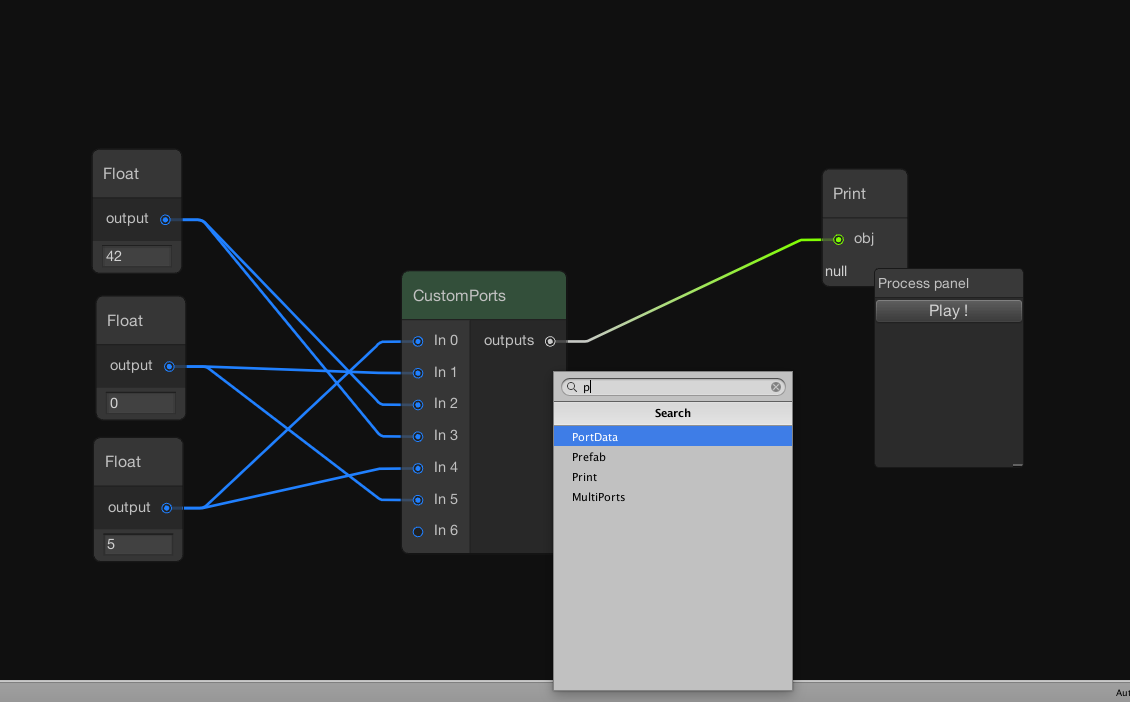
- Support multi-input into a container (multiple float into a list of float for example)
- Graph processor which execute node's logic with a dependency order
- Documented C# API to add new nodes / graphs
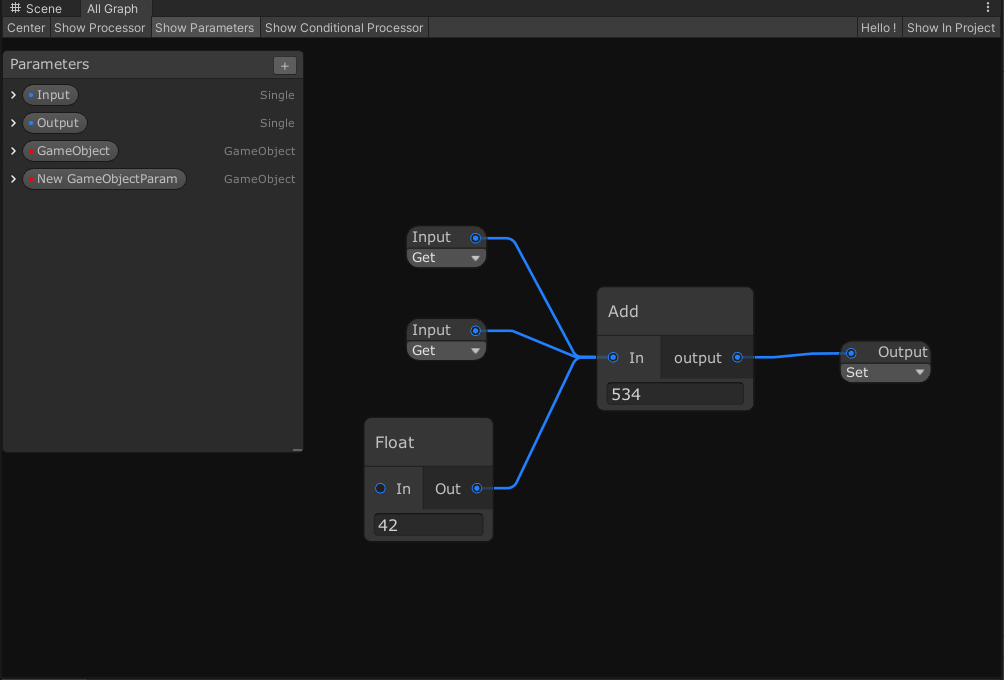
- Exposed parameters that can be set per-asset to customize the graph processing from scripts or the inspector
- Parameter set mode, you can now output data from thegraph using exposed parameters. Their values will be updated when the graph is processed
- Search window to create new nodes
- Colored groups
- Node messages (small message with it's icon beside the node)
- Stack Nodes
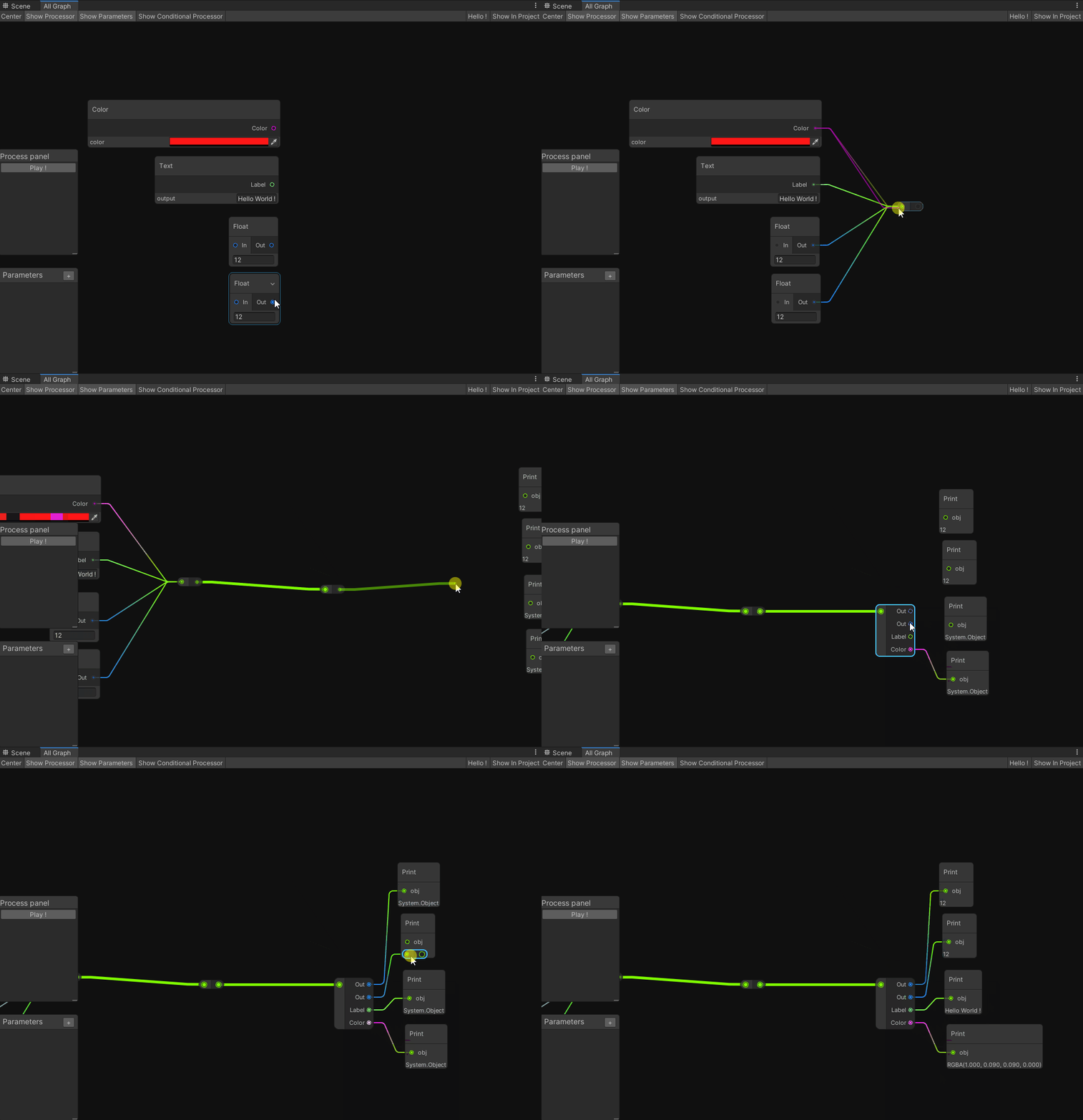
- Relay nodes
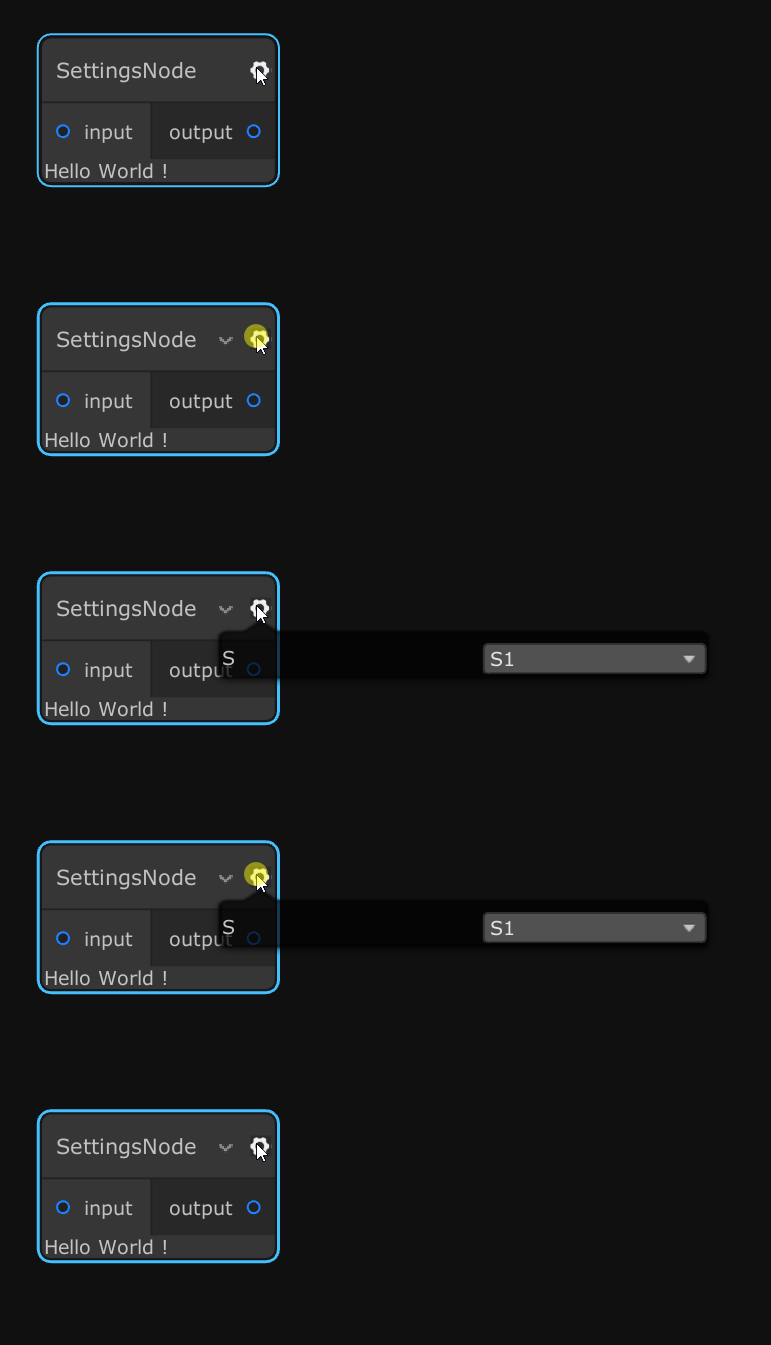
- Display additional settings in the inspector
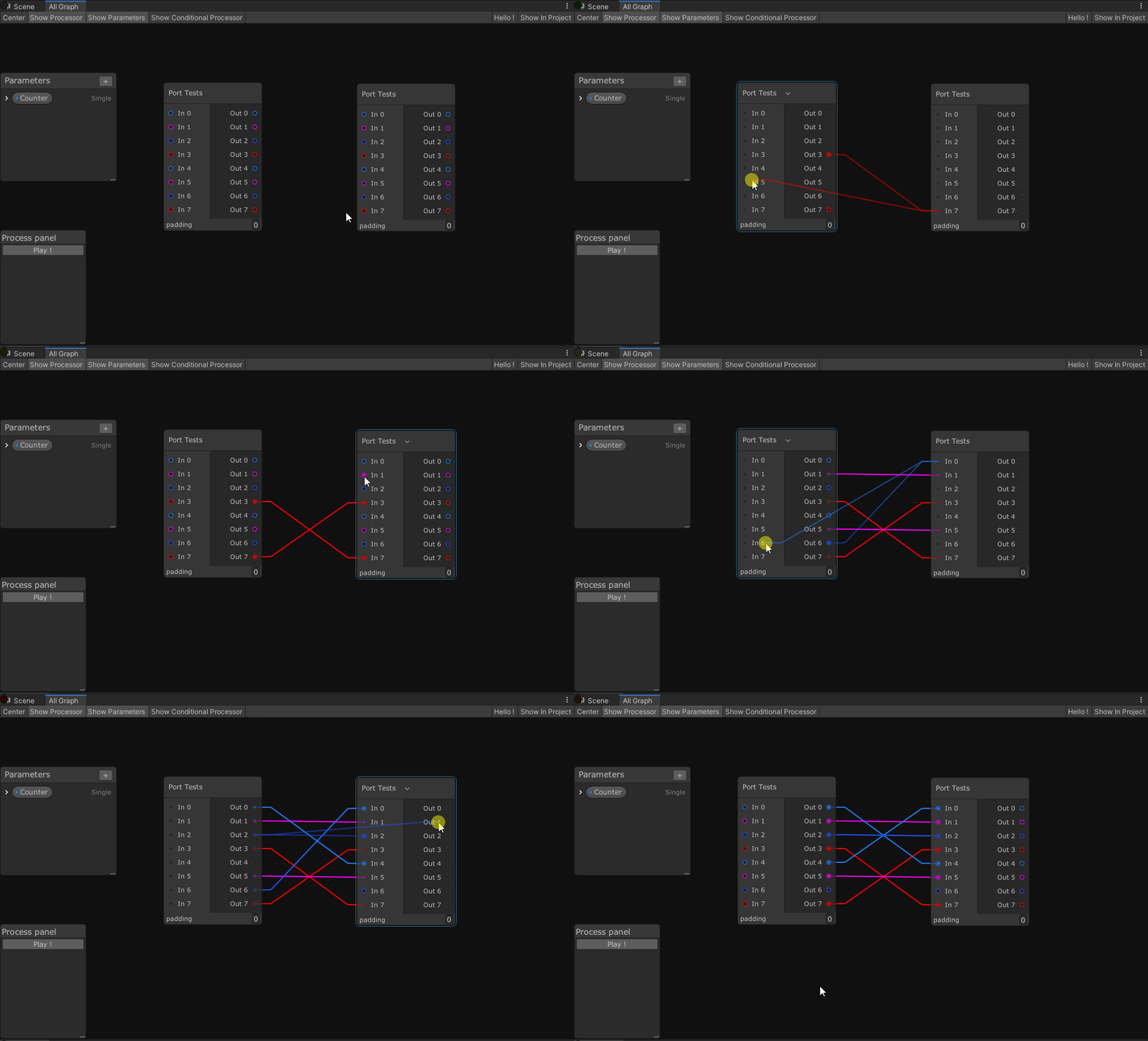
- Node creation menu on edge drop
- Simplified edge connection compared to default GraphView (ShaderGraph and VFX Graph)
- Multiple graph window workflow (copy/paste)
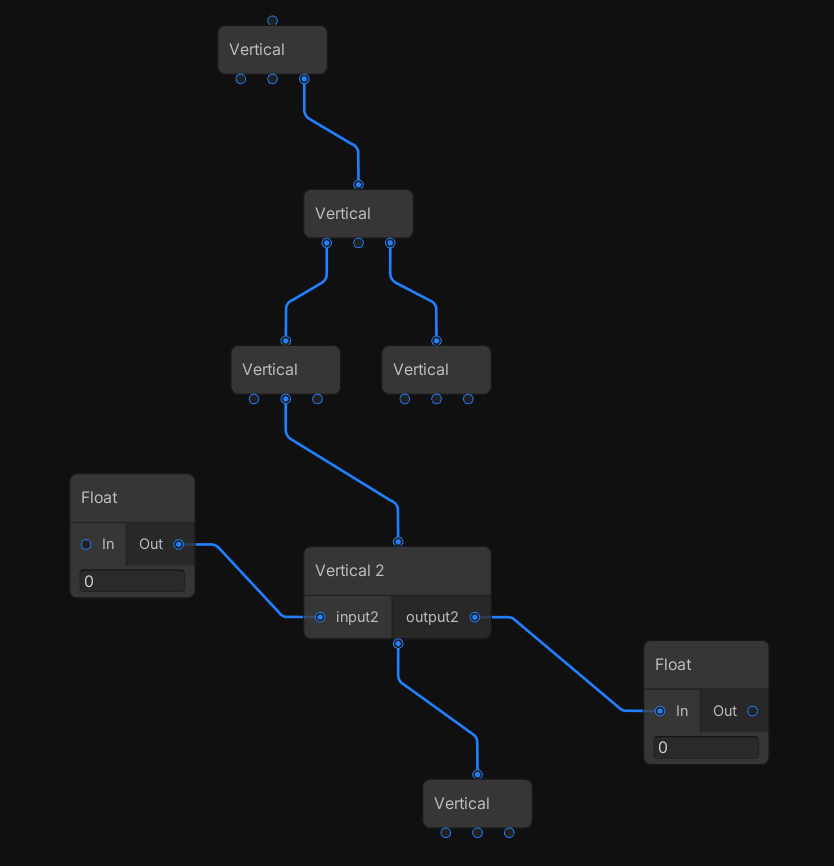
- Vertical Ports
- Sticky notes (requires Unity 2020.1)
- Renamable nodes
More details are available in the Changelog
API doc is available here: alelievr.github.io/NodeGraphProcessor
The user manual is hosted using Github Wiki.
- Investigate for ECS/Jobs integration
- API to create the graph in C#
- Subgraphs
For more details consult our Github Project page.

Want to be in the made with list? Send a message to the issue #14







Field Drawers (Thanks @TeorikDeli!)



Just add this bit of code in your Node script to make it renamable in the UI.
public override bool isRenamable => true;