

|
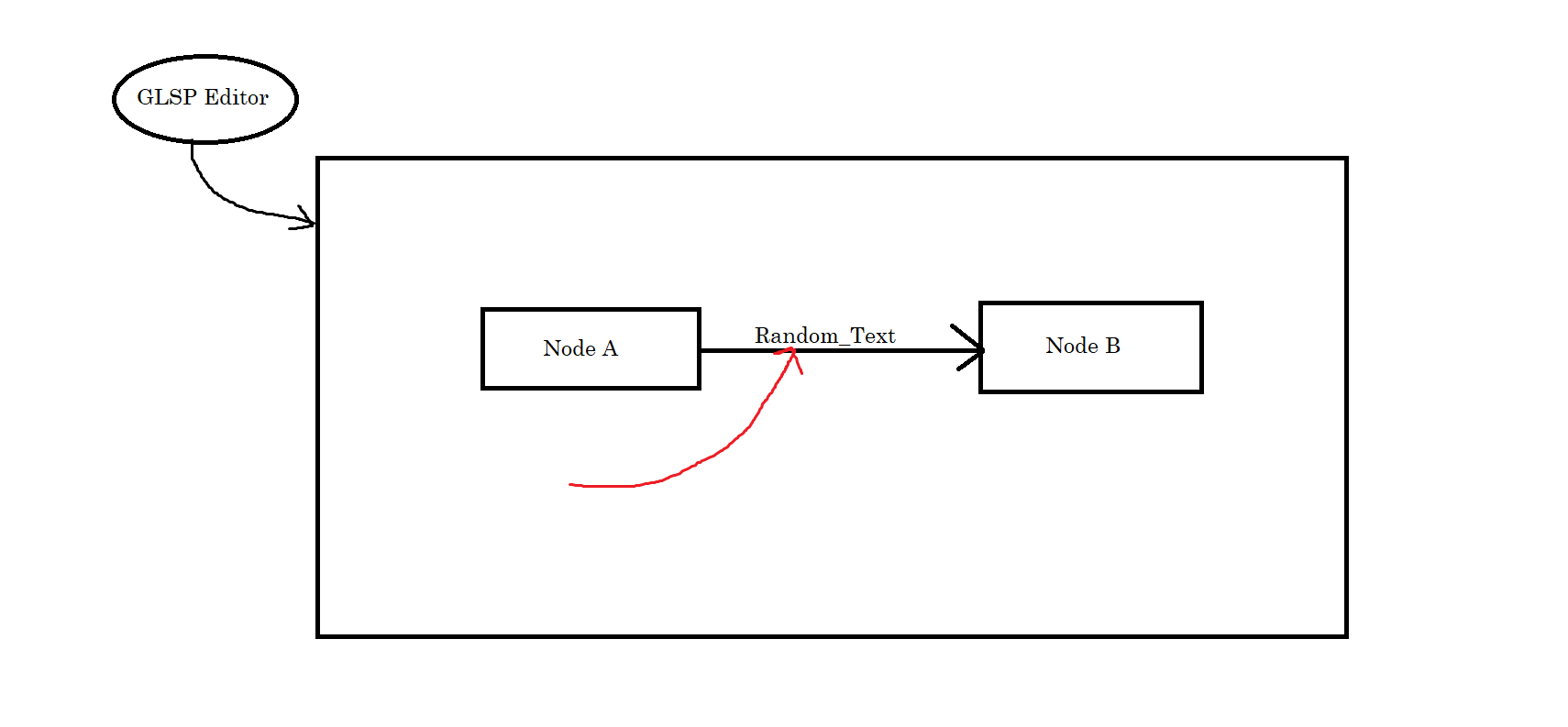
Hi, I have the following requirement:
Requesting the inputs for the implementation.
|
Replies: 3 comments 7 replies

|
Hi, to place a label relative to an edge, you typically add a This label can be made editable as any other label with the configureModelElement(context, 'label:type', SLabel, SLabelView, { enable: [editLabelFeature] });and an If you want to make this label movable, then you have to customize several places and store its user-defined position relative to the edge. I guess there are two general approaches:
Both should be possible, but isn't straightforward. I think I'd go with approach 1, as it would interfere less with default behavior and you'd have everything under your control. |

|
Hi, if you want to use the frameworks automatic positioning of an element relative to an edge, the direct child of the edge needs to have the The class responsible by default for positioning edge labels is the export function isEdgeLayoutable<T extends SModelElement>(element: T): element is T & SChildElement & BoundsAware & EdgeLayoutable {
return element instanceof SChildElement
&& element.parent instanceof SRoutableElement
&& checkEdgeLayoutable(element)
&& isBoundsAware(element)
&& element.hasFeature(edgeLayoutFeature);
}So I recommend to either put the label as a direct child, or make the adjustments to your compartment configuration so the code above gets active for your compartment. To get a good overview of what is happening, it is probably best to debug through the code I linked above for your use case to see what is going on. If needed, you can always customize the I hope this helps! |

|
Thanks a lot @planger, it worked. |
|
Hi @planger, Below is one test case scenario: label-Edge-layout-Issue.mp4The observations are:
Requesting your inputs to handle such scenario. |
|
From the top of my head, I think the only approach is to customize the It may also be worth looking at eclipse-sprotty/sprotty#226 where we had a similar requirement to know the routes of other edges during the computation. |
|
Thanks @planger , will try once as per the above inputs. |

|
For future reference, Sprotty does support movable edge labels: eclipse-sprotty/sprotty#411. The problem is that in GLSP, at least in Java, the org.eclipse.glsp.graph.GEdgePlacement does not include the 'moveMode' attribute (the GEdgePlacementBuilder does not provide it either). This is a simple fix to the GSLP Graph metamodel that could enable the moveMode feature. I have successfully make a work-around by providing a custom 'EdgeLayoutPostprocessor' in the GLSP client, that overrides the 'getEdgePlacement' method and ads the moveMode if present in the element args. So in Java server: GLabel nameLabel = ...
nameLabel.getArgs().put("moveMode", "free");and in the client" @injectable()
export class CustomEdgeLayoutPostprocessor extends EdgeLayoutPostprocessor {
/**
* Overrides getEdgePlacement to augment the placement with moveMode from element args.
* This allows labels to specify moveMode via args without modifying their edgePlacement property.
*/
protected override getEdgePlacement(element: SModelElementImpl): EdgePlacement {
// Get the base placement from parent implementation
const basePlacement = super.getEdgePlacement(element);
// Check if element has args with moveMode and merge it
if (hasArgs(element) && element.args['moveMode'] !== undefined) {
const moveMode = element.args['moveMode'] as 'edge' | 'free' | 'none';
return { ...basePlacement, moveMode };
}
return basePlacement;
}
}Create a module for the post-processor so we can add it to the container: /**
* Module that registers the CustomEdgeLayoutPostprocessor as an IVNodePostprocessor.
* This enables edge labels to specify moveMode via args property.
*/
export const customEdgeLayoutModule = new ContainerModule(bind => {
bind(TYPES.IVNodePostprocessor).to(CustomEdgeLayoutPostprocessor);
});And then you can add the module to your client, but make suer to remove the default EdgeLayoutPostprocessor module. export function initializeWorkflowplusDiagramContainer(container: Container, ...containerConfiguration: ContainerConfiguration): Container {
let result = initializeDiagramContainer(
container,
...,
customEdgeLayoutModule,
...,
...containerConfiguration);
result.unload(edgeLayoutModule);
return result;
}Finally, you also need to enable the move and select feature for your model elements: configureModelElement(context, 'label.movable:type', SLabel, SLabelView,
{ enable: [editLabelFeature, moveFeature, selectFeature] }); |

|
@Mc-Hoyos Thanks for raising this. |


Hi,
to place a label relative to an edge, you typically add a
GLabelas a child of anGEdgeand control its automatic positioning with theedgePlacementproperty in theGLabelof the edge. This is documented in the GLSP Client-side Layouting section.This label can be made editable as any other label with the
editLabelFeaturein thedi.config.ts:and an
OperationHandlerfor theApplyLabelEditOperationon the server to process label edits.If you want to make this label movable, then you have to customize several places and store its user-defined position relative to the edge. I guess there ar…