-
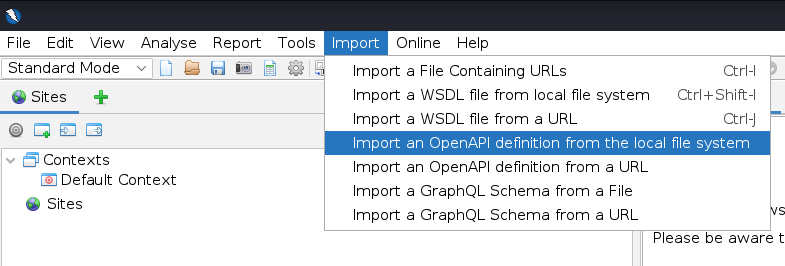
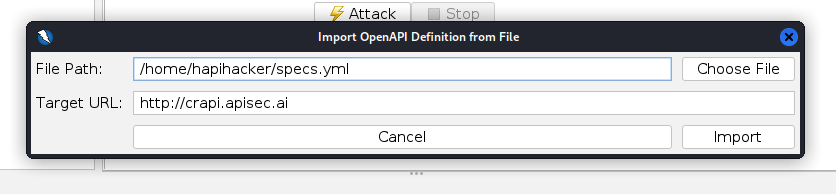
Open OWASP ZAP and select the "Import" option.
-
Choose the relevant API specification file (e.g., specs.yml) for crAPI and provide the target URL (http://crapi.apisec.ai or http://127.0.0.1:8888).
-
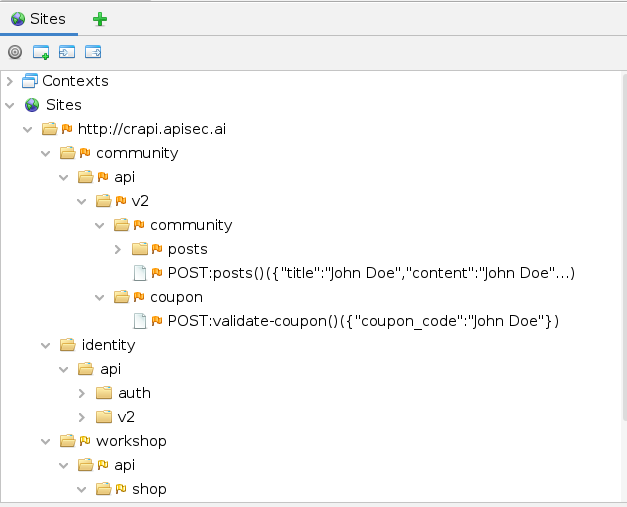
After adding the file path and target URL, select "Import." The Sites window will now display the target's endpoints and API requests.
-
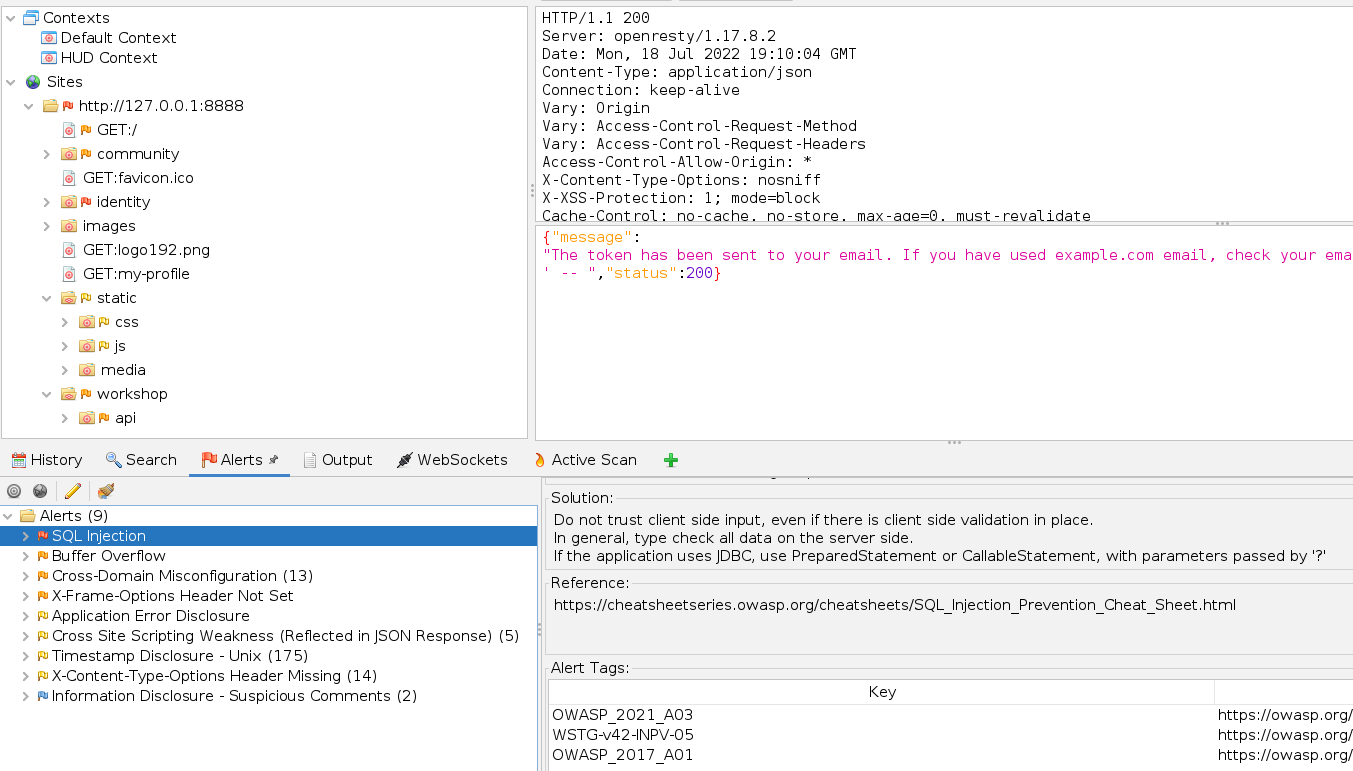
Right-click on the root (e.g., http://crapi.apisec.ai) and choose to perform an active scan. Results will be available under the Alerts tab.

-
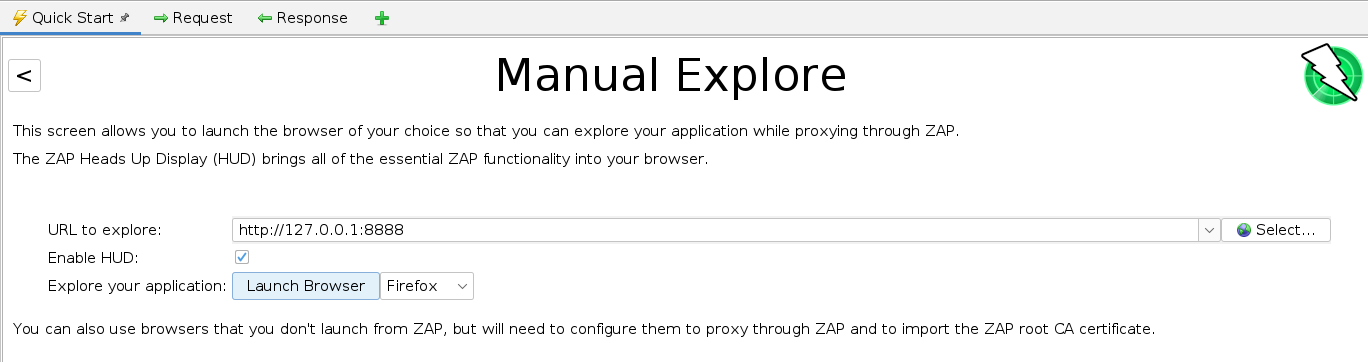
Improve scan results by performing authenticated scanning using the Manual Explore option.
-
Set the URL to the target, enable the HUD, and choose "Launch Browser."
-
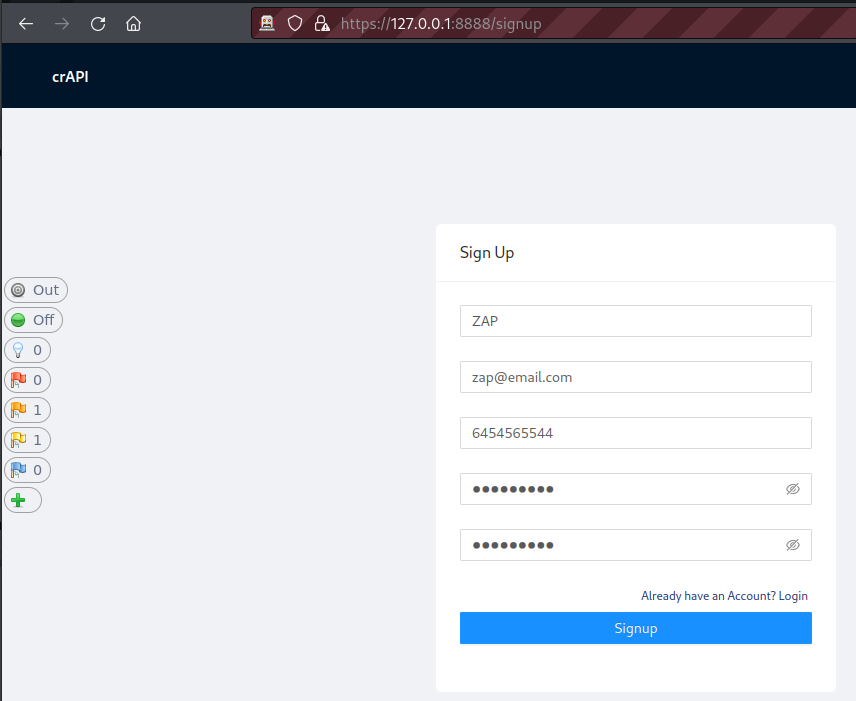
The HUD will launch in a browser. Select "Continue to your target" and use the web application as an end-user.
-
Perform actions such as signing up, signing in, and using various features. Use the HUD to perform actions and add the target to the scope.
-
On the right side of the HUD, set Attack Mode to On. This initiates scanning and authenticated testing of the target.
-
The scan may take a while depending on the web application's scale. Review the results under the Alerts tab.
-
Investigate the findings and differentiate between actual vulnerabilities and false positives. Note that crAPI exhibits vulnerabilities from the OWASP API Security Top 10, including Security Misconfigurations and Injection..