Segmentation error in peacock #17560


-
|
I am new to moose. I am trying the learn it through the tutorials. Currently, I am trying to run darcy_thermo_mech step 1 simulation. Unfortunately, Peacock does not work. I tried to open the result file after running the simulation via command line and I tried to open the input file via peacock and run the simulation there and also view the result inside peacock. I explain the problem here. If I want to open the input file with peacock, I use the following command: From the second time onwards, peacock opens and the simulation don't run. |
Beta Was this translation helpful? Give feedback.
Replies: 2 comments 12 replies

-
|
What operating system are you running? |
Beta Was this translation helpful? Give feedback.

-
|
Could you please share, how to run in debugger mode? Is it there in the help section of moose? |
Beta Was this translation helpful? Give feedback.

-
|
You should be able to adapt these instructions for Moose to peacock. |
Beta Was this translation helpful? Give feedback.

-
|
@GiudGiud Unfortunately, there isn't much to do for debugging Peacock, the segmentation faults come from the C++ libraries that are per-compiled and accesses via python APIs. Typically these problems are from VTK or Qt. I debug them by finding a way to reproduce and tracing through the steps that lead to the failure, either using python debugger or print statements. As such, it will be difficult for us to debug this problem. Depending how you installed things there might be a change that the you are running with one python (e.g., system python) but the bindings external libraries (VTK, Qt) were built with another (i.e., conda). Given the mention of the Exodus file, I am guessing the problem is coming from VTK. To see if you can isolate the problem can you try running this script (https://itk.org/Wiki/VTK/Examples/Python/ExodusII/Read). Be sure to change the Exodus filename and variable name to something that exists, perhaps that you have opened in Paraview. |
Beta Was this translation helpful? Give feedback.
-
|
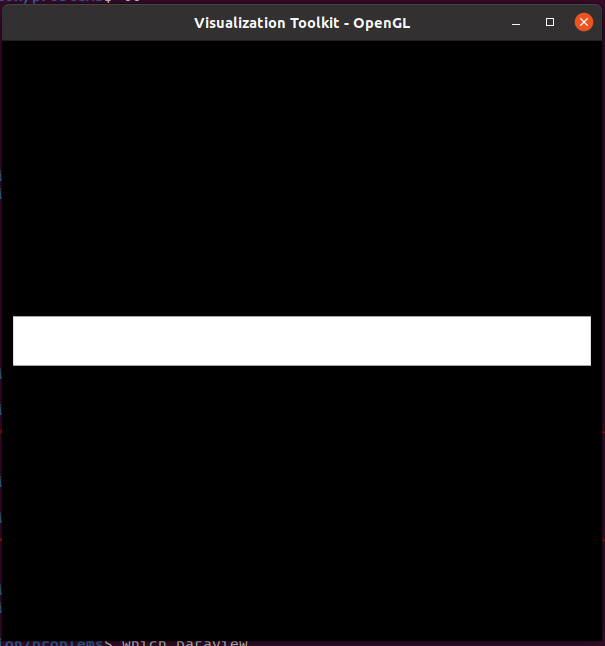
I tried to run the file, that you shared. It is showing the following error.
Additionally it opens this window. |
Beta Was this translation helpful? Give feedback.
-
|
"pressure" might not be nodal, but it looks like VTK is working |
Beta Was this translation helpful? Give feedback.

-
|
I'm in a similar state. I came to see if there was any new discussions regarding segfaults with peacock. I just started going through the examples. I tried to run peacock with both the test app and the ex01 app. I followed the online documents maybe a month ago for miniconda. Tonight I did a git clone and continued following the instructions, I double checked my terminal history to verify I didn't skip a step. I've tried starting peacock through the PATH variable and with an absolute path to moose/python/peacock. I am local on MacOS big sur 11.2.1. The ex01 makes and iterates successfully. I just did a pip install pyqt5 to satisfy peacock dependencies. It begins opening a window before the very brief segmentation fault message comes back. |
Beta Was this translation helpful? Give feedback.
-
|
I don't think Peacock currently supports Big Sur. @aeslaughter will know |
Beta Was this translation helpful? Give feedback.

-
|
Unfortunately it does not... There is a PR (a rather old one) in place that is supposed to fix the issue: #17106 |
Beta Was this translation helpful? Give feedback.
-
|
Peacock should be supported now @EricPgh |
Beta Was this translation helpful? Give feedback.


What operating system are you running?