Screenpack "overlay" boxes #1181


|
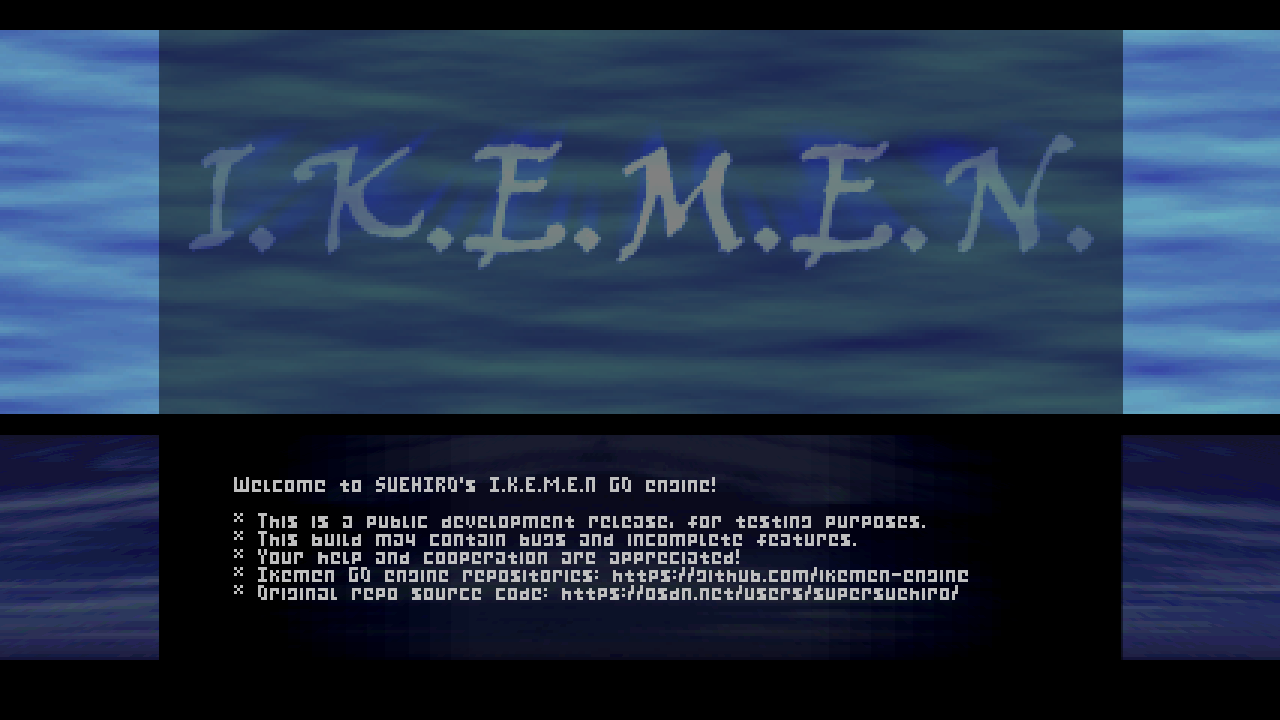
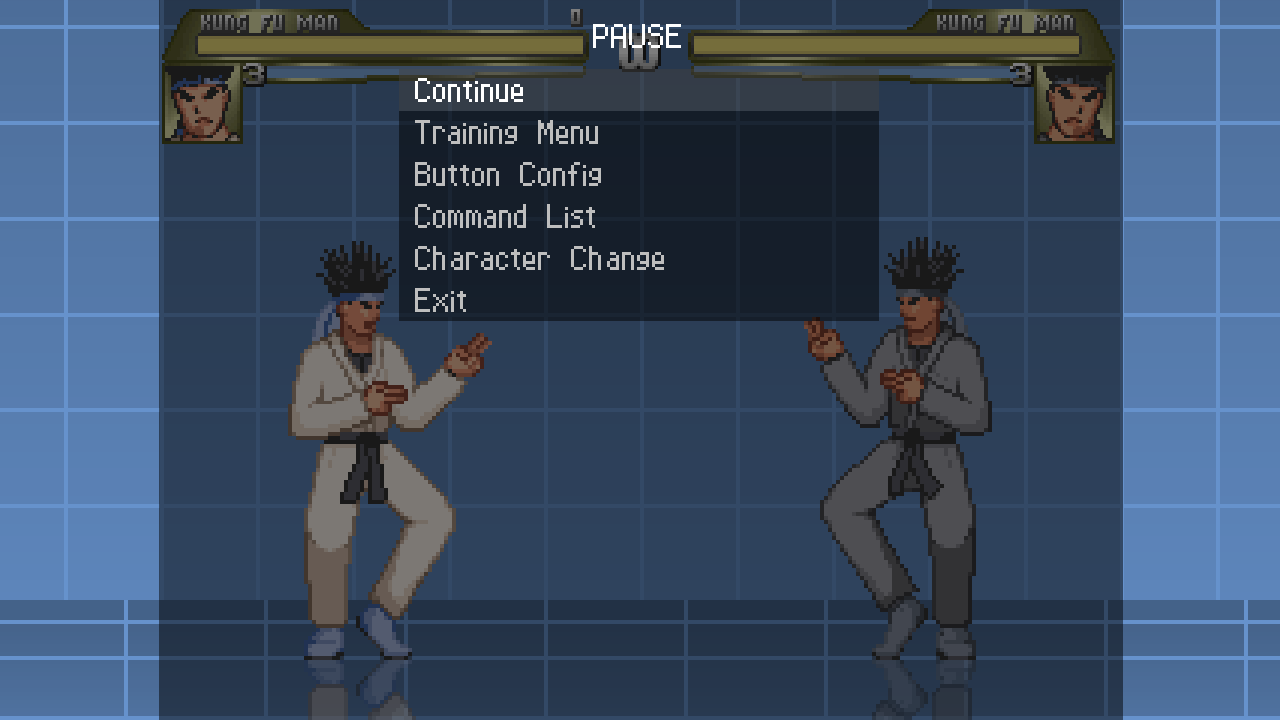
Those dark boxes when you open a menu never seem to cover the whole screen when the game is set to widescreen. I think they should. Screenshots:
I'm not sure if this is intentional or not, so I'm posting it over here. |
Replies: 2 comments 4 replies

|
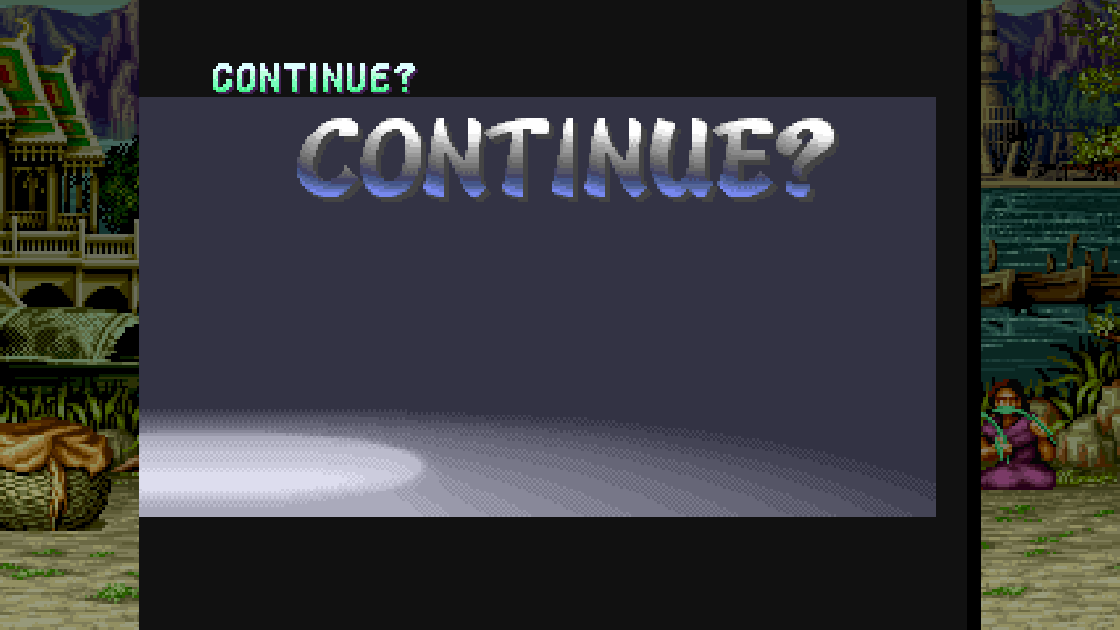
p1.window of [Victory Screen],bg.spr of [Face] in Fight.def, counter.anim & counter.spr of [Continue Screen] were also interrupted at this position and were not displayed. |

|
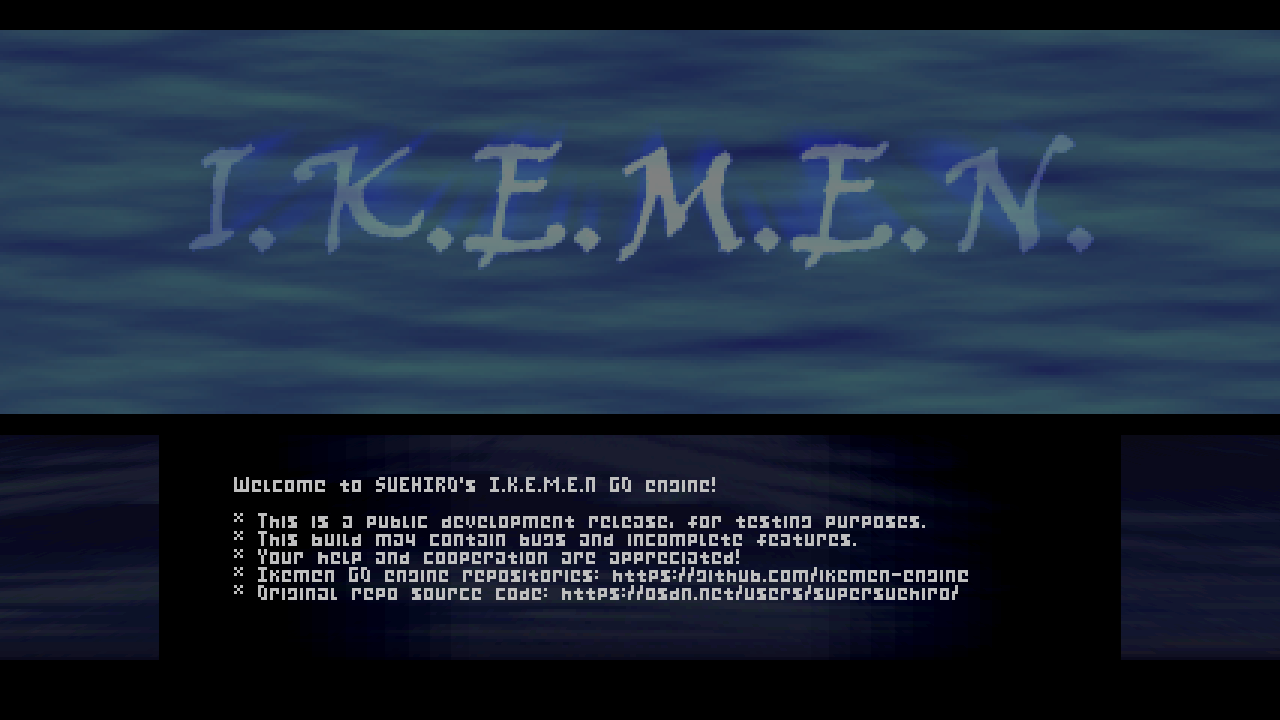
The features work as they should. If someone wants to use a 4:3 screenpack in a 16:9 resolution, the user just needs to modify the necessary parameters. Check this in infobox: ;overlay.window = 0,0, 320,240 Remove the semicolon and try something like this:
The same goes for the pause menu. |

|
|

|
It also works as it should. It's the same situation. If you want to use a 16:9 screenpack, then check the "data/mugen1" folder. |

|
Ah. Yeah that makes perfect sense. The reason they didn't work with my (small) Mugen1 edit was that I made it 4:3. |
|
It seems that the difference is whether or not localcoord is described in [Info] |



The features work as they should. If someone wants to use a 4:3 screenpack in a 16:9 resolution, the user just needs to modify the necessary parameters. Check this in infobox:
;overlay.window = 0,0, 320,240
overlay.col = 0,0,0
overlay.alpha = 210,0
Remove the semicolon and try something like this:
overlay.window =-54, 0, 380, 240
The same goes for the pause menu.