Open the Base Map panel to modify the base map color scheme, imagery, and labeling.
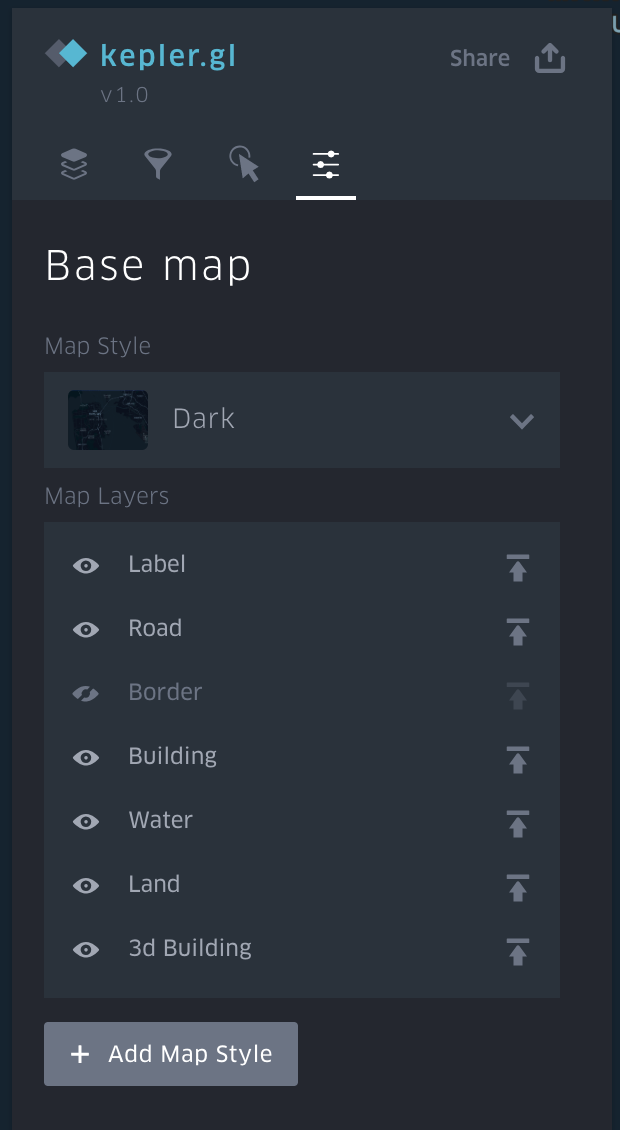
Open the base map style drop down menu to change map color scheme and imagery. Options include:
- Dark: dark base map with light-colored text.
- Light: light base map with dark-colored text.
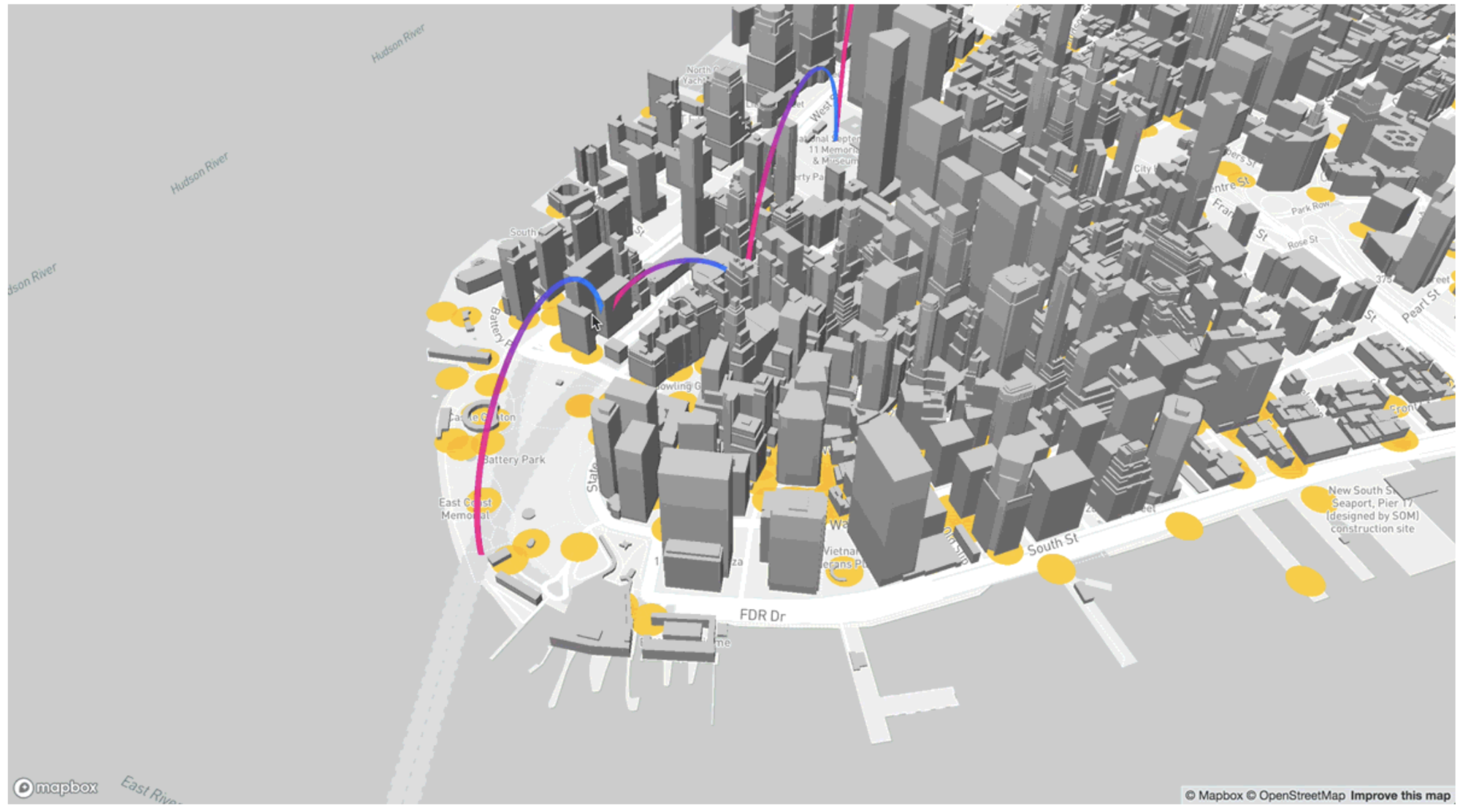
We have integrated Mapbox 3D Building data into Kepler to enable users for 3D analysis and better visualizations. In order to enable this 3D building data layer, simply navigate to the ‘Base Map’ which is the 4th icon located under the Kepler.gl logo. Then, you are all set after clicking on to the ‘show’ button (which is an eye icon next to the 3D building layer).
Note: The Building data only displays when the map zooms into street-level. If the building data doesn’t show up, please try further zoom into the map.