-
Notifications
You must be signed in to change notification settings - Fork 2.1k
Expand file tree
/
Copy pathhugging_face_keras_integration.py
More file actions
220 lines (157 loc) · 13.5 KB
/
hugging_face_keras_integration.py
File metadata and controls
220 lines (157 loc) · 13.5 KB
1
2
3
4
5
6
7
8
9
10
11
12
13
14
15
16
17
18
19
20
21
22
23
24
25
26
27
28
29
30
31
32
33
34
35
36
37
38
39
40
41
42
43
44
45
46
47
48
49
50
51
52
53
54
55
56
57
58
59
60
61
62
63
64
65
66
67
68
69
70
71
72
73
74
75
76
77
78
79
80
81
82
83
84
85
86
87
88
89
90
91
92
93
94
95
96
97
98
99
100
101
102
103
104
105
106
107
108
109
110
111
112
113
114
115
116
117
118
119
120
121
122
123
124
125
126
127
128
129
130
131
132
133
134
135
136
137
138
139
140
141
142
143
144
145
146
147
148
149
150
151
152
153
154
155
156
157
158
159
160
161
162
163
164
165
166
167
168
169
170
171
172
173
174
175
176
177
178
179
180
181
182
183
184
185
186
187
188
189
190
191
192
193
194
195
196
197
198
199
200
201
202
203
204
205
206
207
208
209
210
211
212
213
214
215
216
217
218
219
220
"""
Title: Loading Hugging Face Transformers Checkpoints
Author: [Laxma Reddy Patlolla](https://github.com/laxmareddyp), [Divyashree Sreepathihalli](https://github.com/divyashreepathihalli)
Date created: 2025/06/17
Last modified: 2025/07/22
Description: How to load and run inference from KerasHub model checkpoints hosted on the HuggingFace Hub.
Accelerator: GPU
"""
"""
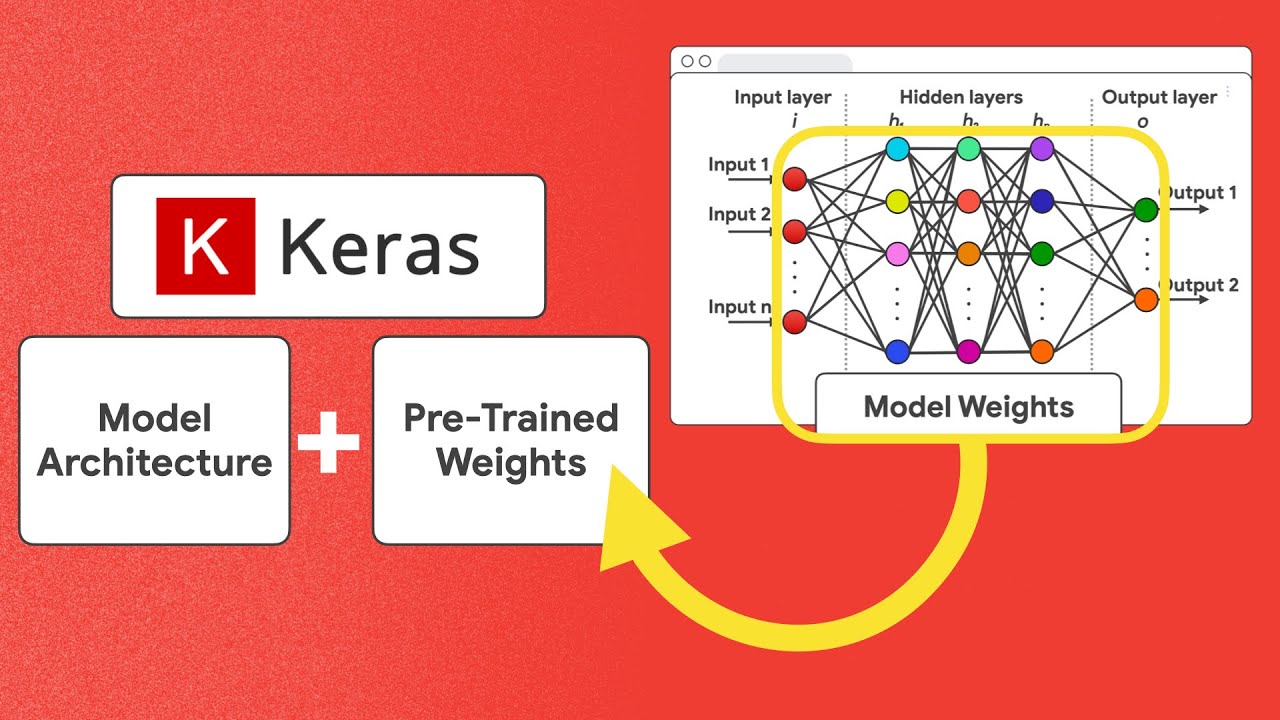
## Video Guide
[https://www.youtube.com/watch?v=OpSddL3Lv7I](https://www.youtube.com/watch?v=OpSddL3Lv7I&list=PL9f9vdy2ar1IdH6O6kQGn4Ln-_oLH_Ra3&index=2)
[](https://www.youtube.com/watch?v=OpSddL3Lv7I&list=PL9f9vdy2ar1IdH6O6kQGn4Ln-_oLH_Ra3&index=2)
## Introduction
KerasHub has built-in converters for HuggingFace's `.safetensors` models.
Loading model weights from HuggingFace is therefore no more difficult than
using KerasHub's own presets.
### KerasHub built-in HuggingFace transformers converters
KerasHub simplifies the use of HuggingFace Transformers models through its
built-in converters. These converters automatically handle the process of translating
HuggingFace model checkpoints into a format that's compatible with the Keras ecosystem.
This means you can seamlessly load a wide variety of pretrained models from the HuggingFace
Hub directly into KerasHub with just a few lines of code.
Key advantages of using KerasHub converters:
- **Ease of Use**: Load HuggingFace models without manual conversion steps.
- **Broad Compatibility**: Access a vast range of models available on the HuggingFace Hub.
- **Seamless Integration**: Work with these models using familiar Keras APIs for training,
evaluation, and inference.
Fortunately, all of this happens behind the scenes, so you can focus on using
the models rather than managing the conversion process!
## Setup
Before you begin, make sure you have the necessary libraries installed.
You'll primarily need `keras` and `keras_hub`.
**Note:** Changing the backend after Keras has been imported might not work as expected.
Ensure `KERAS_BACKEND` is set at the beginning of your script. Similarly, when working
outside of colab, you might use `os.environ["HF_TOKEN"] = "<YOUR_HF_TOKEN>"` to authenticate
to HuggingFace. Set your `HF_TOKEN` as "Colab secret", when working with
Google Colab.
"""
import os
os.environ["KERAS_BACKEND"] = "jax" # "tensorflow" or "torch"
import keras
import keras_hub
"""
### Changing precision
To perform inference and training on affordable hardware, you can adjust your
model’s precision by configuring it through `keras.config` as follows
"""
import keras
keras.config.set_dtype_policy("bfloat16")
"""
## Loading a HuggingFace model
KerasHub allows you to easily load models from HuggingFace Transformers.
Here's an example of how to load a Gemma causal language model.
In this particular case, you will need to consent to Google's license on
HuggingFace for being able to download model weights.
"""
# not a keras checkpoint, it is a HF transformer checkpoint
gemma_lm = keras_hub.models.GemmaCausalLM.from_preset("hf://google/gemma-2b")
"""
Let us try running some inference
"""
gemma_lm.generate("I want to say", max_length=30)
"""
### Fine-tuning a Gemma Transformer checkpoint using the Keras `model.fit(...)` API
Once you have loaded HuggingFace weights, you can use the instantiated model
just like any other KerasHub model. For instance, you might fine-tune the model
on your own data like so:
"""
features = ["The quick brown fox jumped.", "I forgot my homework."]
gemma_lm.fit(x=features, batch_size=2)
"""
### Saving and uploading the new checkpoint
To store and share your fine-tuned model, KerasHub makes it easy to save or
upload it using standard methods. You can do this through familiar commands
such as:
"""
HF_USERNAME = "<YOUR_HF_USERNAME>" # provide your hf username
gemma_lm.save_to_preset("./gemma-2b-finetuned")
keras_hub.upload_preset(f"hf://{HF_USERNAME}/gemma-2b-finetune", "./gemma-2b-finetuned")
"""
By uploading your preset, you can then load it from anywhere using:
`loaded_model = keras_hub.models.GemmaCausalLM.from_preset("hf://YOUR_HF_USERNAME/gemma-2b-finetuned")`
For a comprehensive, step-by-step guide on uploading your model, refer to the official KerasHub upload documentation.
You can find all the details here: [KerasHub Upload Guide](https://keras.io/keras_hub/guides/upload/)
By integrating HuggingFace Transformers, KerasHub significantly expands your access to pretrained models.
The Hugging Face Hub now hosts well over 750k+ model checkpoints across various domains such as NLP,
Computer Vision, Audio, and more. Of these, approximately 400K models are currently compatible with KerasHub,
giving you access to a vast and diverse selection of state-of-the-art architectures for your projects.
With KerasHub, you can:
- **Tap into State-of-the-Art Models**: Easily experiment with the latest
architectures and pretrained weights from the research community and industry.
- **Reduce Development Time**: Leverage existing models instead of training from scratch,
saving significant time and computational resources.
- **Enhance Model Capabilities**: Find specialized models for a wide array of tasks,
from text generation and translation to image segmentation and object detection.
This seamless access empowers you to build more powerful and sophisticated AI applications with Keras.
## Use a wider range of frameworks
Keras 3, and by extension KerasHub, is designed for multi-framework compatibility.
This means you can run your models with different backend frameworks like JAX, TensorFlow, and PyTorch.
This flexibility allows you to:
- **Choose the Best Backend for Your Needs**: Select a backend based on performance characteristics,
hardware compatibility (e.g., TPUs with JAX), or existing team expertise.
- **Interoperability**: More easily integrate KerasHub models into existing
workflows that might be built on TensorFlow or PyTorch.
- **Future-Proofing**: Adapt to evolving framework landscapes without
rewriting your core model logic.
## Run transformer models in JAX backend and on TPUs
To experiment with a model using JAX, you can utilize Keras by setting its backend to JAX.
By switching Keras’s backend before model construction, and ensuring your environment is connected to a TPU runtime.
Keras will then automatically leverage JAX’s TPU support,
allowing your model to train efficiently on TPU hardware without further code changes.
"""
import os
os.environ["KERAS_BACKEND"] = "jax"
gemma_lm = keras_hub.models.GemmaCausalLM.from_preset("hf://google/gemma-2b")
"""
## Additional Examples
### Generation
Here’s an example using Llama: Loading a PyTorch Hugging Face transformer checkpoint into KerasHub and running it on the JAX backend.
"""
import os
os.environ["KERAS_BACKEND"] = "jax"
from keras_hub.models import Llama3CausalLM
# Get the model
causal_lm = Llama3CausalLM.from_preset("hf://NousResearch/Hermes-2-Pro-Llama-3-8B")
prompts = [
"""<|im_start|>system
You are a sentient, superintelligent artificial general intelligence, here to teach and assist me.<|im_end|>
<|im_start|>user
Write a short story about Goku discovering kirby has teamed up with Majin Buu to destroy the world.<|im_end|>
<|im_start|>assistant""",
]
# Generate from the model
causal_lm.generate(prompts, max_length=30)[0]
"""
## Comparing to Transformers
In the following table, we have compiled a detailed comparison of HuggingFace's Transformers library with KerasHub:
| Feature | HF Transformers | KerasHub |
|----------------------------|-------------------------------------------------------------------|---------------------------------------------------------------------------------------------------------------------------------------------------------------------------------------------------------------------------------------------------------------------------------------|
| Frameworks supported | PyTorch | JAX, PyTorch, TensorFlow |
| Trainer | HF Trainer | Keras `model.fit(...)` — supports nearly all features such as distributed training, learning rate scheduling, optimizer selection, etc. |
| Tokenizers | `AutoTokenizer` | [KerasHub Tokenizers](https://keras.io/keras_hub/api/tokenizers/) |
| Autoclass | `auto` keyword | KerasHub automatically [detects task-specific classes](https://x.com/fchollet/status/1922719664859381922) |
| Model loading | `AutoModel.from_pretrained()` | `keras_hub.models.<Task>.from_preset()`<br><br>KerasHub uses task-specific classes (e.g., `CausalLM`, `Classifier`, `Backbone`) with a `from_preset()` method to load pretrained models, analogous to HuggingFace’s method.<br><br>Supports HF URLs, Kaggle URLs, and local directories |
| Model saving | `model.save_pretrained()`<br>`tokenizer.save_pretrained()` | `model.save_to_preset()` — saves the model (including tokenizer/preprocessor) into a local directory (preset). All components needed for reloading or uploading are saved. |
| Model uploading | Uploading weights to HF platform | [KerasHub Upload Guide](https://keras.io/keras_hub/guides/upload/)<br>[Keras on Hugging Face](https://huggingface.co/keras) |
| Weights file sharding | Weights file sharding | Large model weights are sharded for efficient upload/download |
| PEFT | Uses [HuggingFace PEFT](https://github.com/huggingface/peft) | Built-in LoRA support:<br>`backbone.enable_lora(rank=n)`<br>`backbone.save_lora_weights(filepath)`<br>`backbone.load_lora_weights(filepath)` |
| Core model abstractions | `PreTrainedModel`, `AutoModel`, task-specific models | `Backbone`, `Preprocessor`, `Task` |
| Model configs | `PretrainedConfig`: Base class for model configurations | Configurations stored as multiple JSON files in preset directory: `config.json`, `preprocessor.json`, `task.json`, `tokenizer.json`, etc. |
| Preprocessing | Tokenizers/preprocessors often handled separately, then passed to the model | Built into task-specific models |
| Mixed precision training | Via training arguments | Keras global policy setting |
| Compatibility with SafeTensors | Default weights format | Of the 770k+ SafeTensors models on HF, those with a matching architecture in KerasHub can be loaded using `keras_hub.models.X.from_preset()` |
Go try loading other model weights! You can find more options on HuggingFace
and use them with `from_preset("hf://<namespace>/<model-name>")`.
Happy experimenting!
"""