No need to visit your Twitch following page anymore. Useful for streamlink users.
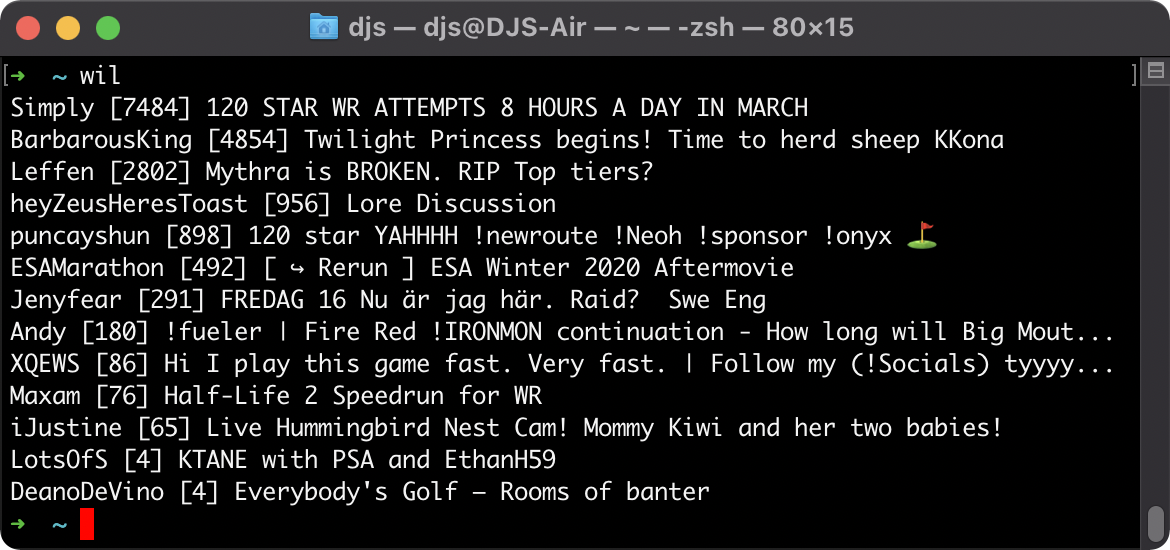
No installation. Just download and run whoislive.py with Python 3.
I recommend setting up an alias in your shell, so you can just type wil anywhere to run it. In my .zshrc I have this line: alias wil='python3 ~/whoislive.py'
I'm using Windows, and after I double click the script and paste the token the window just closes?
- Because I finish executing my window gets closed. You should instead open a Command Prompt and run the script from there.
I want to switch Twitch account?
- Delete the saved token (currently it's saved to your home directory and it's called
.whoislive2-token, just delete that file), then run me again.
I am not authenticated.
- First try deleting the saved token (see above) and try to re-authorize.
- If that still doesn't work Twitch likely changed their API again and I haven't noticed and updated the script for it. Please let me know if so.