

An Android Virtual Device manager plugin for TINKER, for listing, starting, and stopping local AVDs.
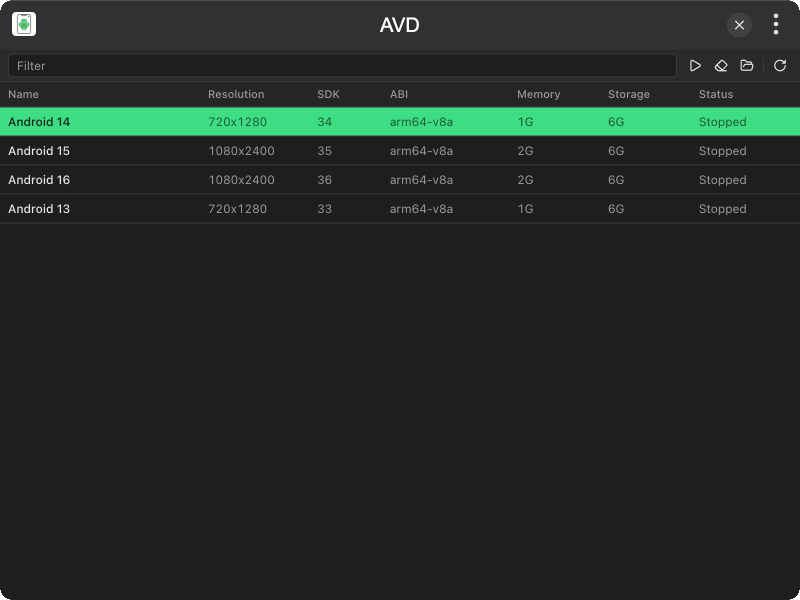
- List AVDs with resolution, SDK, ABI, memory, storage, and running status
- Start / Stop emulators from the toolbar or by double-clicking a row
- Wipe Data to clear snapshots and userdata
- Open Directory to reveal the AVD folder in Finder / Explorer
Download and install TINKER from https://tinker.liriliri.io/, then run npm i -g tinker-avd.
Android SDK Emulator must be installed. AVDs are read from ANDROID_AVD_HOME or ~/.android/avd. The emulator binary is resolved from ANDROID_HOME / ANDROID_SDK_ROOT.
- Browse local AVDs in the table
- Select a device, then click Start or Stop
- Double-click a stopped AVD to start it
- Use Wipe Data or Open Directory as needed
- Filter the list by name, ABI, or API level