

A GBA emulator plugin for TINKER, supporting ROM loading with keyboard and gamepad controls and fullscreen playback.
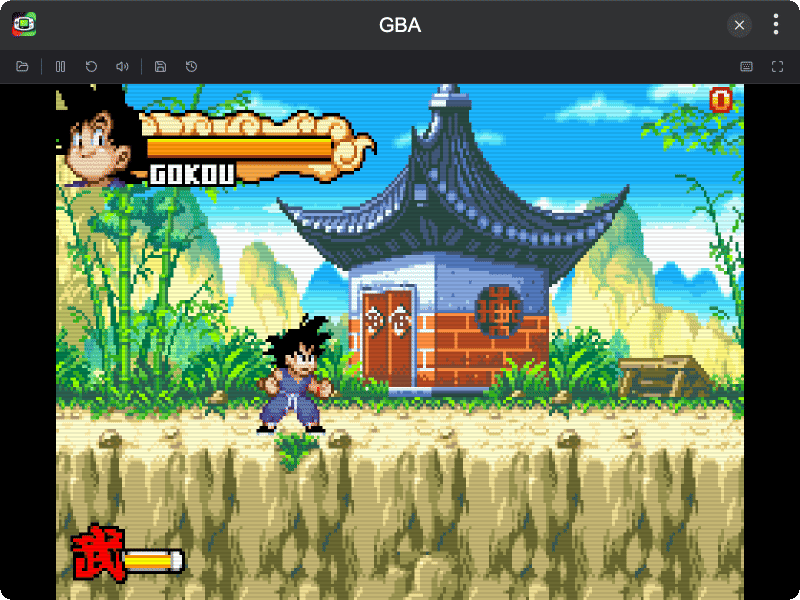
- GBA Emulation with full keyboard and gamepad controls
- ROM Loading via file picker or drag and drop
- Pause / Resume and Reset support
- Save / Load State support
- Mute / Unmute audio toggle
- Fullscreen mode
- Custom Key Mapping for keyboard and gamepad
- Dark Mode support
Download and install TINKER from https://tinker.liriliri.io/, then run npm i -g tinker-gba.
- Click OPEN ROM to load a
.gbafile, or drag and drop it onto the screen - Use keyboard or gamepad to play
- Click PAUSE / RESUME to pause or continue the game
- Click RESET to restart the current ROM
- Click SAVE STATE / LOAD STATE to save or restore progress
- Click MUTE / UNMUTE to toggle audio
- Click FULLSCREEN to enter fullscreen mode
- Click KEYMAP to customize keyboard and gamepad bindings