[BUG] 速成輸入法 words remain black in Elementary os forced dark theme and some other issues #113


Description

Describe the bug
- Can't see the words (速成輸入法) when I use dark theme in the newest version of elementary os. Could you please add auto color contrast or a custom color option for the words?
- When the input is only one key. The space key should be commit instead of next page and when the input has two keys, the space key should be next page (this is a feature on window). Unfortunately this isn't available on ibus 速成輸入法. e.g. when I set space key to commit: h + space = 竹 and h + h + space = 身 but it should be next page as turning page is tricky with this setting.
- The 速成輸入法 auto appearing option bar is too big and stay for too long which covers a lot of space and causes a lot of annoyance.
Screenshots or videos
3.
ibus-table version?
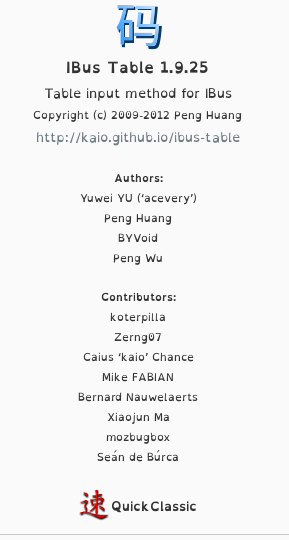
Open the ibus-table setup tool and click on the About button (Or check the version of the installed package, for example using rpm -q ibus-table on rpm based distributions).
IBus Table 1.9.25
ibus version?
Distribution and version?
Built on Ubuntu 20.04.3 LTS
Linux 5.13.0-41-generic
Desktop and version?
elementary OS 6.1 Jólnir
Xorg or Wayland?
You can check this with echo $XDG_SESSION_TYPE
x11
Additional context
Add any other context about the problem here.