Open a functional Navigation Experiment
Video Tutorial (click to open or right-click and open in a new tab/window):
-
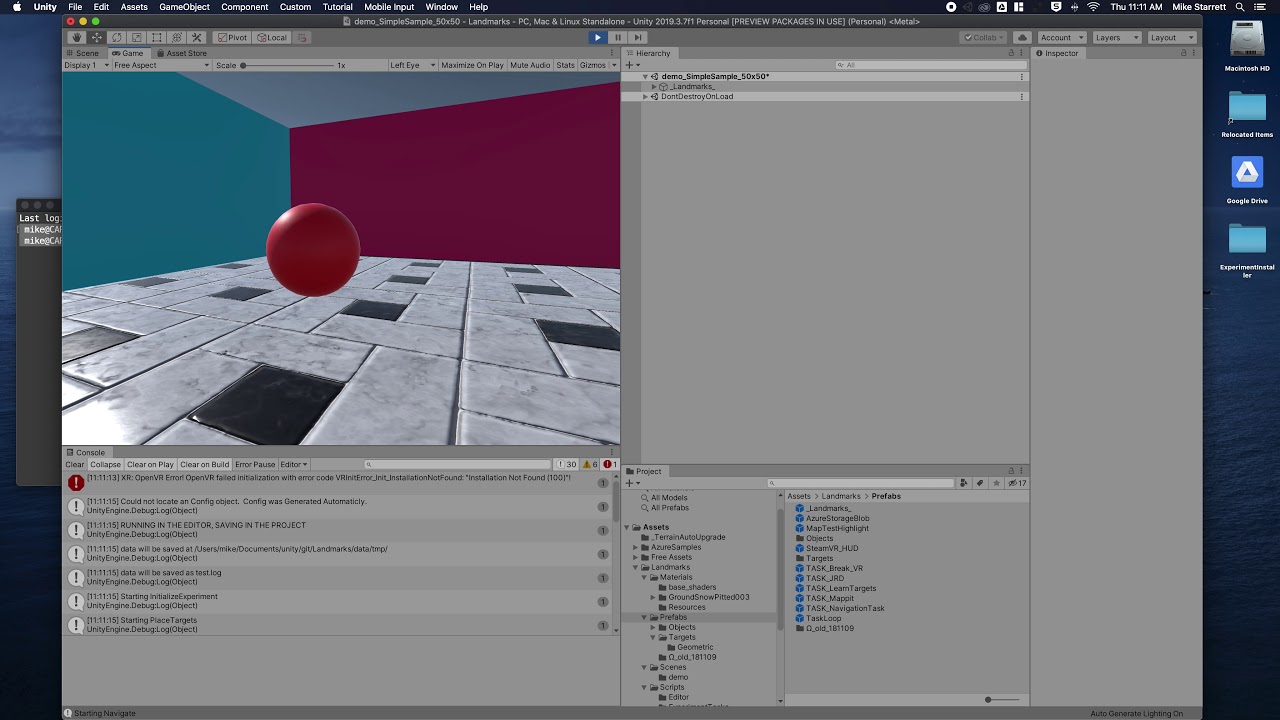
From the Unity Editor, use the Project window to open Assets/Landmarks/Scenes/demo/demo_SimpleSample_50x50.unity
-
Optional The experiment is set to operate on desktop interfaces by default. To use another interface (such as VR with the HTC Vive), use the hierarchy to navigate to the
LM_ExperimentGameObject (child of_Landmarks_) and select it. Click the dropdown next to "User Interface" in the inspector window and select the desired interface. -
Click the "Play" button in the Unity editor window and play the game. The experiment will include a welcome message, a target-learning phase (LearnTargets), navigation to each target in a random order, and an ending message. You have just completed a simple navigation experiment.
-
The data from sessions run in the Editor will be saved in the project folder somewhere within the data folder (e.g., './data/tmp/test.log') or the 'editor-data' folder (e.g., './editor-data/test.log') (note this file will be overwritten each time the scene is played from the editor window).


