Development Setup
Once you have the project open in IntelliJ you have to do a couple of things.
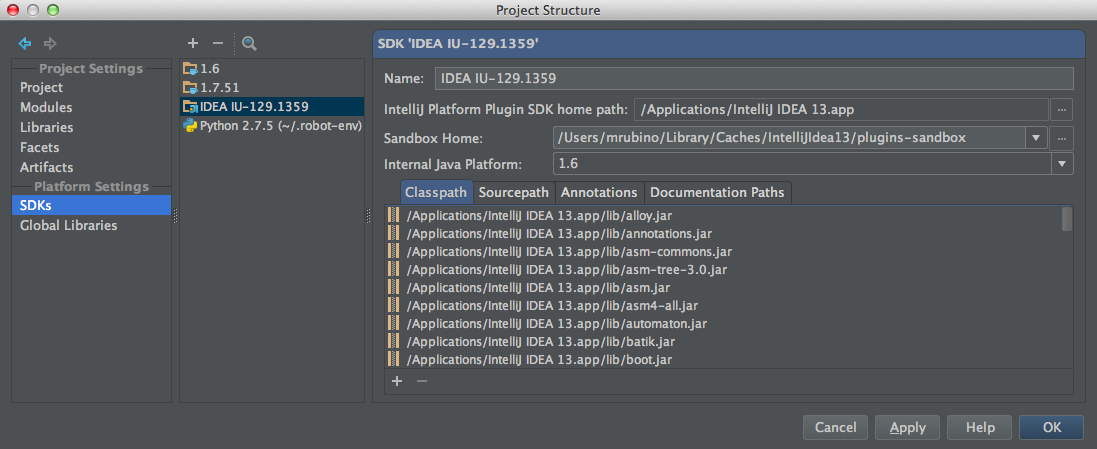
Under Project Structure>SDKs you have to setup an SDK. This should be pointed to your IntelliJ home directory not a traditional java SDK. you want to have JDK 6 for it to use in the background. JDK 7 does not seem to work well. If you actually need to debug IntelliJ classes then you have to download the sources out of github. I find that to be unnecessary at this time anyways.
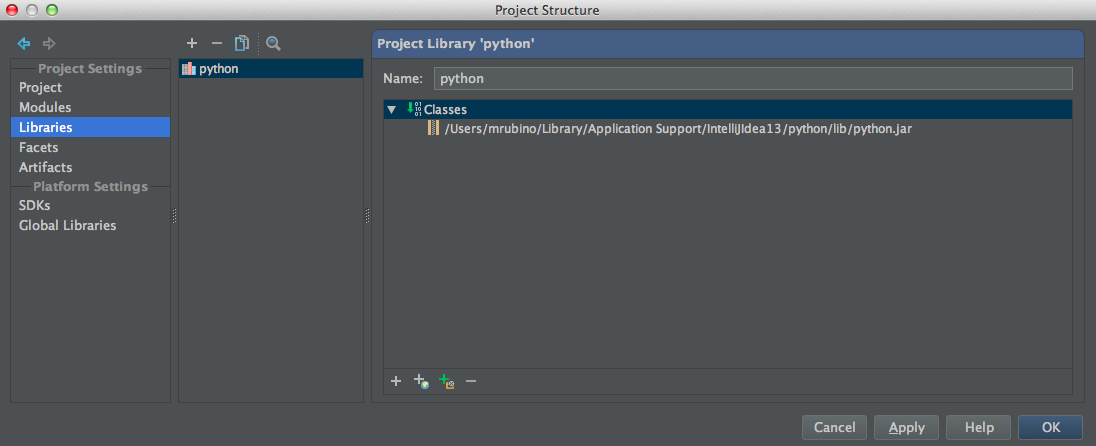
I have the python plugin installed to IntelliJ. I then add this as a library to Project Structure>Libraries. You can either download it form the JetBrains repository or find it in your IntelliJ work directory. Its sources are also in githib.
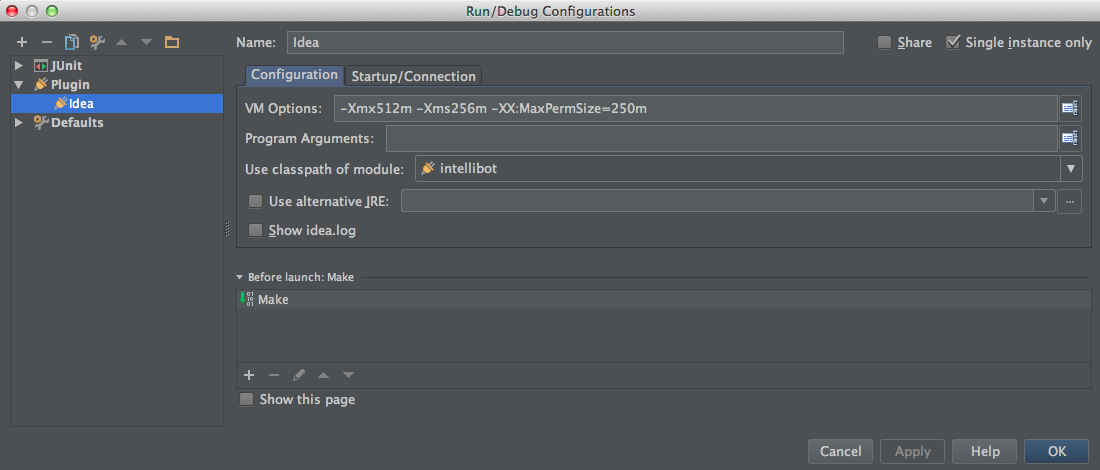
If you want to debug the plugin then you have to setup a plugin config. This is rather straight forward. Once you have this you can run a separate version of IntelliJ and it will automatically have the latest plugin version. It responds to break points in the plugin code just fine.