This is a project template for a greenfield Java project. It's named after the Java mascot Duke. Given below are instructions on how to use it.
Prerequisites: JDK 11, update Intellij to the most recent version.
- Open Intellij (if you are not in the welcome screen, click
File>Close Projectto close the existing project first) - Open the project into Intellij as follows:
- Click
Open. - Select the project directory, and click
OK. - If there are any further prompts, accept the defaults.
- Click
- Configure the project to use JDK 11 (not other versions) as explained in here.
- After that, locate the
src/main/java/Duke.javafile, right-click it, and chooseRun Duke.main(). If the setup is correct, you should see something like the below:Hello from ____ _ | _ \ _ _| | _____ | | | | | | | |/ / _ \ | |_| | |_| | < __/ |____/ \__,_|_|\_\___|
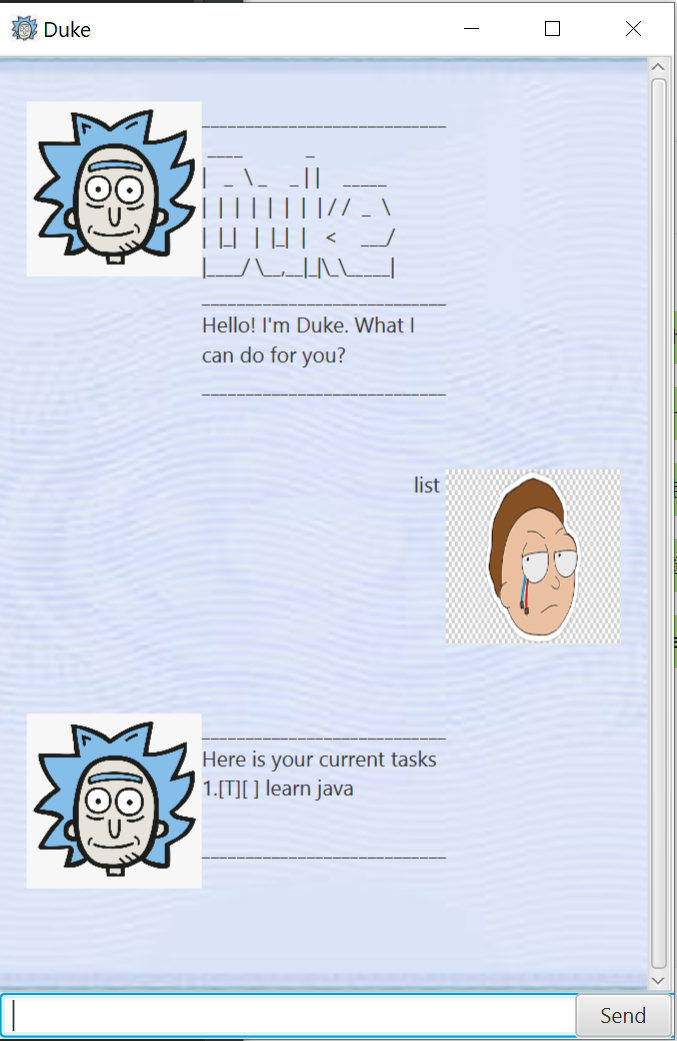
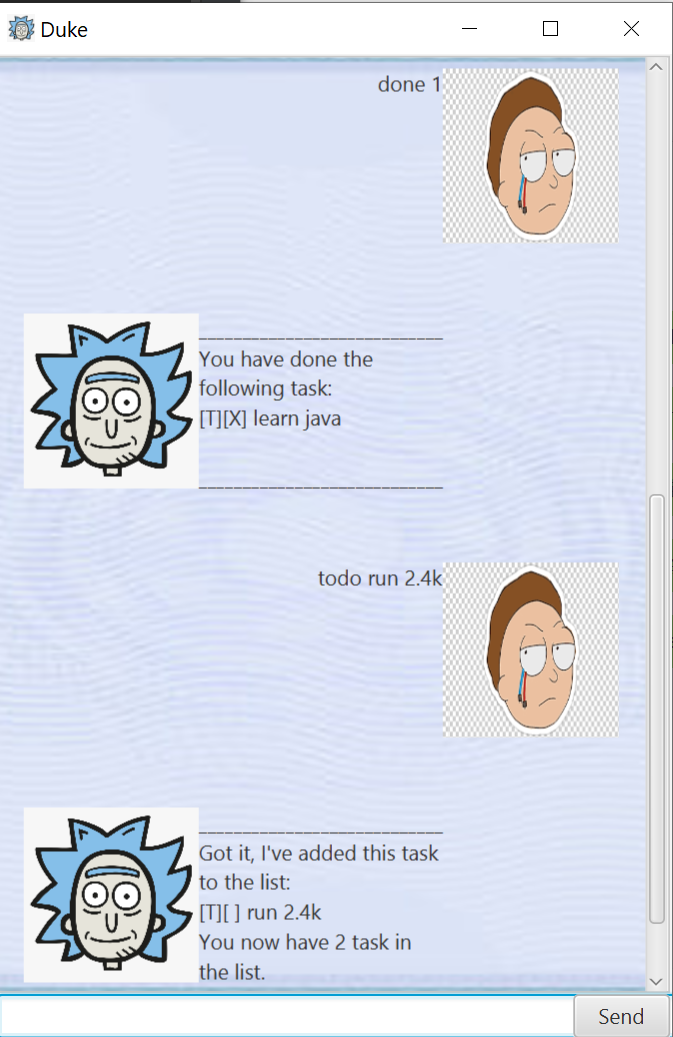
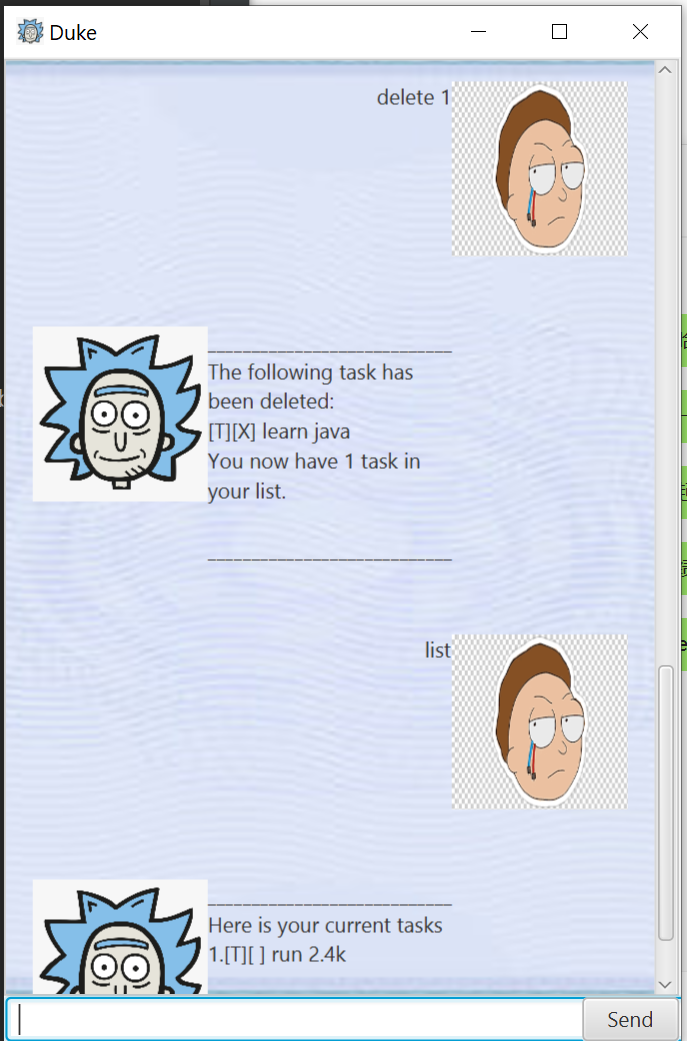
- add tasks
- mark tasks as done
- list out tasks
- delete tasks
i. add tasks by using add "x" description where x can be event, deadline or todo
ii. mark tasks as done by using done "task number"
iii. delete tasks by using delete "task number
iv. show tasks by using list
Example of usage:
add todo learn java
Expected outcome:
Got it, I have added the following task to the list
Example of usage:
bye
Expected outcome:
Program exist