Cannot double-click .jar file to launch app as specified in Instructions for Manual Testing #2473

Description

Description:
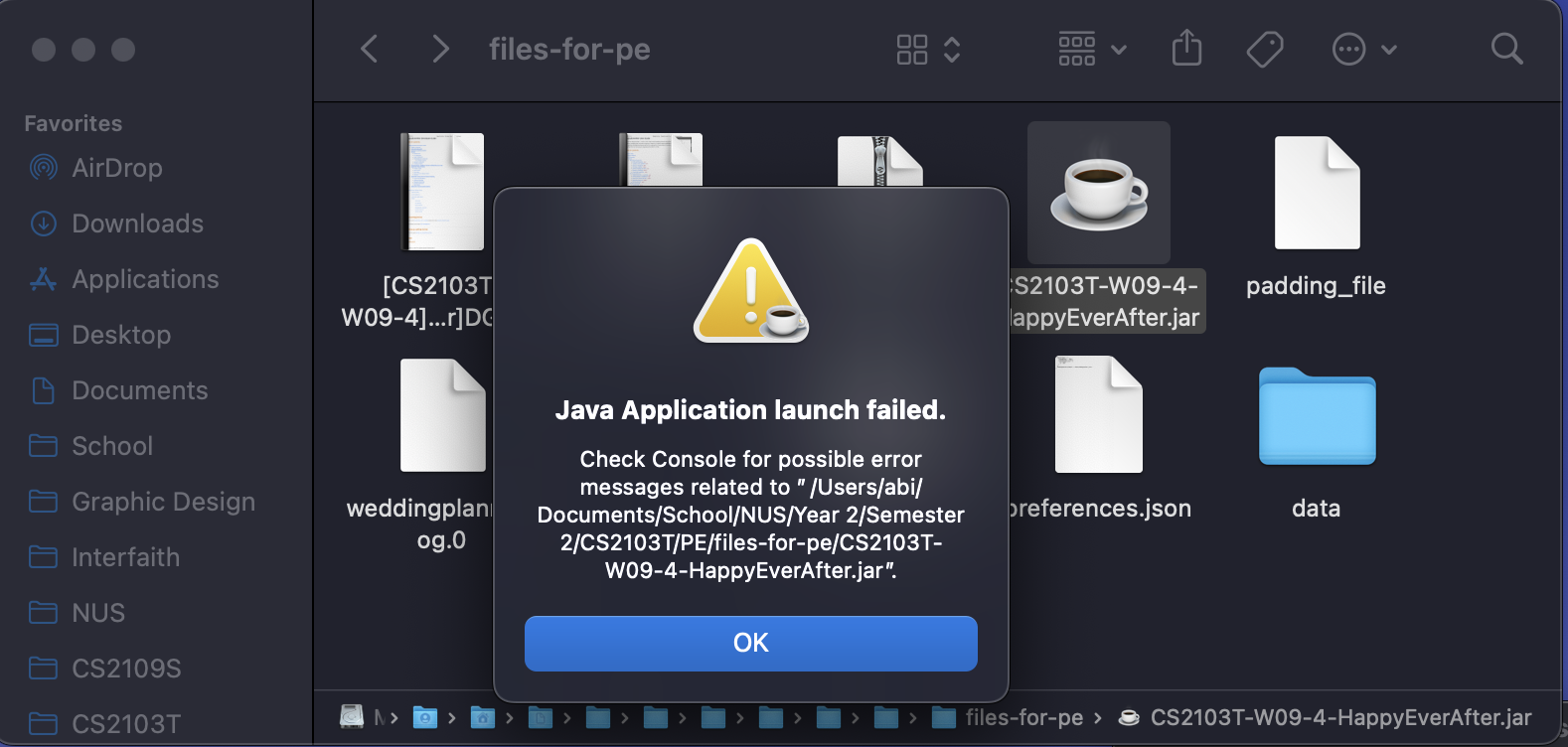
Instructions for manual testing says to double-click the happyeverafter.jar file to test the launch of the app, however this doesn't work.
Expected Behavior:
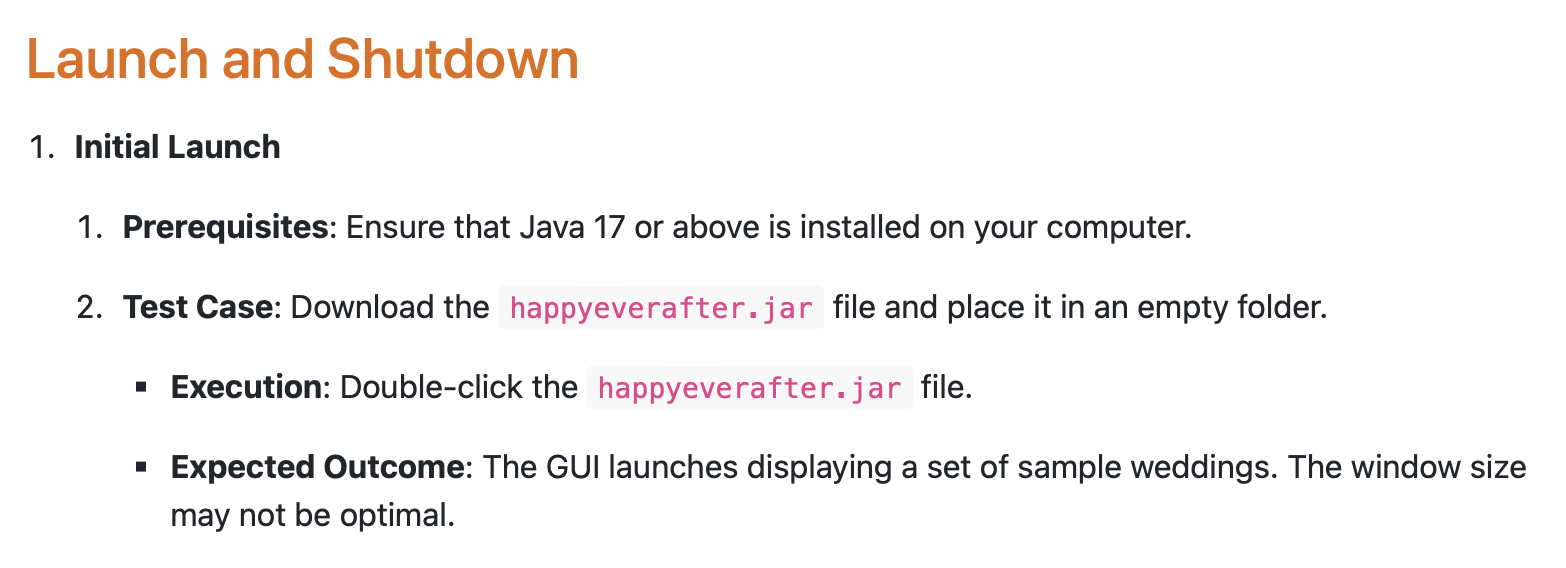
When following the instructions for manual testing, in the section for the Initial Launch of the app, it says "Execution: Double-click the happyeverafter.jar file" and "Expected Outcome: The GUI launches displaying a set of sample weddings. The window size may not be optimal." Hence, I would expect the expected outcome to happen, which is that the app launches.
Observed Behavior:
The app does not launch when I double click the .jar file. This is quite a severe issue, because a tester is expected to follow the instructions when testing the app, however the instructions themselves fail to result in the expected output.
Steps to Reproduce:
-
Ensure that Java 17 or above is installed on your computer.
-
Download the
happyeverafter.jarfile and place it in an empty folder. -
Double-click the
happyeverafter.jarfile.
Screenshot(s):
Double-clicking the .jar file fails to launch the app:
But the Instructions for Manual Testing in the Developer Guide says to do so:
[original: nus-cs2103-AY2425S2/pe-interim#2460] [original labels: severity.Medium type.DocumentationBug]