 FabricMC
Fabric Server Issue (mod issue) #2607


-
|
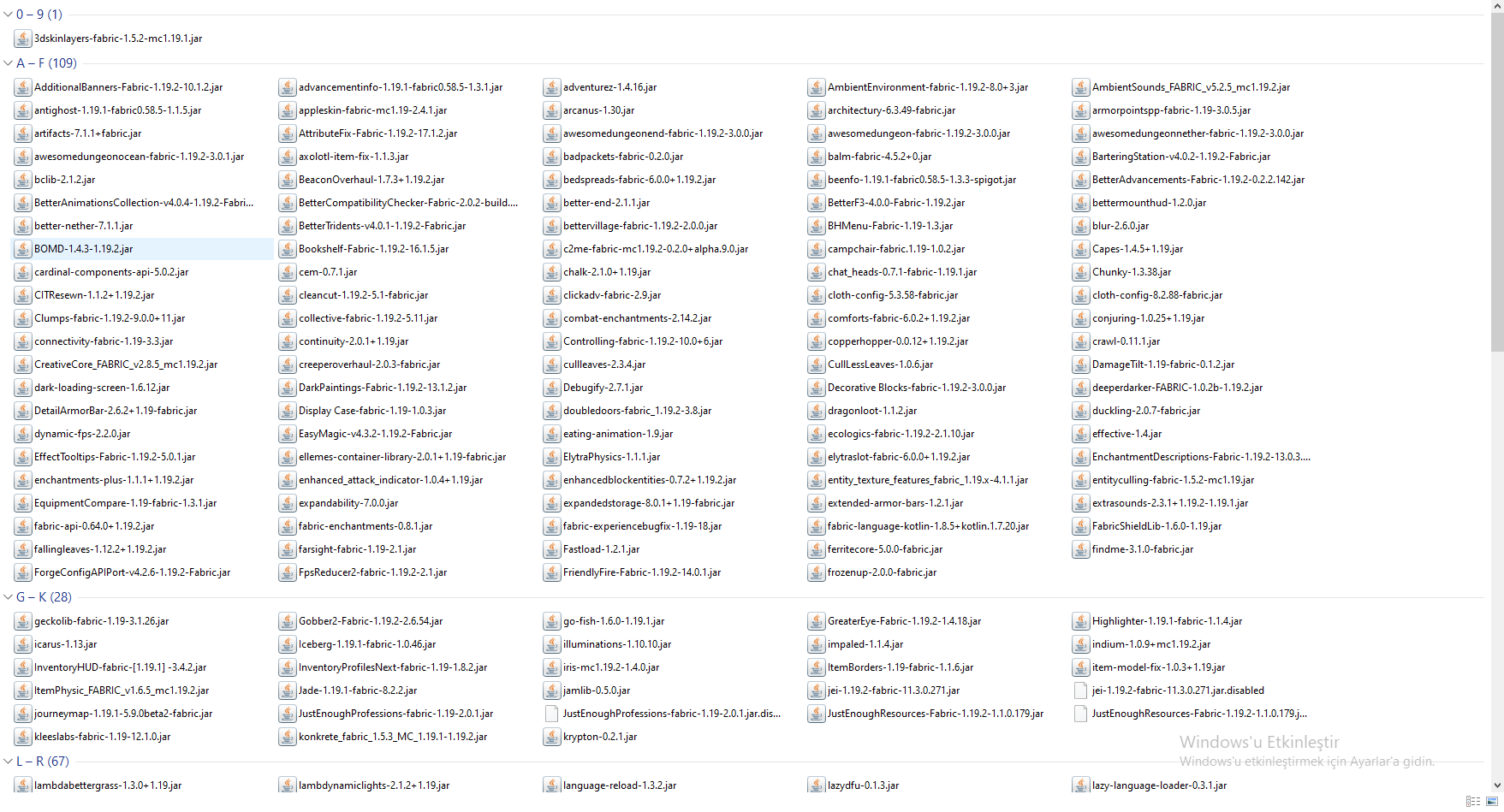
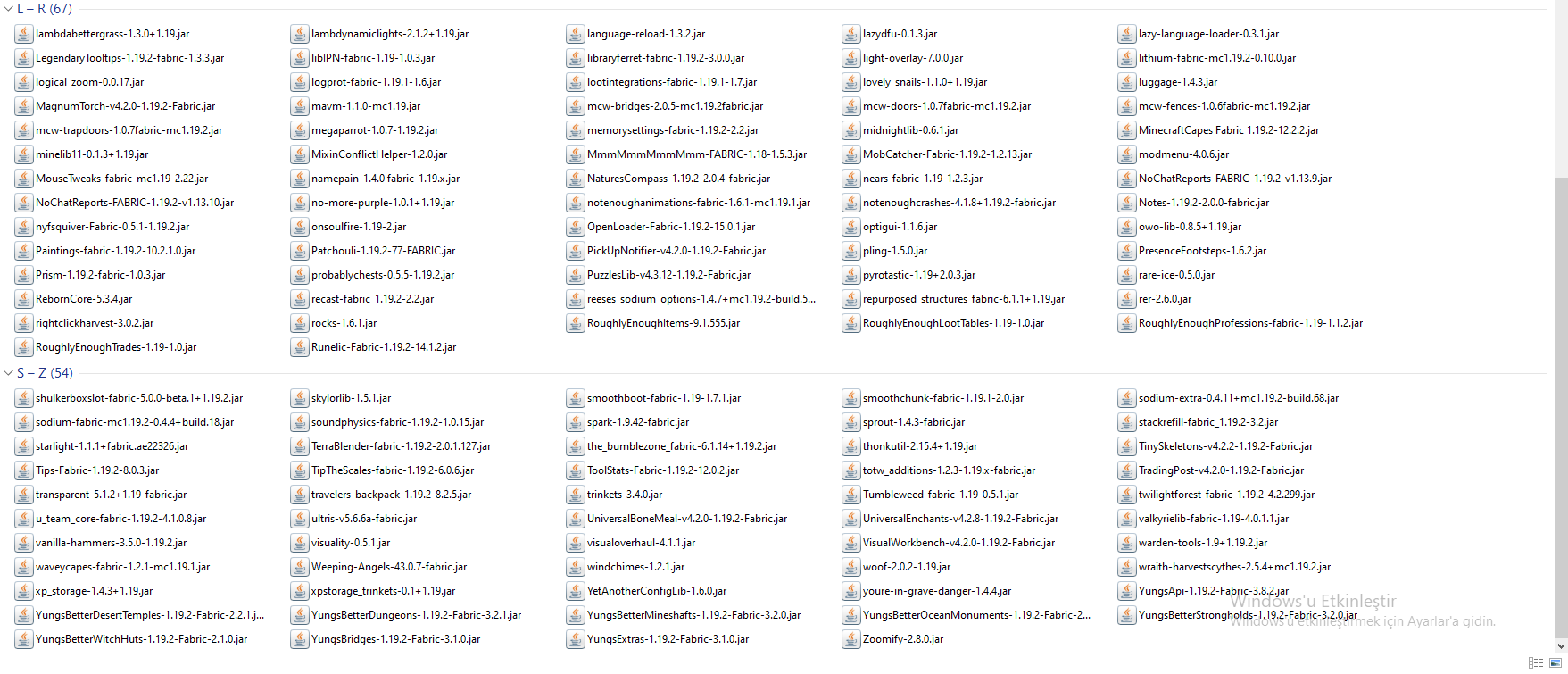
What's up? Any help is appreciated! I got a problem with opening a modded server to play with my friend. I created a modpack from curseforge and it works well. I seriously don't know ALL of my mods are working and i don't know how to check the fastest method for wich mod is incompatible. Minecraft opens on launcher and i can play when i am trying to play singleplayer. I know it's a mod issue when i try to open a server but i also wanted to ask if there is a way to check faster. I don't want to use hamachi or radmin vpn because they are laggy and stuff. So i tried to open a server and got this issue. CMD just stops and freezes, sometimes crash, doing nothing else. I tried to solve the problem and after 5 minutes my head froze like CMD too. i tried my best tho :) Like i said any help is appreciated. Here is the CMD problem in text. (pastebin) After (...8 More) CMD crashes. But i'm faster :) Here is my mod pack. You can see all the mods. (259) I got a lot of mods so, i'm so sorry :/
In the pastebin, you can see a sentence (Sistem Belirtilen Dosyayı bulamıyor) (My language) So that means (The System Cannot Find the File Specified) I can record the issue or anything. Just ask. |
Beta Was this translation helpful? Give feedback.
Replies: 1 comment 1 reply

-
|
It's basically the same issue as https://github.com/TeamTwilight/twilightforest-fabric/issues/123. I would suggest removing the TF for now. |
Beta Was this translation helpful? Give feedback.

-
|
Thank you so much for this man. Have a great day! |
Beta Was this translation helpful? Give feedback.


It's basically the same issue as https://github.com/TeamTwilight/twilightforest-fabric/issues/123. I would suggest removing the TF for now.