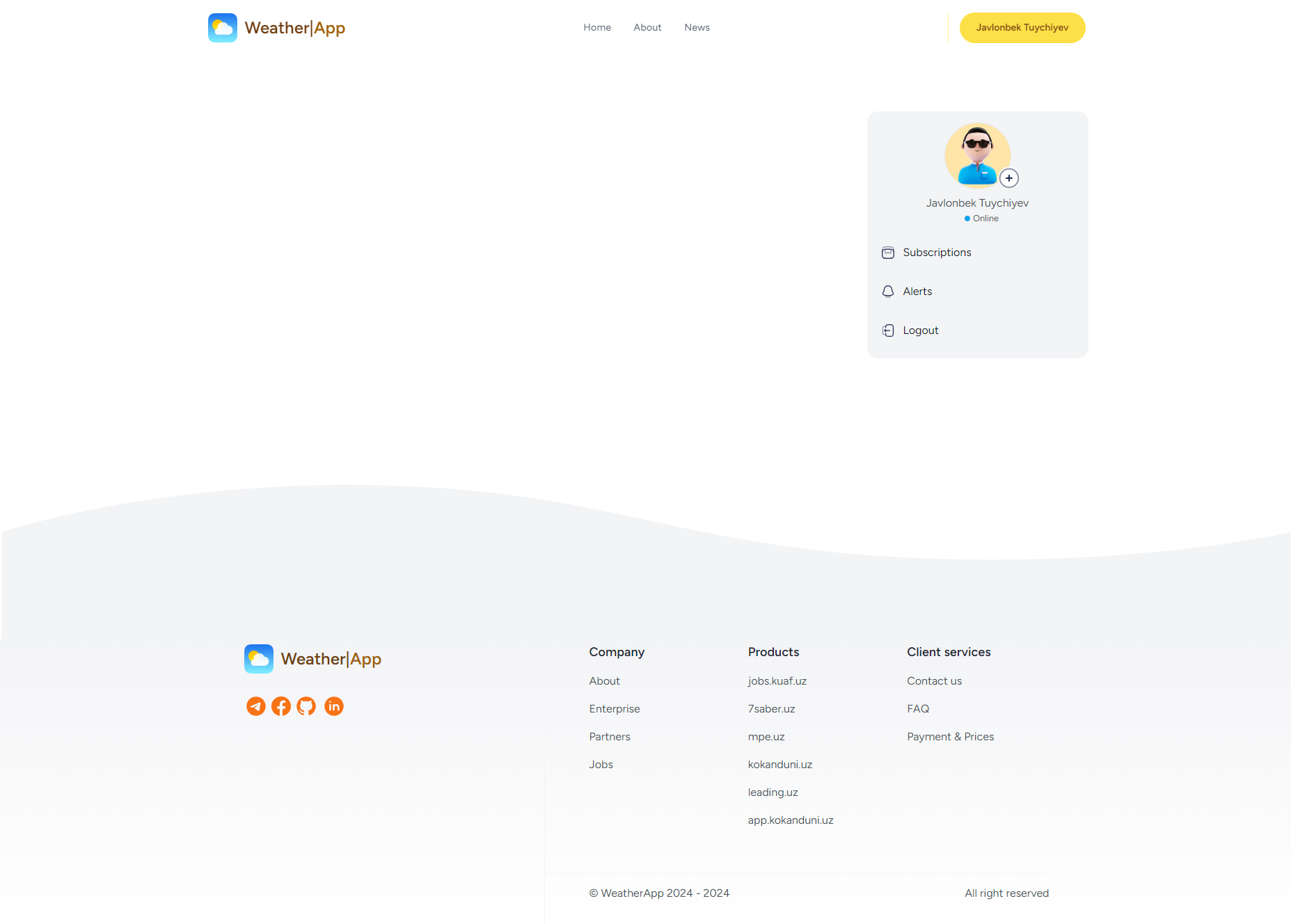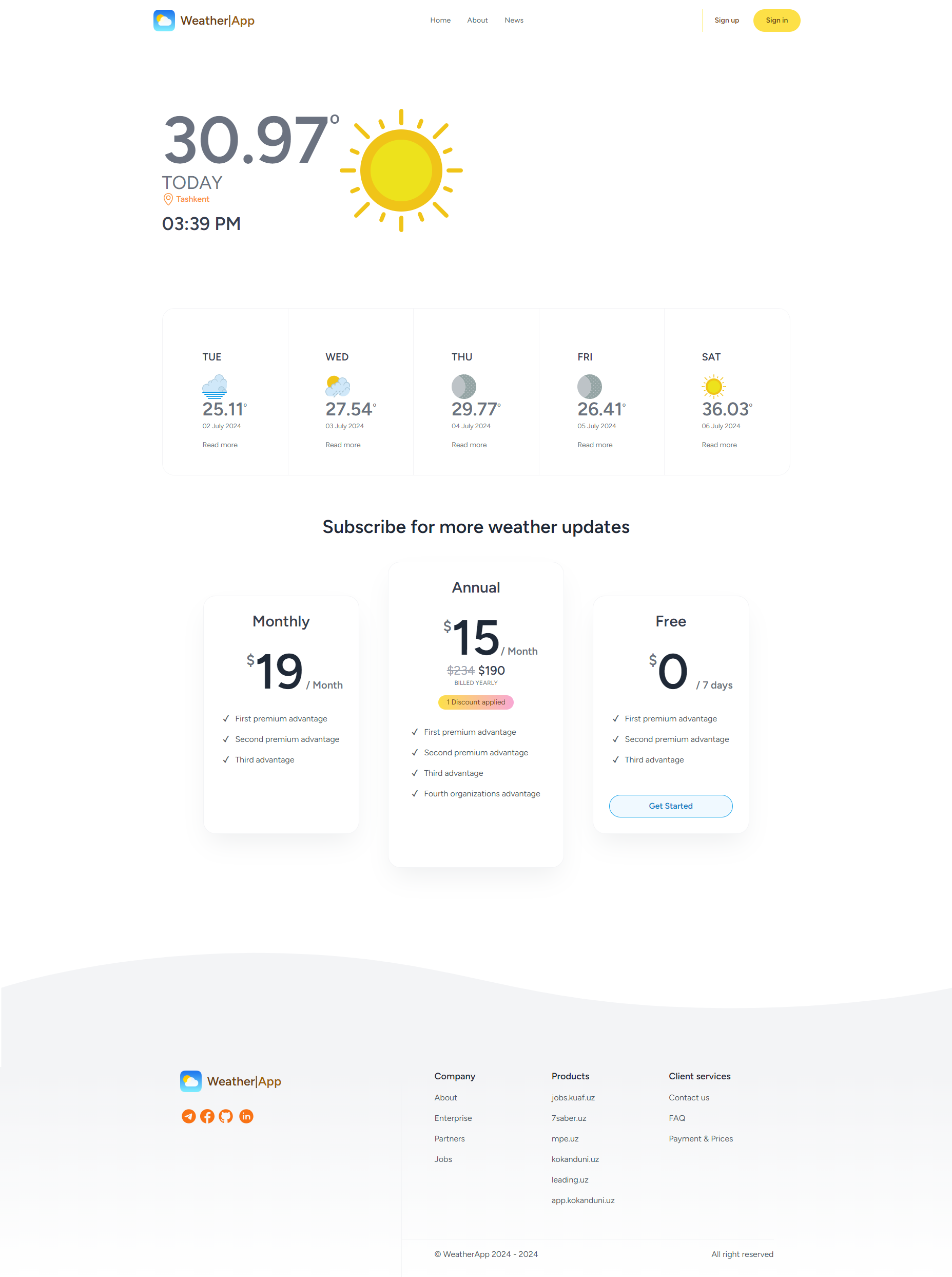
The project serves to communicate weather information to users:
- Stay informed through the platform.
- To be informed through the Telegram messenger.
According to the above types, users can get information according to their wishes.
To deploy a project with Docker containers on an Ubuntu server, you'll follow several steps to set up Docker, manage your Docker environment, and deploy your application. Below is a simplified guide to get you started. Adjustments may be necessary based on your specific application requirements and setup.
- Ubuntu Server: Ensure you have Ubuntu Server installed and accessible via SSH
- Docker Engine: Install Docker on your Ubuntu server.
- Docker Compose (Optional but recommended): Install Docker Compose for managing multi-container Docker applications.
- Install Docker on Ubuntu Server
Update package index
sudo apt-get update
Install dependencies to allow apt to use a repository over HTTPS
sudo apt-get install -y \
    apt-transport-https \
    ca-certificates \
    curl \
    gnupg \
    lsb-release
Add Docker’s official GPG key
curl -fsSL https://download.docker.com/linux/ubuntu/gpg | sudo gpg --dearmor -o /usr/share/keyrings/docker-archive-keyring.gpg
Set up the stable repository
echo \
  "deb [arch=amd64 signed-by=/usr/share/keyrings/docker-archive-keyring.gpg] https://download.docker.com/linux/ubuntu \
  $(lsb_release -cs) stable" | sudo tee /etc/apt/sources.list.d/docker.list > /dev/null
Update the apt package index again
sudo apt-get update
Install Docker Engine
sudo apt-get install -y docker-ce docker-ce-cli containerd.io
Verify Docker installation
sudo docker --version
- Install Docker Compose (Optional) Download the current stable release of Docker Compose
sudo curl -L "https://github.com/docker/compose/releases/download/{VERSION}/docker-compose-$(uname -s)-$(uname -m)" -o /usr/local/bin/docker-compose
Apply executable permissions to the binary
sudo chmod +x /usr/local/bin/docker-compose
Verify installation
docker-compose --version
Replace {VERSION} with the latest release version from the Docker Compose GitHub Releases page.
- Build and Run Docker Containers
docker compose up -d
- Install and build app
docker exec -u $UID:$GID -ti weather /bin/bash
composer install
npm i
npm run build
cp env.example .env
php artisan key:generate
php artisan migrate --seed
php artisan optimize
For sign in test user
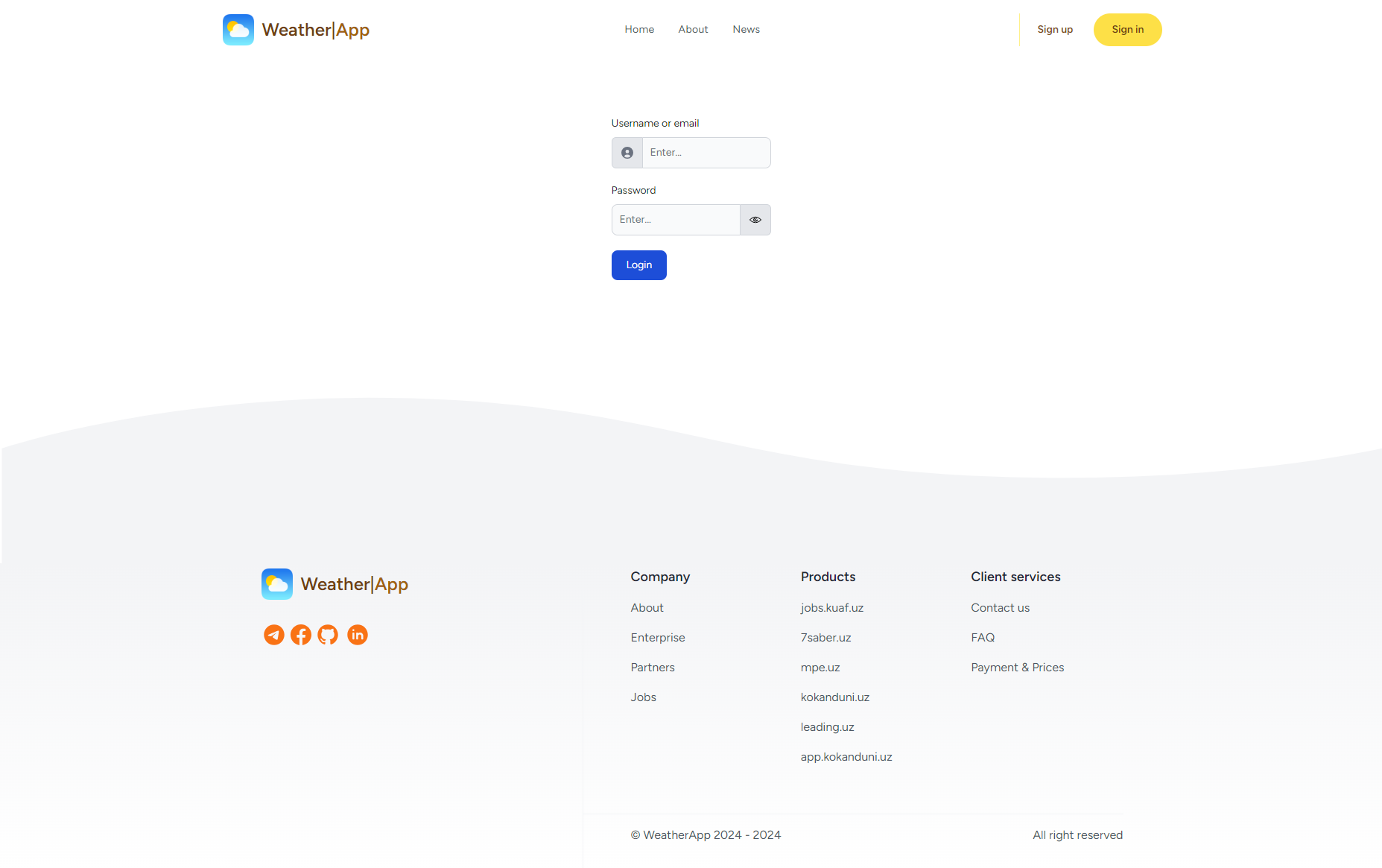
- Login:
test@example.com
- Password:
74108520963.