

The healthiest theme for your eyes!
Preview
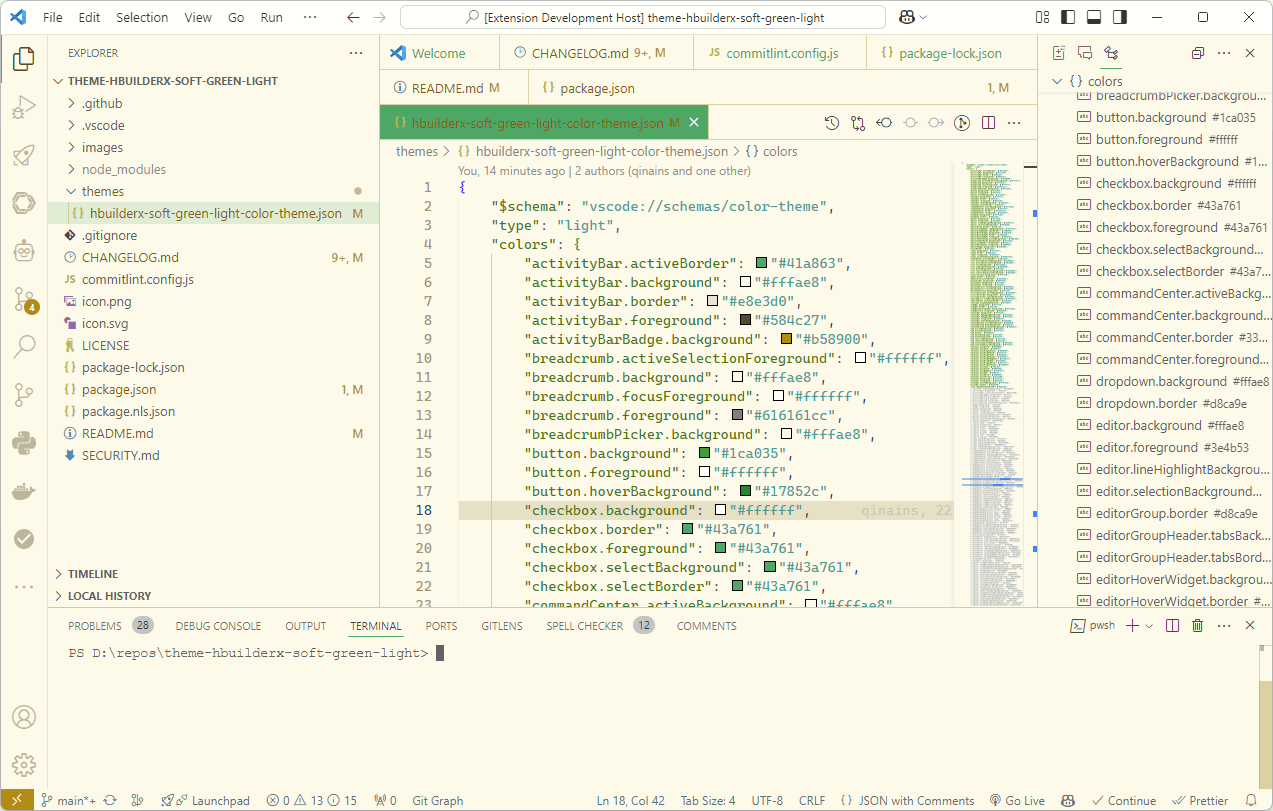
- Two themes: Light and Dark variants
- Auto-switch: System, Scheduled, Seasonal, Manual modes
- Default: Follows OS theme automatically
Install from VSCode Marketplace.
Click status bar $(color-mode) icon, or run:
Toggle Theme (Light/Dark)
Settings (Cmd+,) → search "HBuilderX Soft Green":
| Setting | Description | Default |
|---|---|---|
autoSwitchMode |
System/Scheduled/Seasonal/Manual | system |
lightTime |
Light theme time (HH:MM) | 07:00 |
darkTime |
Dark theme time (HH:MM) | 19:00 |
Help → Toggle Developer Tools → Select element → Copy HEX color.
Edit themes/hbuilderx-soft-green-light-color-theme.json or themes/hbuilderx-soft-green-dark-color-theme.json. Run "Extension" in DEBUG toolbar.
Command Palette → Developer: Generate Color Theme From Current Settings.
npm install
npm run compile
npm run packagenpm install -g @vscode/vsce
vsce login <your-publisher> ## paste "Personal Access Tokens"(https://dev.azure.com/ -> Users settings -> Personal access tokens -> New Token -> type Name -> Organization:All accessible organizations -> Scopes:Full access -> Create)
vsce package
vsce publishSee CHANGELOG.md.
MIT