| title | State Of Npm 2023: The Overview |
|---|---|
| datePublished | Mon Jul 03 2023 15:37:27 GMT+0000 (Coordinated Universal Time) |
| cuid | cljn0ylsr000a0ajj0t4i4st6 |
| slug | state-of-npm-2023-the-overview |
| cover | https://cdn.hashnode.com/res/hashnode/image/upload/v1686827190481/aa59c283-d86d-4598-ac5c-18af98d27034.png |
| tags | javascript, opensource, nodejs, npm |

This article is part of the State Of Npm 2023 series. In this series, the Sandworm team delves deep into the current state of npm, unearthing fascinating statistics and unveiling intriguing facts about the registry.
In the vast landscape of software development, one name has become synonymous with the JavaScript ecosystem: npm.
As the package manager of choice for millions of developers worldwide, npm has played a pivotal role in revolutionizing the way we build and share JavaScript code. With its expansive registry housing an ever-growing collection of packages, npm has become an indispensable tool, fueling innovation and empowering developers to create remarkable applications with ease.
In this series, the Sandworm team delves deep into the current state of npm, unearthing fascinating statistics and unveiling intriguing facts about the registry. From the sheer magnitude of packages to the most popular libraries, we'll explore the inner workings of this powerhouse that fuels the JavaScript community. Join us as we take a closer look at the state of npm and gain insights into the trends, patterns, and vibrant ecosystem that lie within.
- Npm's initial commit was pushed by Isaac Z. Schlueter (isaacs) on Sep 29, 2009.
%[https://github.com/npm/cli/commit/4626dfa73b7847e9c42c1f799935f8242794d020]
-
It started as a single CouchDB service on a VPS.
-
The name "npm" originally stood for "Node Package Manager." It was however changed, and is currently a recursive bacronymic abbreviation for "npm is not an acronym". A bacronym is an acronym made by constructing a phrase from words whose initial letters spell an existing word or name.
-
Npm was incorporated as a company in 2014 when it raised $2.6M to sustainably fund operational costs for its rapidly growing community.
-
GitHub acquired npm in 2020.
| Total Versions Count | 34,335,328 |
|---|---|
| Average versions per package | 10.27 |
| Packages created in the past 12 months | 1,390,303 |
| Spam packages created in the past 12 months | at least 562,743 |
The chart below provides a comprehensive overview of the npm registry's growth and the presence of spam packages over time. Starting from its inception in November 2010, the registry witnessed a steady increase in the number of packages created each month. However, it wasn't until March 2023 that a significant surge occurred, mostly in the creation of spam.
%[https://blog.sandworm.dev/one-in-two-new-npm-packages-is-seo-spam-right-now]
Analyzing the data reveals that spam packages, although present throughout the registry's history, experienced a sharp rise during this period. This information highlights the evolving landscape of npm and the challenges faced in maintaining the integrity of the registry.
<iframe id="datawrapper-chart-tE2GY" src="https://datawrapper.dwcdn.net/tE2GY/1/" style="width:0;min-width:100%;border:none" height="425"></iframe>The chart below closely follows the number of created packages, but shows an exponential rather than linear growth, as new versions are constantly being uploaded even for old packages.
<iframe id="datawrapper-chart-SBg7d" src="https://datawrapper.dwcdn.net/SBg7d/1/" style="width:0;min-width:100%;border:none" height="400"></iframe>Deprecating a package involves marking it as outdated or no longer recommended for use. This is typically done when a package becomes obsolete, has security vulnerabilities, or has been superseded by a newer version. By deprecating a package, developers are alerted that it is no longer actively maintained and should seek alternatives.
On the other hand, unpublishing a package refers to removing it entirely from the npm registry. This action is irreversible and permanently deletes the package, making it inaccessible to other developers. Unpublishing is generally discouraged, as it can break other projects that depend on the package. However, in exceptional cases such as accidental publishing of sensitive information, a developer may choose to unpublish to mitigate potential risks.
| Deprecated Packages Count | 72,754 |
|---|---|
| Unpublished Packages Count | 82,747 |
| Deprecated Versions Count | 1,332,206 |
| Unpublished Versions Count | 150,766 |
The size of npm packages is a significant consideration for developers, as it directly impacts application performance, download times, and overall user experience. The sizes of npm packages can vary significantly, ranging from tiny utility libraries to large frameworks with extensive dependencies.
While smaller packages are generally preferred due to their efficiency and faster installation, larger packages may offer more robust functionality and feature sets. However, the trade-off is the increased download and installation time, which can be a concern, particularly for applications with limited bandwidth or mobile users. To address this, developers are encouraged to optimize package sizes by eliminating unnecessary dependencies, compressing assets, and leveraging techniques like tree shaking and code splitting. Striking the right balance between functionality and package size is crucial for creating efficient and performant applications in the npm ecosystem.
| Total Version Size | 24.17 TB |
|---|---|
| Average Package Size | 416 KB |
The "keywords" field in the package.json file plays an essential role in organizing and categorizing npm packages. It allows developers to specify a list of relevant keywords that describe the package's functionality, purpose, or domain. These keywords act as metadata, providing valuable information to users and facilitating package discovery. When publishing a package to the npm registry, the keywords help users find it more easily by searching for specific terms related to their requirements.
The repository field in a package manifest provides valuable information about the package's source code repository, allowing users to review the code, contribute to the project, or report issues.
If an npm package does not declare its repository in the manifest file (package.json), it can raise concerns about the package's reliability and trustworthiness. Without this information, it becomes challenging to assess the package's quality, maintainability, and community support.
While the absence of a repository declaration does not necessarily indicate that a package is unsafe, it can make it more difficult to evaluate its legitimacy and security. It is generally recommended to use packages that provide clear and transparent information about their source code repository. This enables users to have greater visibility into the package's development process, codebase, and community involvement, which are crucial factors in assessing the reliability and safety of an npm package.
<iframe id="datawrapper-chart-P3CWh" src="https://datawrapper.dwcdn.net/P3CWh/1/" style="width:0;min-width:100%;border:none" height="820"></iframe>Many of the packages in the list above have simply forgotten or disregarded adding repository info to their manifest file, but for some, the missing repo is indicative of deeper issues. We've written about the https package before here:
%[https://blog.sandworm.dev/security-alert-dont-npm-install-https]
If you enjoyed this article, have a look at Sandworm to keep your JavaScript project safe! 👇
%[https://github.com/sandworm-hq/sandworm-audit]
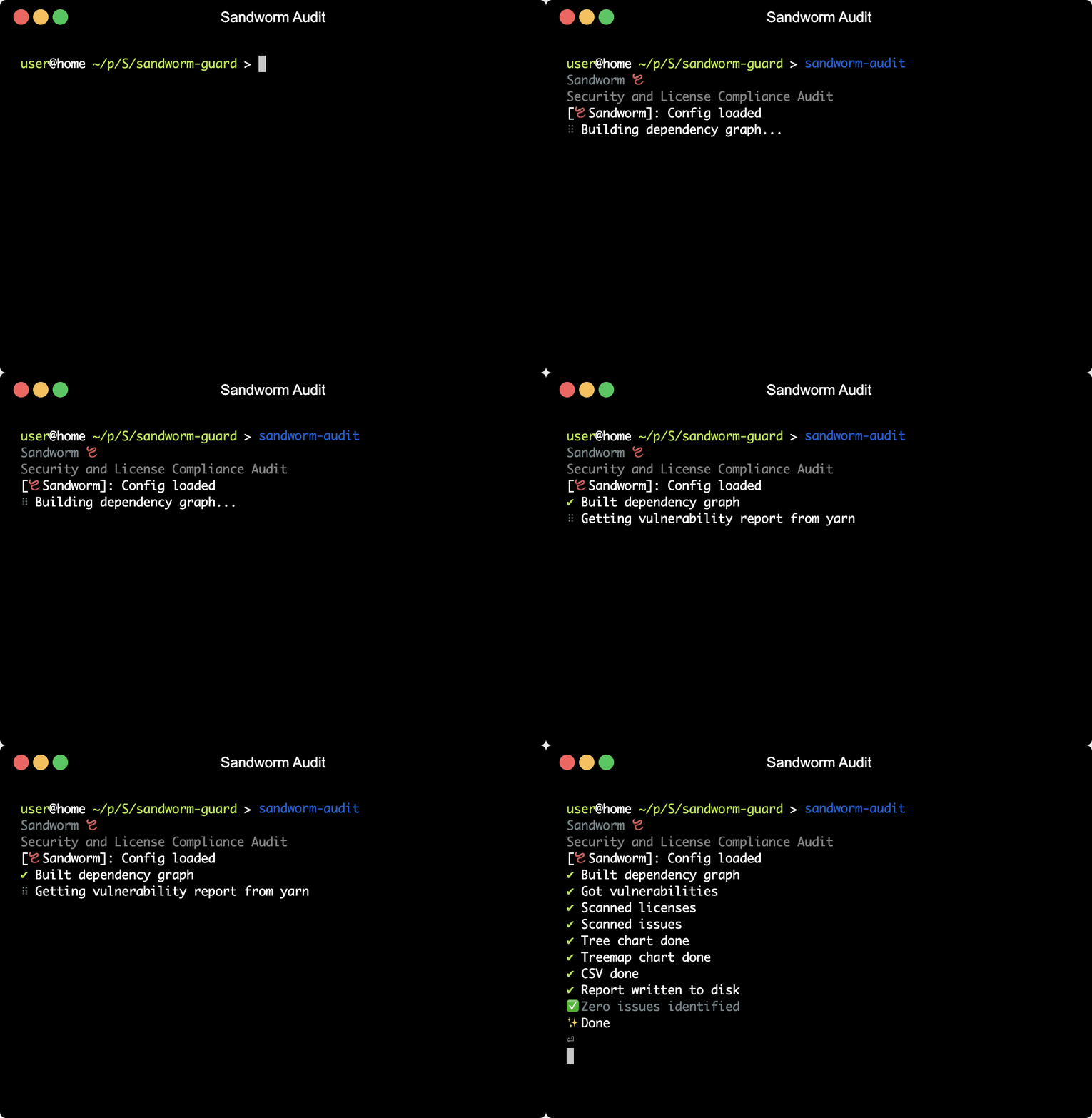
Sandworm Audit is the open-source
npm auditthat doesn’t suck: it checks for multiple types of issues, like vulnerabilities or license compliance, it outputs SVG charts and CSVs, it can mark issues as resolved, and you can also run it in your CI to enforce security rules. Check the docs andnpx @sandworm/audit@latestin your JavaScript app’s root to try it out 🪱.
%%[datawrapper]