





- Nerd Font Support, Now you can use Nerd Font Icon with others custom font.

Note
This screenshot was taken with 148 Vencord plugins enabled so there will be some things that are different in the screenshot. Hope you understand (I'm too lazy to turn it off)
Main Screen:

Member Server Preview:

User Profile Preview:

Settings Preview:

Some GIF Preview:
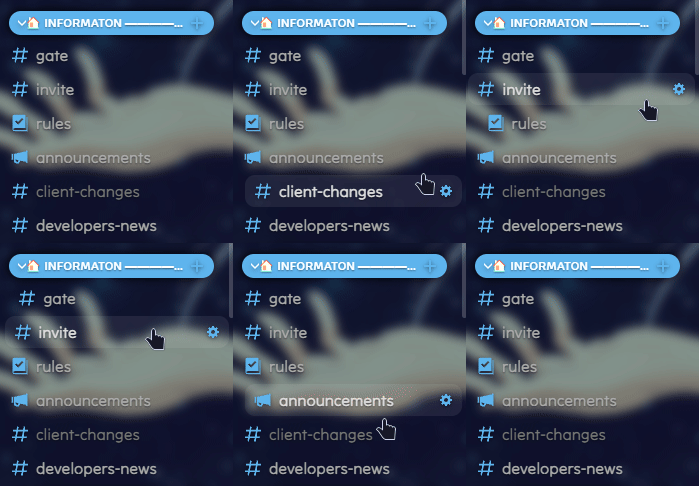
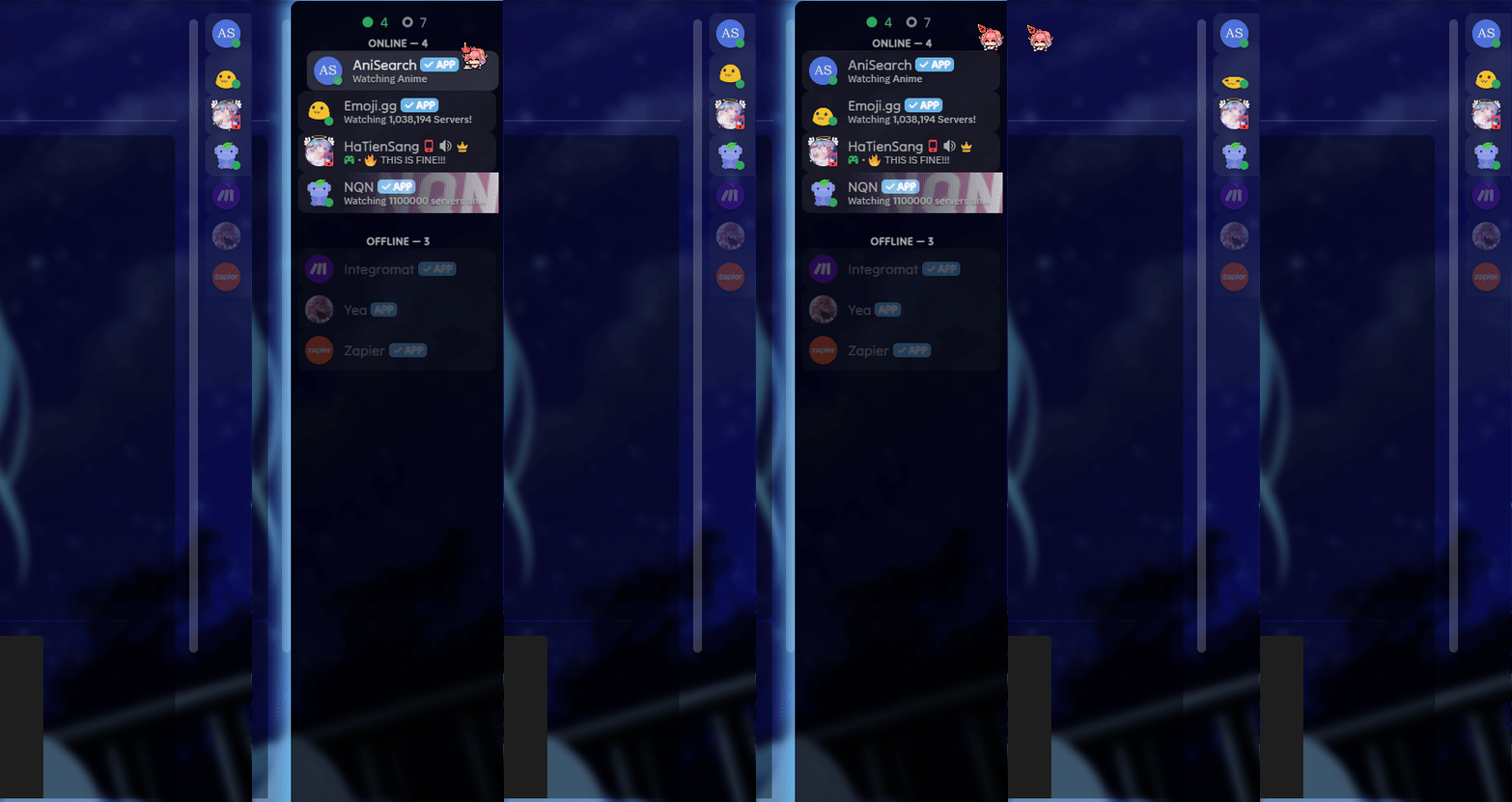
Transparency Background Support With Transparency Option:


https://sang765.github.io/Anicord-Theme/themes/Anicord.css
/* Theme Import */
@import url('https://sang765.github.io/Anicord-Theme/themes/Anicord.css');
/* CSS You Can Custom */
:root {
	--app-bg: url(https://sang765.github.io/Anicord-Theme/assets/themeimage.png); /* background */
	/* 📄 NOTE: If you want the background to be transparent then you can remove the `url(imageurl)` and then change the attribute to `transparent`
           Requirements: Please enable "Windows Transparent" in your client mod make sure that work. You aslo can use Mica For Everyone to have a transparent backgound with Mica blur effect */
	/* Blur, Margin, Radius */
	--app-blur: 5px;
	--app-margin: 24px;
	--app-radius: 10px;
	/* Font */
	--main-font: 'Tilt Neon';
	--code-font: '';
	/* Server Title */
	--title-style: center; /* left or center*/
	/* Color - HSLA */ /* Hex to HSL here: https://htmlcolors.com/hex-to-hsl */
	--accent-hue: 204; /* H */
	--accent-saturation: 80%; /* S */
	--accent-lightness: 65%; /* L */
	--accent-opacity: 1; /* A */
	--accent-text-color: #fff; /* Text Color */
	/* Others */
	--sidebar-color: rgba(0,0,0,0.4);
	--main-content-color: rgba(0,0,0,0.2); /*	-	*/
	/* Message */
	--message-color: rgba(0,0,0,0.4);
	--message-radius: 8px;
	--message-padding-top: 8px;
	--message-padding-side: 8px; /*	-	*/
	/* Reply */
	--reply-hue: var(--accent-hue);
	--reply-saturation: 77.4%;
	--reply-lightness: 61.8%;
	--reply-opacity: 1; /*	-	*/
	/* Textarea */
	--textarea-color: 255,255,255;
	--textarea-alpha: 0.1;
	--textarea-alpha-focus: 0.15;
	--textarea-text-color: #fff;
	--textarea-radius: 22px;  /*	-	*/
	/* Card */
	--card-color: rgba(0,0,0,0.4);
	--card-color-hover: rgba(0,0,0,0.5);
	--card-color-select: rgba(0,0,0,0.7); /*	-	*/
	/* Button */
	--button-height: 32px;
	--button-padding: 0 16px;
	--button-action-color: #000;
	--button-radius: 16px; /*	-	*/
	/* Scrollbar */
	--interactive-normal: #aaa;
	--interactive-hover: #ddd;
	--interactive-active: #fff;
	--interactive-muted: #777; /*	-	*/
	/* Background */
	--background-modifier-hover: rgba(255,255,255,0.075);
	--background-modifier-selected: rgba(255,255,255,0.125);
}- Goto release page.
- Download Anicord.theme.css
- Open your theme folder and put file Anicord.theme.css to theme folder
- Enable it and enjoy.
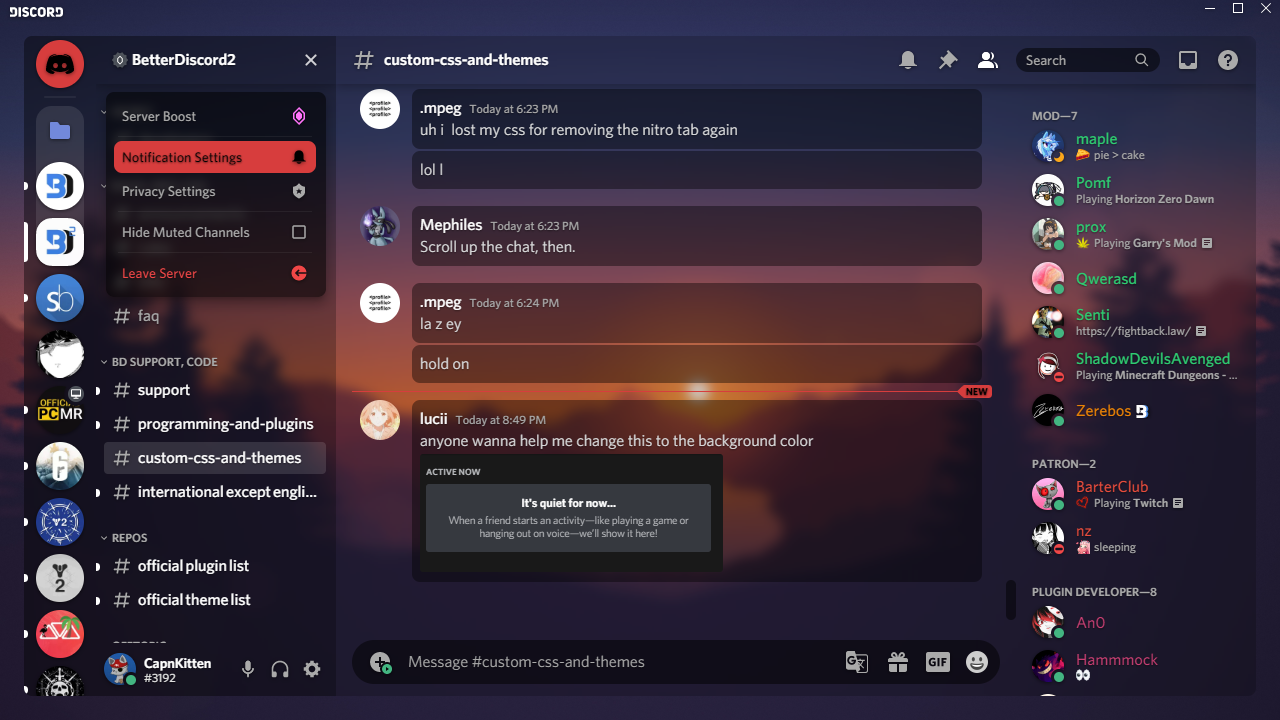
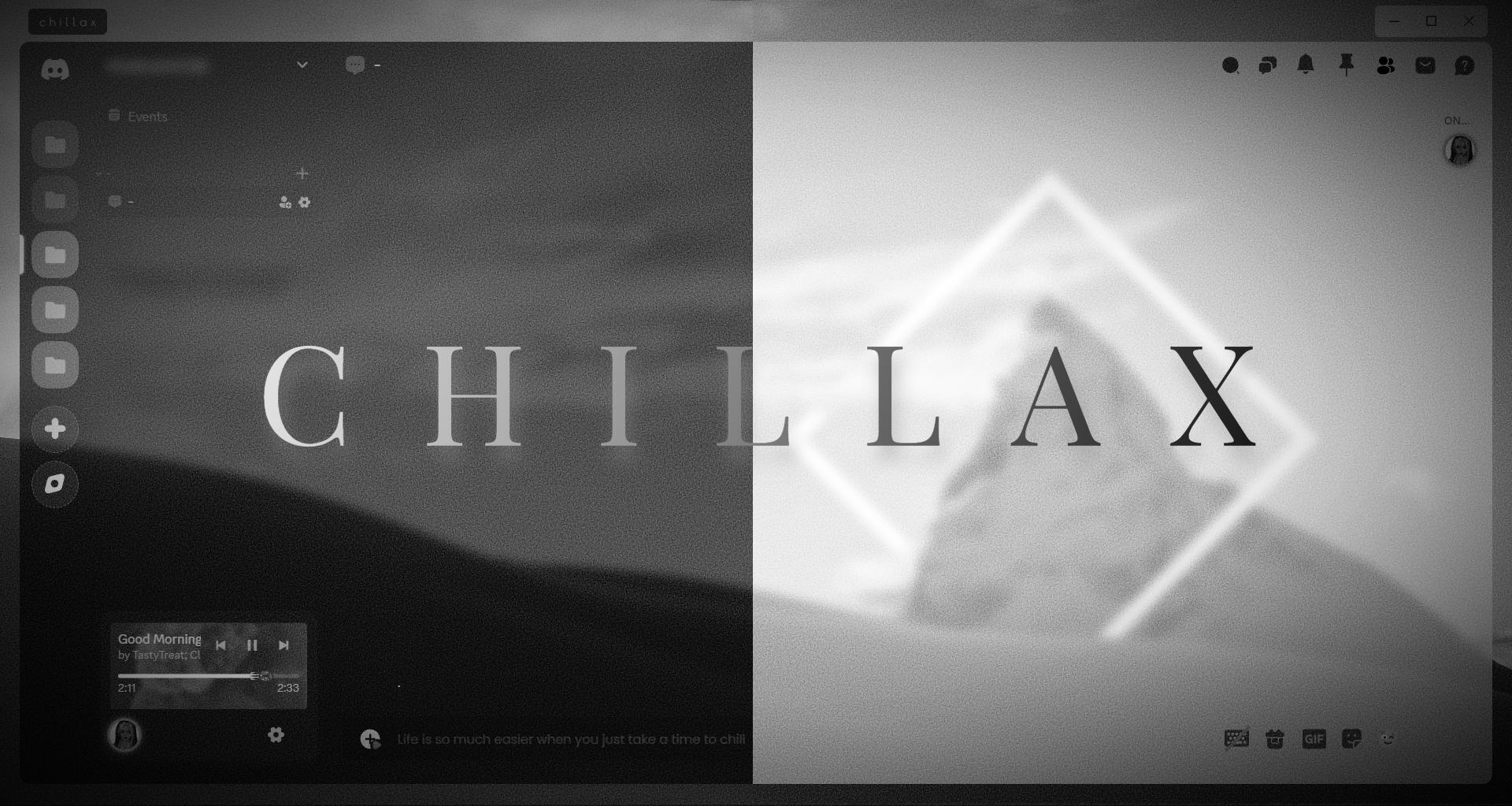

- CSS Snippet from Better Discord Server and Vencord Discord Server
- Thank for all your suppot 😉