


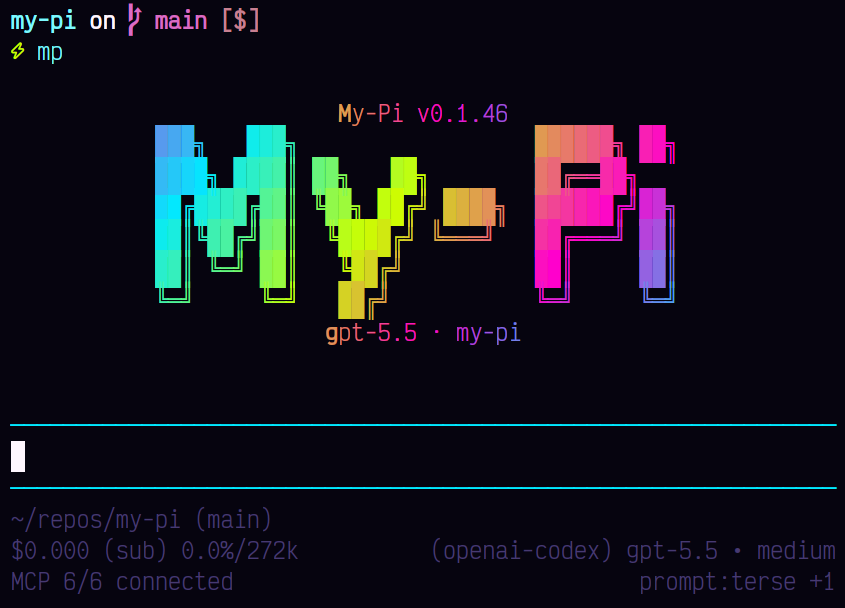
Make Pi feel like your workspace instead of a default terminal app.
pi-themes bundles polished color themes for the Pi coding agent,
giving sessions clearer contrast, mood, and visual hierarchy.
pi install npm:@spences10/pi-themesThen choose a theme in /settings, or persist one in Pi settings
JSON:
{
	"theme": "tokyo-night"
}- Catppuccin Mocha
- Dracula
- Gruvbox Dark
- Night Owl
- Neon Afterglow
- Neon Noir
- Nord
- One Dark
- Rosé Pine
- Solarized Dark
- Tokyo Night
Keep personal, team, or brand-specific themes outside this default
pack. Pi loads custom themes from ~/.pi/agent/themes/*.json,
project-local .pi/themes/*.json, --theme <path>, or any installed
package with a pi.themes manifest entry.
A minimal standalone theme package looks like this:
{
	"name": "@your-scope/pi-your-themes",
	"files": ["themes", "README.md"],
	"pi": {
		"themes": ["./themes"]
	}
}
Put theme JSON files in themes/, publish the package, then install
it:
pi install npm:@your-scope/pi-your-themesThis package is included in the Vite+ workspace, but its package-level build and test scripts are currently no-ops because it ships static theme assets.
pnpm --filter @spences10/pi-themes run check
pnpm --filter @spences10/pi-themes run build