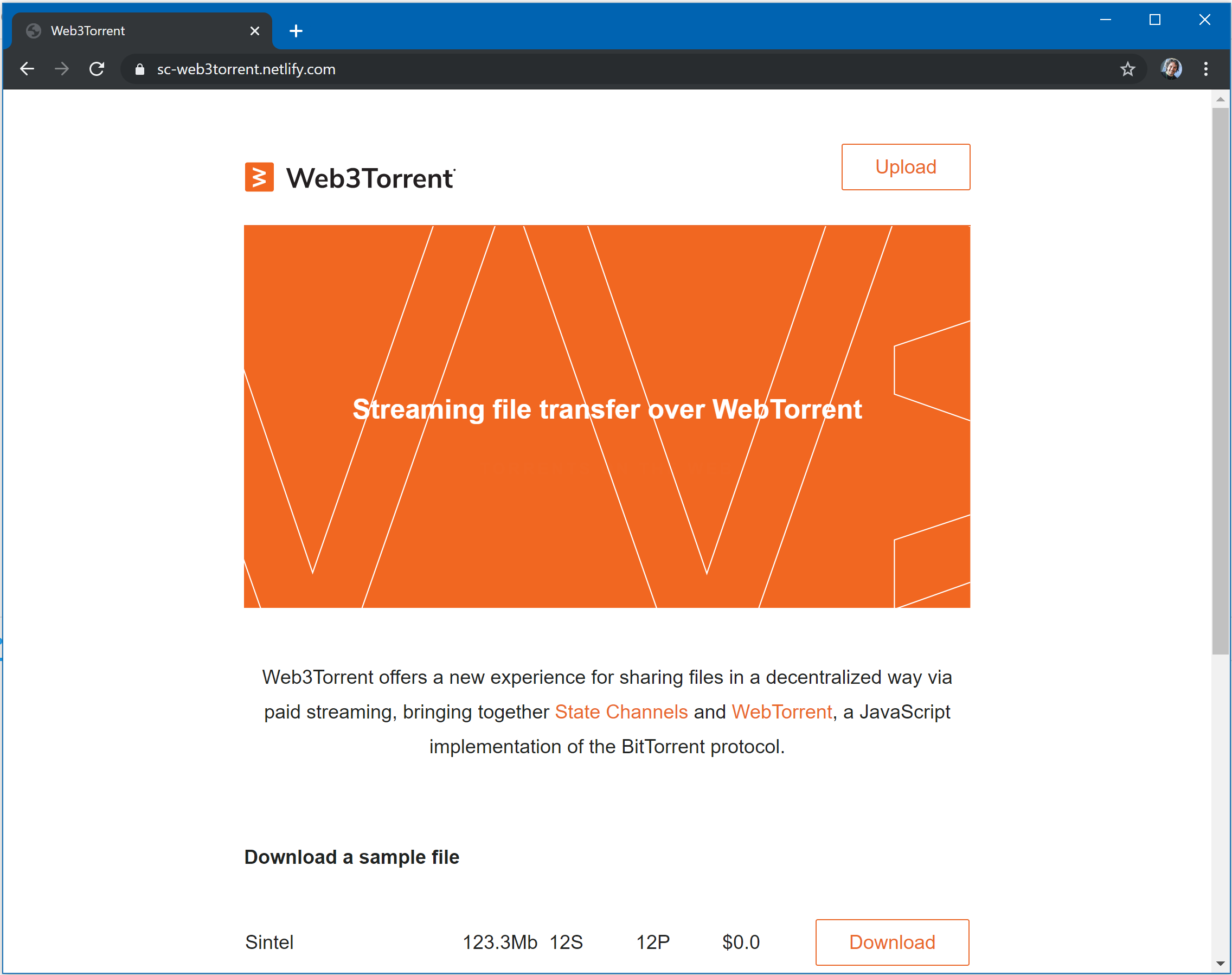
Web3Torrent is a streaming torrent implementation, based on Webtorrent and including a custom BitTorrent protocol extension that allows peers to block/choke and unblock other peers, conditional on (for example) the receipt of a payment.
The Extension establishes a basic way to send/recieve messages between peers, and it allows a peer to easily control what to do when requests for torrent pieces are receieved.
A Whimsical Diagram was made to explain how Web3Torrent, you can see it here.
As the client is a custom, extended version of Webtorrent, most of the docs from their docs page are applicable on this project.
There is a couple of extra properties and methods to take into account, the rest you can assume are pretty much the same:
pseAccountit's an ID, wich identifies the client (peer). This can be set when the client is instantiated (by passing an object with the keypseAccount). We use the state channel wallet signing address for this ID.peersListholds a list of torrents (identified by infoHash), in wich every torrent has a list of allowed peers (identified by pseAccount) this list is used by each peer Client, to control which peer is trying to leech files, and see who is allowed to do so.togglePeer (affectedTorrent, peerAccount)is a method that allows a user to choke/unchoke a peer
You can try it out here.
The screen recording below demonstrates a seeder on the left and a leacher on the right. The left seeder has a fresh wallet without a connection with the hub. The right leacher has a connection with the hub, allowing it to quickly open a payment channel and start downloading.

Just clone this repo and start tinkering. :-)
git clone git@github.com:statechannels/monorepo
cd monorepo
yarn
cd packages/web3torrent
yarn startIf you want to take a look at the UI components we built for this app, we have a Storybook. To use it:
yarn storybookYou'll see a screen like this in your browser:
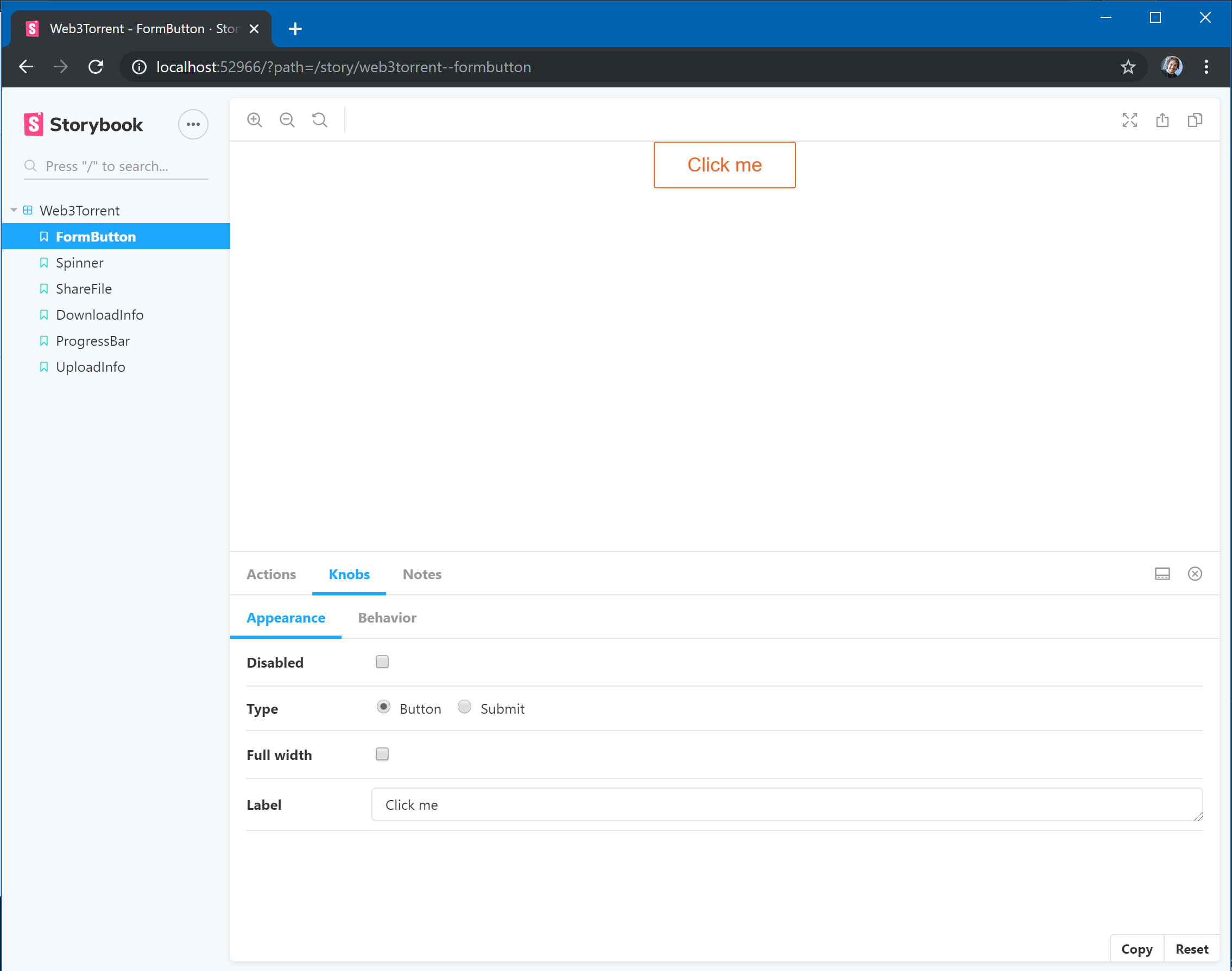
- On the left-side panel, you'll see each a page for each component. Click through those links to navigate.
- The Knobs tab, displayed on the bottom panel, allows you to play with the component's properties. Use the different options to see how the component changes.
- Because of this issue we require
end-of-streamto be fixed at1.4.1. - To enable logging to the console, set
LOG_DESTINATION=console - To enable logging to a file when testing, set
LOG_DESTINATION=someFilenameOtherThanConsole