F3D is able to play animations for any files which contain them. Play them either interactively or by selecting a specific time to display. For files containing multiple animations, F3D allows the user to either play each animation separately or play all animations at the same time.
This specific example uses an animation file which can be downloaded here.
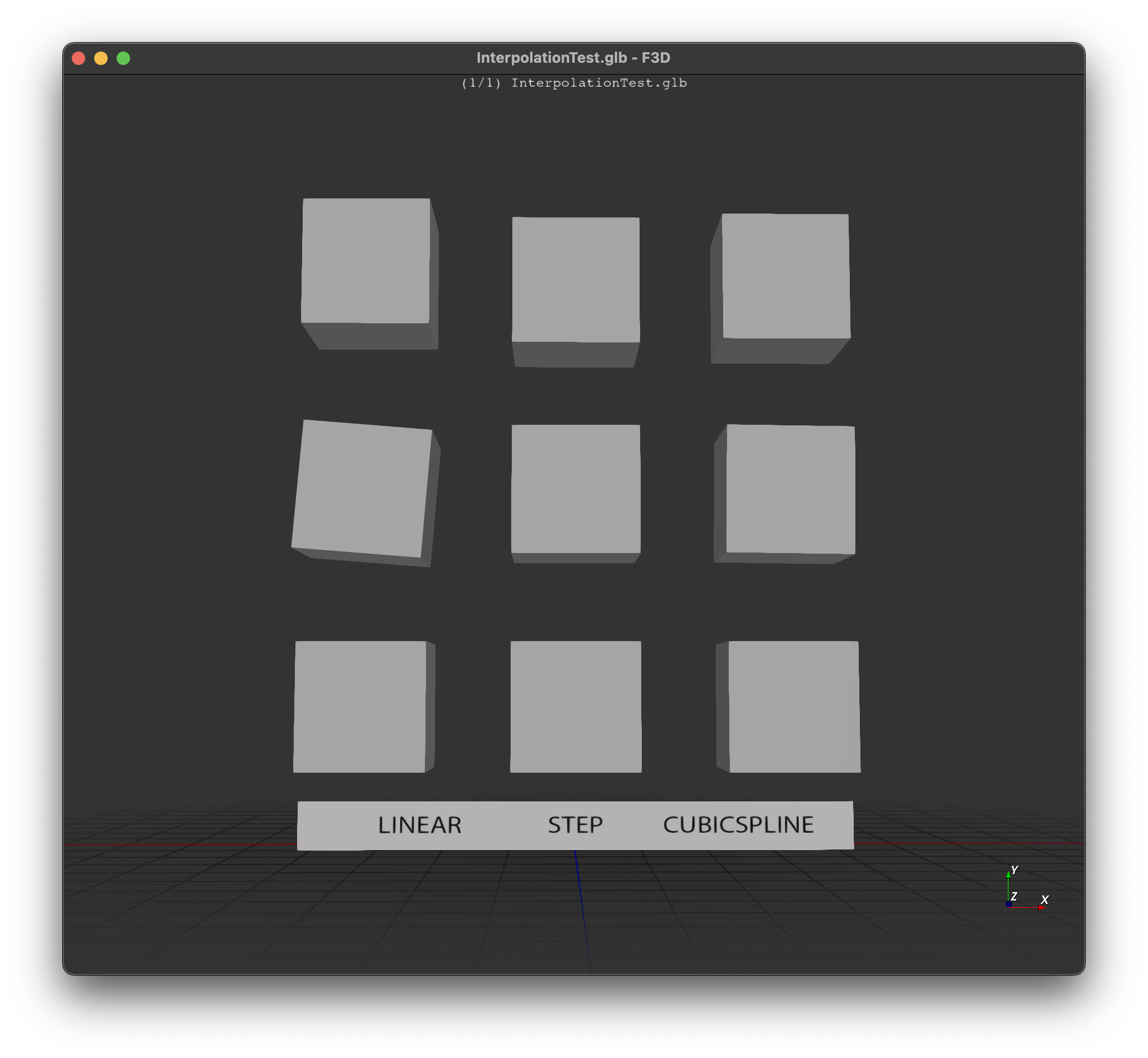
Load the example animation file shown above by executing within command line: f3d InterpolationTest.glb
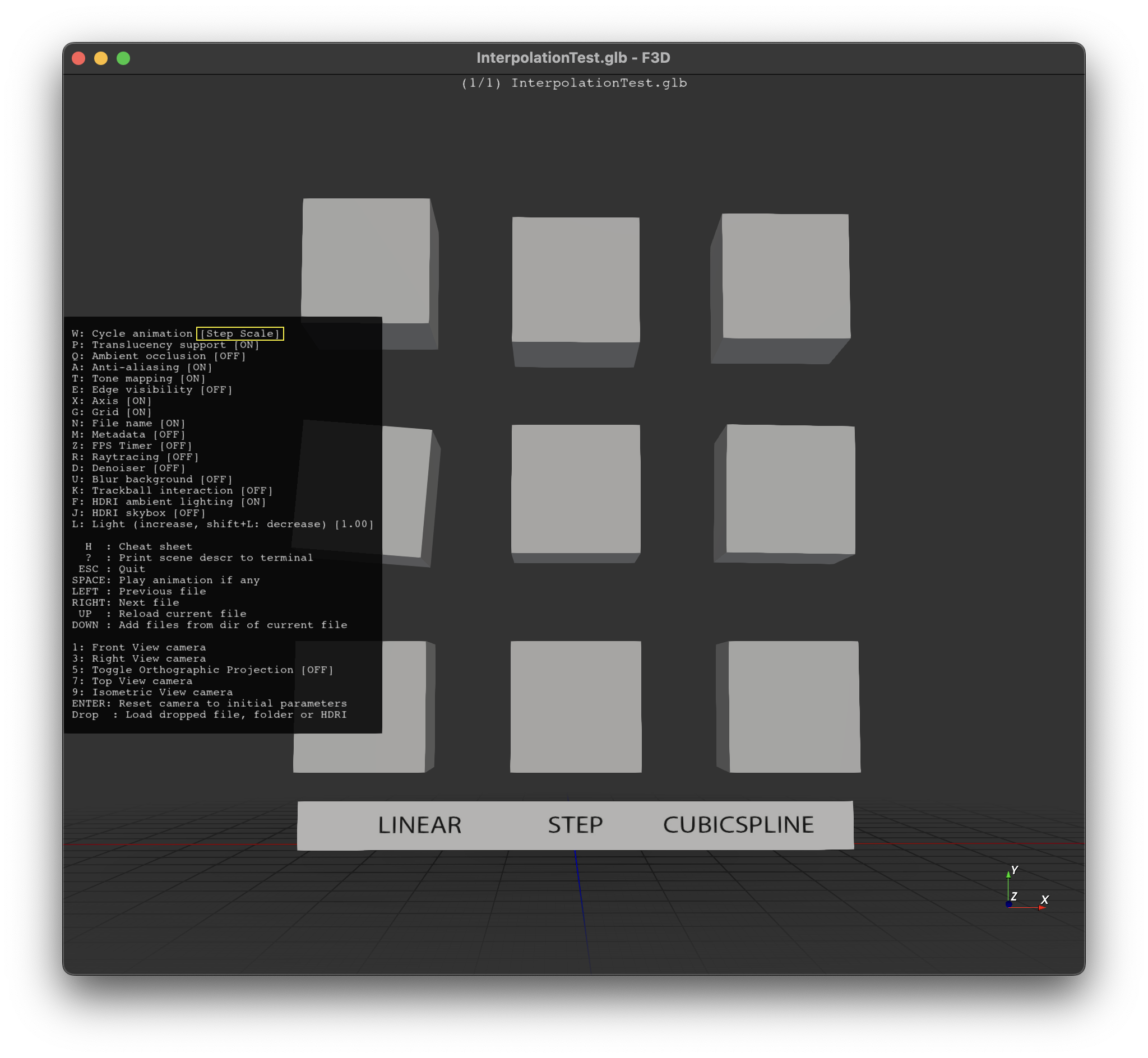
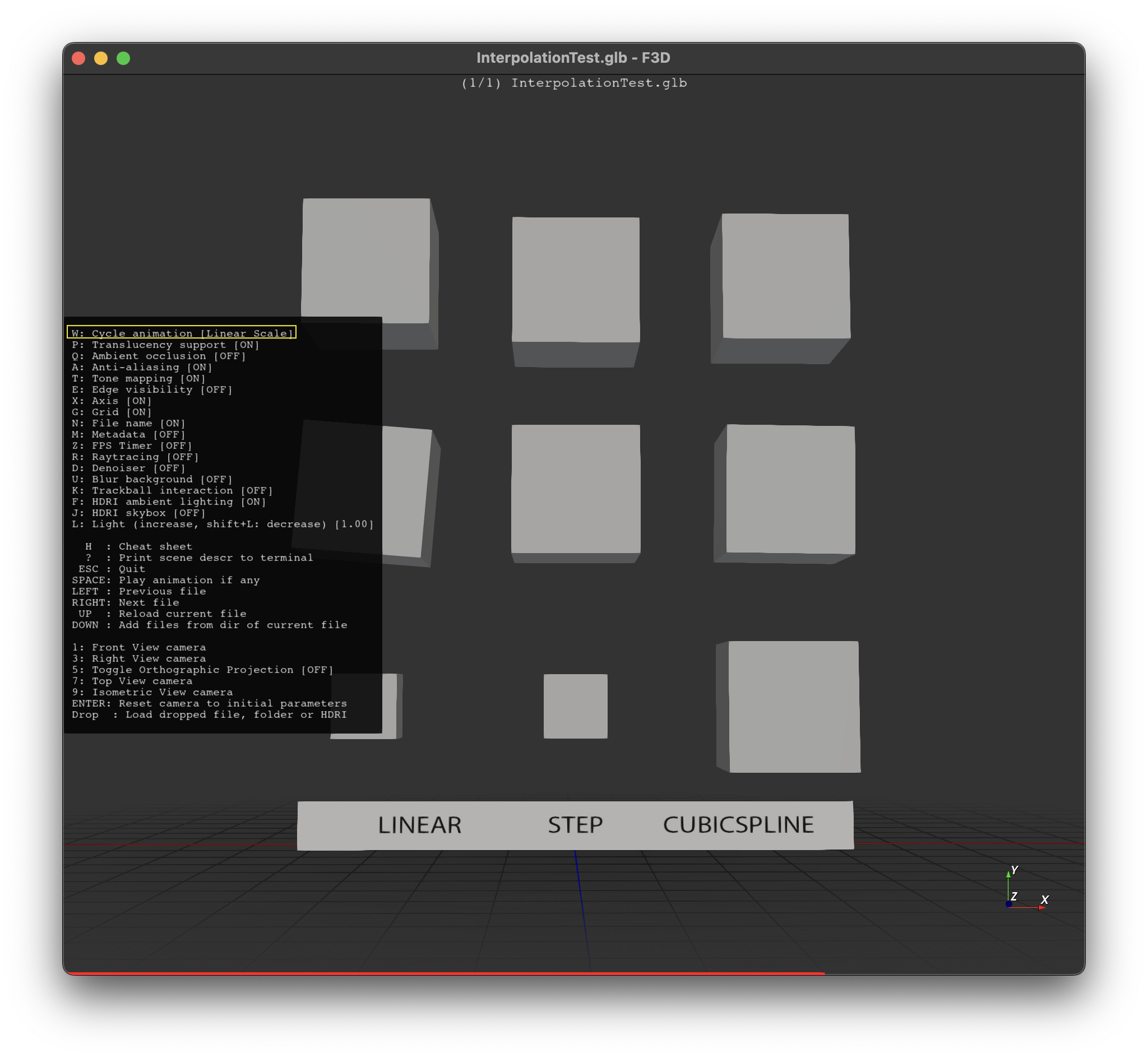
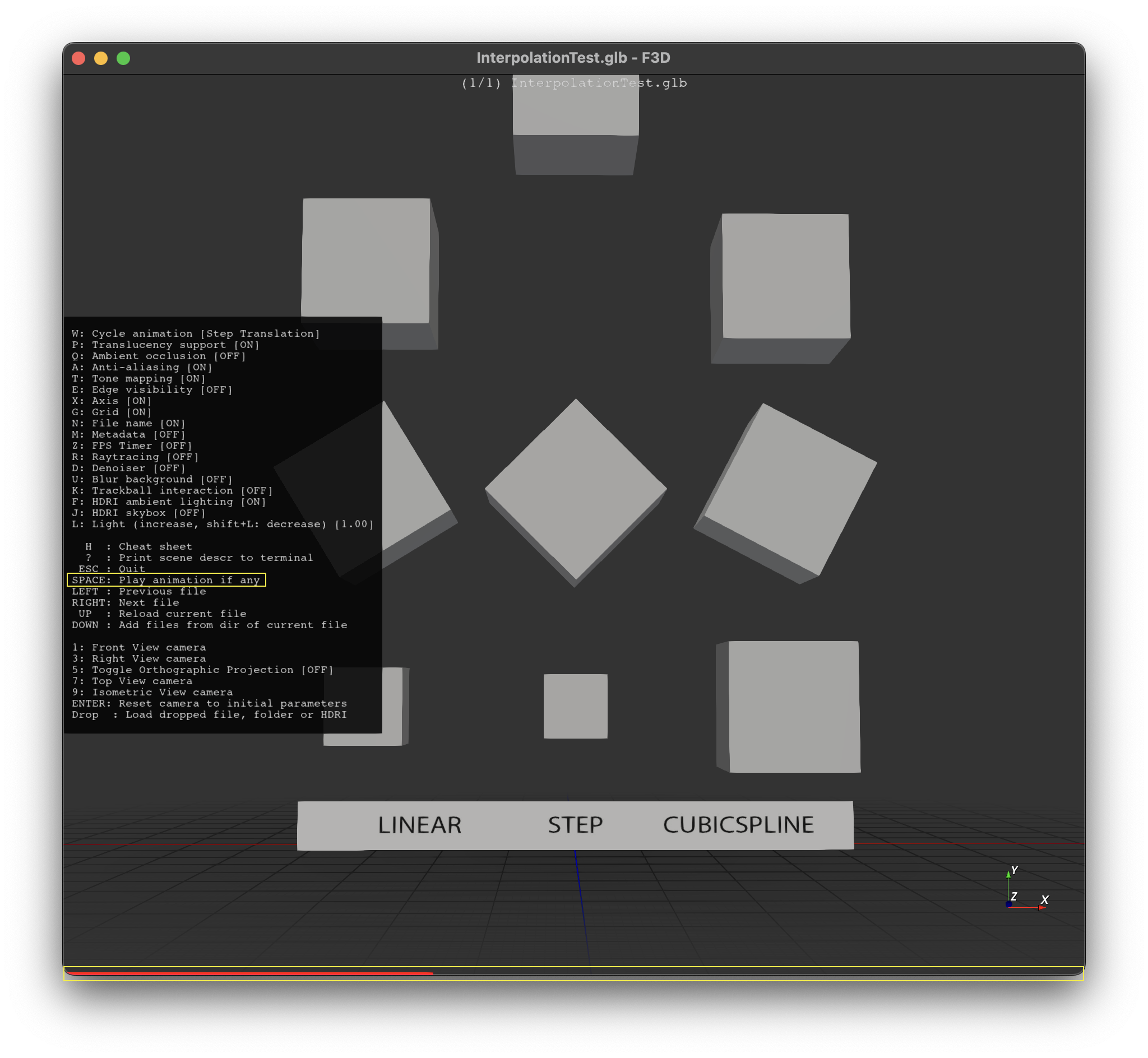
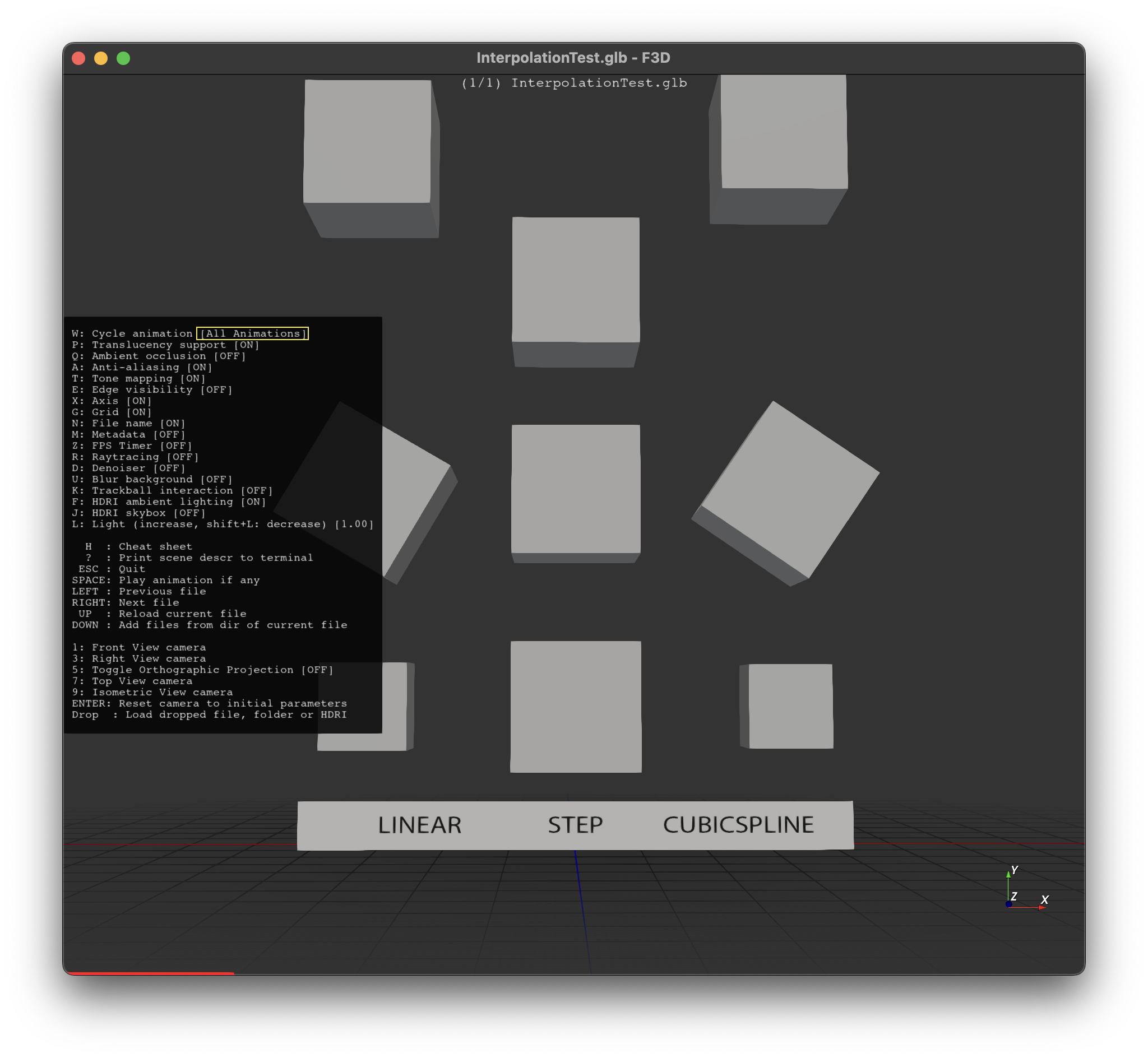
F3D animation behavior can be fully controlled from the command line using the following options.
| Options | Default | Description |
|---|---|---|
| --animation-index | Select the animation to play. | |
| --animation-index=-1 | Play all animations at once (.gltf/.glb only). | |
| --animation-speed-factor | Time Unit = Seconds | Adjust time unit. |
| --animation-frame-rate | 60 FPS | Adjust animation frame rate. |
- Press W to cycle through animations
- Press Space to play/pause animation
- When F3D plays an animation, it assumes the time unit is in seconds to show accurate speed of animation.