- Click on this link and install the Kiwi Browser extension (It's one of the only mobile browsers which allows you to install chromium extensions.)
- Click on this link to install the Screen Alive app. It will keep your phone screen on and prevent the script from stopping.
- Open the Screen Alive app and click on the light-bulb on the bottom right to keep your screen on.
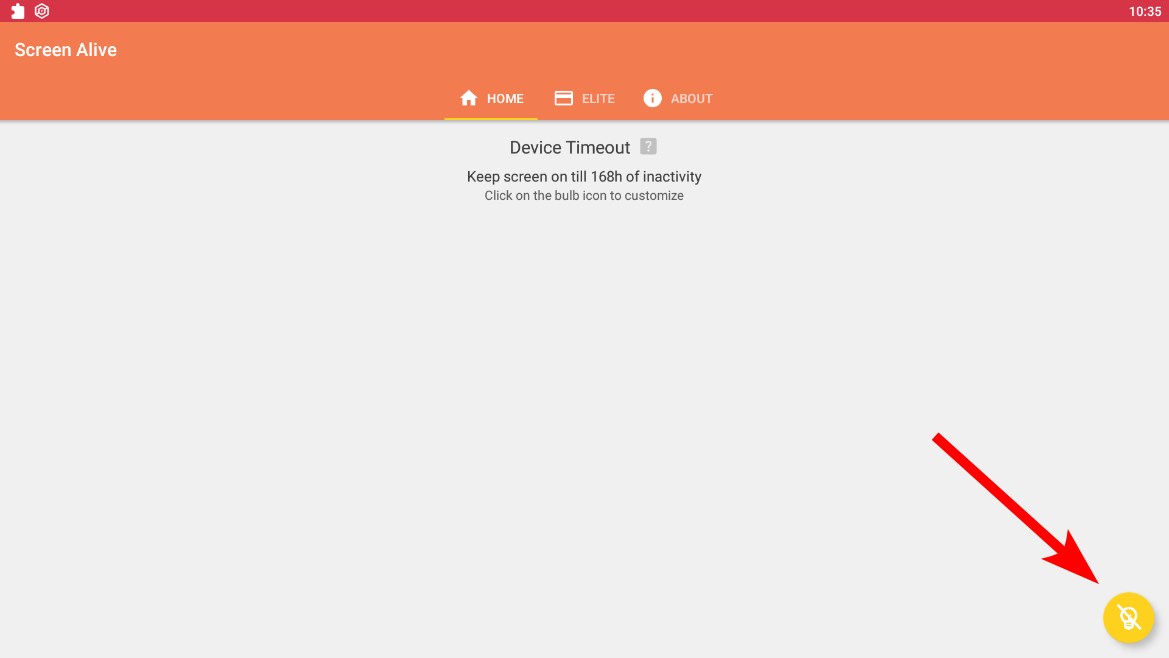 You can later click it again to reset your screen timeout to the default one.
 - Open the Kiwi Browser and log into your Reddit account from https://www.reddit.com/login/
- Open this link https://github.com/PlaceIndia/Bot in the Kiwi Browser
- Now you can follow the instructions from the link above because it's the same for both mobile and pc