
Replies: 2 comments 3 replies

-
|
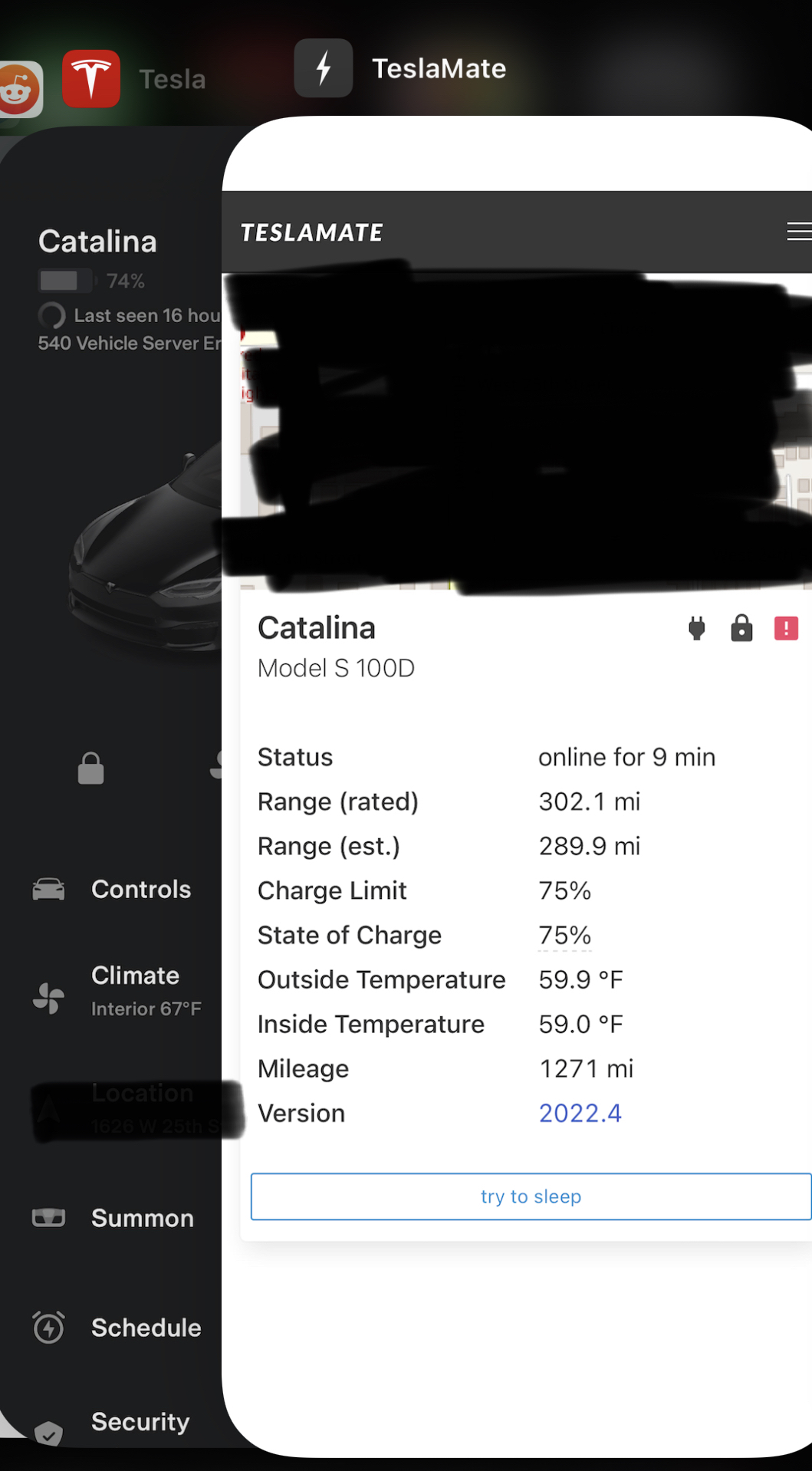
This typically happens when the connection from TeslaMate to Tesla's API failed. In this instance, a 503 - which typically means a service is unavailable. I have seen these more frequently in my own installation (not specific to TeslaMate, I think it is more Tesla hardware related) and it resolves itself within about one to three minutes. You can validate this error by opening the Tesla app and seeing what it says in the upper left hand corner. I imagine it will say |
Beta Was this translation helpful? Give feedback.

-
|
Similar to this. |
Beta Was this translation helpful? Give feedback.

-
|
Hi teslamate dev community and users, This old thread is the closest I have found that corresponds to my issue. Maybe someone can shed some light on what is going on since about over a week now. Here is a recent excerpt of my teslamate log (seen repeatedly on the log for over a week): Environment: Teslamate version 2.2.0 Tesla model 3 vehicle on version 2026.2.3 I have checked connectivity, DNS, etc. The above response to the GET request as being 503 Service unavailable does make sense, but I have not seen the iOS Tesla app showing the same message and since the issue keeps showing up I do not see it resolving itself. All the Grafana info, location of the car, and its past and present states appear to be working. Thanks again to the devs for all the work. Now on my fourth year running Teslamate! |
Beta Was this translation helpful? Give feedback.

-
|
Do you live in a geo-blocked location? |
Beta Was this translation helpful? Give feedback.

-
|
I'm located in Canada, which is not geo-blocked, and I am not behind a VPN. However, my Teslamate Raspberry Pi now sits behind a new firewall installation and, as per Teslamate docs (FAQ) I have applied the following policies: The following flows must be authorized (egress traffic and DNS resolution): HTTPS (TCP/443) HTTP (TCP/80) I will look into my firewall logs, but I doubt this is where I will find an answer. Thanks again for your input. |
Beta Was this translation helpful? Give feedback.


Uh oh!
There was an error while loading. Please reload this page.
Uh oh!
There was an error while loading. Please reload this page.
-
I've got an updated setup that has been working fine. However, I noticed a 'health check failed' error on the homepage today and went in the logs. The logs are full of:
Ideas?
Beta Was this translation helpful? Give feedback.
All reactions