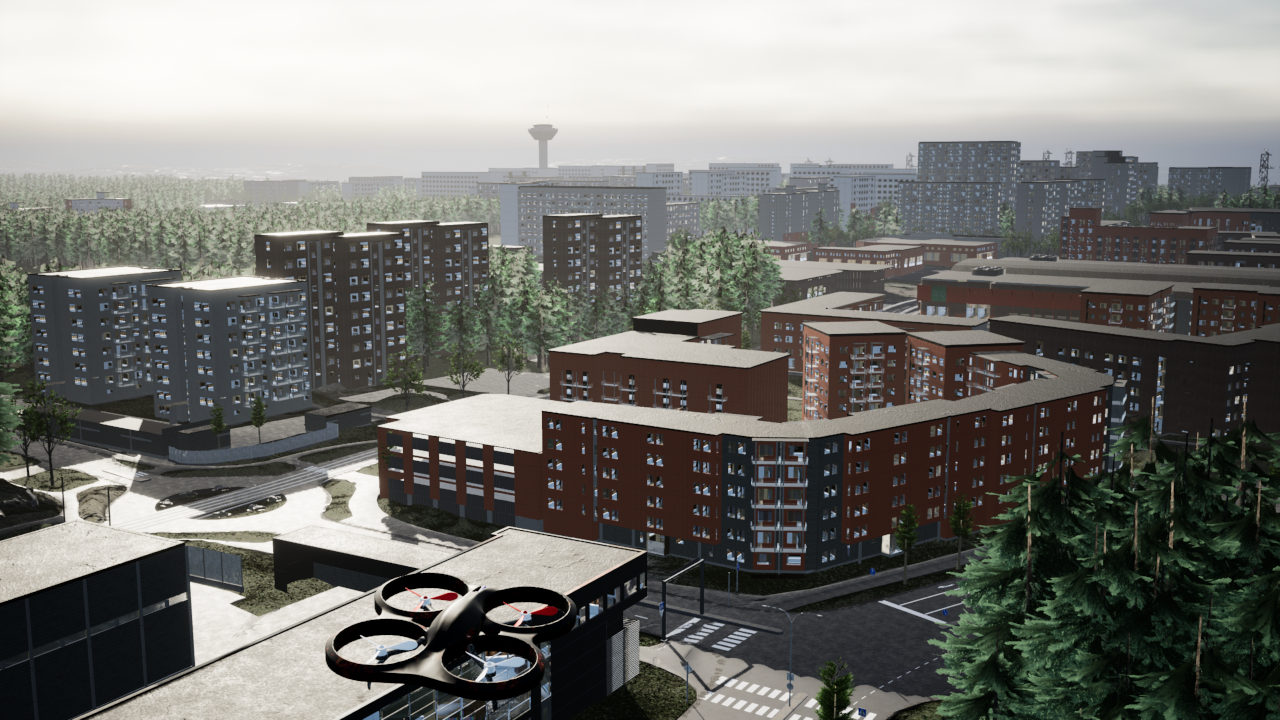
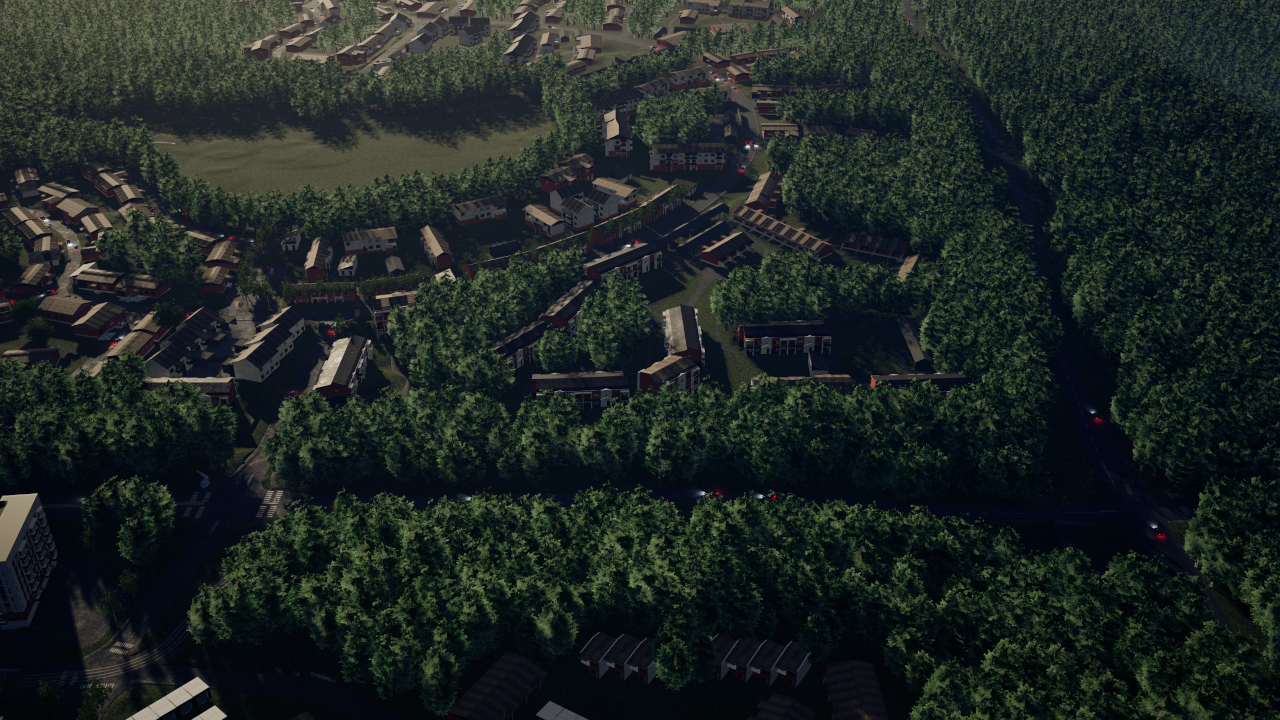
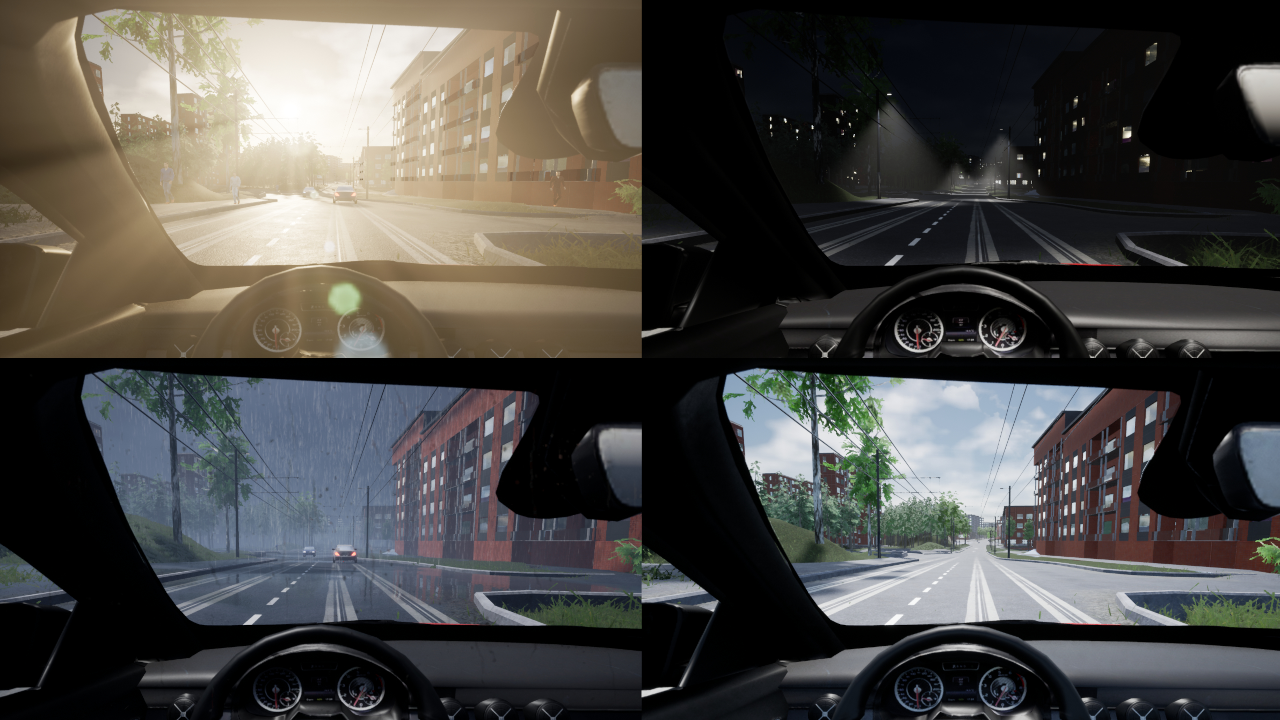
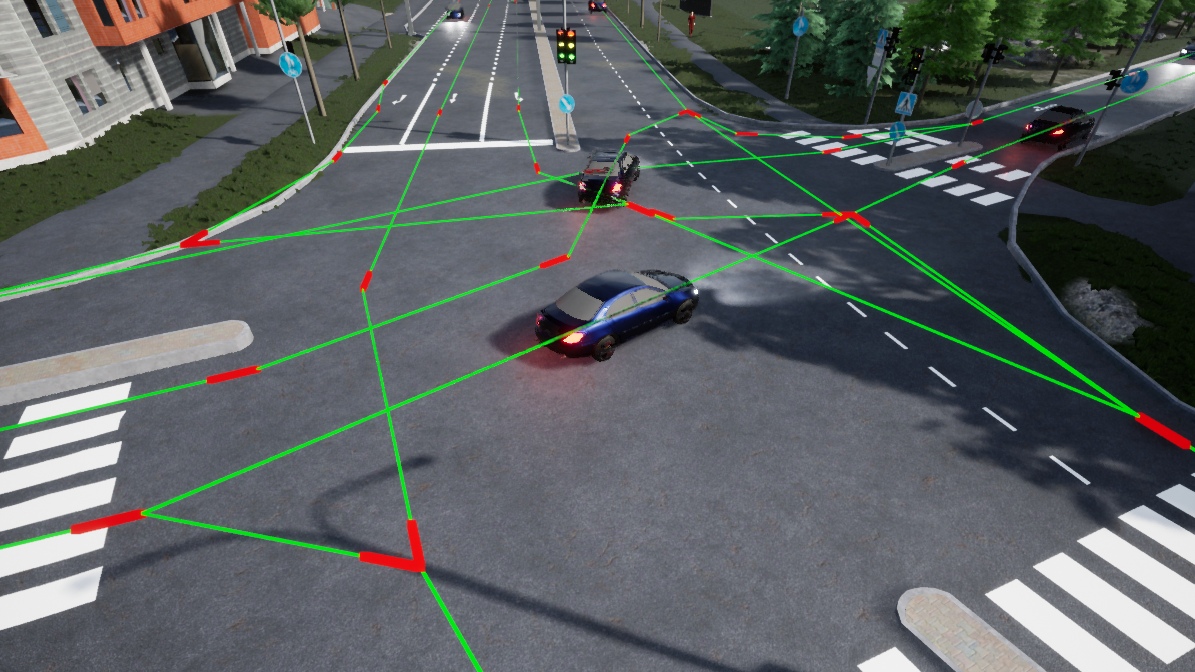
CiThruS2 (See-Through Sight 2) is a simulation framework and virtual city environment built in Unreal Engine 5 to aid in testing and developing various traffic-related systems, drone systems and vision-based systems. The environment is based on the real suburb of Hervanta in Tampere, Finland, and it supports features such as simulated cars, pedestrians, cyclists, weather, seasonal effects, a changeable time of day, as well as real-time video streaming, recording, and receiving.
 |
 |
 |
 |
Ultra Video Group has a public Discord server where you can ask questions about CiThruS2 (and other UVG projects). You can join the server here.
Setting up CiThruS2 involves installing dependencies and running the setup script. The process is similar between platforms.
We recommend running CiThruS2 in Windows 11, but it should also work in 10.
To use the environment on Windows, you must first make sure PowerShell, Visual Studio 2022, CMake and Unreal Engine 5.6 are installed on your computer. Then, run the setup.cmd script.
We recommend running CiThruS2 in Ubuntu 24.04 LTS, as it is the Linux distribution we have used internally and Epic Games also recommends Ubuntu for Unreal Engine 5.
To use the environment on Linux, you must first make sure clang-18, libc++-18, yasm, CMake and Unreal Engine 5.6 are installed on your computer. Then, run the setup.sh script.
Currently, we do not officially support macOS, but we have been able to run CiThruS2 on macOS in an informal test setup. It is most likely possible to setup CiThruS2 on macOS by adapting the Linux instructions, but we cannot guarantee that every feature will work as intended.
The setup script will automatically set up dependencies and download the CiThruS2 content, which is not included in this repository due to GitHub storage limitations. Please note that the script will download ~7 GB of data: make sure your computer has enough storage space.
After successfully running the setup script, open the CiThruS.uproject project file in Unreal Engine and let Unreal Engine build the CiThruS2 code. After building, the Unreal Engine editor will automatically open the environment. During the first launch, the editor will build shaders and prepare assets for several minutes, but subsequent startups will be much faster. If the editor fails to open or the build process fails, please check that the setup script ran successfully and did not generate errors.
If there are issues with building the dependencies, the CiThruS2 code can also be built without them, but some features such as video capture will not be available. The dependencies are located at the root of the repository in a folder called ThirdParty, which is generated by the setup script. To build CiThruS2 without dependencies, you can simply delete the generated ThirdParty folder. The next time CiThruS2 is built, it will automatically detect that the dependency files are missing, and they will be excluded from the build. Note that although the dependencies can be excluded, you still have to download the CiThruS2 content through the setup script.
If you wish to delete CiThruS2, simply delete the directory into which you downloaded this repository: the setup script does not install anything elsewhere on your computer (other than CMake if it was not already installed. This is because some of the dependencies may attempt to install it.)
Old versions of CiThruS2 for older Unreal Engine versions are available on separate branches. They do not have the latest features and will no longer be updated, but they are otherwise usable. To avoid version conflicts while switching branches, we recommend first deleting all files generated by the setup script and Unreal Engine and then regenerating them from scratch on the new branch.
If you are using CiThruS2 in your research with a focus on ground vehicles and traffic, please cite the following paper:
A. Leppäaho, P. Sjövall, G. Gautier, and J. Vanne, “CiThruS2: Open-source simulation framework for vision-based ADAS development,” in Proc. IEEE Int. Automated Vehicle Validation Conf., Baden-Baden, Germany, Sep.—Oct. 2025.
If you are using CiThruS2 in your research with a focus on UAVs/drones, please cite the following paper:
E. Gałązka, A. Leppäaho, and J. Vanne, “CiThruS2: open-source virtual environment for simulating real-time drone operations and piloting,” in Proc. IEEE Int. Automated Vehicle Validation Conf., Austin, Texas, USA, Oct. 2023.
In other kinds of research, please cite the one you believe to be the most appropriate. If you're not sure which one to choose, we recommend the most recent paper.

