
Replies: 1 comment 16 replies

-
|
Hi there - do you see these HiDPI resolutions in System Preferences / Displays? On Intel it is possible that you need to enter the following command to enable HiDPI resolutions as well (in Terminal):
but if you already see HiDPI resolutions then something else might be the problem. |
Beta Was this translation helpful? Give feedback.

-
|
No problem! And yes, I would happily do some testing |
Beta Was this translation helpful? Give feedback.

-
|
Thank you! Can you try the following? 1. Revert changes (disable HiDPI) using one-key-hidpi To reduce the pain level of the process, you can skip steps 3-6, those are optional and there just for baseline testing. :) BetterDisplay-v1.3.2-b9905.zip Thank you! |
Beta Was this translation helpful? Give feedback.
-
|
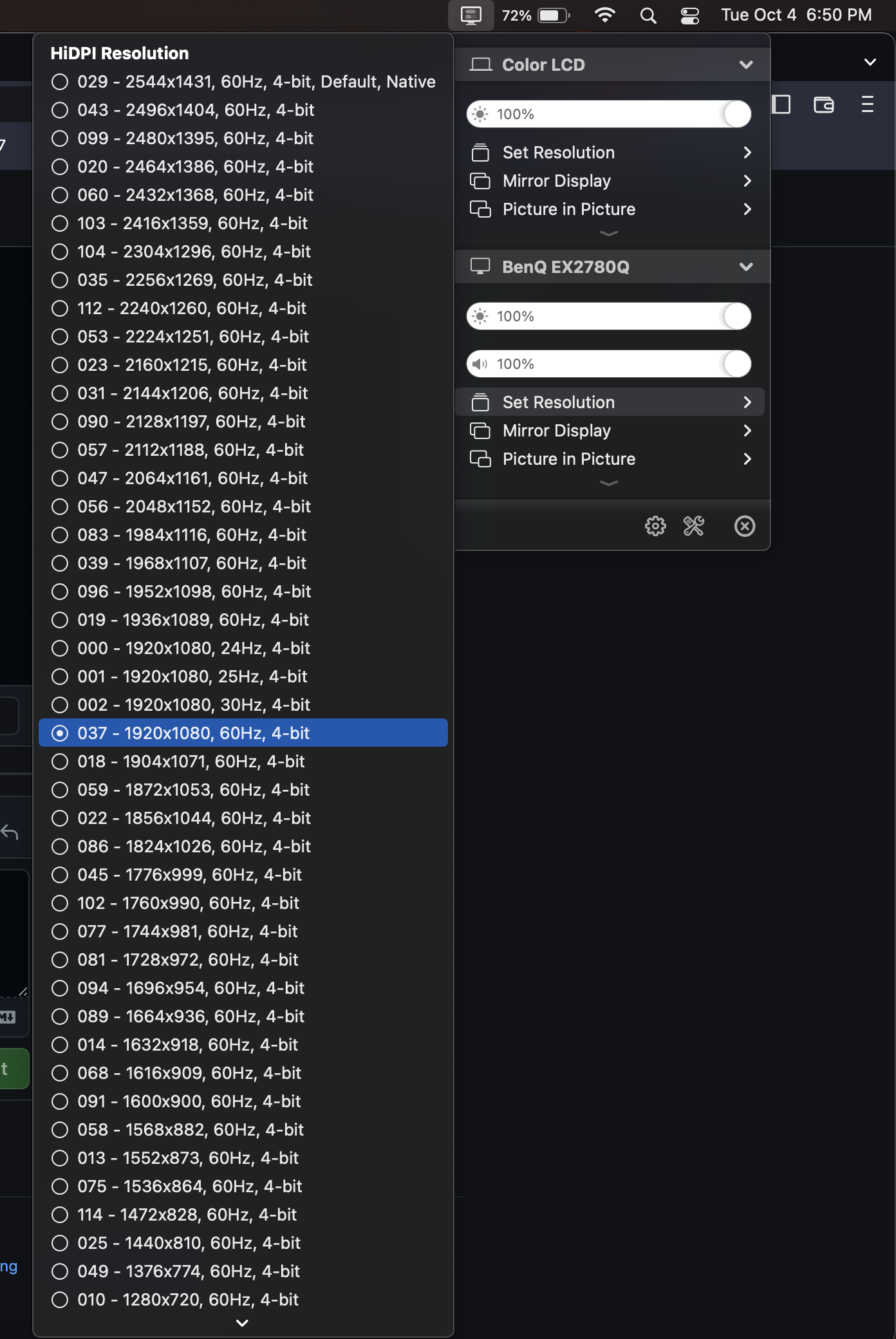
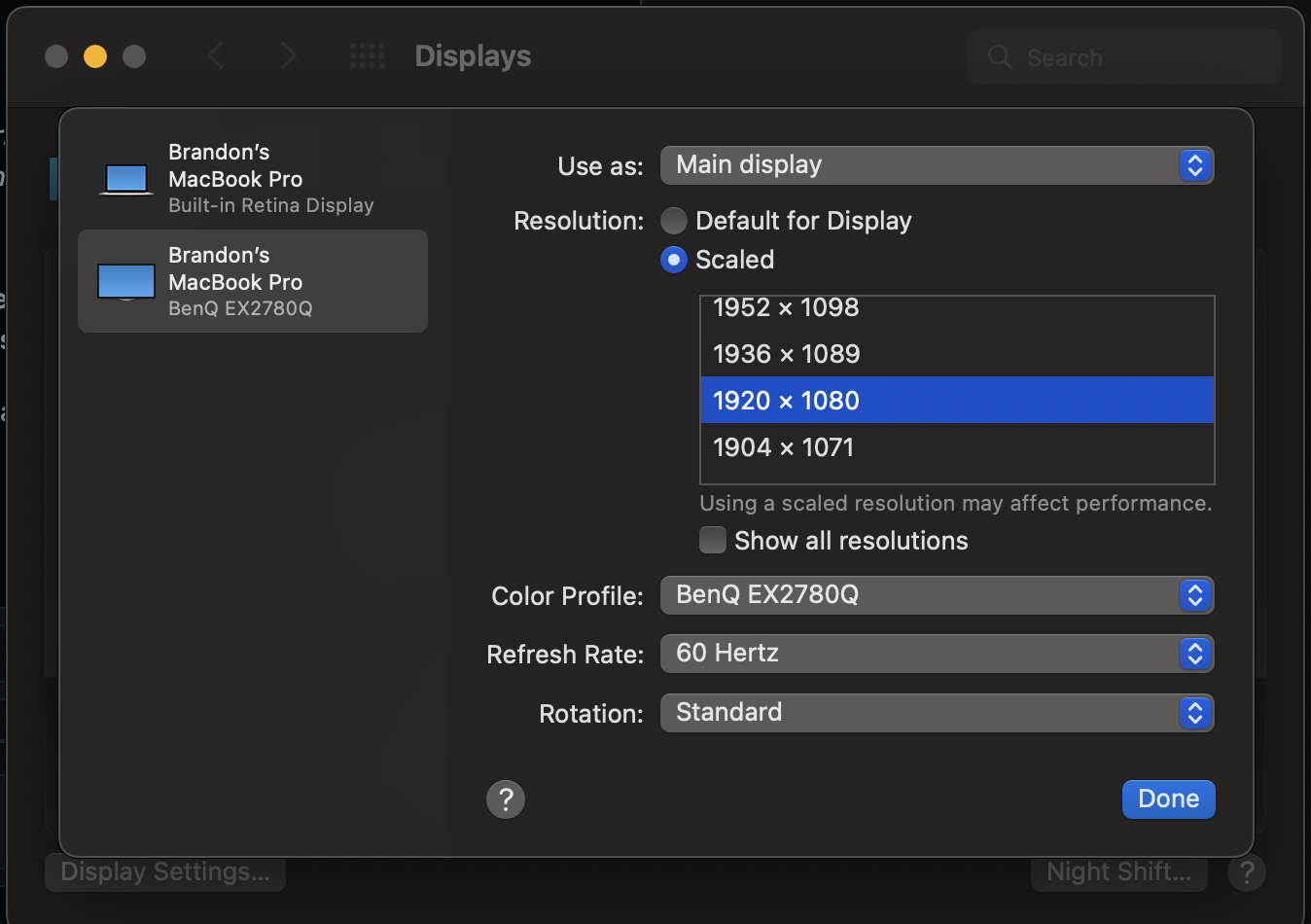
Just tried v1.3.2 and can confirm it is now working! All HiDPI resolutions are applying through the app and display menu.
|
Beta Was this translation helpful? Give feedback.
-
|
Great, thanks for the confirmation! :) |
Beta Was this translation helpful? Give feedback.
-
|
No problem! |
Beta Was this translation helpful? Give feedback.


Uh oh!
There was an error while loading. Please reload this page.
-
Currently have a 2015 15" Macbook Pro connected via HDMI to my BenQ EX2780Q 27" 1440p monitor. The HiDPI resolutions show up, but clicking on them do nothing and my screen remains the same.
Beta Was this translation helpful? Give feedback.
All reactions