
Replies: 1 comment 5 replies

-
|
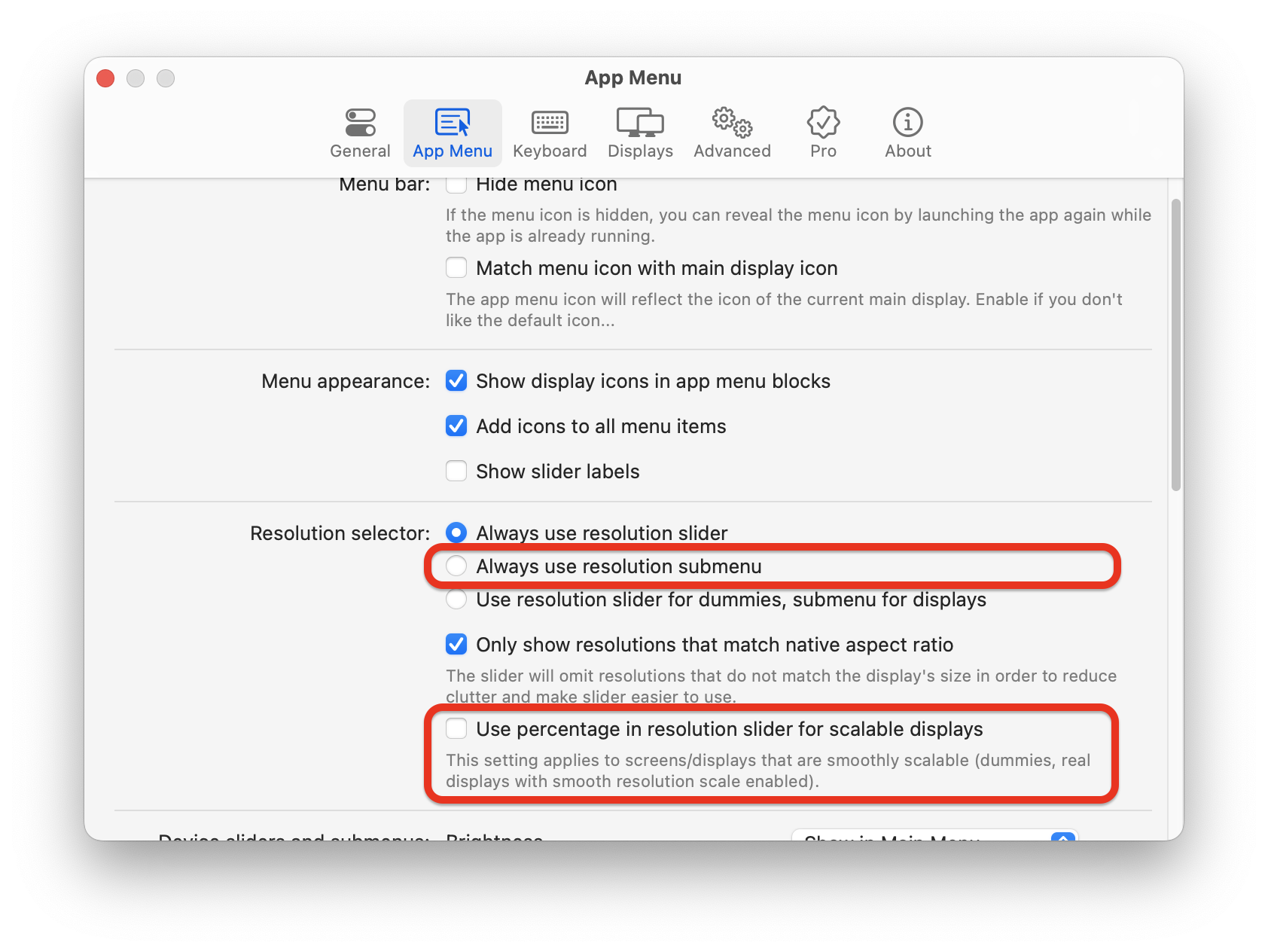
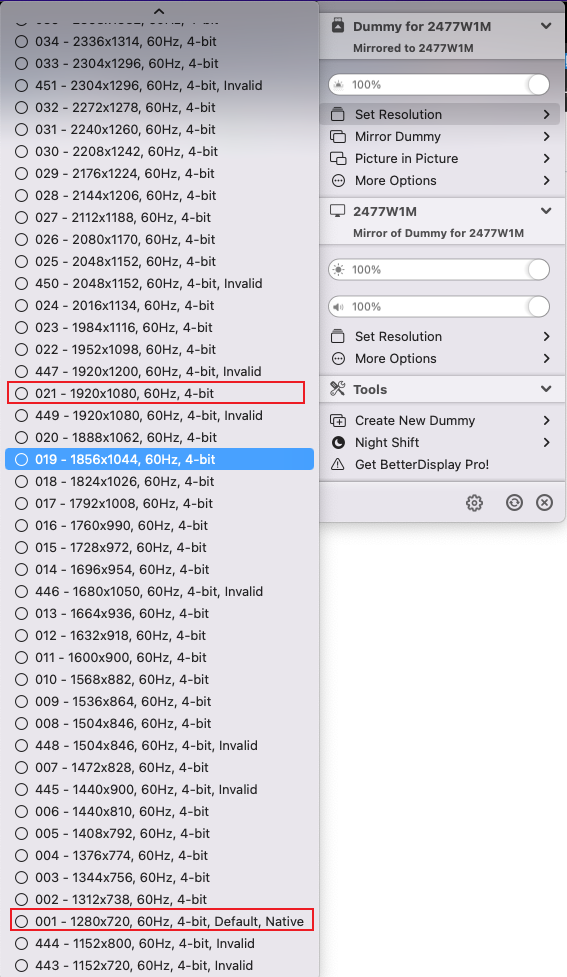
Hi @Pulset - It seems like you have created a dummy display and mirrored it. The resolution list you are seeing is the dummy resolution list (which is independent of the display's native resolution). For more resolution options you can use the app's resolution slider until the UI looks right or click on 'Show all resolutions' (显示所有分辦率) while pressing the OPTION button on your keyboard. If you want more precise control over the resolutions using the app, you can change the percentage value to resolution value in the slider or switch to a resolution submenu for a listed representation of resolution options:
|
Beta Was this translation helpful? Give feedback.

-
|
|
Beta Was this translation helpful? Give feedback.
-
|
|
Beta Was this translation helpful? Give feedback.

-
|
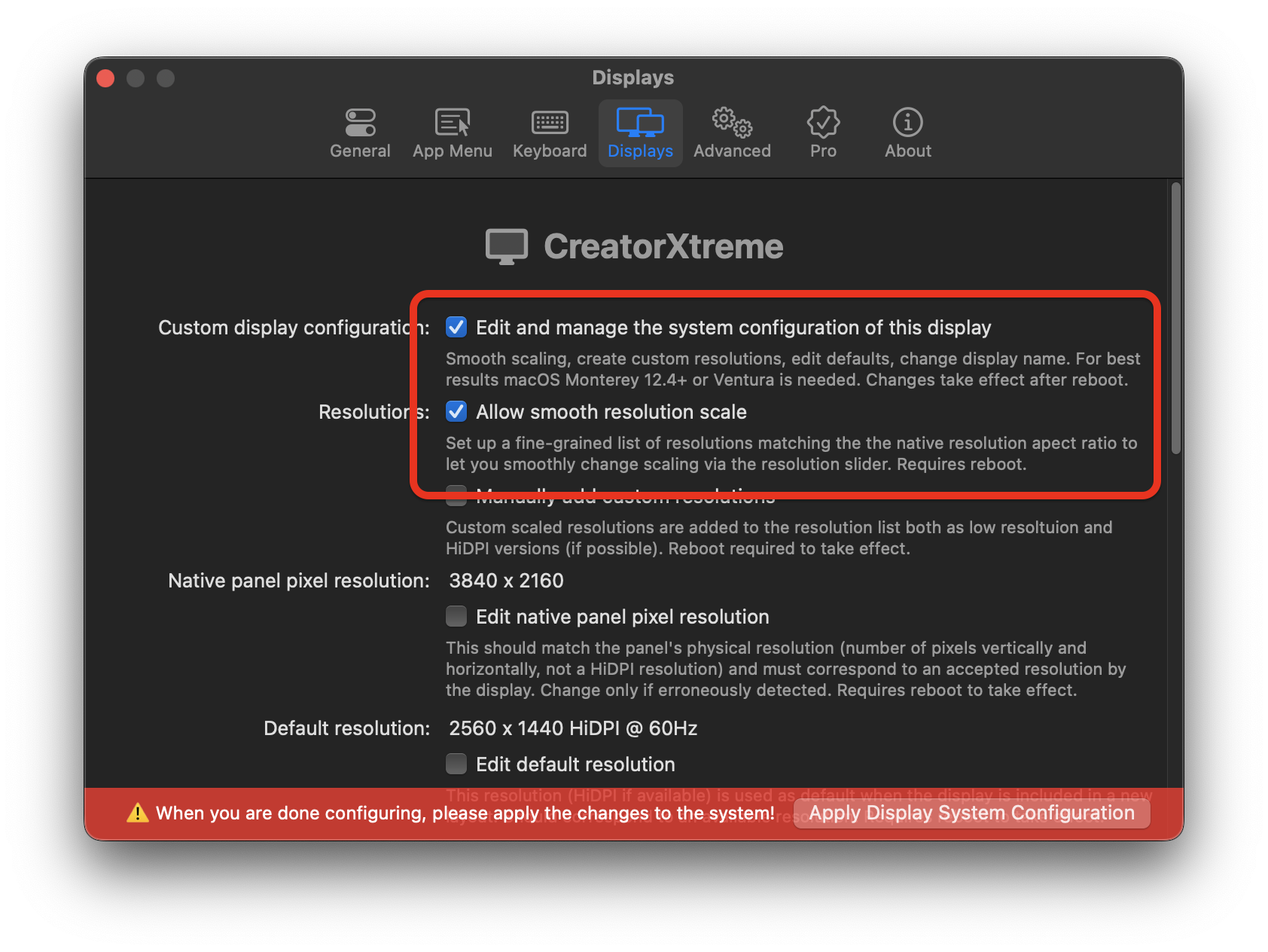
You do not seem to have native smooth scaling enabled.
|
Beta Was this translation helpful? Give feedback.
-
|
|
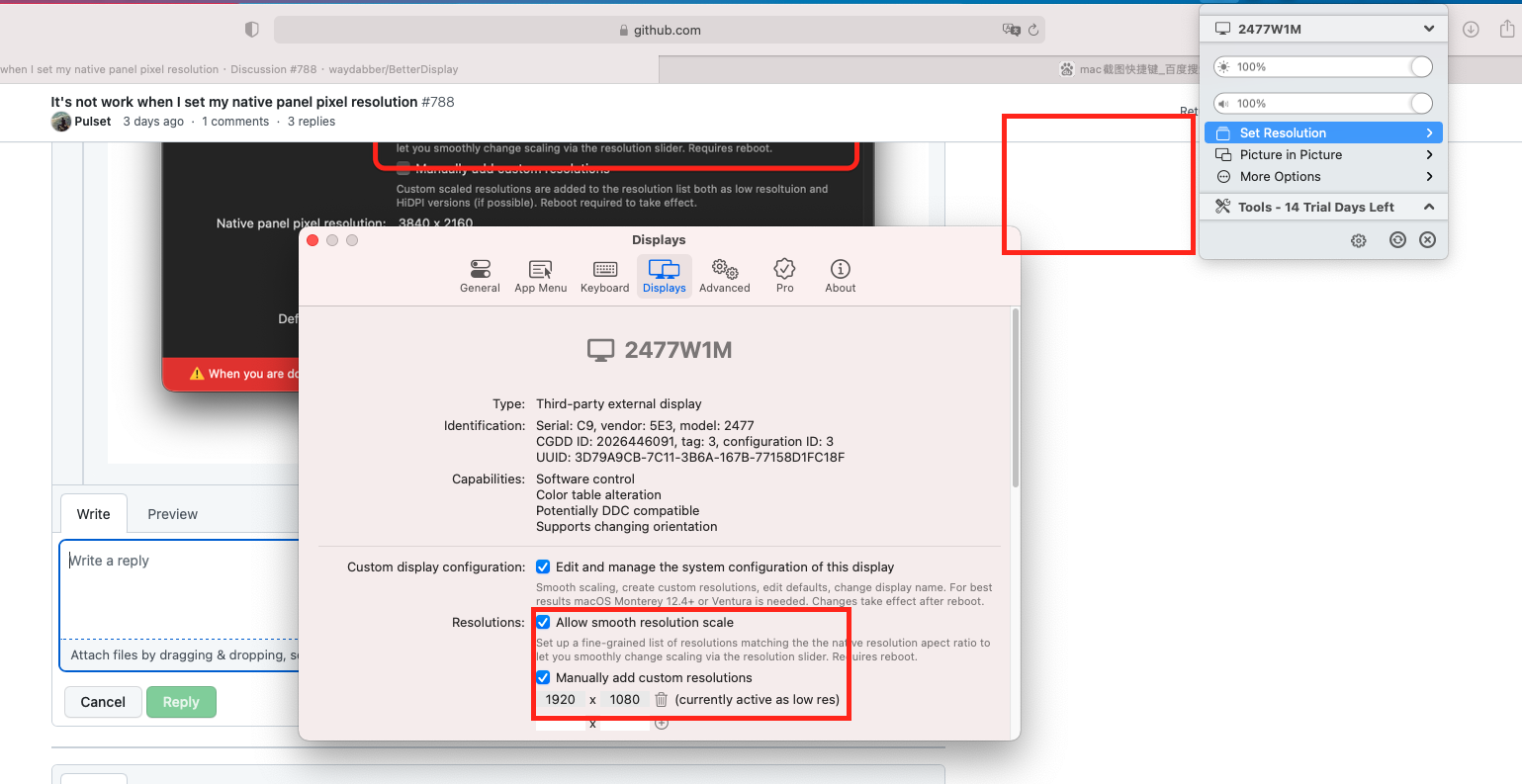
Beta Was this translation helpful? Give feedback.
-
|
Hmm. This seems to be a bug of some kind. |
Beta Was this translation helpful? Give feedback.


Uh oh!
There was an error while loading. Please reload this page.
-
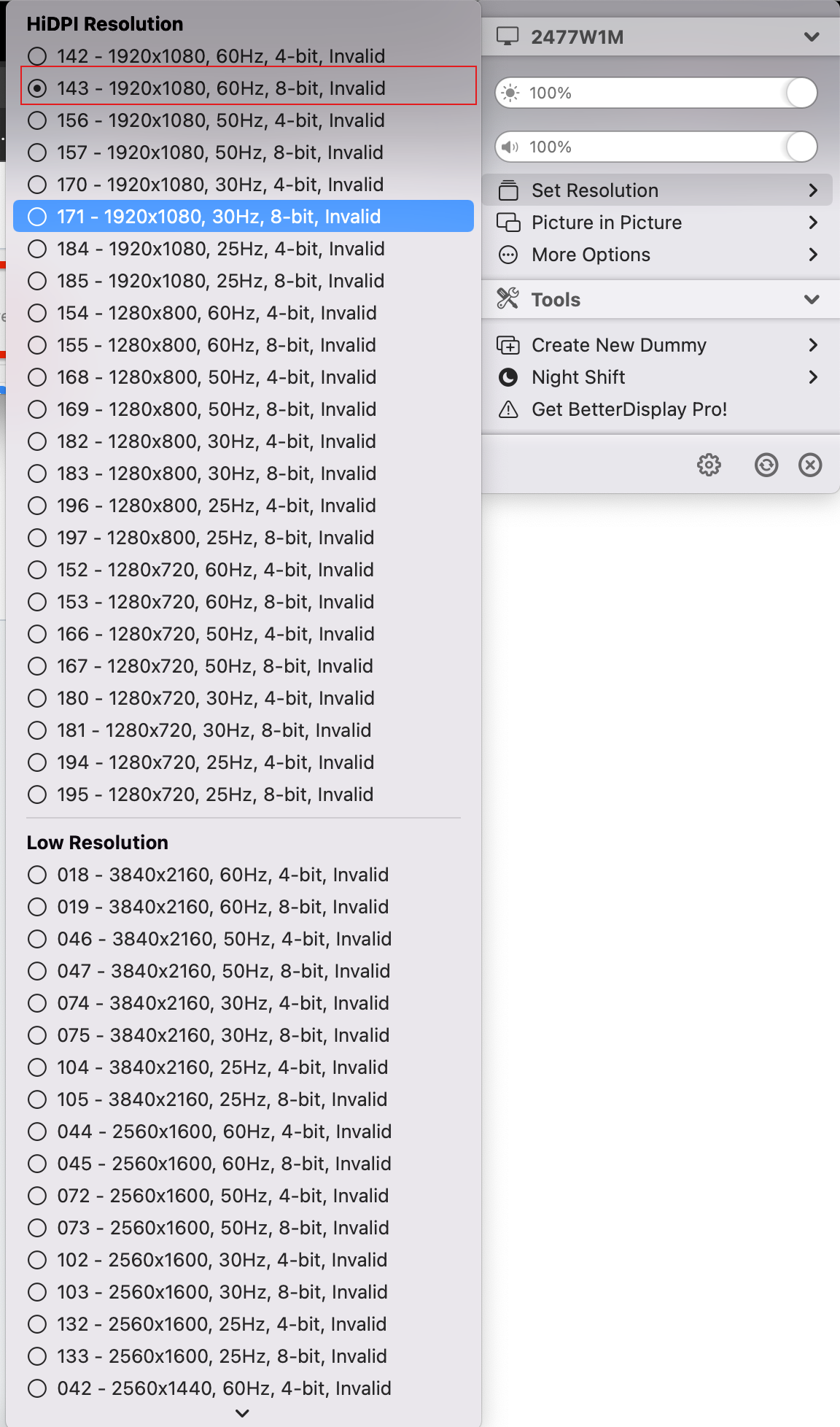
My display is 1920 x 1080,I select this resolution.Then I find it's not work,becase this icon is dim.When I select 1280 x 720, it's ok.So I'm confused.
Beta Was this translation helpful? Give feedback.
All reactions