BetterDisplay and MacOS indexing different #938

Description

Hey,
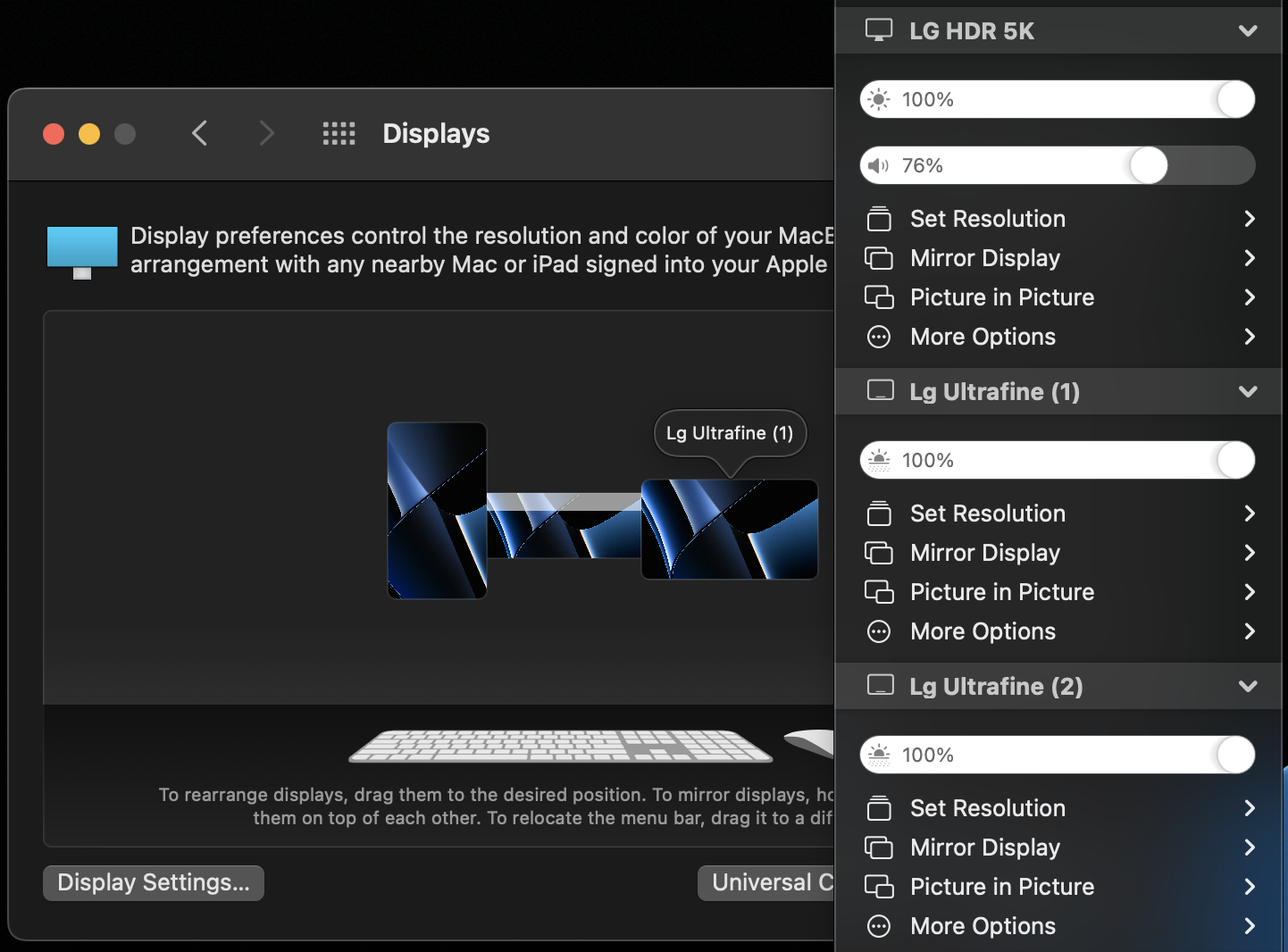
in my current setup, I try to run an LG 5k Display directly connected to a MacBook M1 Pro, together with 2x 4k LG Displays with DisplayLink Dock D6000.
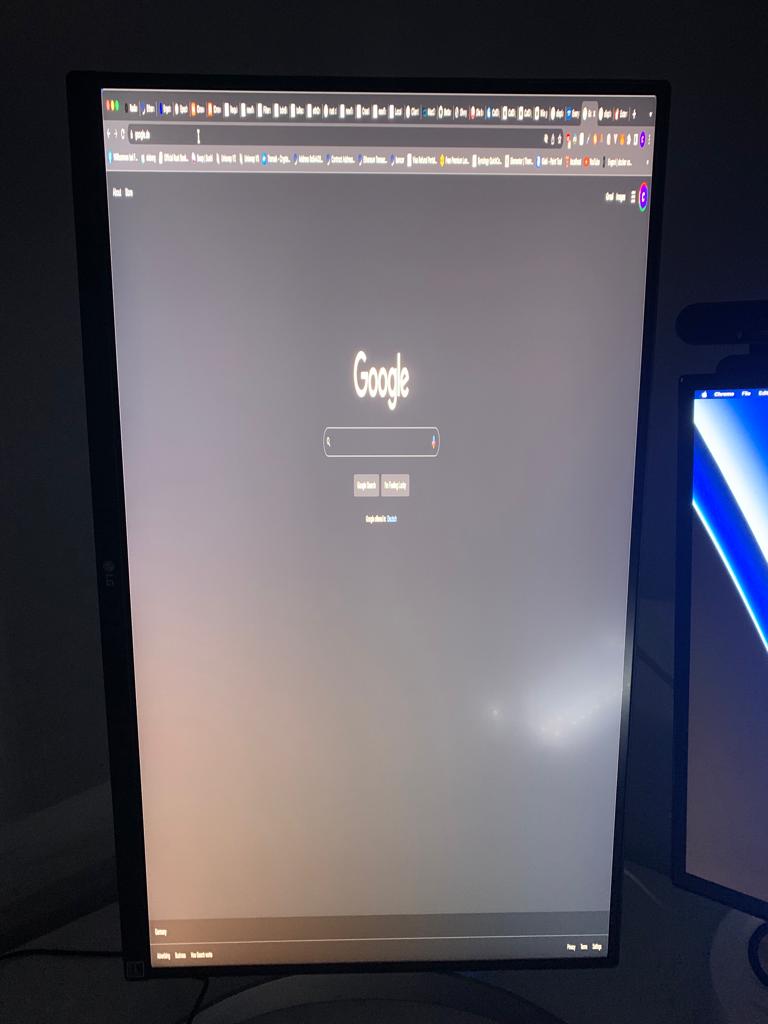
As long as I set up everything from the beginning it runs great, but after the mac wakes up from sleep there is a big issue. It seems like the Dummy Displays connect to the wrong physical Display. One of my Displays is vertical like in the picture below, and after wake the horizontal dummy display is connected to the vertical display, resulting in a complete mess.
I noticed that the index of the monitors is different.
The "Lg Ultrafine (1)" in the macOS settings is actually the "LG Ultrafine (2)" and vice versa in the BetterDisplay Settings.
So that could be the issue.
I am a programmer myself but don't know anything about monitor software, but if you need further information for debugging or anything, I think I can provide that easily.
EDIT:
I connected one Ultrafine with HDMI and the other one with Displayport (before both with Displayport).
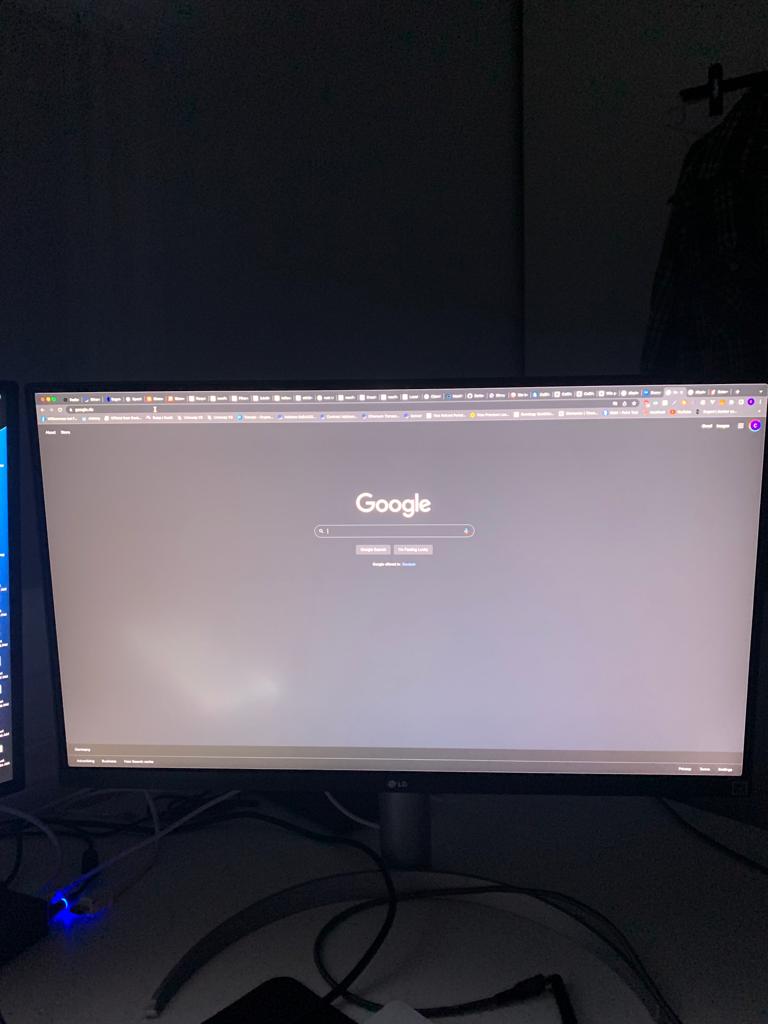
Indexing seems right now! But the problem is still there. I'll add a few photos of what's happening.
The same is happening if I remove the rotation, the image on the two screens is mirrored (after wakeup from sleep), and they are not extended anymore - in the setting dummy1s mirror target is still ultrafine 1 and dummy2s ultrafine 2 - but in reality its like dummy1 mirrored to ultrafine1 to ultrafine2
If I disconnect and reconnect the dummies the problem still remains. Only if i remove the dummies and create new ones the problem goes away (until mac goes to sleep)
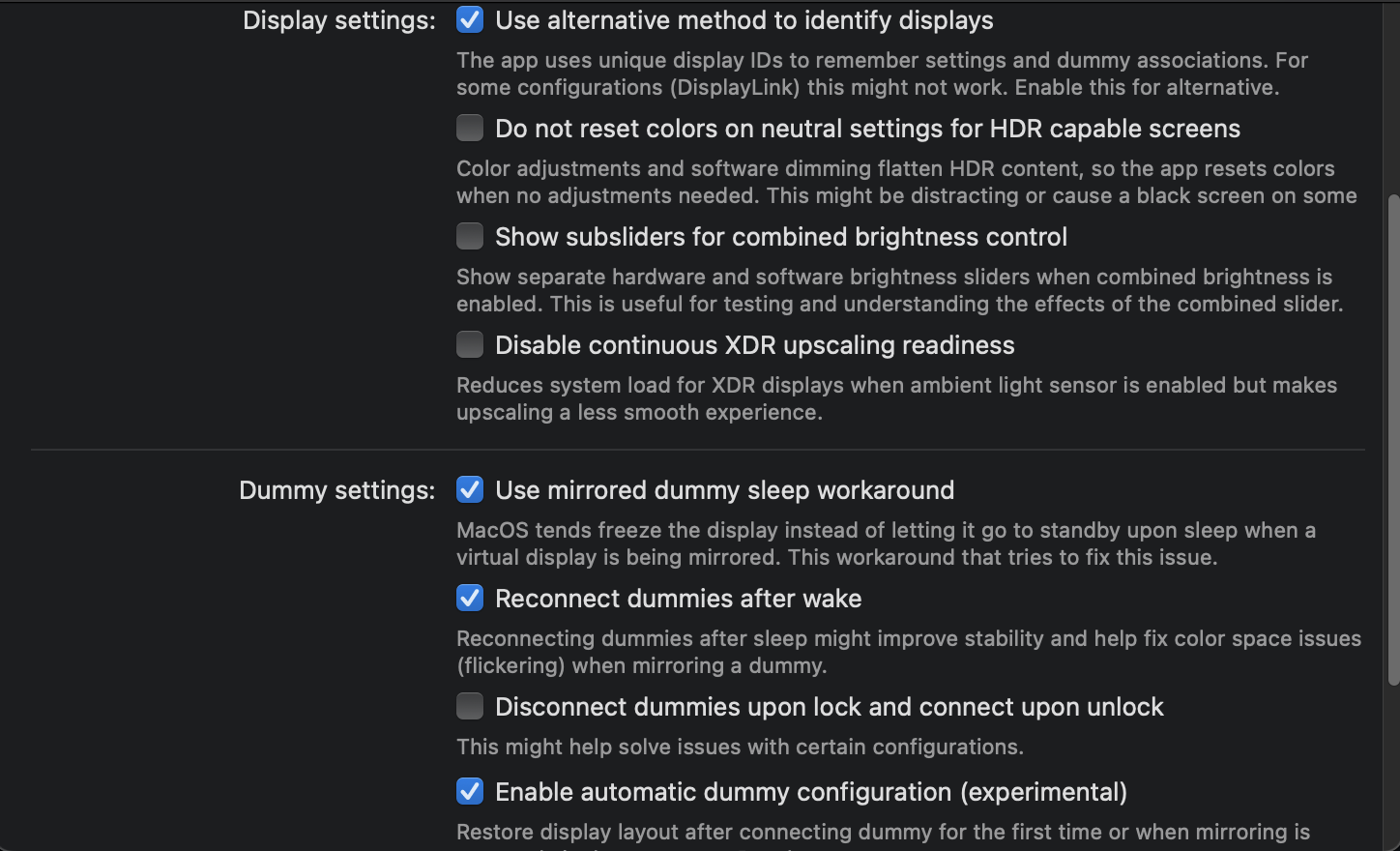
I've already tried the alternative identify method, but it's also not working..
If disable BetterDisplay, the Monitors are correctly tracked by the OS after reboot.
I discovered that the following menu function is also not working properly: Create new dummy -> Create and configure for
The dummy is getting created, but the program does not mirror it to the target monitor