Native Jetpack installation fails for JCP JN sites #8542

Description

Description
Native Jetpack installation fails for JCP JN sites.
Steps to reproduce
Prerequisites
- Create a JN site.
- Install WooCommerce
- Install the WooCommerce payments plugin. You can skip the authorization with the WPCOM account part.
From mobile app
- Log out of the app or skip login onboarding if needed.
- On the prologue screen, select "Log In" or "Continue with WordPress.com" based on the A/B test variant you get.
- Log in with your WordPress.com account.
- If your account doesn't have any associated site, notice that the empty store picker is displayed with the matching design as on Figma.
- Select Add a Store > Connect an existing site.
- Enter the address of your test store and tap Continue.
- You should see a Jetpack error screen from where you can Install Jetpack or Connect Jetpack natively.
- Tap on the
Connect Jetpackbutton, and you will end up in a404error screen.
Screenshots
| Screen | Image |
|---|---|
| Start connection | 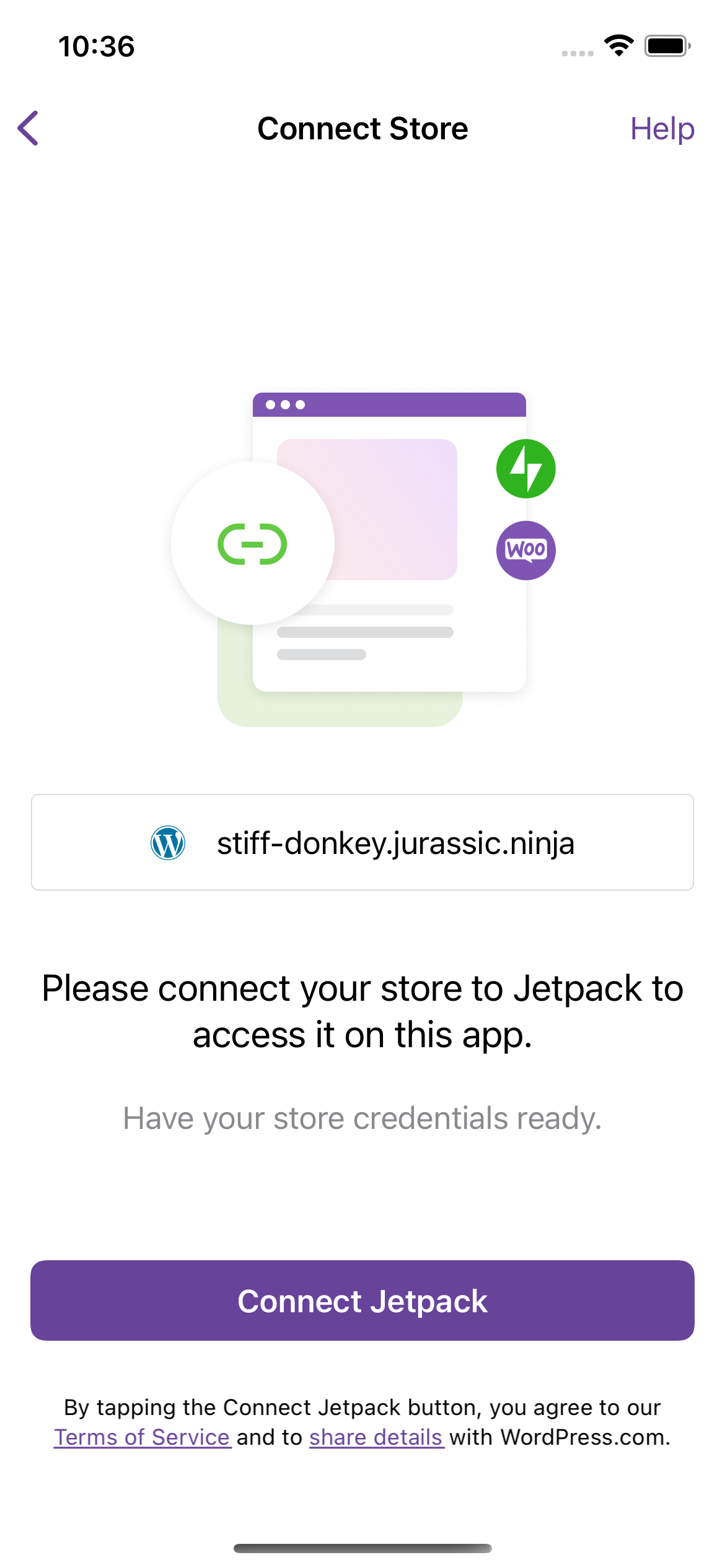 |
404 error |
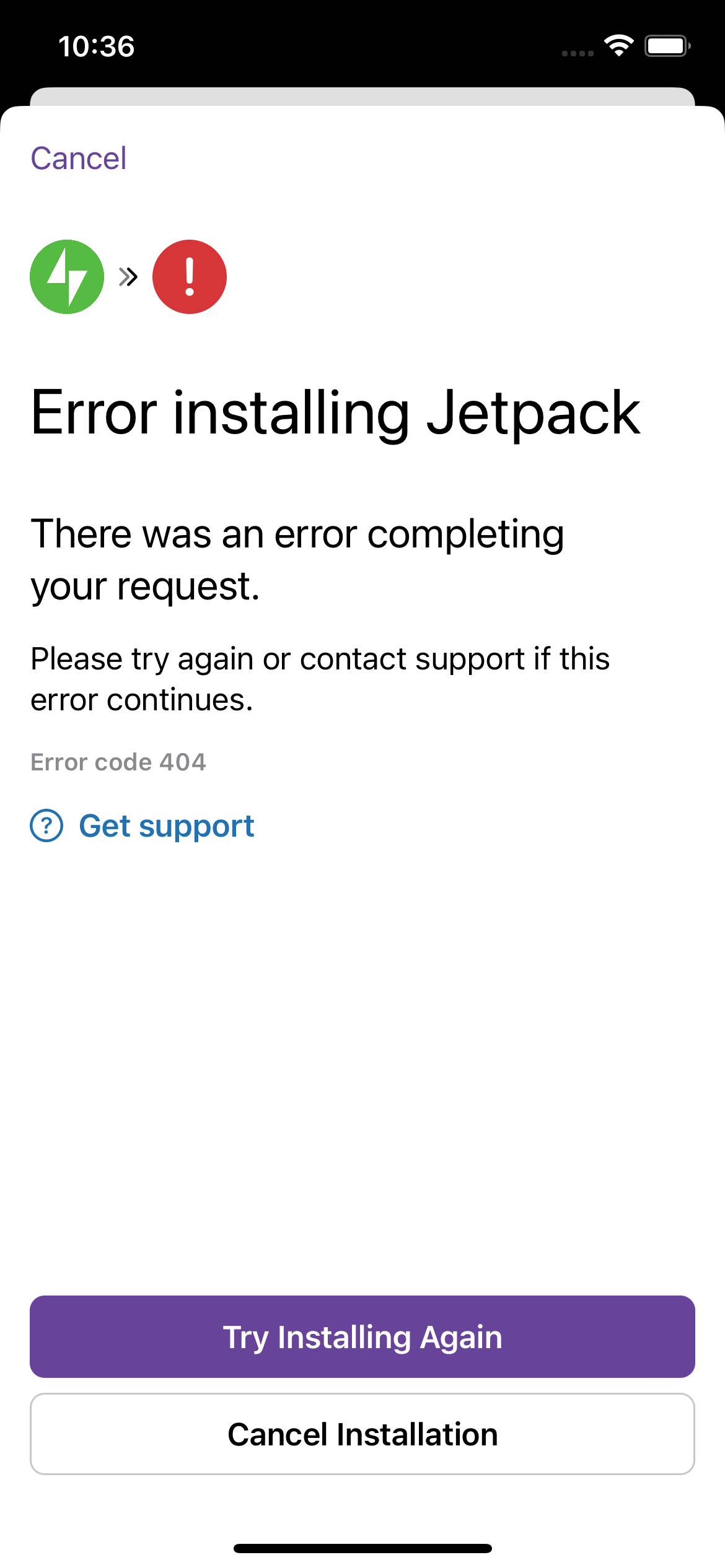 |