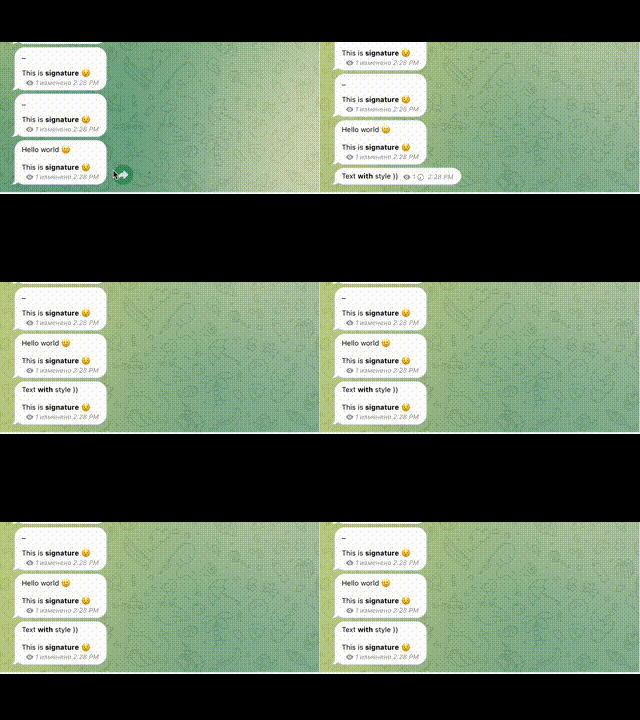
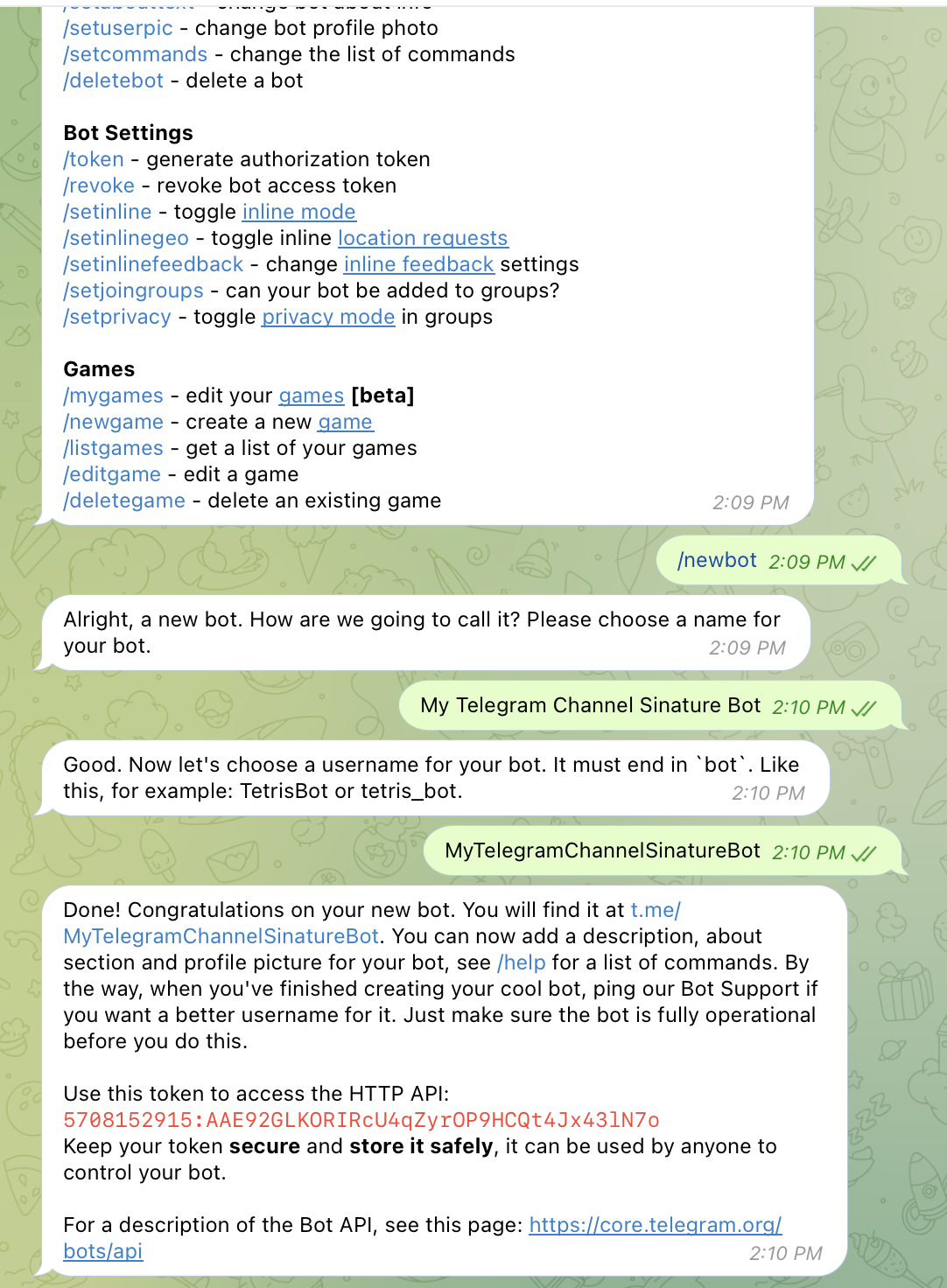
git clone git@github.com:xsubject/telegram-channel-signature-bot.gitOpen telegram and find BotFather and create a new bot using hints, after copy your telegram bot key
Creates .env file based on .env.example
cp .env.example .envBOT_TOKEN=5708152915:AAE92GLKORIRcU4qZyrOP9HCQt4Jx43lN7o
CHAT_ID=
ADMIN_ID=
Creates docker-compose.yml file based on docker-compose-example.yml
// ...
  app:
    // ...
    environment:
      - BOT_TOKEN=5622128701:AAHWDbgaJE2cV74wmBEvf56_fhPQKBaKlTs
      - ADMIN_ID=
      - CHAT_ID=-
// ...npm install
npm run startdocker-compose upNow if you send any message to the bot, it will show your ID to put in ADMIN_ID

Also add your bot to your channel with permission: edit messages, invite users, and and when you send a message to the channel, you will see the channel ID in the terminal log

update your environment variables and reload your app
Now you can add -d flag to run bot as deamon
docker-compose up -dNow you just have to write a message to your bot, which will contain the desired signature