Issue: When starting the application for the first time with the system theme set to Dark mode, the application incorrectly displays the system theme as Light
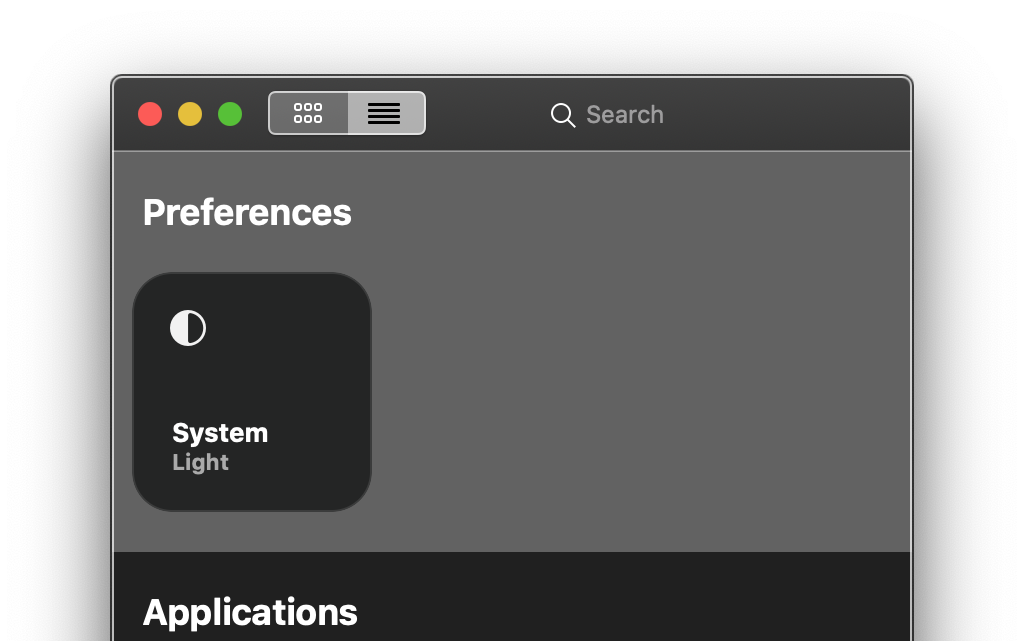
Reproduce:
- Remove the application if installed
- Set the system theme to Dark mode (Settings.app > General > Appearance: Dark)
- Download and open the application
Extra information:
- Gray.app
v0.15.0
- macOS Catalina
v10.15.2
Issue: When starting the application for the first time with the system theme set to Dark mode, the application incorrectly displays the system theme as Light
Reproduce:
Extra information:
v0.15.0v10.15.2