Caution: This library is still in development, breaking changes could happen

With GreyGui, you can create graphical user interface (GUI) in MonoGame with familiar HTML-like syntax.
Demo picture:
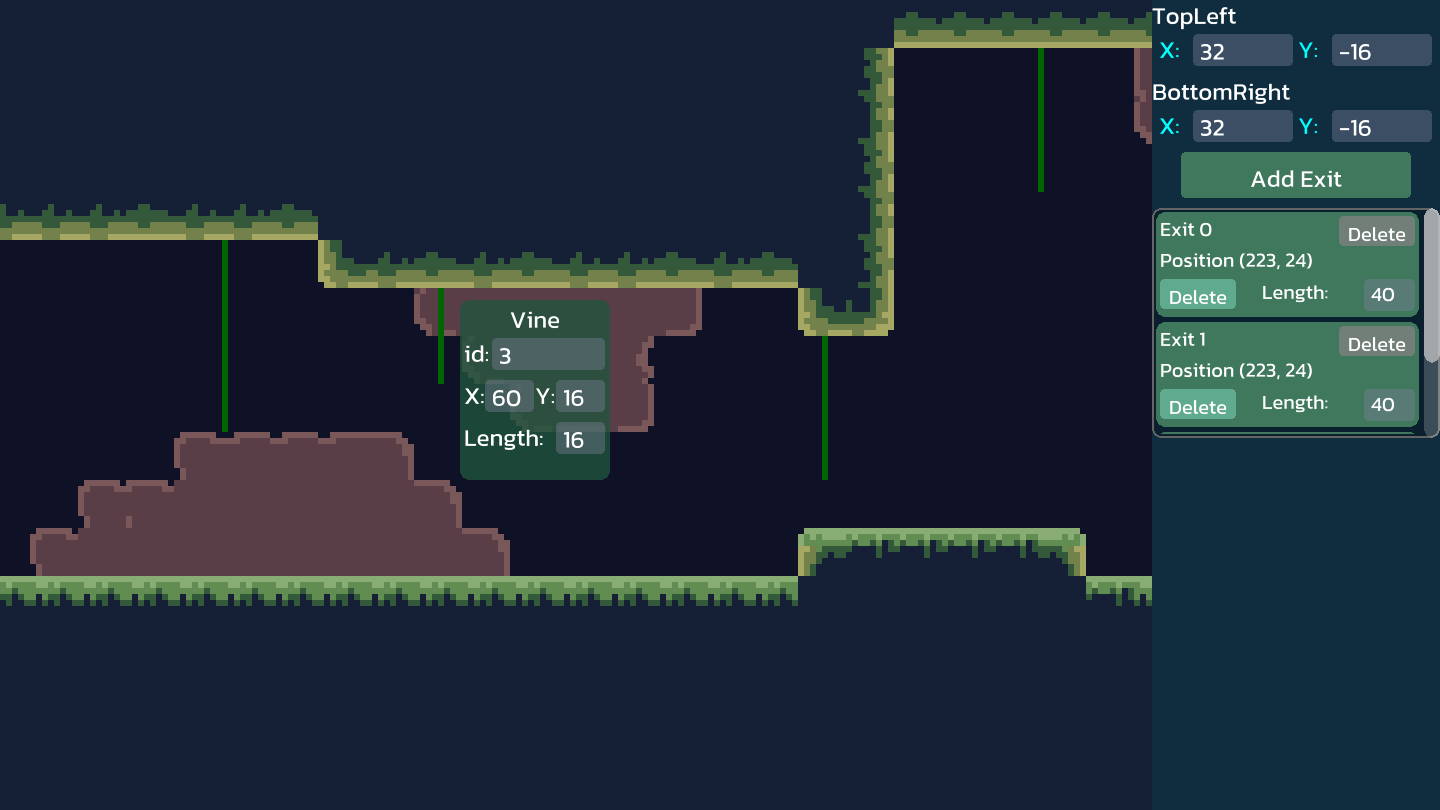
GreyGui provides minimalistic visuals with the following features.
- Dynamic Scaling - Elements can auto-scale with their container size to fit in any screen resolution
- Rounded Corner - Create modern visuals with beautifully rounded rectangles
- SDF Font - The text system uses signed distance field (SDF) technology to render sharp text at any font size
- Explicit Control - You, as a programmer, will control and know when to Update and Draw your elements
- Customizable - Load your own Texture2D or just override the default drawing methods
GreyGui simulates HTML syntax by doing some quirky utilizations of C# syntax.
- Elements have constructors that include all their attributes, for instance,
new Panel(size: new Vector2(200, 100))is just like writing<div style="width:200px; height:100px;"> - Container elements have
SetChildrenmethod that accepts an array of child nodes and return themselves
Combining these, we have:
new ListPanel(size: new(300, 200), colorMask: Color.Cyan, borderRadius: 5).SetChildren([
    new RowPanel(widthMode: WidthMode.ParentRatio, widthRatio: 1f, heightMode: HeightMode.ParentRatio, heightRatio: .6f).SetChildren([
        new Text(displayText: "Syntax demo", size: new(50, 40), fontSize: 40),
        new Button(size: new(30, 30), onLeftClicked: HandleMouseClick),
    ]),
    new Image(imageTexture: _buttonTexture)
]);
To dive in, head to Hello GreyGui to learn the basics 🐈
The project is based on other people's hard work; ALL of them are distributed with the MIT license, so is this project.
This project includes code referencing, merging, and modifying from the following projects:
I truly appreciate the open-sourcing activities and people. Thank you for providing me with so many learning opportunities.